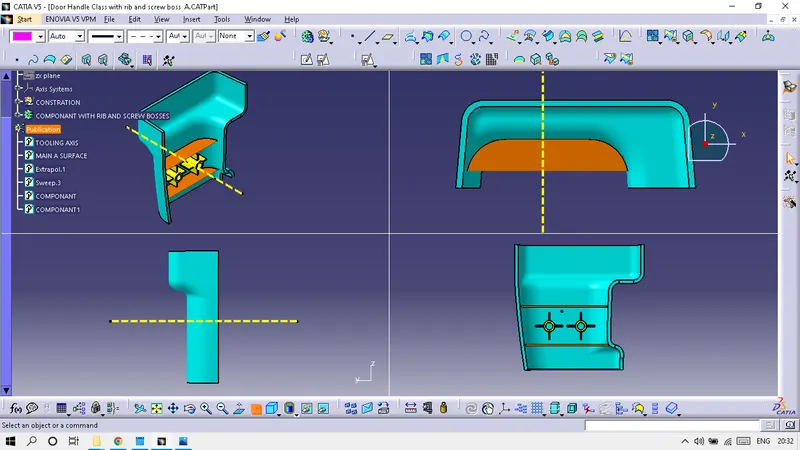
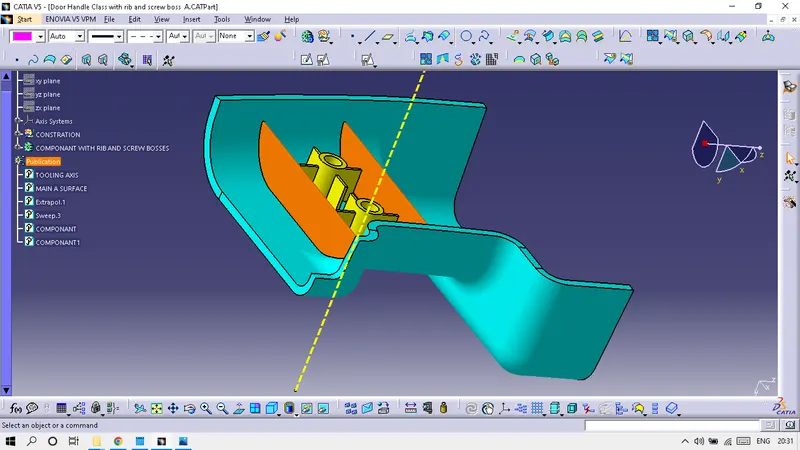
Week 9 - Attachment Feature Creation (Ribs & Screw Boss) - Challenge 1
DRAWING-
Tooling axis:-
Connectivity of Class-A surface checking the connectivity of the surface, this can be done by creating boundaries or by simply using the join option such that any openings can be easily visualized.
Draft Analysis :-
create first tooling axis and then do the draft analysis.
First change material mode and Go to the Insert then Analysis and Feature Draft Analysis
Drag compas and put on the tooling axis. click the CLASS A SURFACE.
if doing CLASS A all surface will be green then TOOLING AXIS is correct.