Week 9 - Attachment Feature Creation (Ribs & Screw Boss) - Challenge 1
Aim:
To create solide surface and to perform ris and boss by given class A surface.
Report:
Class A Creaction:
The given surface is taken as Class A surface.
Class B Creation:
- The given surface take offseted and fill the empty space with multibody option.
Class C Creation:
- Using Sweep-->With Line-->reference to surface-->select boundry-->angle is 70 to 93 deg-->select direction-->Ok.
Rib Creation:
- first create a line using position sketch inrequired height
- now exit the sketch and create a extrude with respective direction.
- now unhide class B and trim this extruded surface with class B surface.
- now open part workbench and create thicken surface in seperate Part Body.
- now give fillet to top suface with tri-tangent fillet.
- the fillet radius was 0.76mm which grater then 0.75mm.
- the heght of the rib is 10mm which is equal to 5xt(t=thickness of main body).
- draft angle is 1deg which is greater than 0.5 deg.
- the rib is now assemble to Main part body.
- before that translate the rib to next area.
- and dothe same.
- now the edges are 0.5mm of fillet is given.
Boss Creation:
- create a plane where the boss is to create and create a plane.
- now create a possition sketch an create a sketch for boss.
- now extrude the boss and splite it with class B surface.
- now create a solide body and select thr surface to draft and select the reference surface and select tooling axis as draft axis.
- after the draft angle selection and assemble with Main body.
- now the edge fillet to 0.25mm.
Draft Analysis:
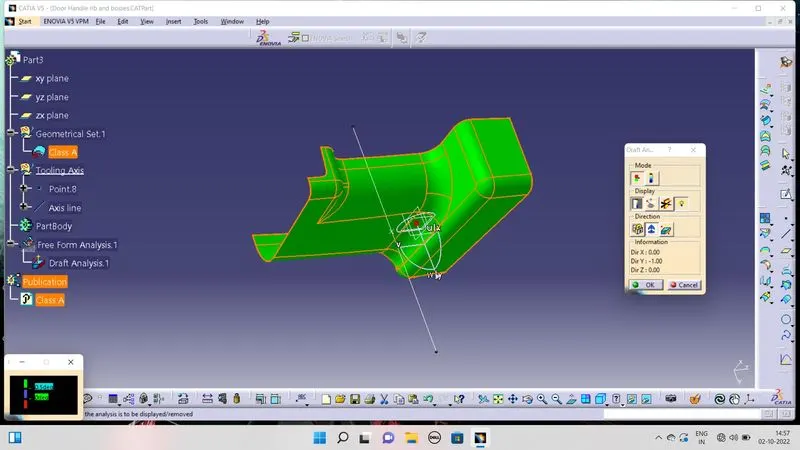
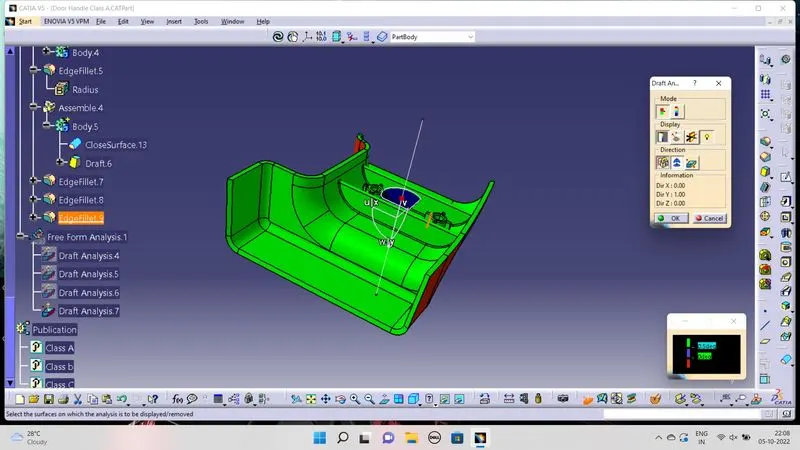
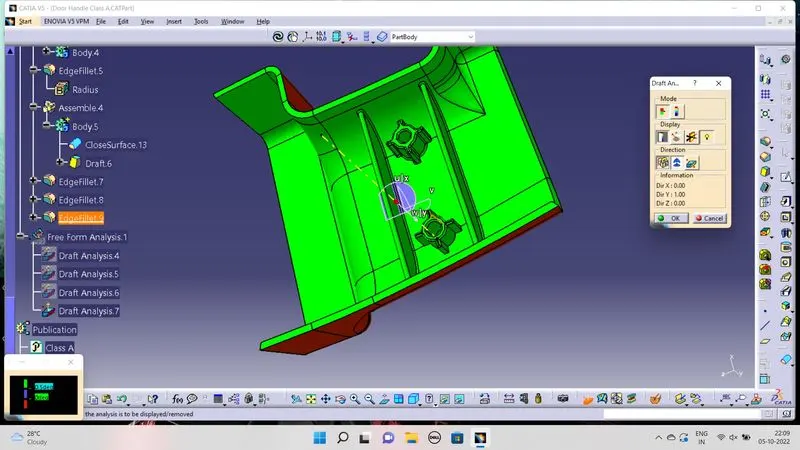
- Insert-->Analysis-->feature Draft Analysis-->select compass and set it to tooling axis direction-->flip the tooling face and check the draft angle.
Drawings:
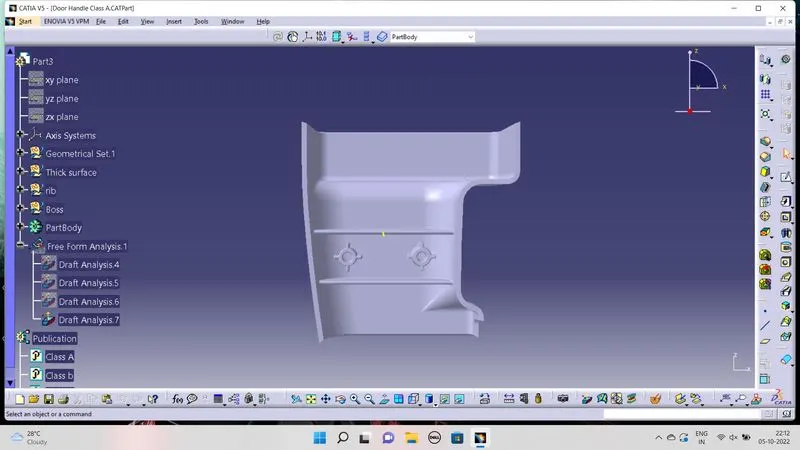
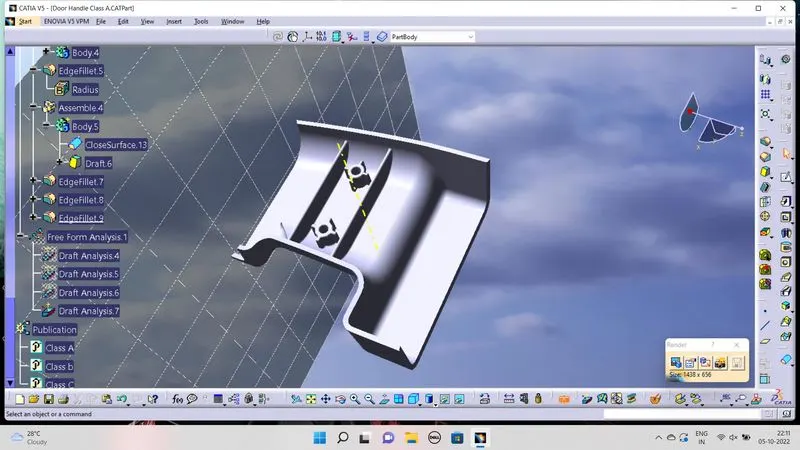
Result:
Thus the task has been completed.