Week 9 - Attachment Feature Creation (Ribs & Screw Boss) - Challenge 1
DRILL BIT HANDLE
Objective
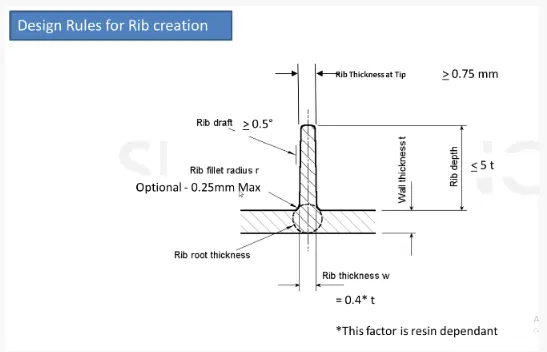
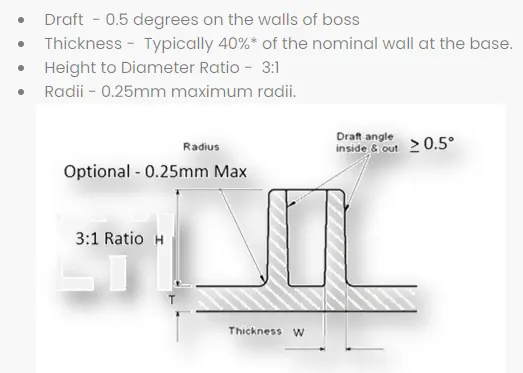
To Create ribs and screw bosses in the drill bit handle by following the design rules of the features.
Software Used
Catia V5
Tools Used
- Boundary
- Join
- Multiple extract
- Bisecting line
- Trim
- Surface offset
- Draft analysis
- Intersect
- Surface sweep
- Close body surface
Input
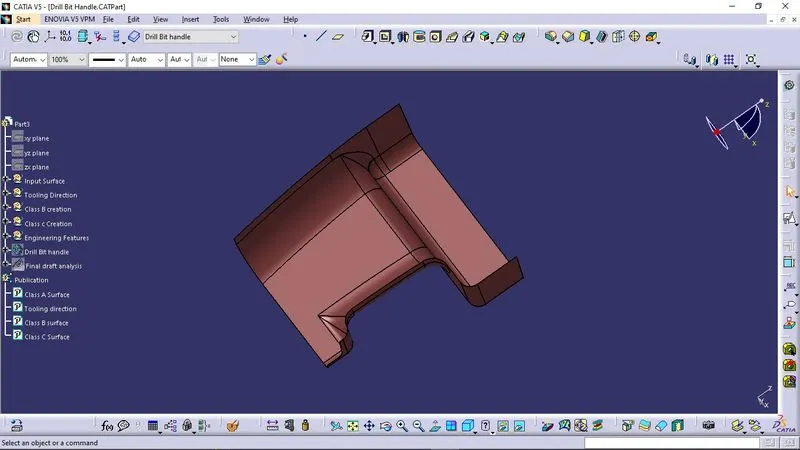
Design Procedures
- After recieving the input surfaces, we have to convert into into a CATPART file and then open it.
- Then we have to join all the surfaces together and name it as Class A surface.
- We have to Publish the main operations so as to get a better view.
Tooling Axis
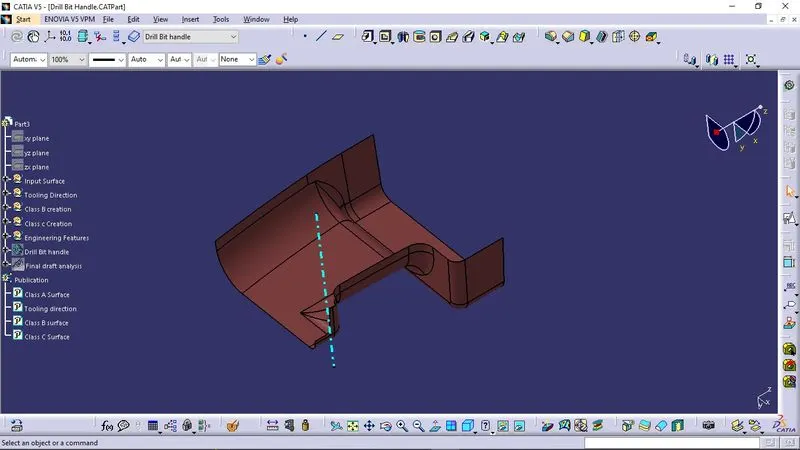
Publication
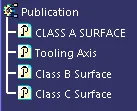
- Publication is done to the component to make it visible and navigate easily.
- To publish the component go to tools > publications and then select the tooling axis and the class A surface.
- A separate tree structure is formed under the main part.
Creating Class B Surface
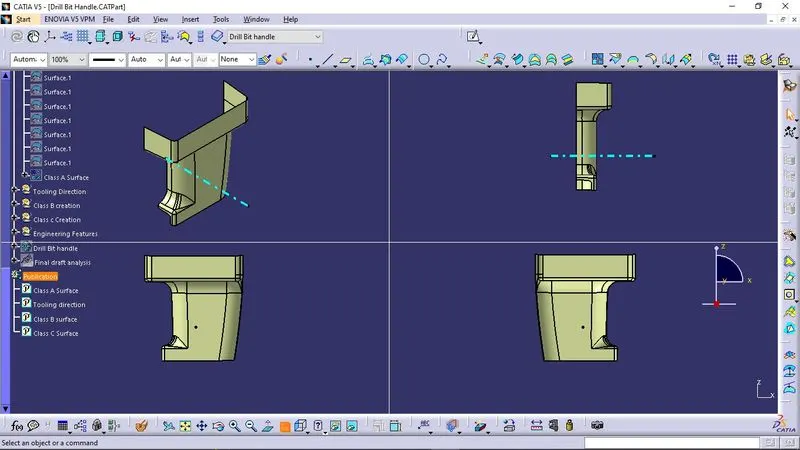
Class C Surface
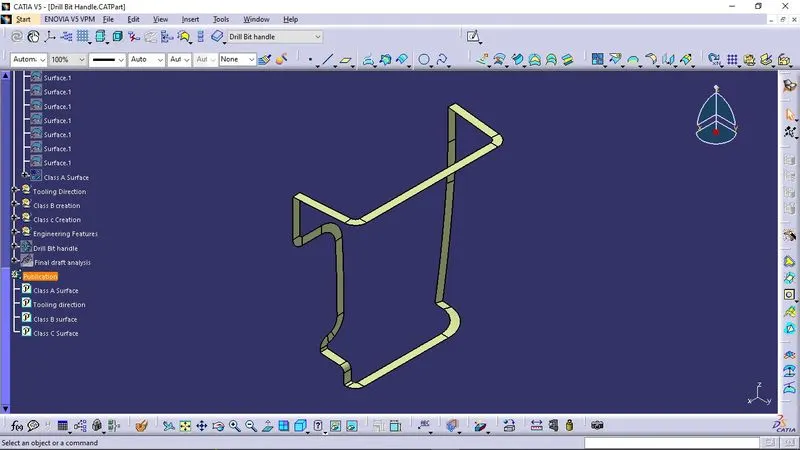
Rib Design
Screw Boss Design
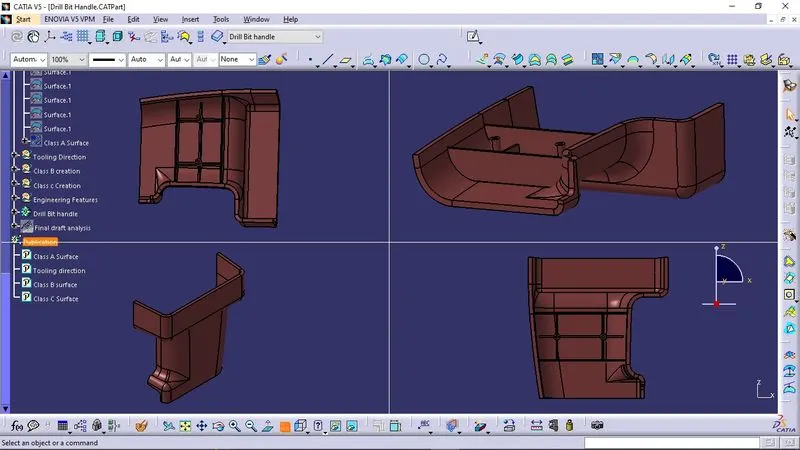
Output
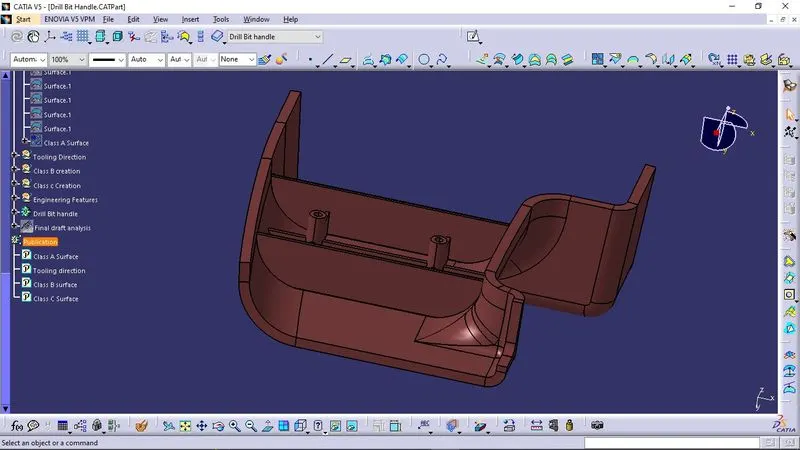
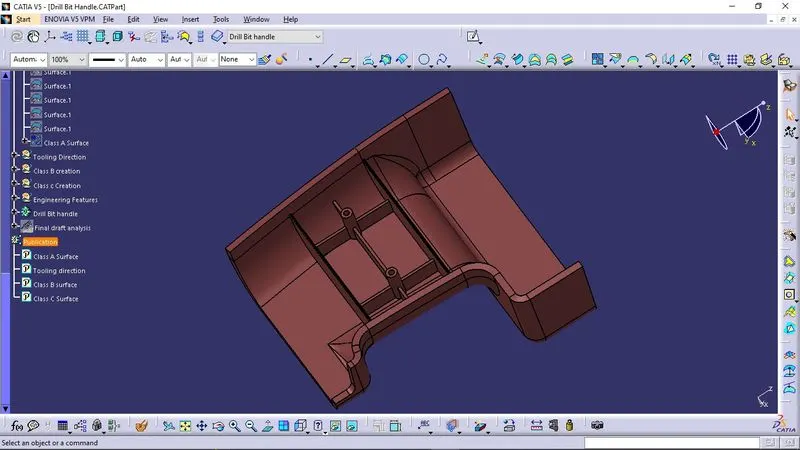
Draft Analysis
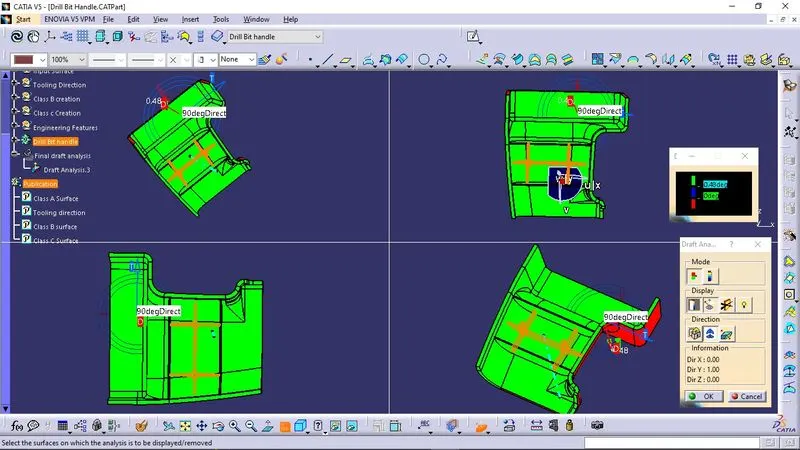
The Draft Analysis command enables you to detect if the part you drafted will be easily removed. This type of analysis is performed based on color ranges identifying zones on the analyzed element where the deviation from the draft direction at any point, corresponds to specified values.
Conclusion
The design of Drill bit handle have been designed and thus concluded.