Week 9 - Attachment Feature Creation (Ribs & Screw Boss) - Challenge 1
Design Rib Attachment Feature
Aim: To design a Rib attachment on the center console coin holder following consider design rules
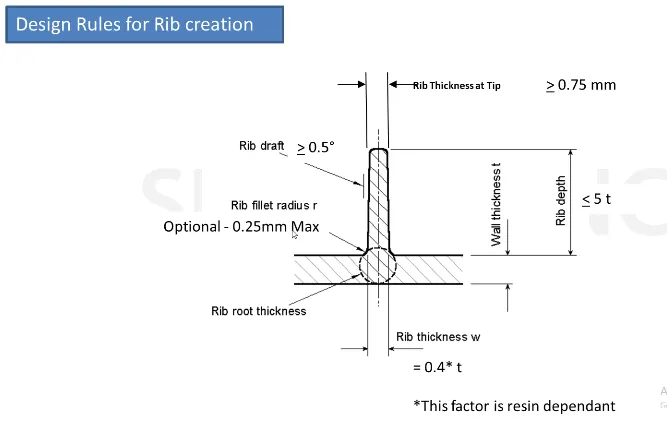
Design procedure for rib:
- Open a center console coin holder in CATIA
- For rib design, we have to extract the base surface of the coin holder as shown in fig;
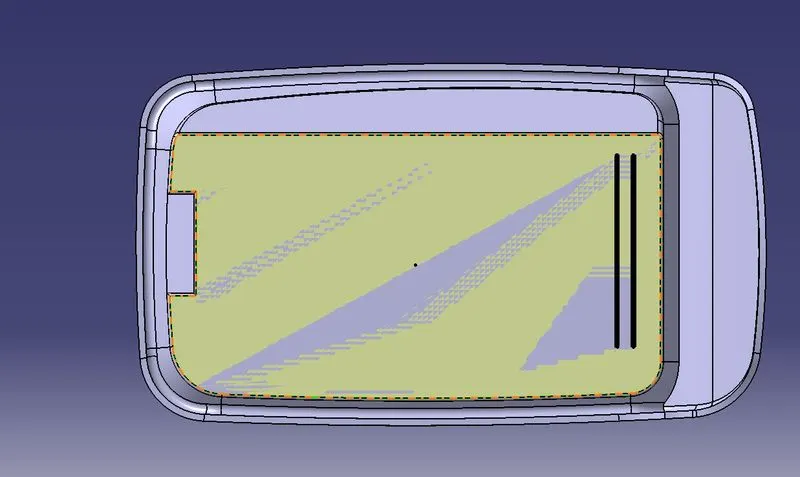
- Draw a line on the extracted base surface by using the position sketch option as shown in fig
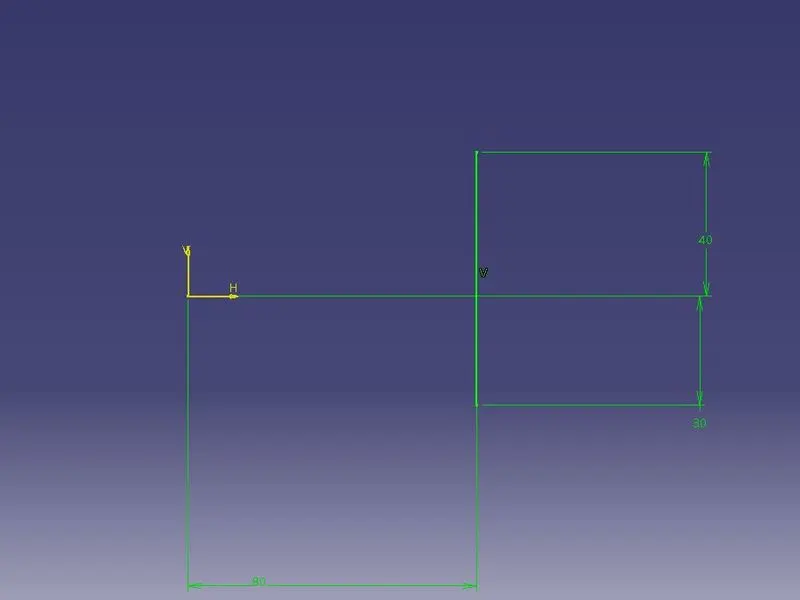
- Extrude the output line by using extrude command
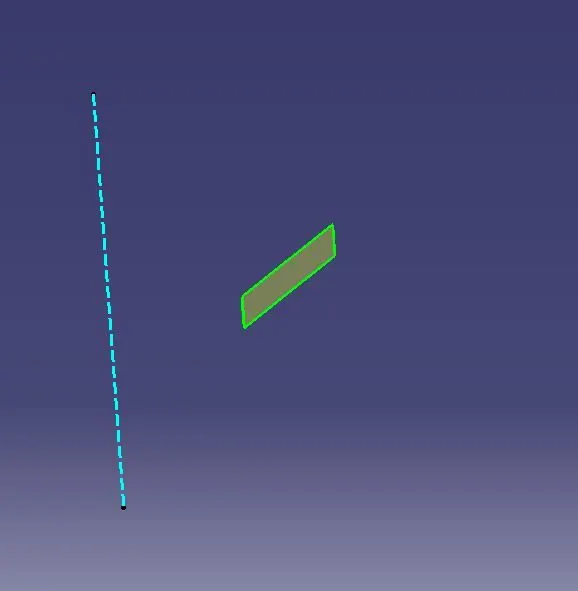
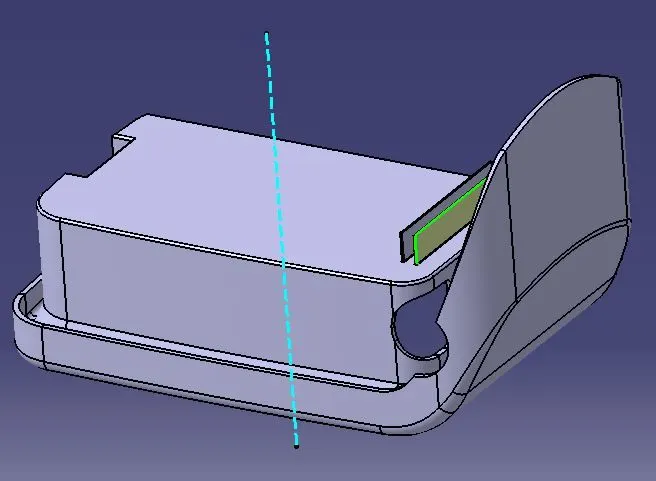
- Go to part design, thicken the extrude with 1mm
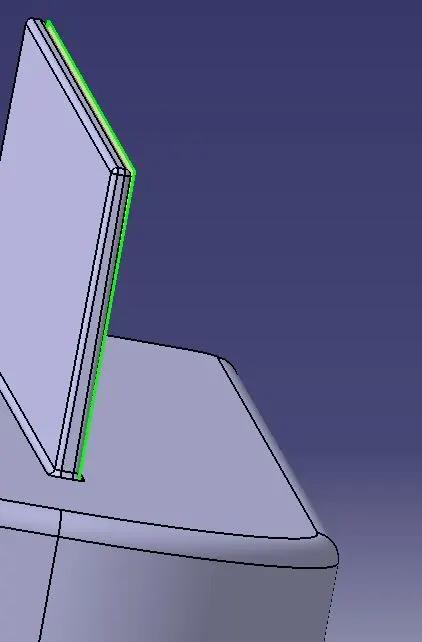
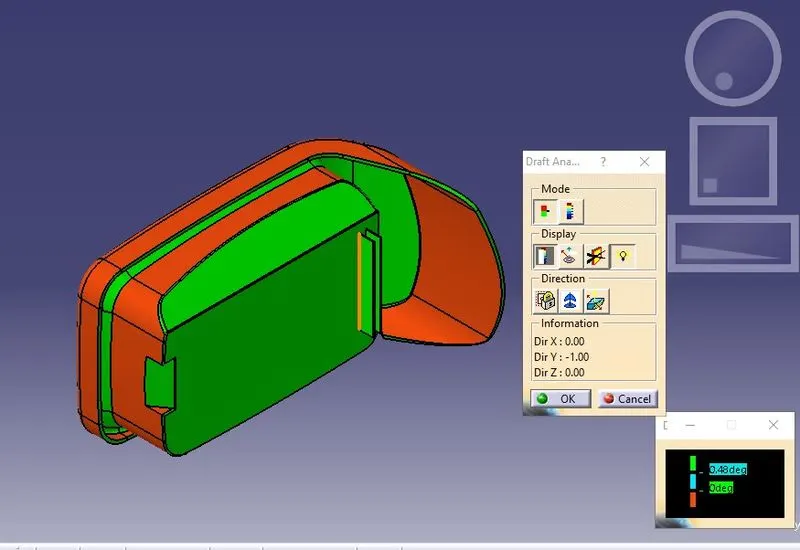
- Draft the thicken rib with an angle of 0.5 on both sides
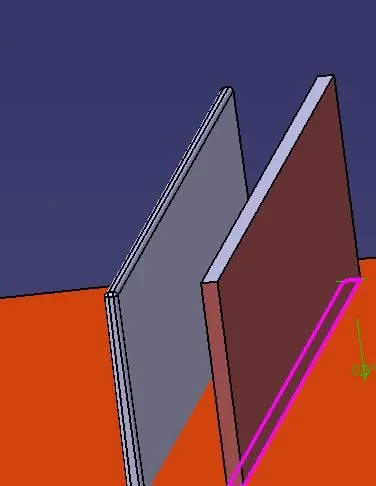

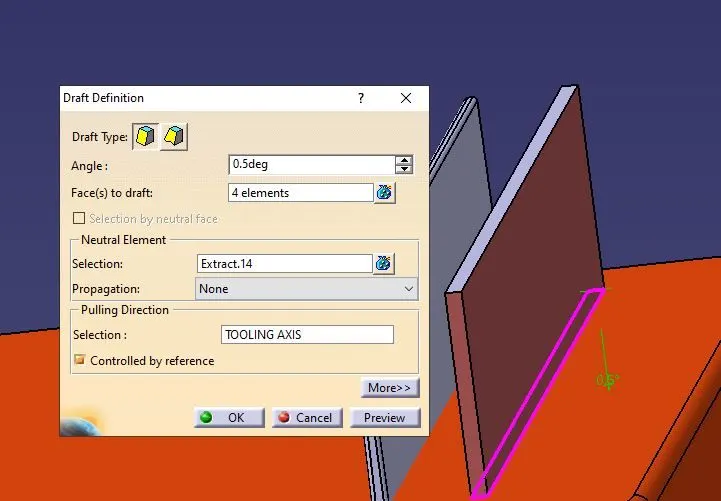
- After the draft, check the height of the Rib is greater than 0.75mm
- Filleting to the edges of Rib with 0.25mm
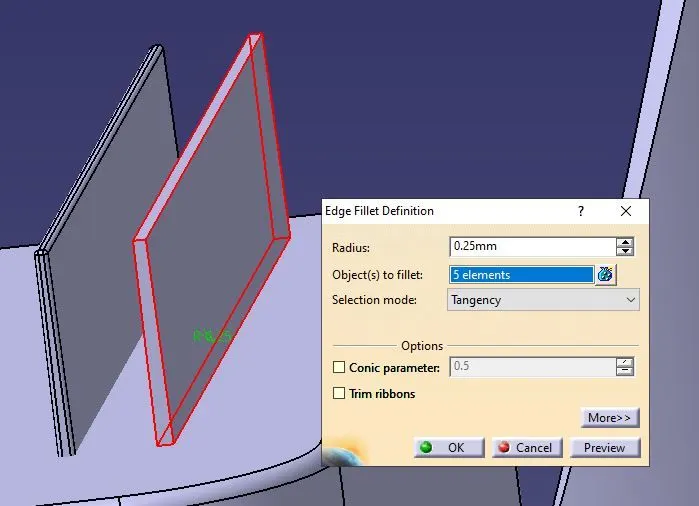
- Assemble the rib body with a coin holder
- Now creating an intersection using the XY plane to determine the rib root thickness
- creating a tangential circle by extracting a curved line rib and baseline
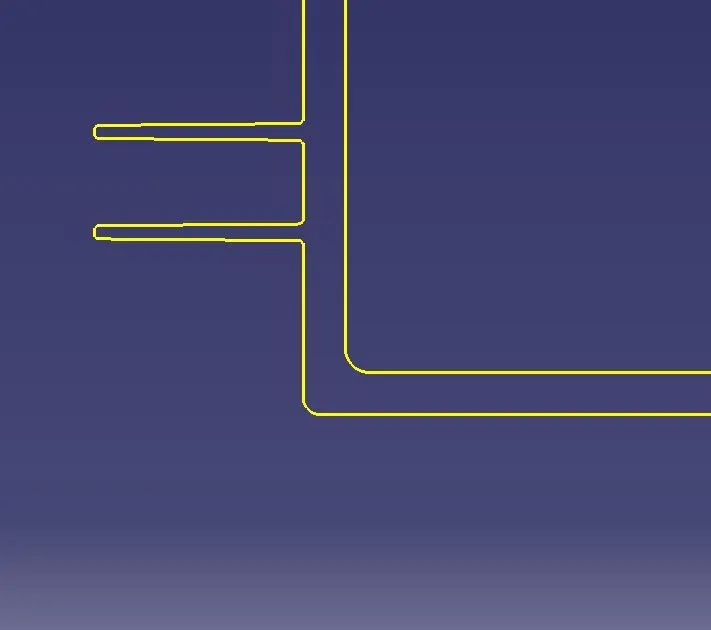
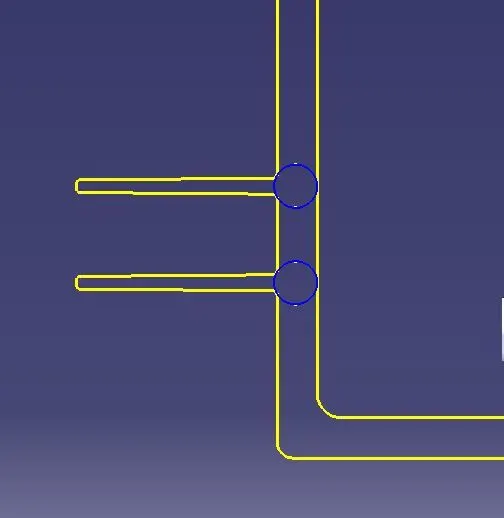
ISOMETRIC VIEW OF coin holder
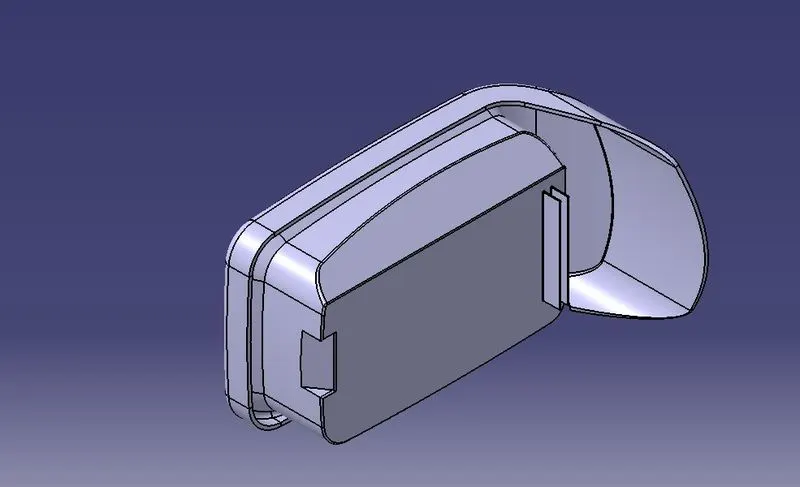
Right view of the center holder
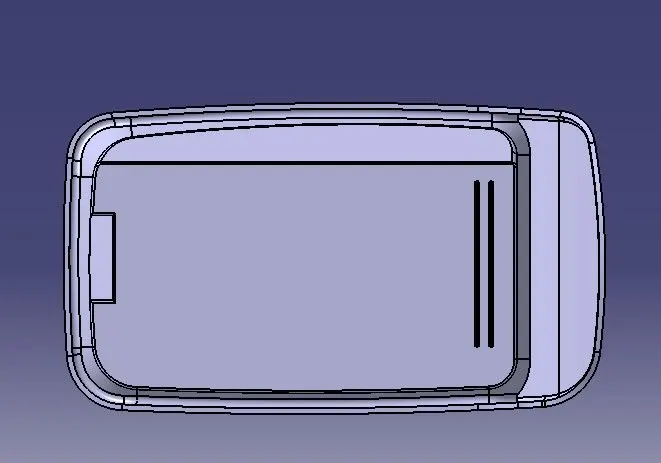
Top view of the coin holder
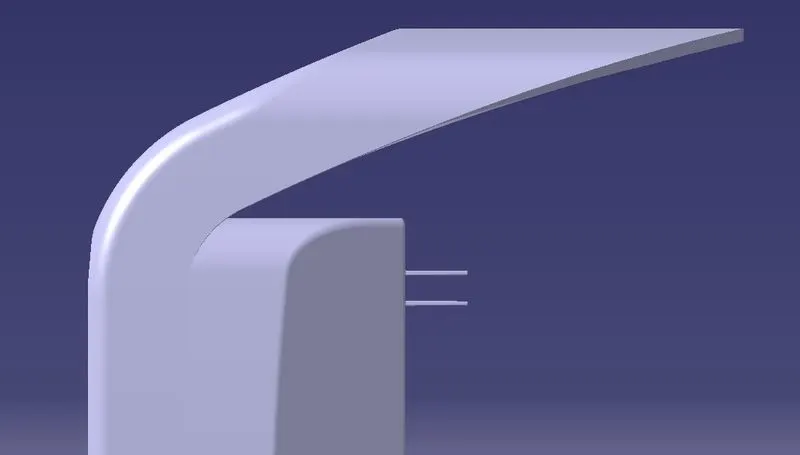
Draft analysis
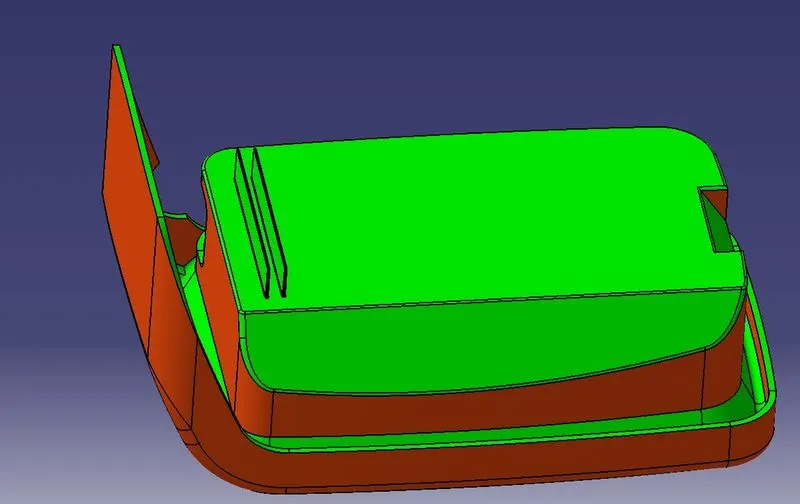
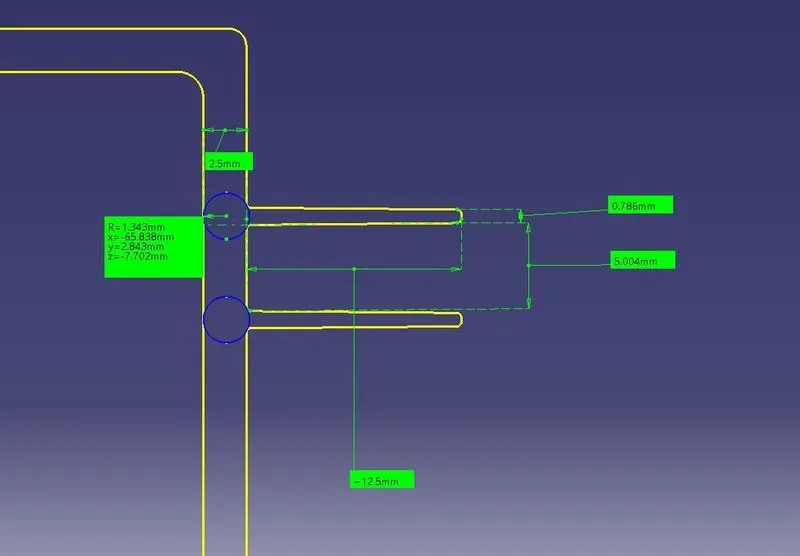
Measurements of the Ribs
- The thickness of the RIBS should be 40%of wall thickness of the component
- Distance between two ribs 5mm
- Rib height should be five times of wall thickness
- The width should be 0.4 times the thickness of the component
- The fillet should be .25mm
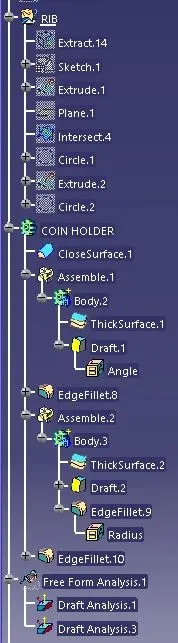
Tree images
Conclusion: hence successfully design a rib and drafting by considering design rules for rib creation