Week 9 - Attachment Feature Creation - Challenge 2
DRAFT ANALYSIS
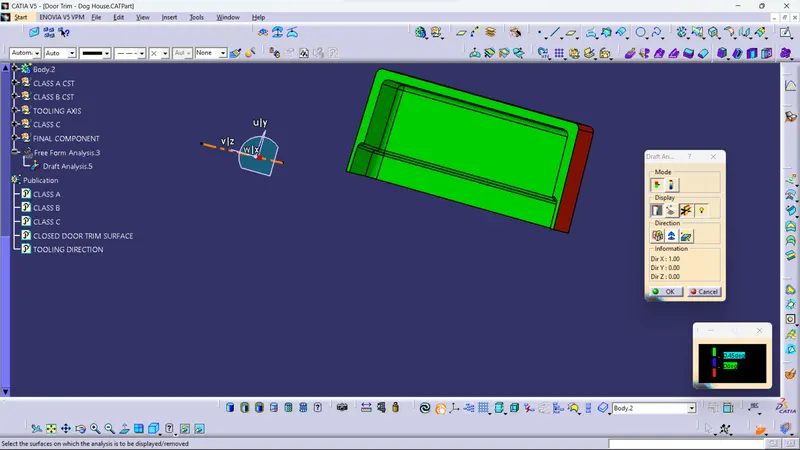
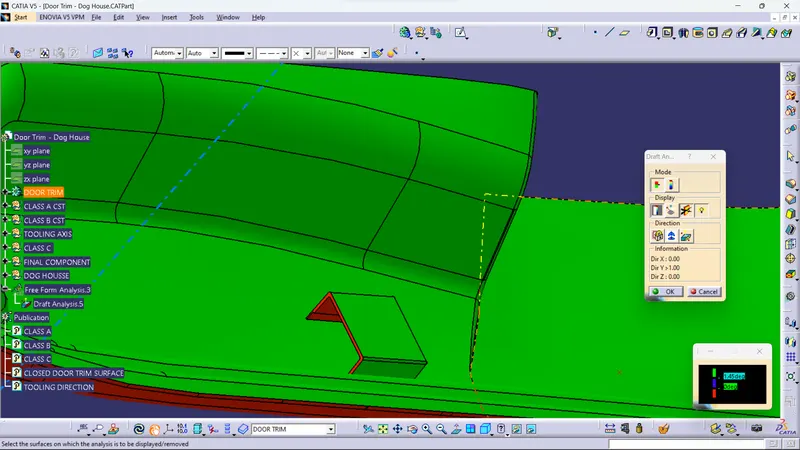
The Draft Analysis is a command that enables you to detect if the part you drafted will be easily removed. This type of analysis is performed based on colour ranges identifying zones on the analysed element where the deviation from the draft direction at any point, corresponds to specified values.
Draft analysis is done after determining the tooling axis, draft analysis is used to check whether the minimum draft (3 degrees) is maintained or not.
- Procedure for performing the draft analysis are as follows
- Change the view mode of the component to be in customized parameter mode and then select the shading mode as materials.
- Then open the featured draft analysis tool from the insert menu.
- Then click on the use the compass to define the current drafting direction and then drag and align the compass on the Tooling axis.
- Then lock the draft direction and perform draft analysis by clicking on the component.
Colour Range representation
GREEN colour - Positive Draft
BLUE colour – Zero draft
RED colour – Negative Draft
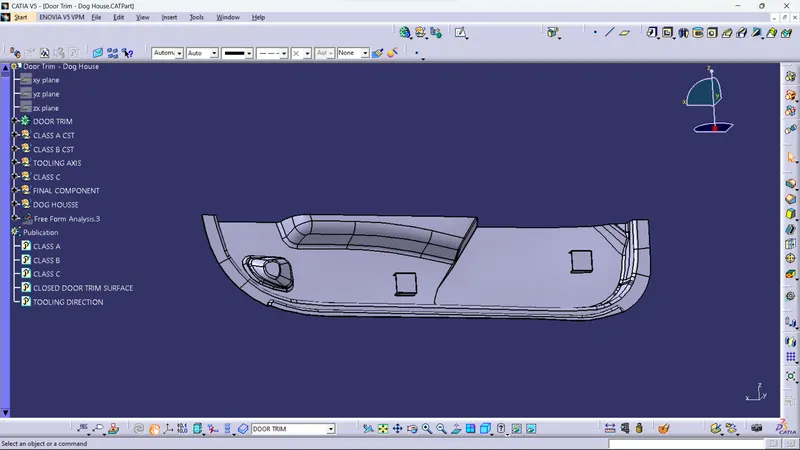
Draft analysis of CLASS-A surface
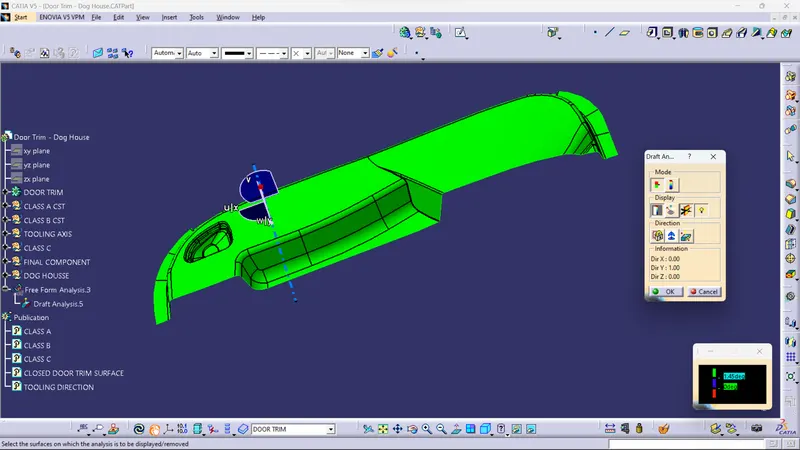
Draft analysis of FINAL COMPONENT
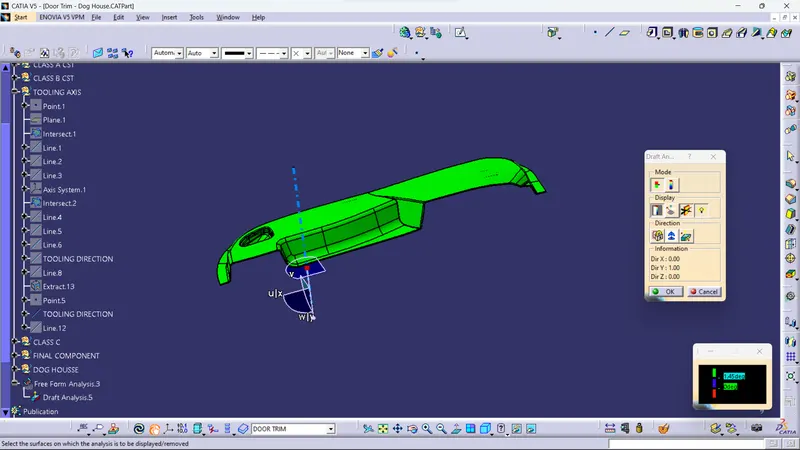
Draft analysis of DOG HOUSE using the Side Core Axis