Week 9 - Attachment Feature Creation - Challenge 2
Attachment Feature creation
Aim:
To create the Screw Boss and Dog House on the given Coin Holder Center Console Component.
Procedure:
1. Create a sketch on the bottom part of the Coin holder by extracting the surface. Draw a circle with a diameter of 8mm and a hole diameter of 5.2mm. Now, open a new Sketcher workbench and create a rib part by make lines intersecting with each other. Both the sketches are to be constrained.
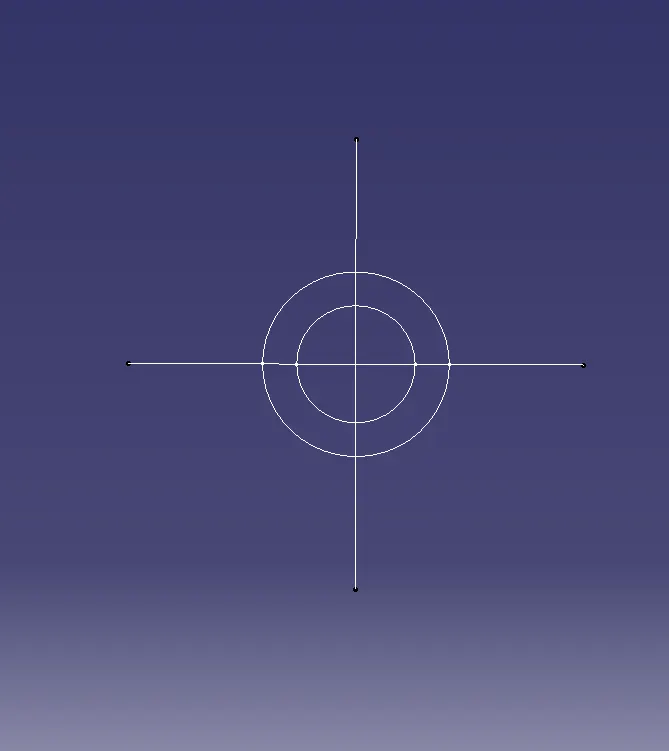
2. Select the Screw boss sketch and pad it to 12.3mm height and draft it to 0.5 Degree and the Ribs sketch to 10.3mm height.
3. Assemble both the features to the main component and Unitrim the ribs inside the screw boss. The created feature should be as shown below.
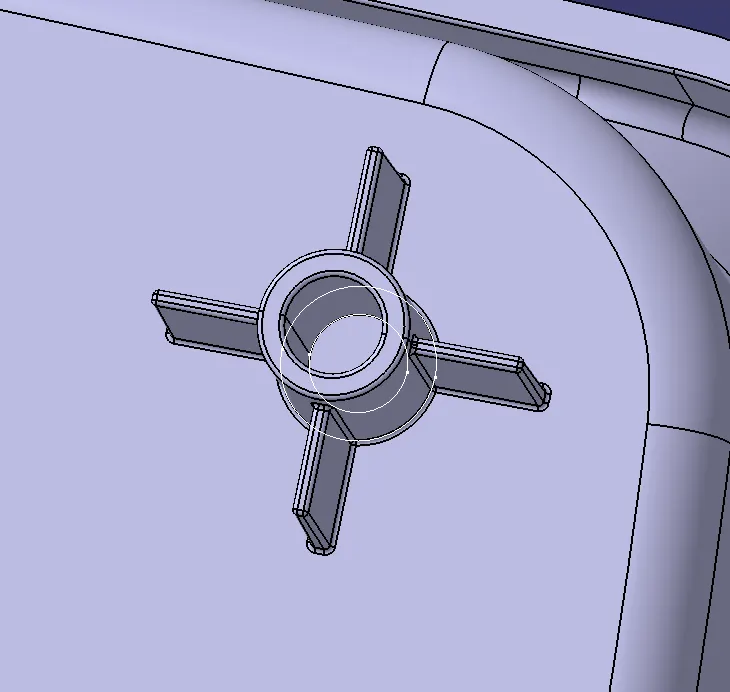
4. Create fillets for the edges of the feature at 0.25mm.
5. There are two screw bosses created for the component. To create another feature copy the component from the tree structure and past it main root for the tree as past special. This creates a new component in the tree structure but will not be visible in the main component.
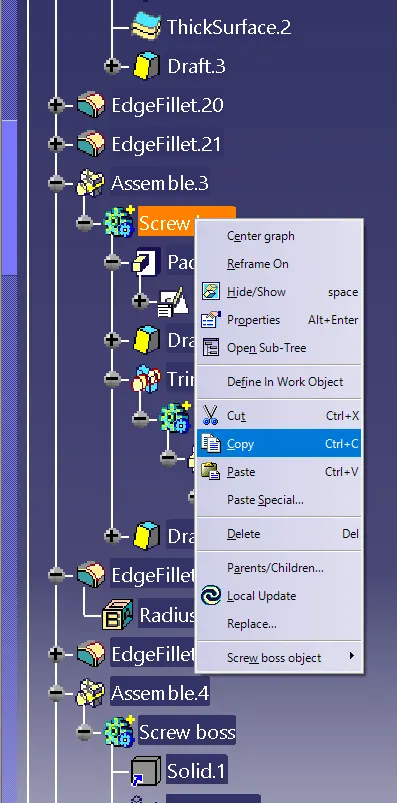
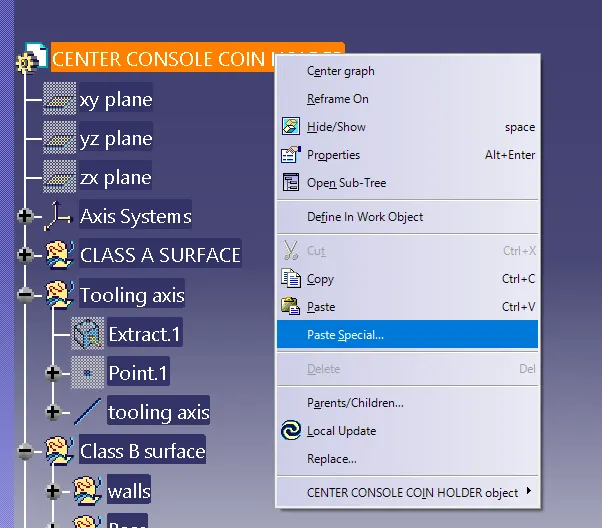
6. Now translate the component with the help of coordinate mode and assemble it to the main component.
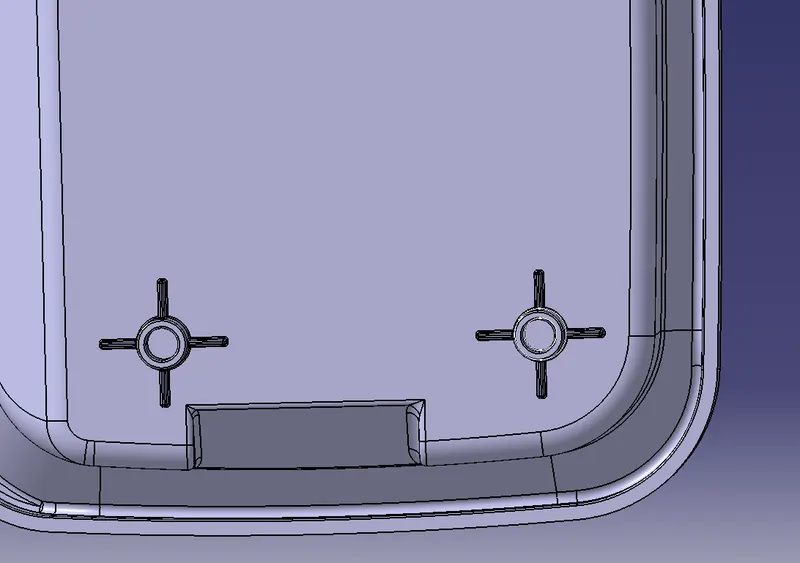
7. Now a Dog house feature is to be created on the component. By translating another screw boss component in another direction, take the circle of the component as a reference and create a point in the middle of the circle. Create a rectangle in a new sketch with the help of the created point with constrained measurements covering the screw boss structure. One side of the dog house is to be open so set open side of the rectangle as construction.
8. Extract a surface with a help of sweep feature random measurement above 20mm. The angle of sweep should be 1.5degrees. Set the tooling axis as the draft direction. Now offset the extracted surface upwards up to 20mm and trim the surfaces to create the upper side of the component as shown below.
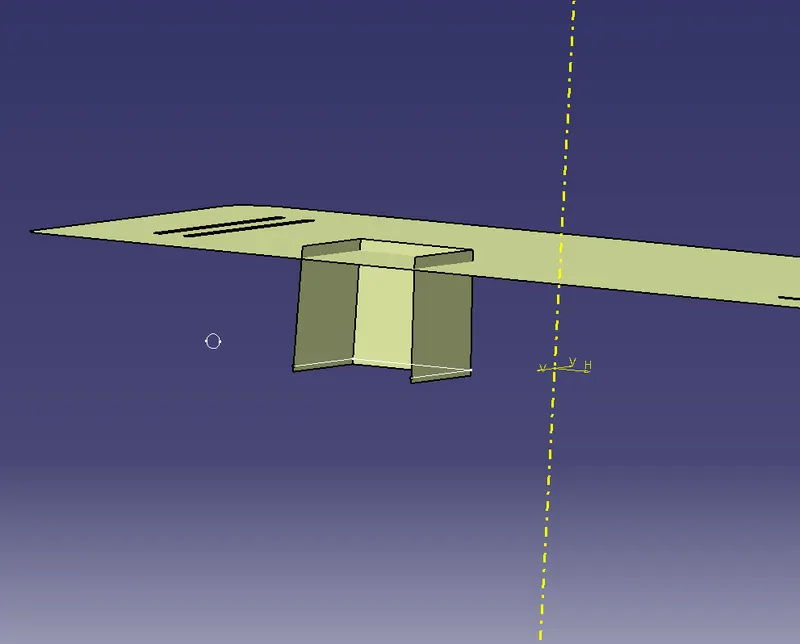
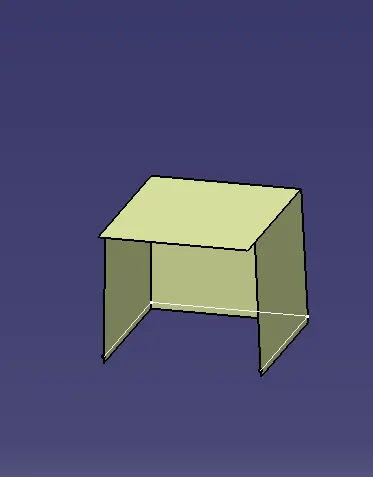
9. Now thicken the surface on the outer side of the trimmed surface with 2mm thickness.
10. Defeature the lower part of the thickened surface up to 4mm height by offsetting the created wall surfaces on the outer side up to 1mm and the extracted surface up to 4mm thickness. Trim the surfaces in the rectangular opening, create a fillet up to 0.5 mm and trim the surface with the solid component.
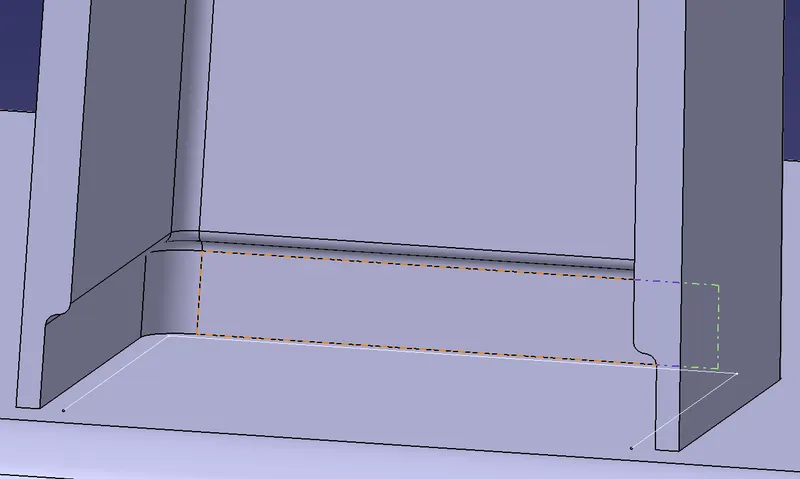
11. Create the fillets as needed for the dog house and translate the screw boss on the upper side of the component as shown below.
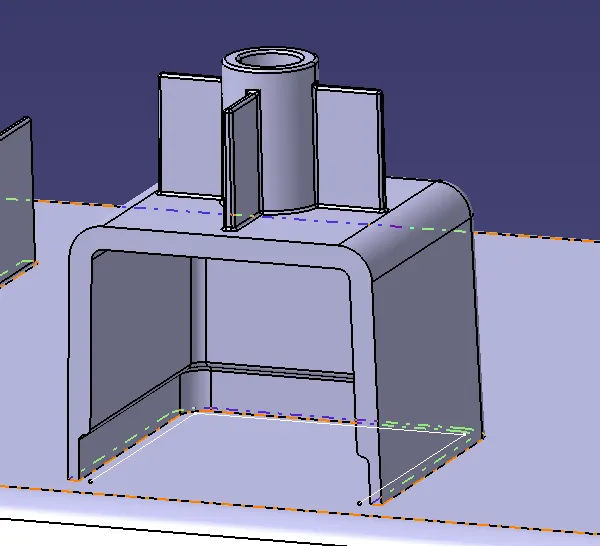
12. Assemble the dog house to the main component and check the model for draft analysis.
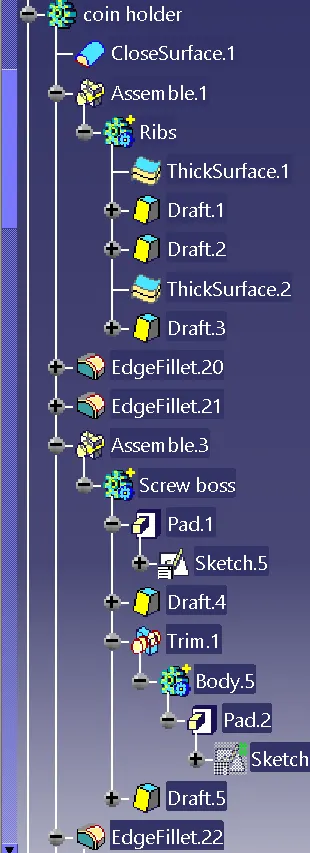
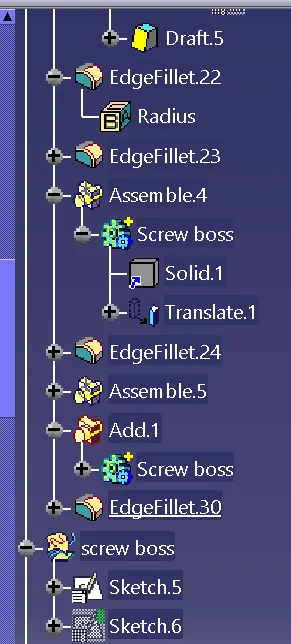
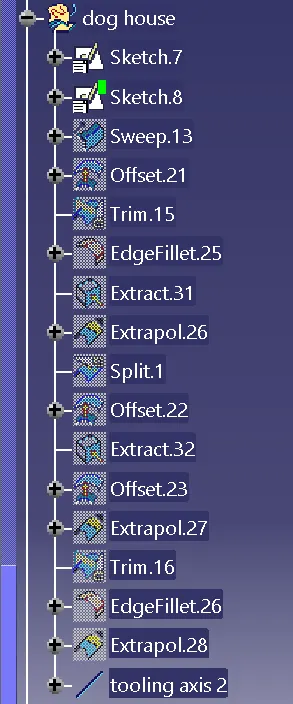
The tree structure for the component are as shown below.
13. The draft analysis for the component is as shown below.
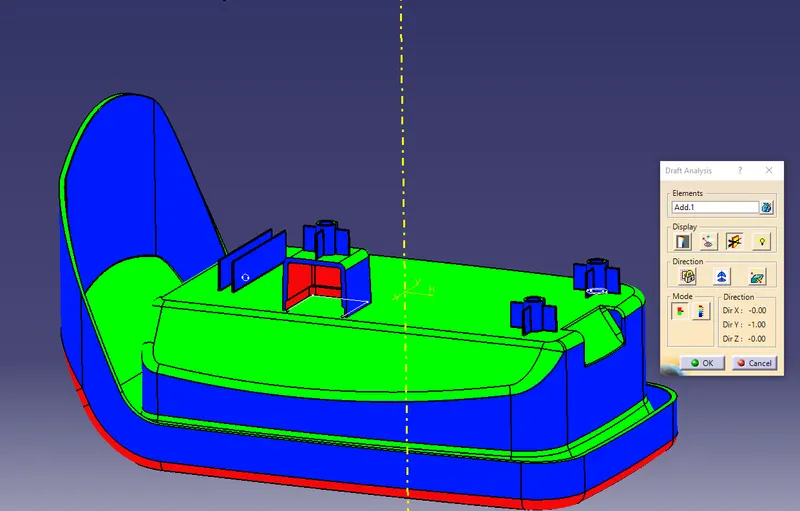
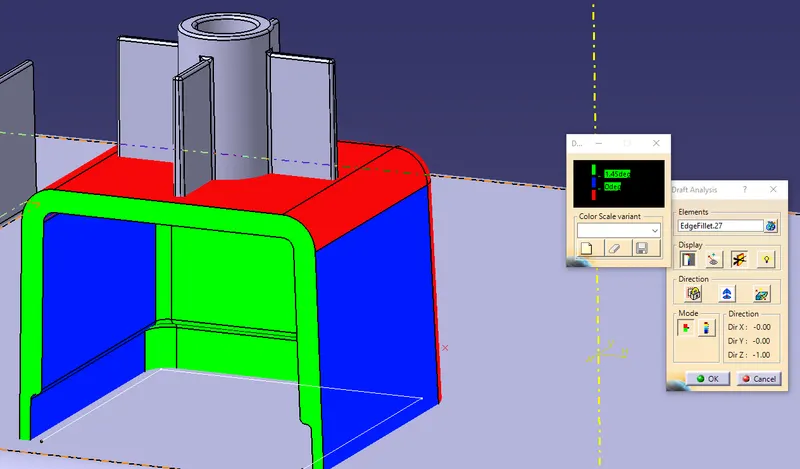
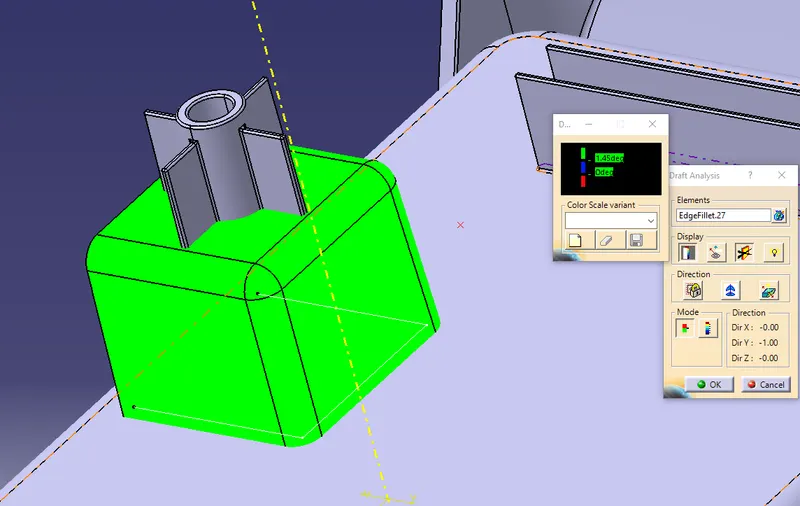
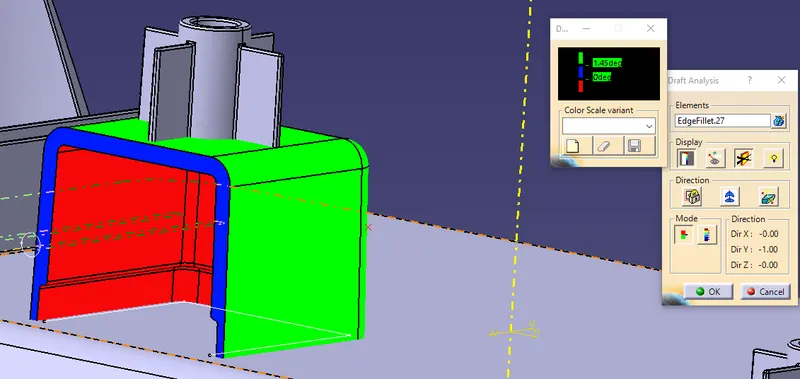
Result:
Thus the attachment features for the mention component are designed.