Week 9 - Attachment Feature Creation - Challenge 2
Aim:
To Create the Dog House for the Door Trim considering the design rules
Body of content:
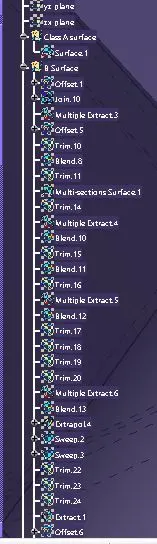
- From the Given Class A surface, B Surface has been created by offset command
- by doing this there were many missing elements in CLASS B surface
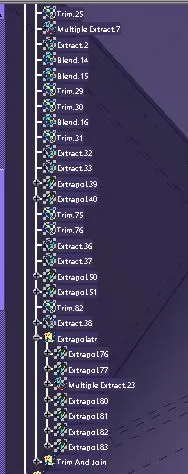
- sorted out each and every missing elements in the Class B Surface with help of various commands like blend, multi surface, offset, join(remove the surface), trim, offset and more
- Once the surface is finished with the outer boundary
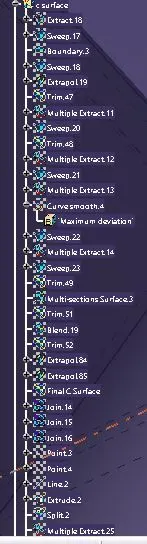
- After completing the b surface the CLass C Surface is created from the Class A surface by sweep command
- as we cannot sweep the whole boundary the sweep is used to tangenct continuvity
- and with the join command join all the sweep into one Class C surface
- Once the Class C surface is formed with no internal boundary
- trim class C and Class B surface together
- Once the trim is created join the Class A Surface with trim
- Check whether there is any boundary in it to confirm the closed body
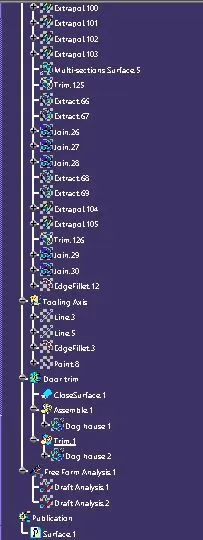
- once confirmed use close surface to create the partbody
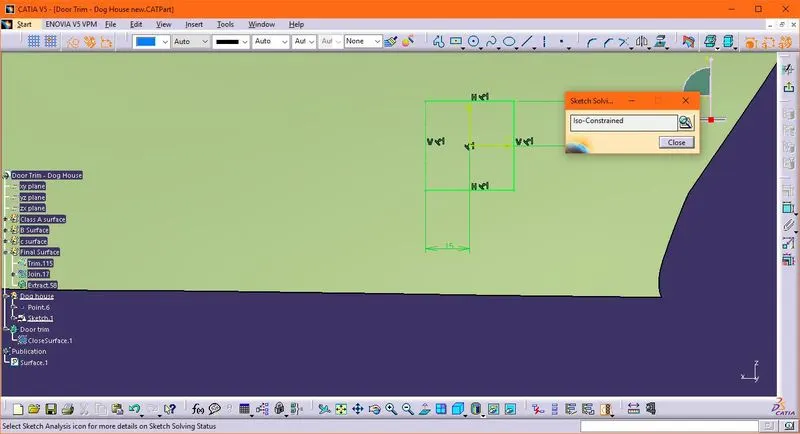
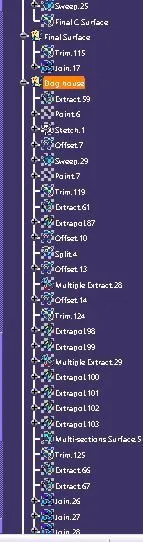
- For Doghouse Creation, create a sketch on the surface of the body
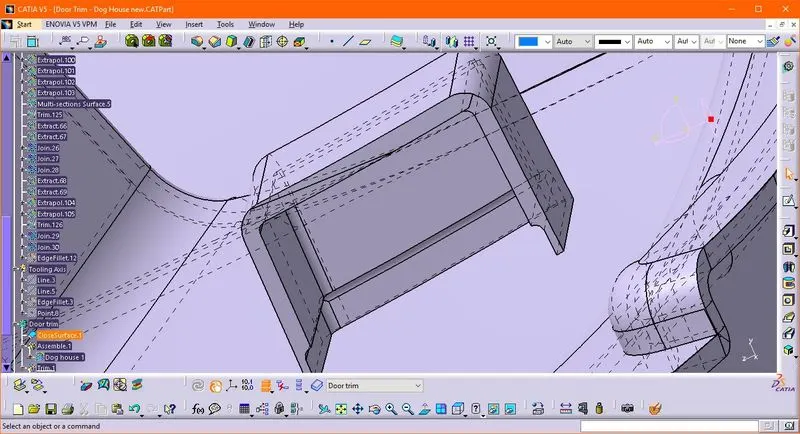
- Sweep the sketch with the draft of 1.5 deg and the create the wall of the dog house
- the top of the Doghouse surface is closed with the offset of the surface
- now make the surface into the part using the thick command
- Once the wall and top part is made the dog house rules should be followed create the partwall at the bottom of the dog house by height should be of 3 to 6 mm and thickness of 0.4 times of the thickness of the element
- once it is created assemble the dog house with the door trim
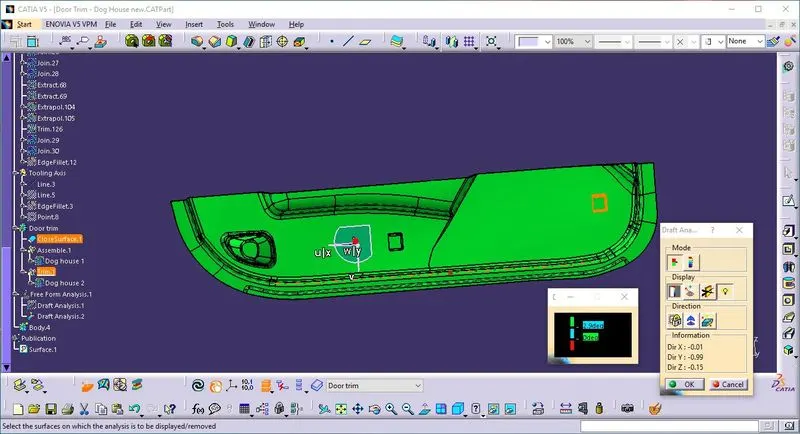
- same is translated to the another point where required
- the screen shots are attached
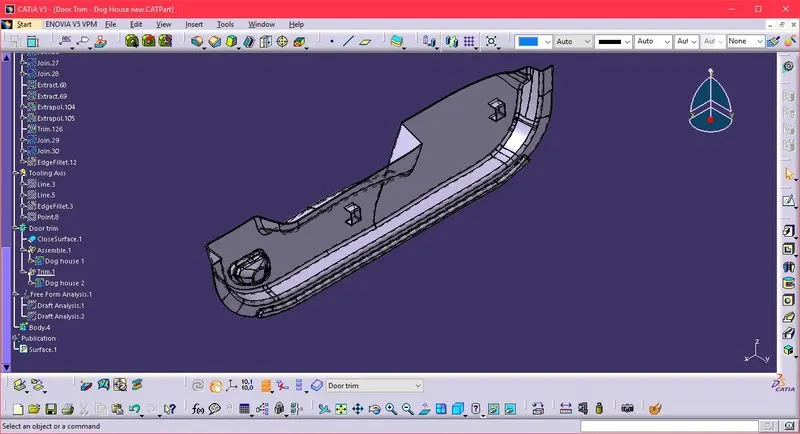
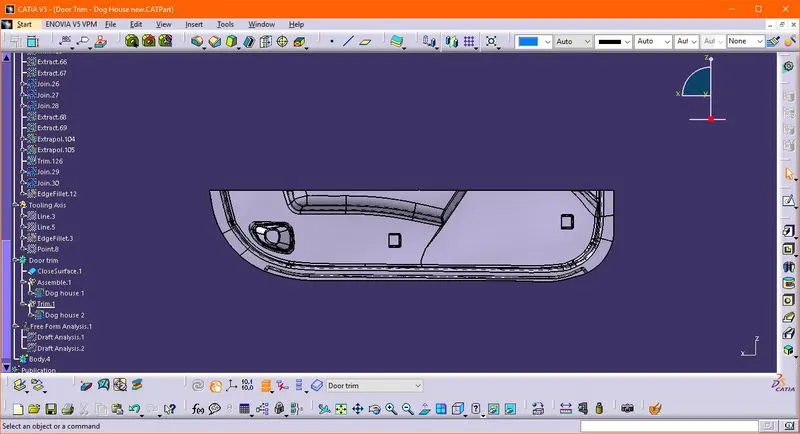
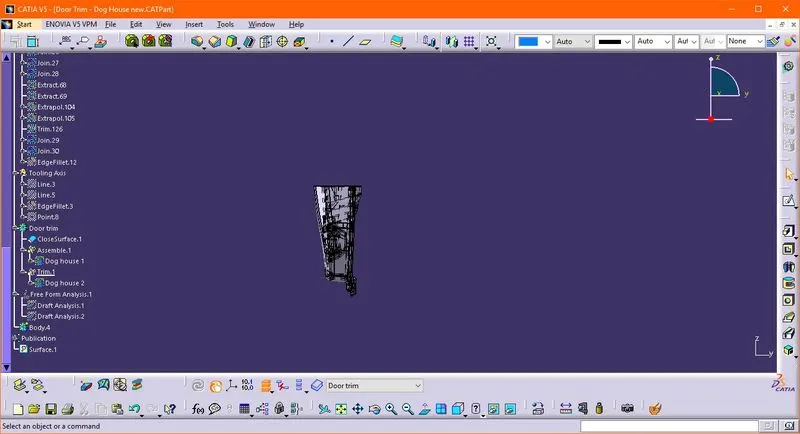
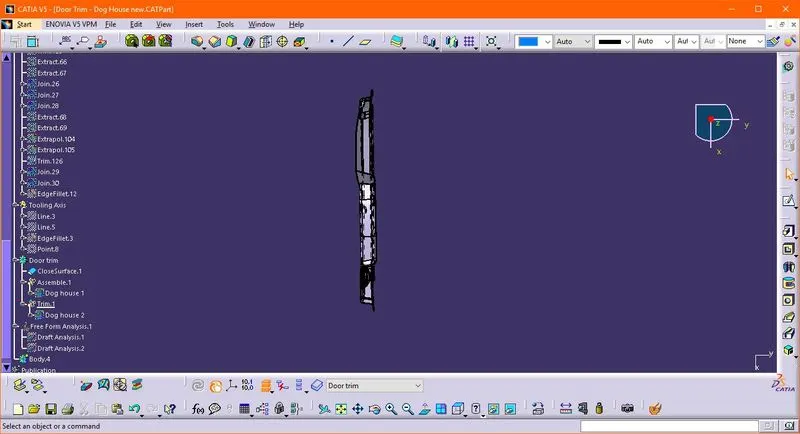
Results :
- Zip file is attached
- CATPART is Attached
- DRIVE : https://drive.google.com/drive/folders/11XTIbOLXjOcVvwN77zWEo5KBQhYh_IUr?usp=sharing