Week 9 - Attachment Feature Creation - Challenge 2
Automotive Plastic Design using CATIA V5
AIM: To Create the boss and Dog House for the Centre console coin holder considering the design rules.
General Guidelines for challenge:
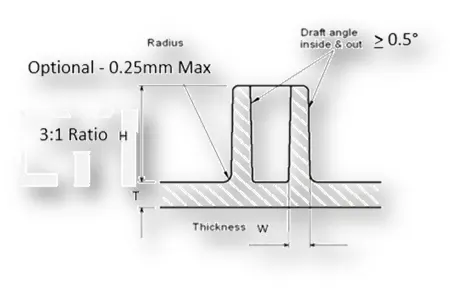
- Draft - 0.5 degrees on walls of boss
- Thickness - Typically 40%* of the nominal wall at the base
- Height to Diameter Ratio - 3:1
- Radii - 0.25mm maximum radii.
- "C" is where the doghouse contacts the backside of the surface
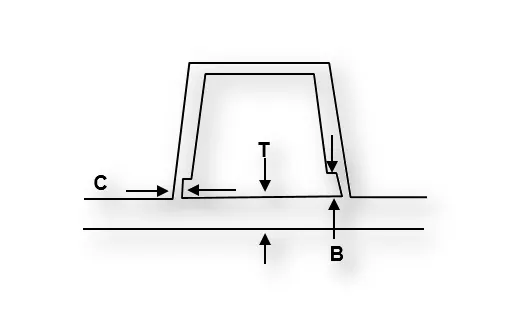
- Doghouse wall thickness at the intersection of the part wall ( C ) should be 40% or less than the main wall stock ( T ).
- Height of ( B ) should be between 3.0 – 6.0 mm
PROCEDURE:
- Import the model to the catia v5.
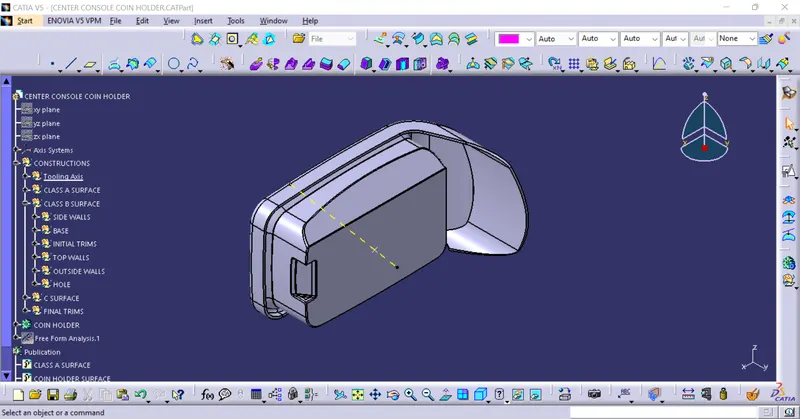
- After the model is imported we have to first create the tooling axis for the model.
- In the challenge we have to design screw house and dog house. To perform injection molding for dog house with main tooling axis is not possible so for that we have to create a side core tooling axis too.
- For creating the main tooling axis first we have to go to gerarative shape design and using the extract command we have to extract the surface
- After extracting the surface we have to create a point in the extracted surface by using the on surface in point and give zero so the point is created.
- Using that point we have to create a axis system . ( dont give it as current)
- after that use the intersect opition and intersect the model
- Take any two line on the intersection and create a lines using point to point. and then using bisect option in lines and using the point as reference create a bisecting lines for both the lines.
- Do it for both the directions x and y
- Now we will have to bisecting lines along x and y directions again bisect the lines and for a line and that will b your main tooling axis
- Publish using publication tool for easy use.
- And from the point create a line using point to direction and create a line along z axis.
- That line will be the side core tooling axis.
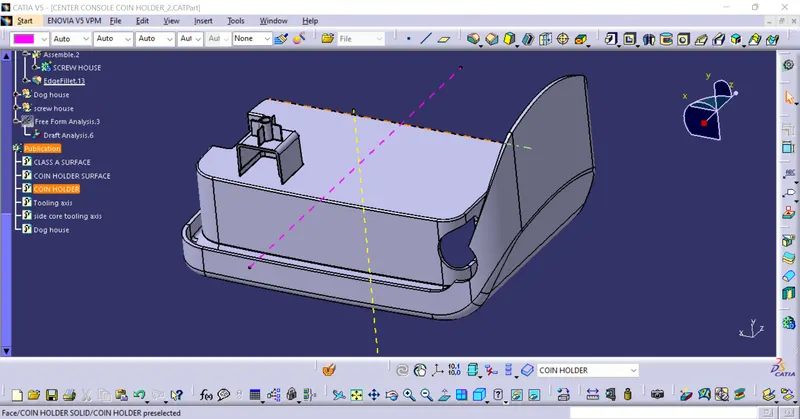
- Now we have to desig the dog house, for that we have extract the surface
- Using the axis system which we have created we have to draw a sketch and use sweep option with draft direction and sweep the sketch with 1.5 draft and height is 22mm and 1mm with limits.
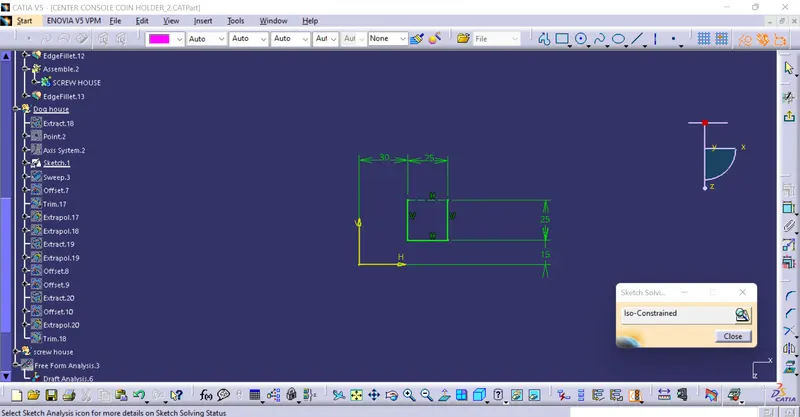
- After the sweep is done off set the extracted surface to 20mm in required direction and trim the extra surface.
- Then go to part design and five the 2mm thickness to the model.
- The inner sutface of the model should be drafted. so use the draft option.and give the draft angle as 0.5 and drafte the inner surfaces with side core tooling axis
- After that give the mim fillet of o.5 to the inner edges of the model.
- After this again us the extracted surface and off set it to 4mm and extract the inner sutface using extract and offset that inner surface to 1mm and using the two surfaces time the extra surface and form a inner edge.
- Again drafe the edge which we have created to 0.5 and apply the fillets and them using boolene operations assembly option attavh it to the main surface.
- Finally the Dog house is create.
- Now, we have to create screw house.For that we have to create new gemometrical set.
- Then using the top surface of the dog house. extract that surface and then create a point.
- Using the point created,Create a axis system.
- Now using sketch create 2 circles with dias 5.2 and 8.2mm,
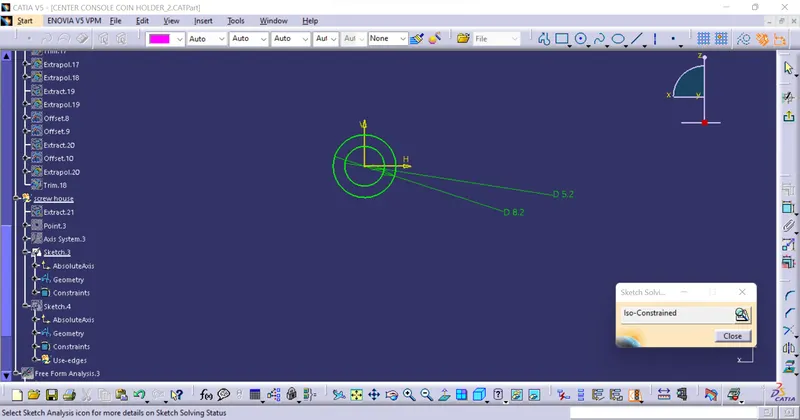
- Using Pad option create a pad with 12mm height and 1mm in oppsite limit.
- Draft the outter surface with 0.5 using the main tooling axis and assiemble it to the main part
- After that create Ribs for sypport to the screw boss. for that create a sketch.
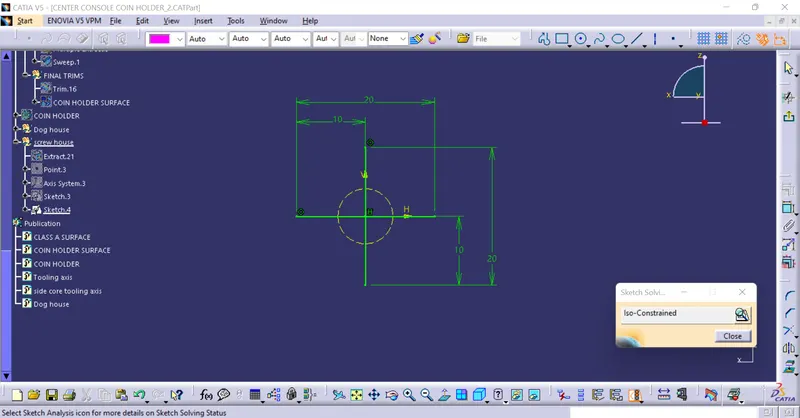
- Then give the thickness of 1mm and give the nurtrel axis .whhe we are padding the skecth.
- After that give the draft 0.5 with the main tooling axis.
- After that give the union trim option and remove the surface which u dont want with respect to the screw house.
- Finally using assimble option add the part to the main model and then give the mim fillet 0.25 where ever it is required.
- Finally the design of dog house and screw house is created.
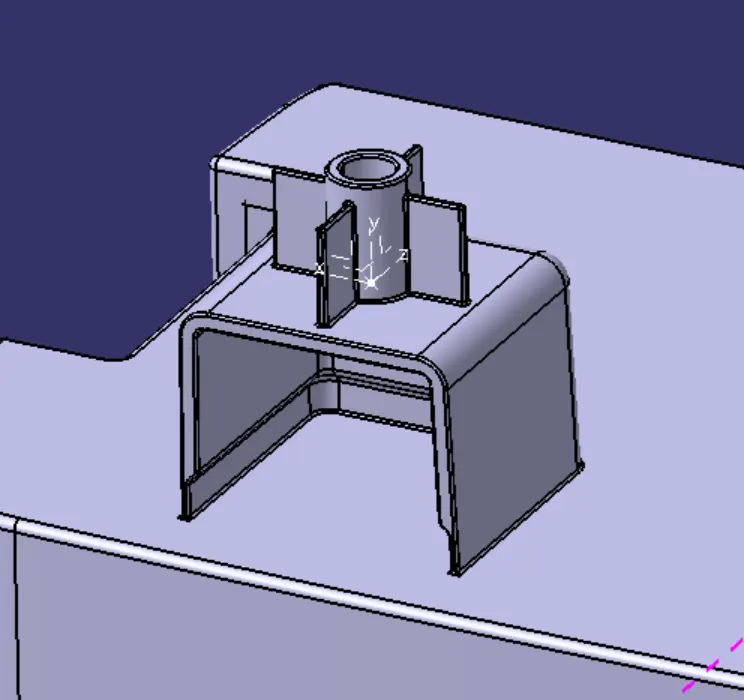
WHOLE MODEL:
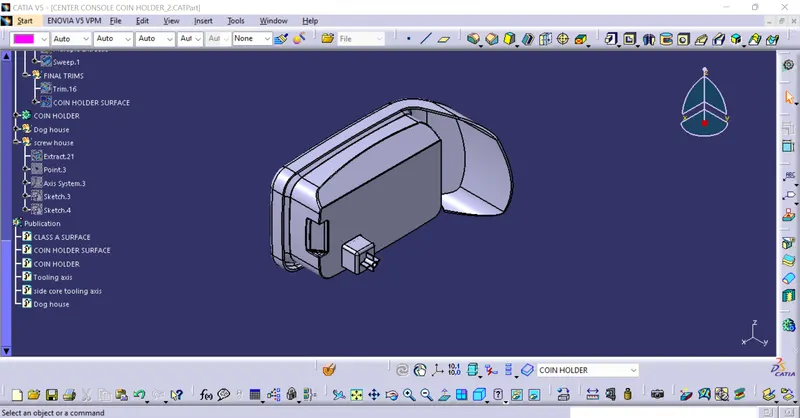
TREE:
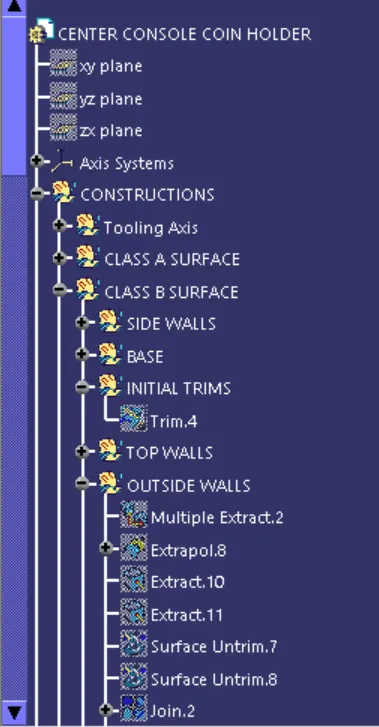
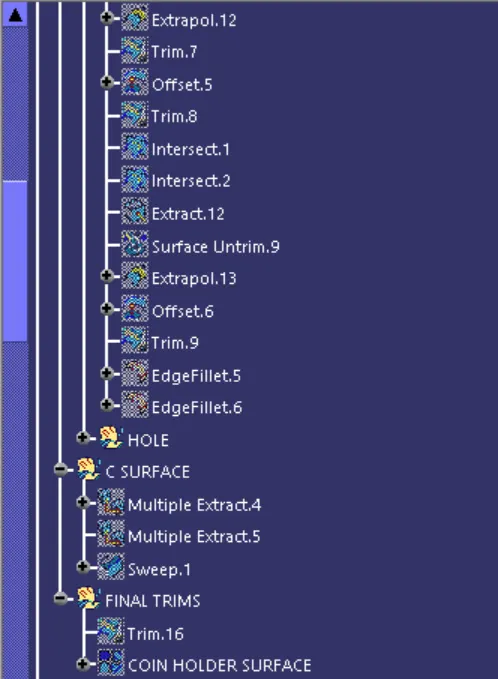
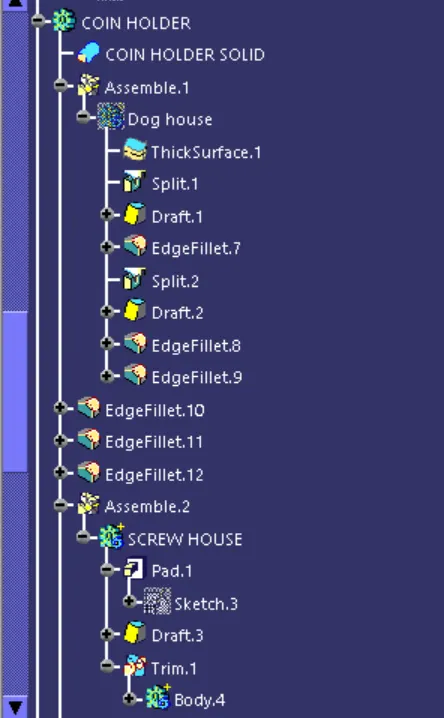
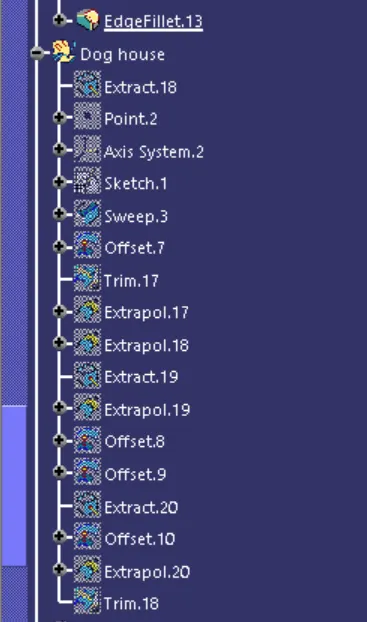
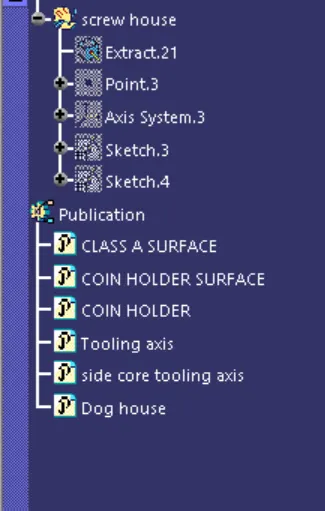
VIEWS:
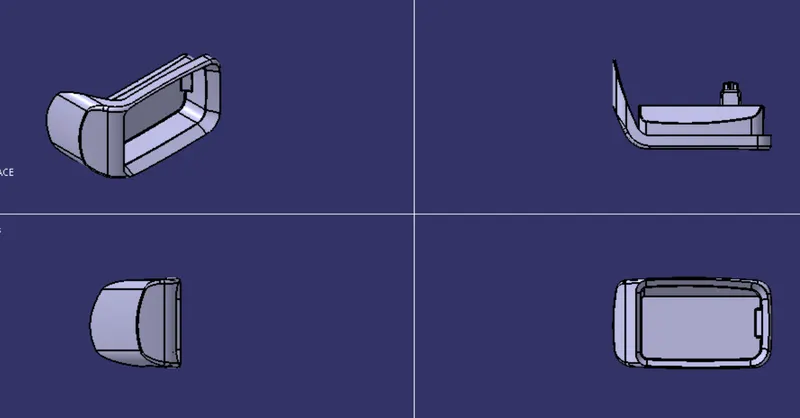
CONCLUSION: Finally we have create the boss and Dog House for the Centre console coin holder considering the design rules mentioned.