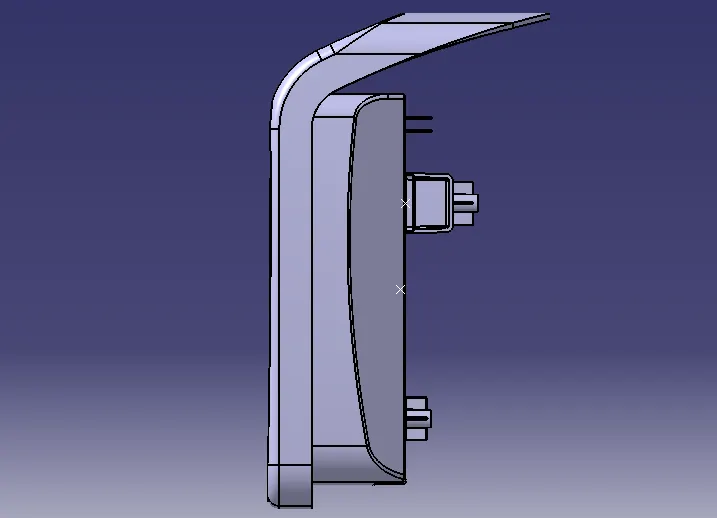
Week 9 - Attachment Feature Creation - Challenge 2
Aim: -Creation of dog house and screw boss on the coin holder component. To perform the draft analysis on dog house and screw boss as well as on coin holder.
Objective: -
The main objective is to create dog house under design rules. The dog house should follow the design rules. Also, the creation of tooling axis and to perform the draft analysis on the whole combined component.
Procedure: -
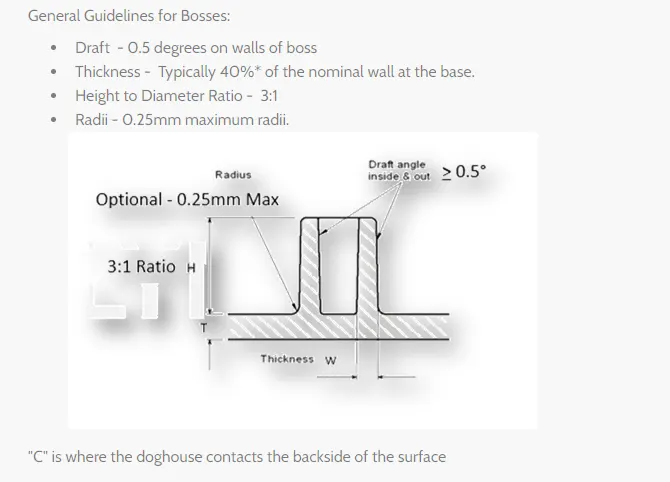
Design rules we must consider in the beginning;
- Design rules for screw boss: -
- Draft – 0.5 degree on walls of boss
- Thickness- Typically 40% of the nominal wall at the base
- Height to diameter ratio – 3:1
- Radii – 0.25mm maximum radii
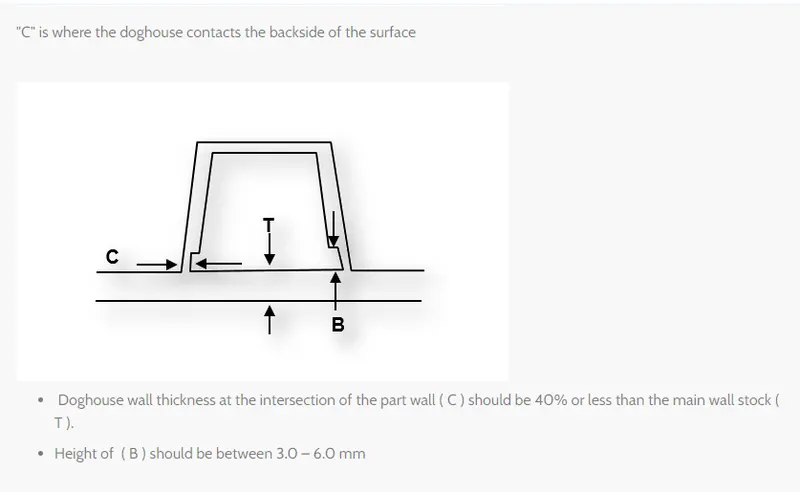
- Design rules for dog house: -
- Dog house wall thickness at the intersection of the part wall should be 40% or less than the main wall stock.
- The height of B should 3.0-6.0mm.
Tooling axis creation: -
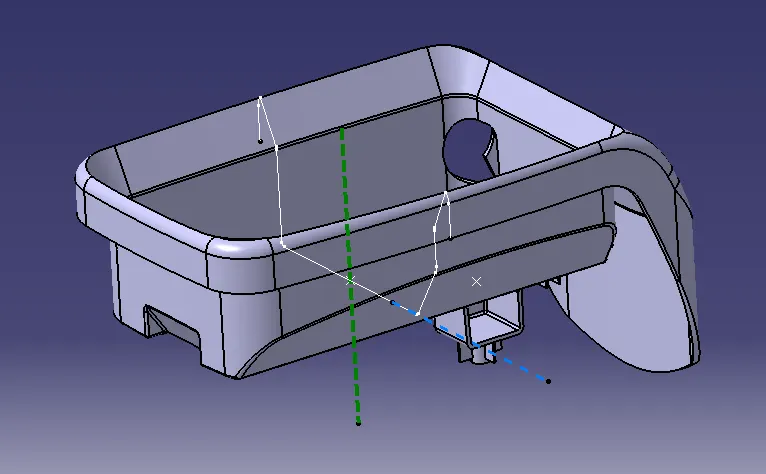
The creation of a tooling axis is necessary for this component. We will direct create a tooling axis with the help of extracted base of the coin holder then we use an intersection command to create the intersection of the coin holder.
Procedure for creating tooling axis
- Intersect the model with the plane perpendicular to the axis system.
- Extend the lines which are perpendicular to the planes.
- Again, intersect the model with another plane and extend the lines perpendicular to it.
- Create a Bisecting line by bisecting option in line definition.
- Rename it as tooling axis.
After completing of tooling axis, we would go for the creation of screw boss design.
First, we will do the sketching of it in sketches and for the support, we will give the rib design also we will pad the screw boss with ribs.
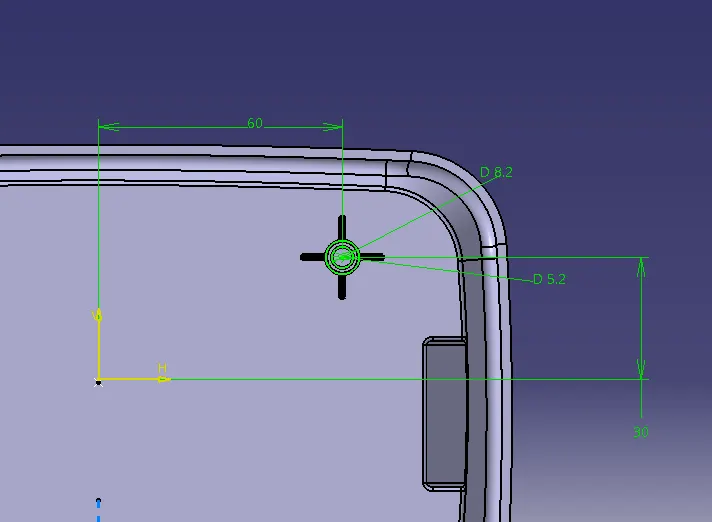
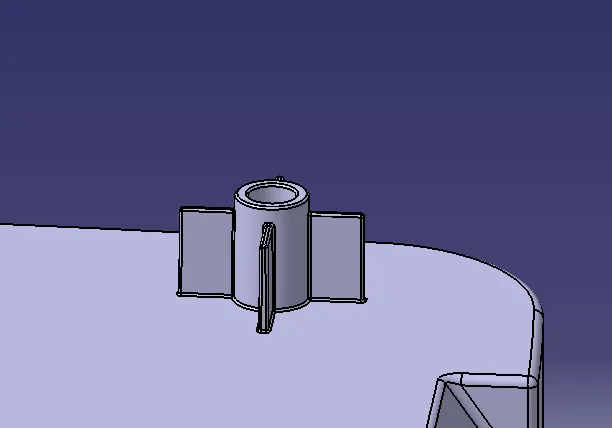
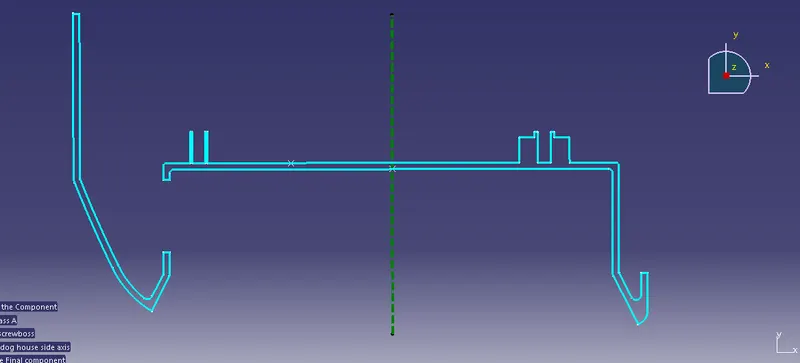
After this, we will go to the creation of dog house.
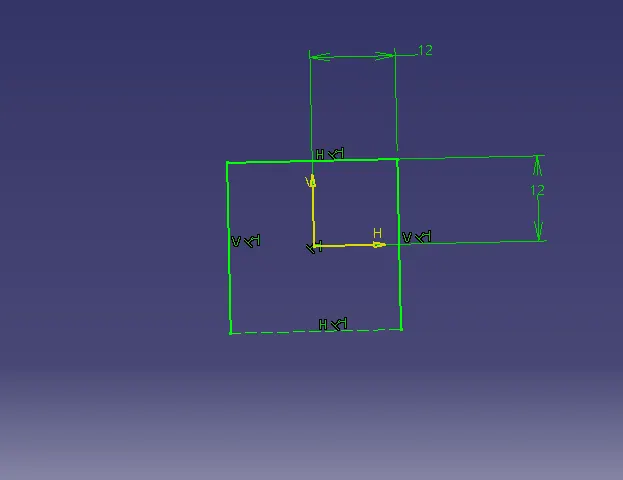
Then we will pad the dog house.
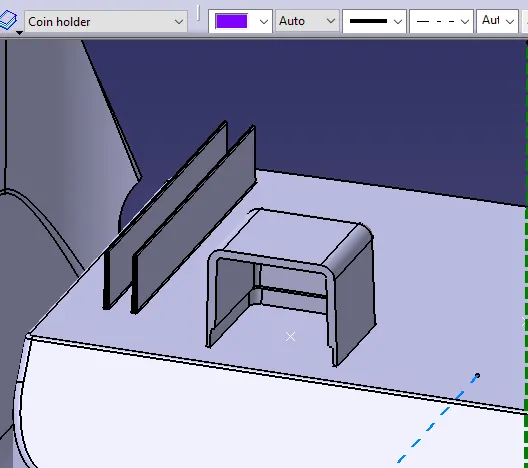
Then for the dog house, we will perform the draft analysis.
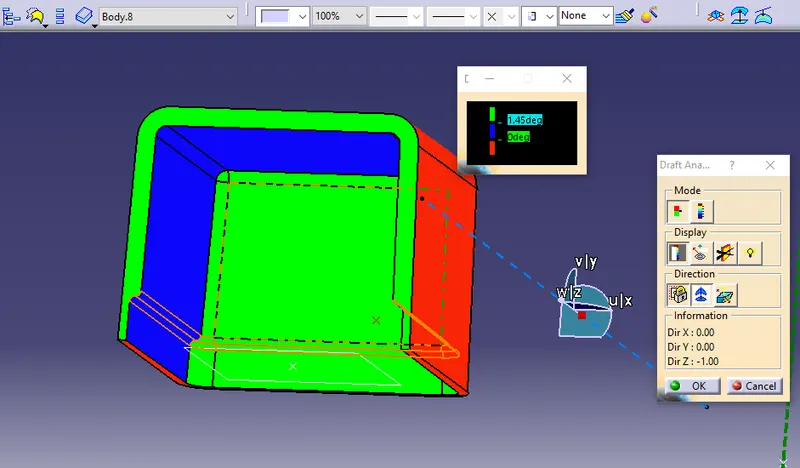
Procedure for creating Draft analysis:
- Go to the insert menu and select the analysis option.
- Select the feature draft analysis.
- Select the material option and select the surface.
- Drag the compass and place on Side tooling axis.
- Make sure the top surface is in green color as Draft angle should not exceed 3 Deg.
- Click on Okay After confirm the model.
So, to avoid the sink mark we will add the screw boss to the top of the dog house using translation command.
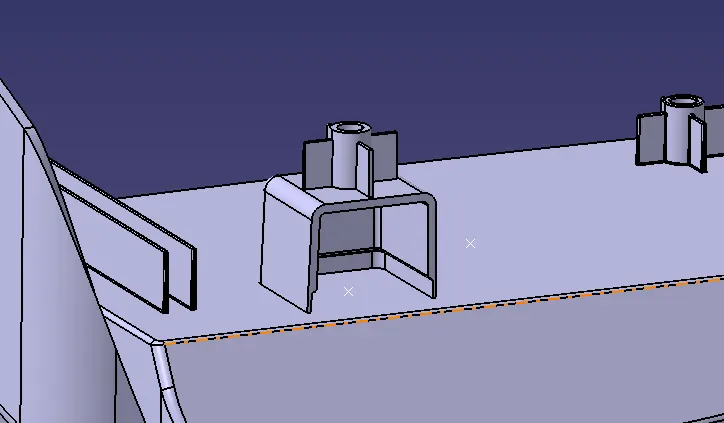
After this we will perform a draft analysis of the whole component.
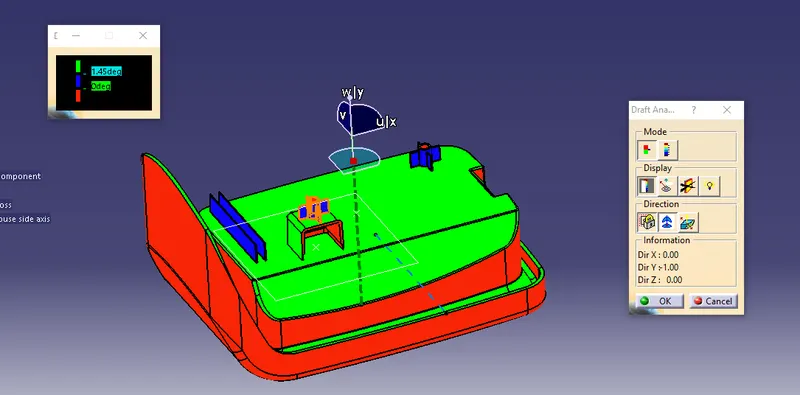
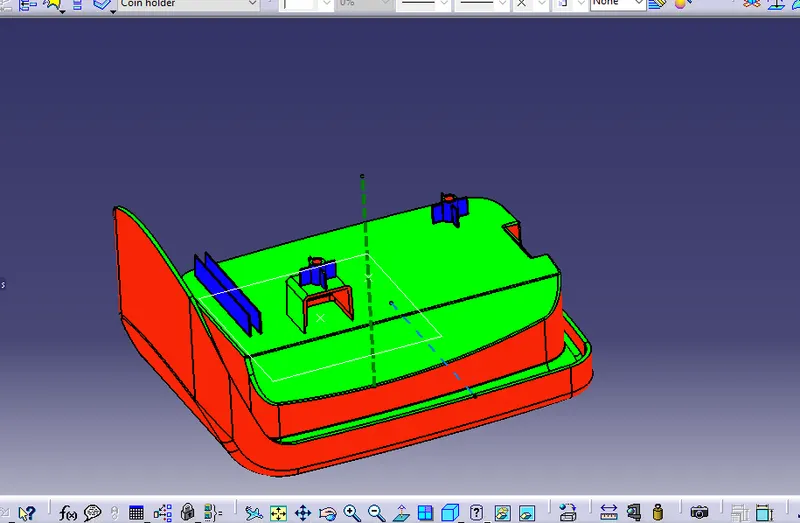
Tree structure:
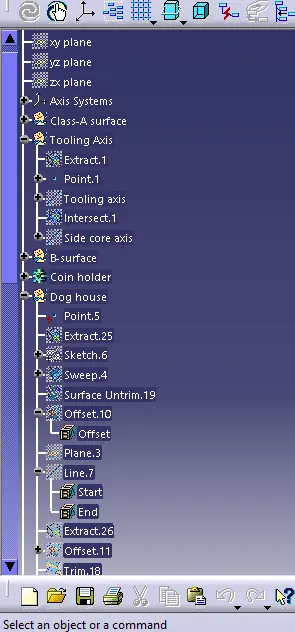
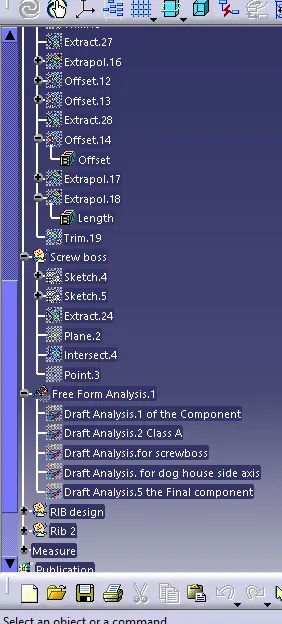
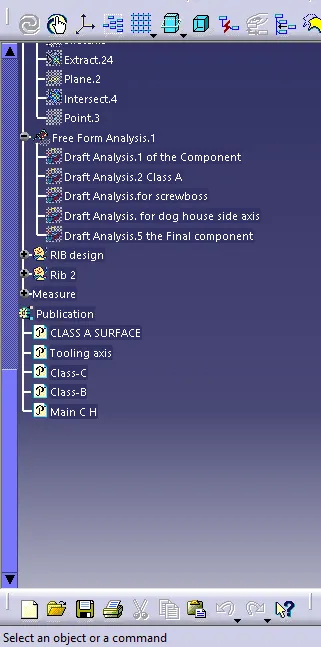
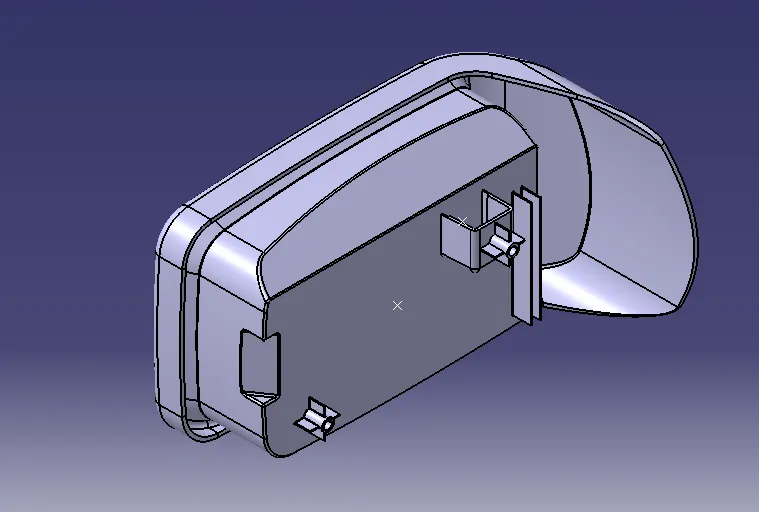
Isometric view:
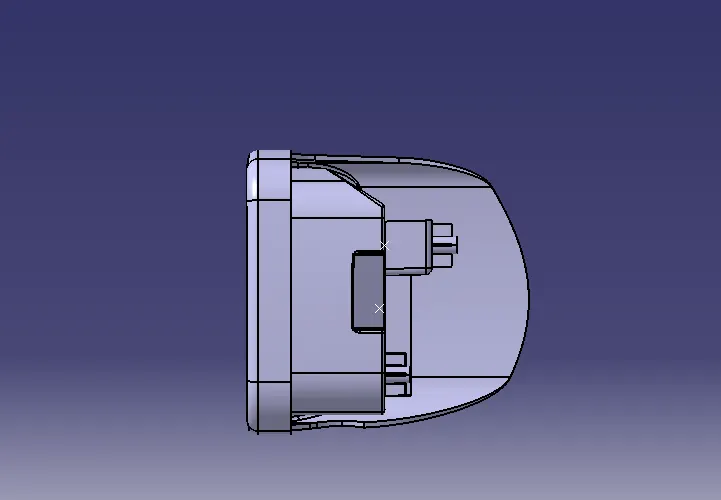
Front view:
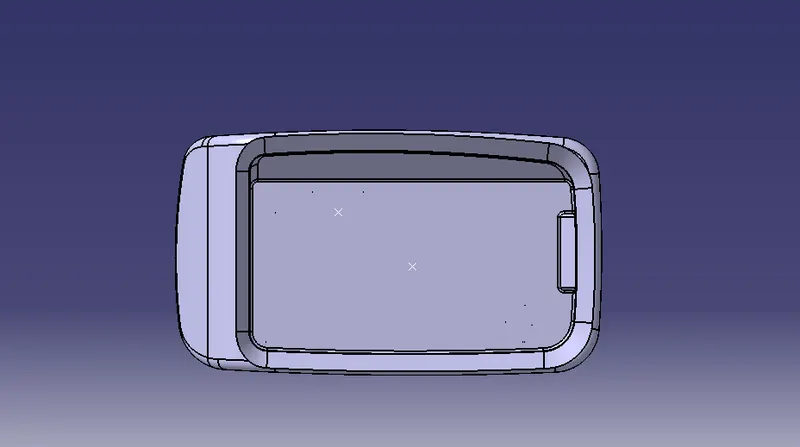
Side view:
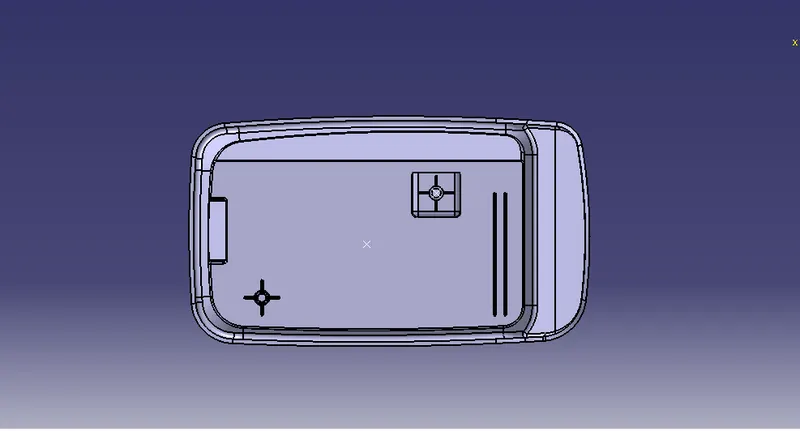
Top view: