Week 9 - Attachment Feature Creation - Challenge 2
Aim:
To Create the boss and Dog House for the Centre console coin holder
Procedure:
* Download the Coin Holder CAT part.
* The cat part will be in the Solid form.
> Creation Of Boss:
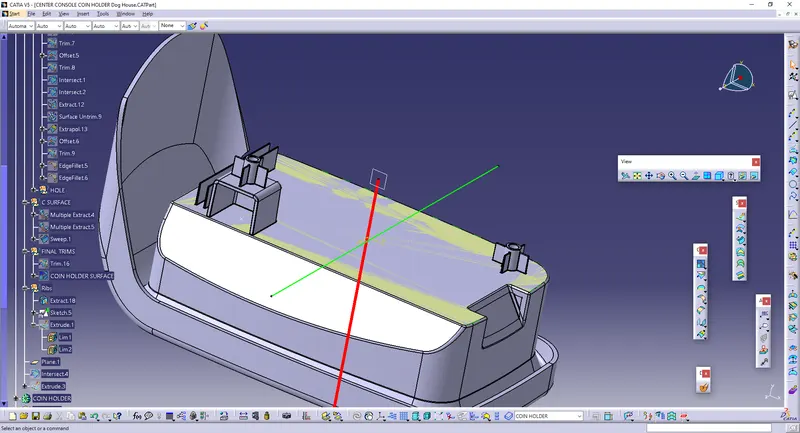
* To Create the Boss, We need to extract the base part. This part is already extracted.
* To Create the Screw Boss, We need to draw the Sketch of the circles as shown.
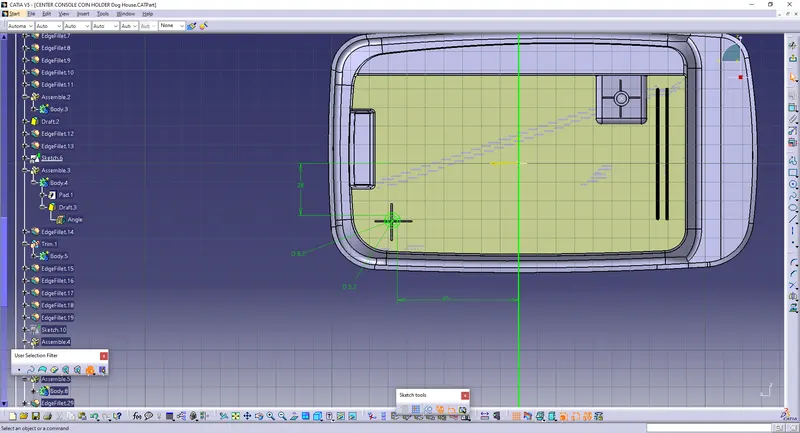
* Give PAD option to make the circles as Solid.
* Make sure that the pad should be in contact with the extract.
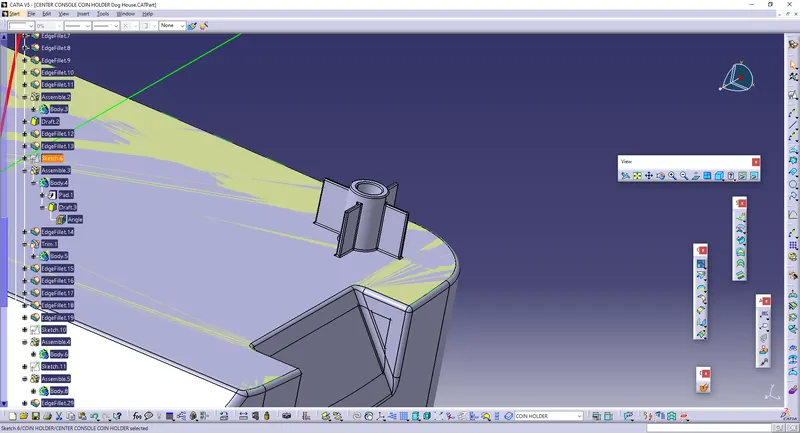
* Take The DRAFT and make it as 0.5 degrees.
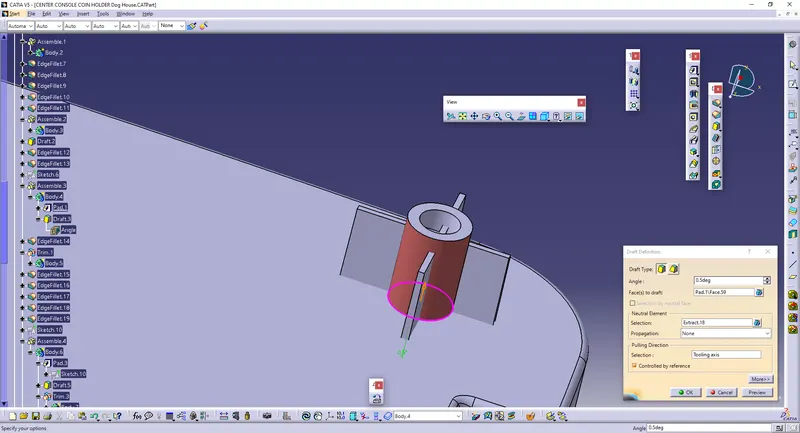
* Create the partbody and assemble the Cylinder part with the main body.
* Then, Draw a sketch by making two lines of 15 mm, in-order to create the ribs on the screw boss.
* Go to PAD and give THICKEN surface and make the thickness as 1 mm.
* Give UNION TRIM to trim the inner part of the ribs inside the circle.
* ASSEMBLE those ribs to the making of part body.
* Edge Fillets are provided to make the sharp edges as smoother.
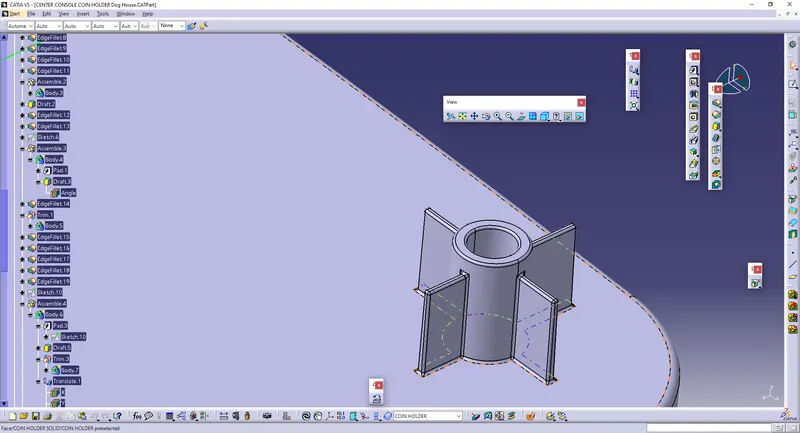
* Hence The Screw Boss is made.
> Creation of Doghouse:
* To Create the DogHouse, create the Sketch and Sweep into 3 degree as shown.
* Go To Part design and thicken the swept surfaces as 1 mm.
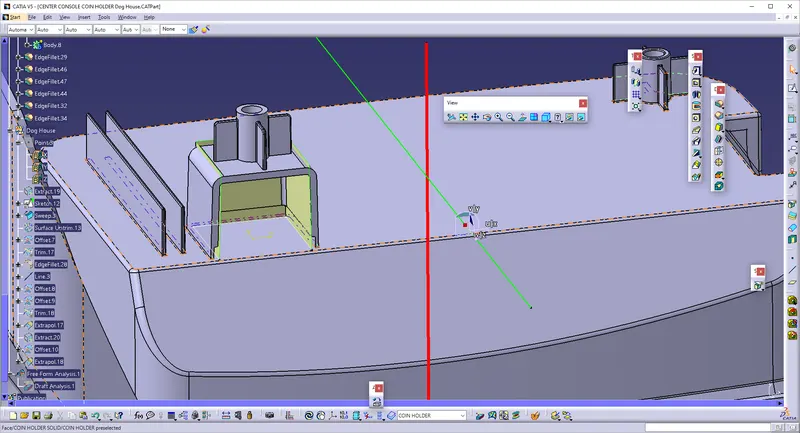
* Give the Draft as 0.5 degrees, so that the slanted surfaces will be there.
* Make the sharp edges into Edge fillets as 3mm in outer surfaces, and 1 mm in inner surfaces.
* Offset the Top surfaces to 3 mm from below and make a split, so the Hollow surface is obtained.
* Give EDGE FILLET for 0.25 mm at the sharp edges on the body.
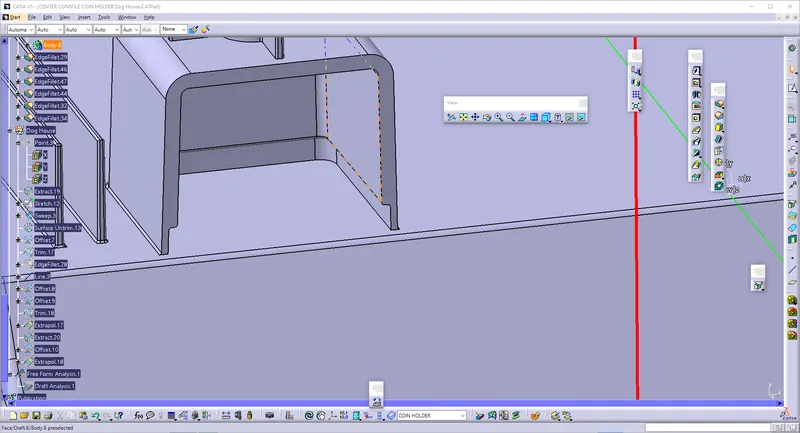
* To Create the ScrewBoss above the doghouse, make a point and Give TRANSLATE and Select the end point on the area of DogHouse.
* Then, adjust the height of the ScrewBoss and Give ASSEMBLE to create as individual objects.
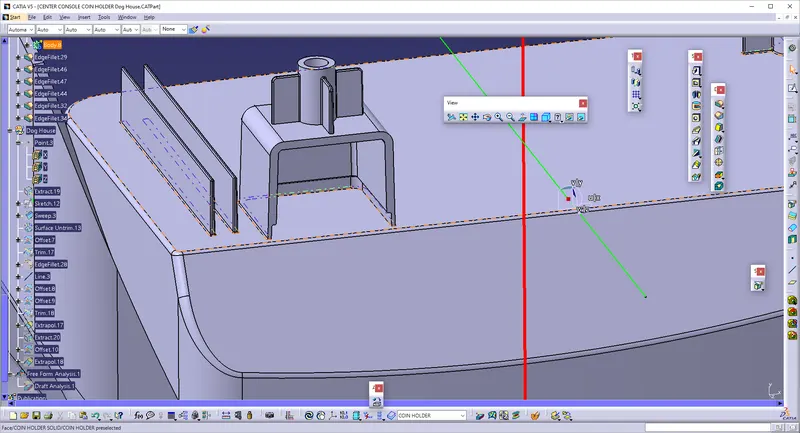
* And Finally, The Draft analysis is performed.