Week 9 - Attachment Feature Creation - Challenge 2
 \
\
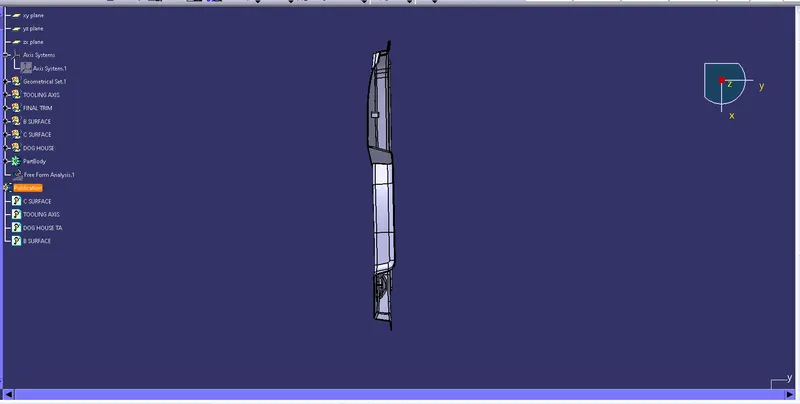
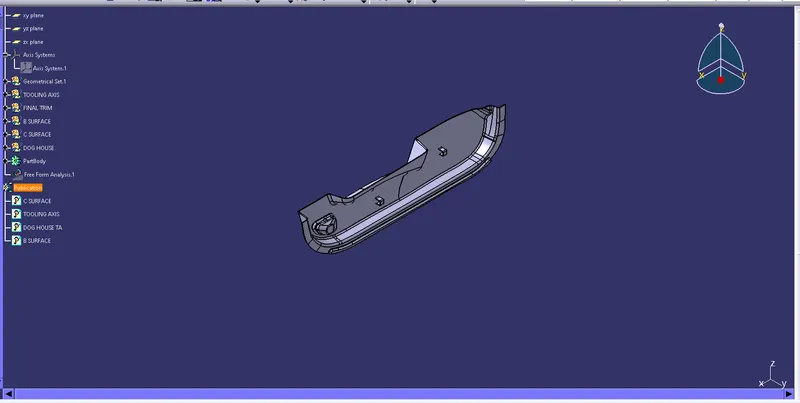
1.TOOLING AXIS
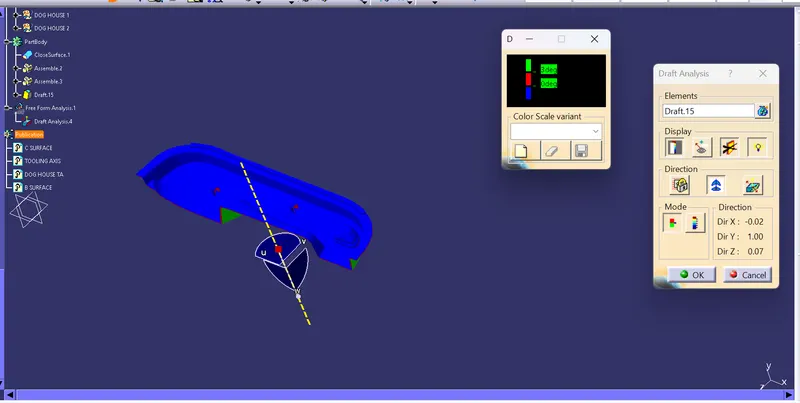
Here we create the tooling axis on the surface, Intially create point on the center of the surface and created the line on the point which is perpendicular to the surface, its considered as tooling axis.
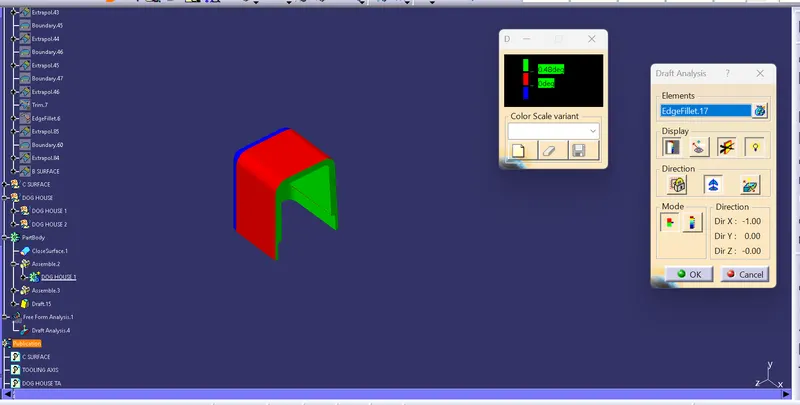
When we do the draft analysis on that line i got clear color of that part.
2. B SURFACE
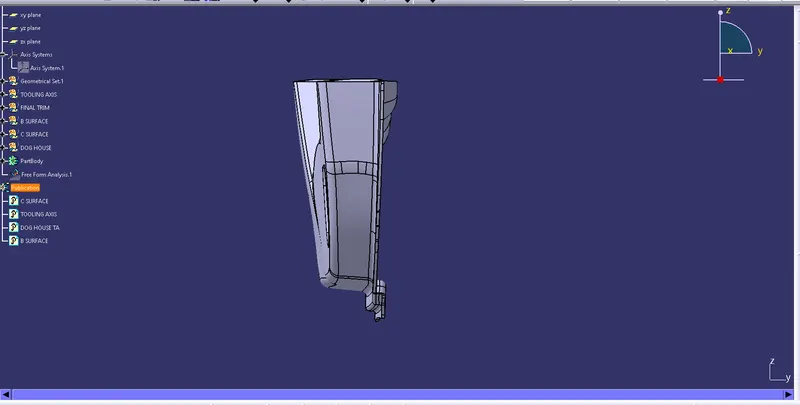
Next create the B surface, for that first extract, untrim and extrapolate the side wall, base, top side wall and outer wall then offset them about 2.5 mm, once its done trim the surface, finish this class B surfaces by fiving the proper fillet value.
3. C SURFACE
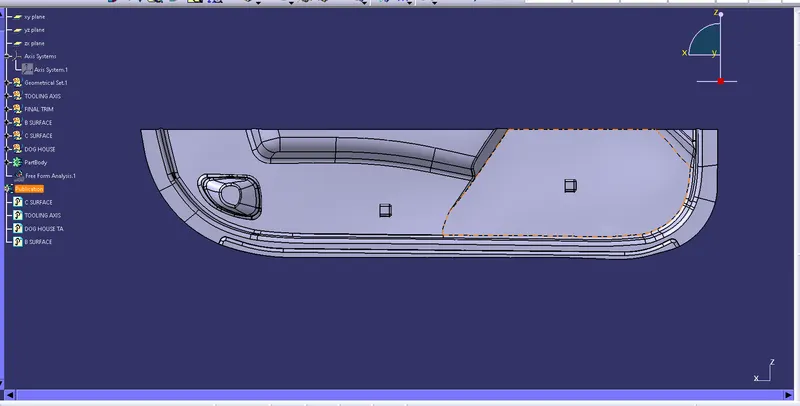
create the class c surface using the class A surface ,outer line of the class A surface is created using boundary feature ,create the surface perpendicular to the class A surface using the sweep feature,then check for any error in boundary feature if found currect it.
to get final surface model join class A surface and C surface trim with class B surface.