Week 9 - Attachment Feature Creation - Challenge 2
Tooling Axis
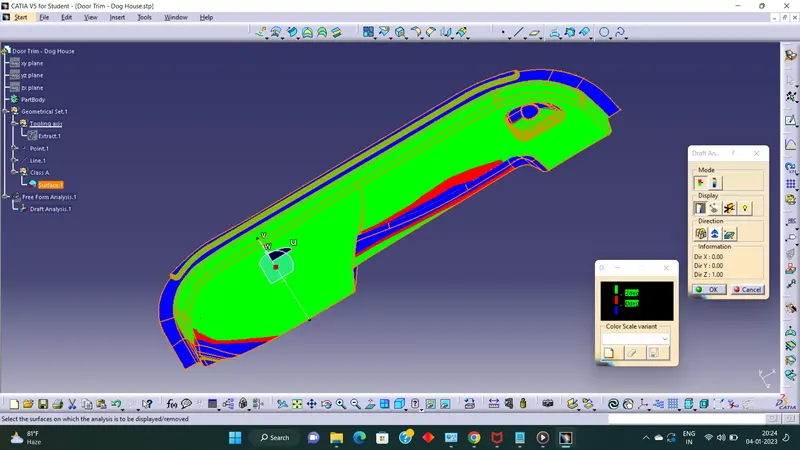
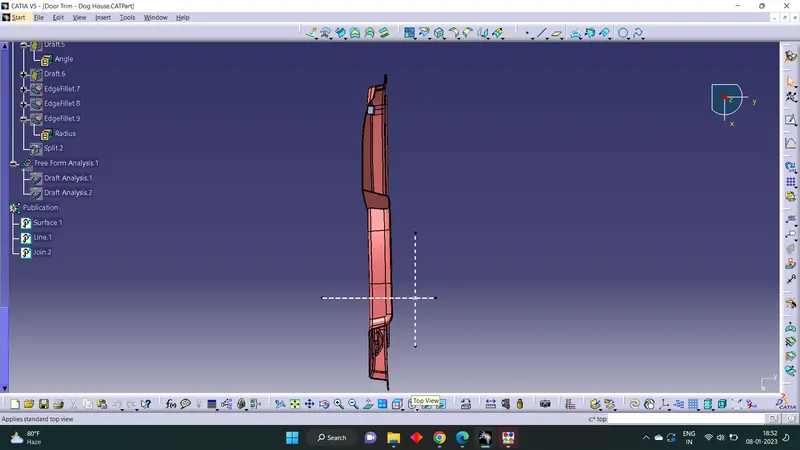
Select a point on the surface of Class A with maximum visibility of all the surface of Class A.Extracted the surafce, Created a point and made tooling axis normal to the surface.
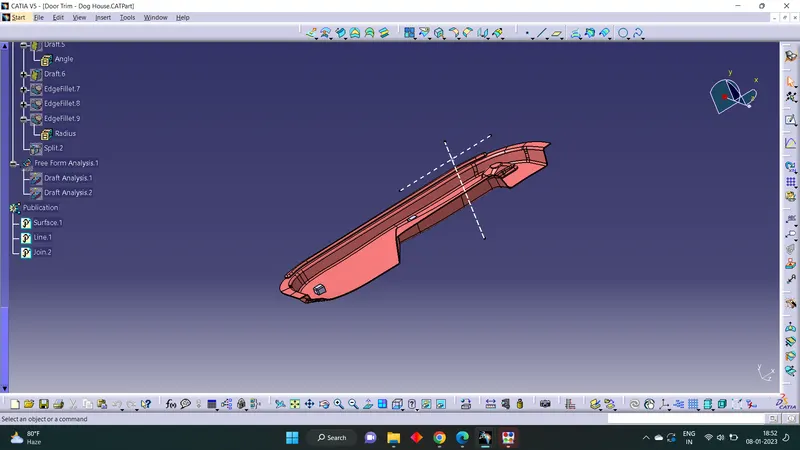
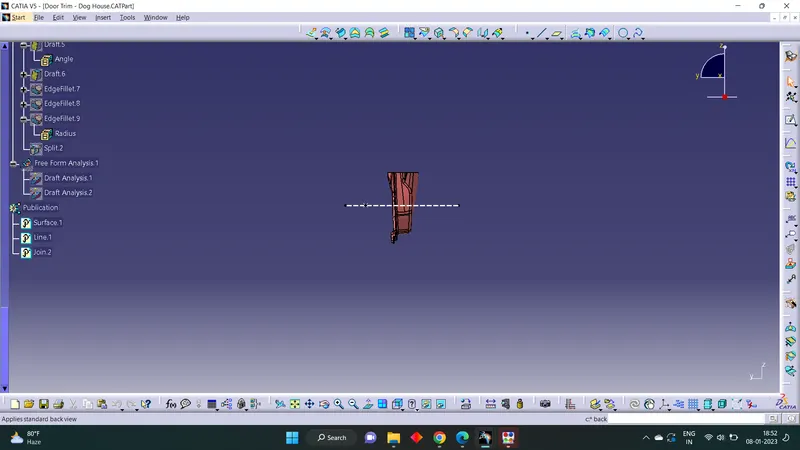
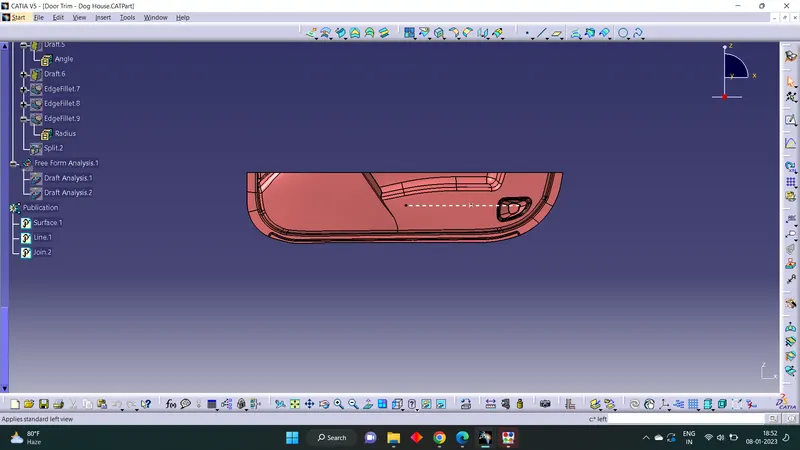
Side Core axis is made perpendicular to the main tooling axis.
Draft Analysis
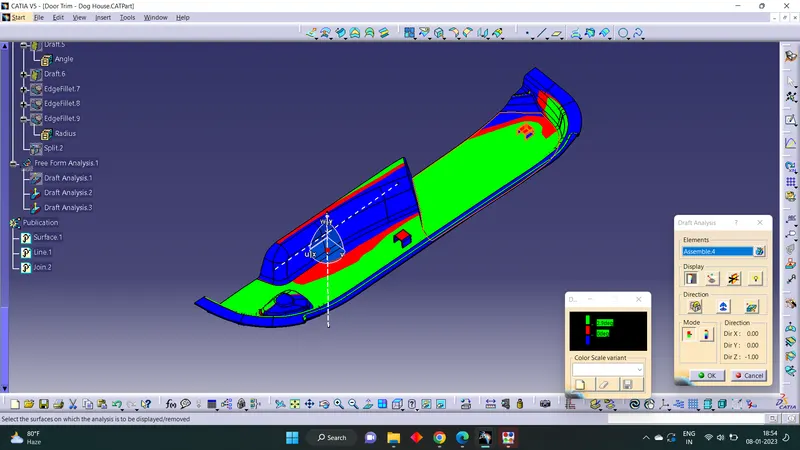
Insert > Analysis > Featured Draft Analysis
Put into material mode.Drag and drop the compass to the tooling axis. Then Click on the surface where draft analysis is happening. Set the Angle and color code for Draft angles. Then we get part with draft analysis with different color based on the draft angle.