Week 9 - Attachment Feature Creation - Challenge 1
AIM: To create an Attachment feature ( RIB) on centre console coin holder
Procedure:
Open the coin holder using open command
Extract the surface on which rib has to create
Draw a sketch of the rib
Extrude the rib - Give draft - Apply fillet
Check the rib design with design rules
RIB:
To create the rib first extract the base surface of coin holder
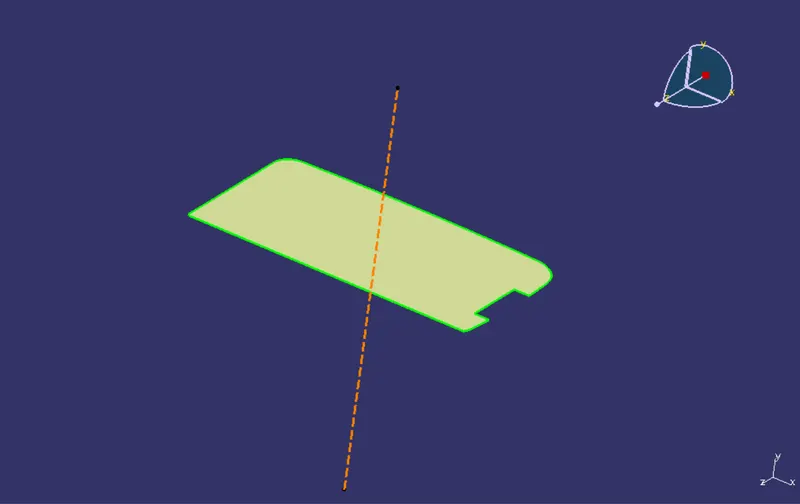
Create positioning sketch. Draw a line. Constrained it. Define it as an output feature
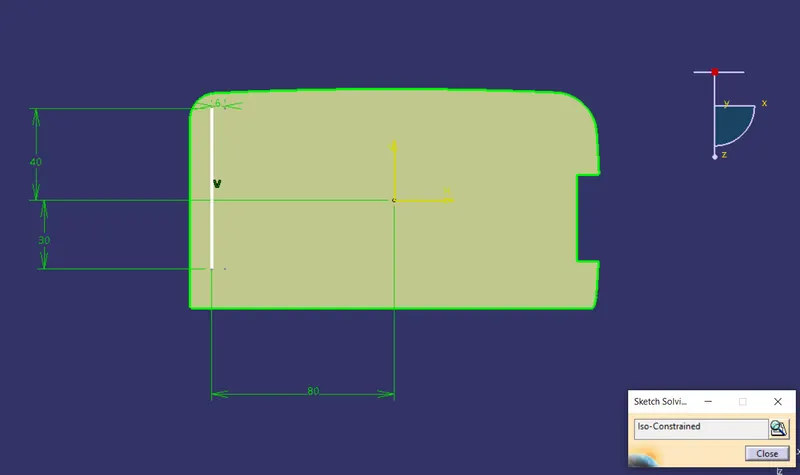
Extrude the output line using Extrude command
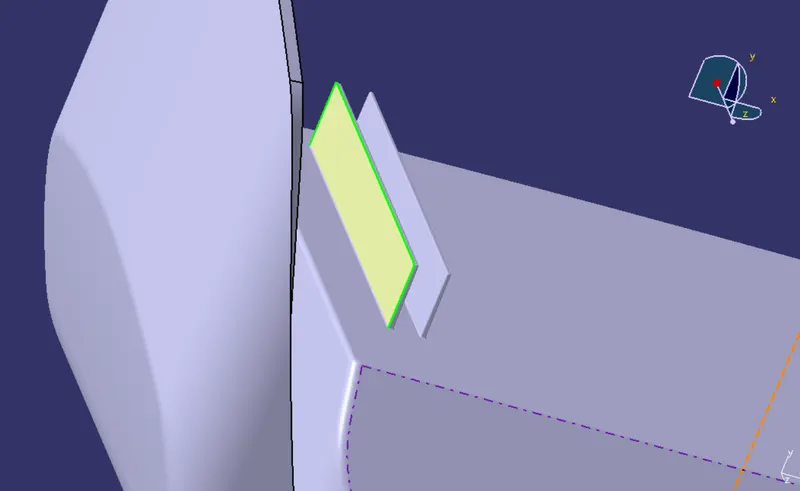
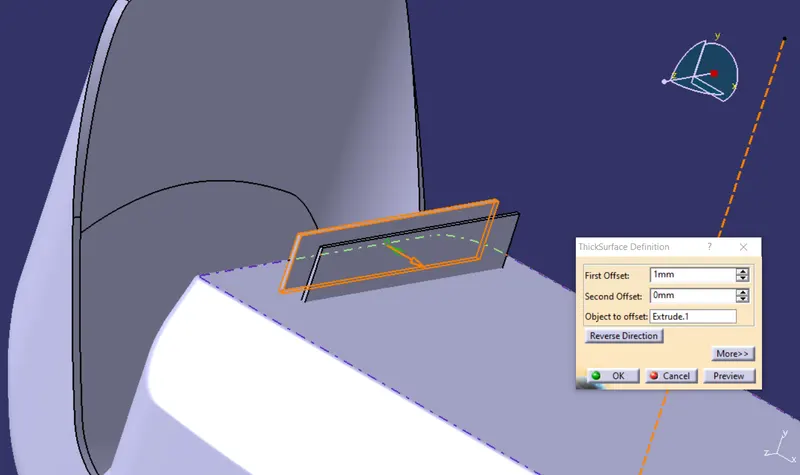
Insert a body. Go to part design. Apply thickness to the extruded surface and create solid body.
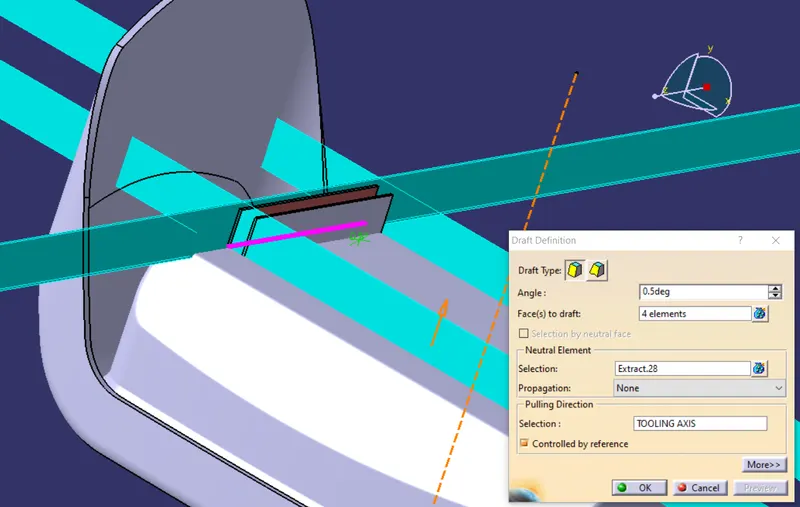
Give draft of 0.5 to all four surfaces by using extracted surface as a neutral Element and Tooling axis as a pulling direction
After providing draft, Measure that the top surface thickness is greater than 0.75mm.
After this give fillets of value 0.25mm to all edges
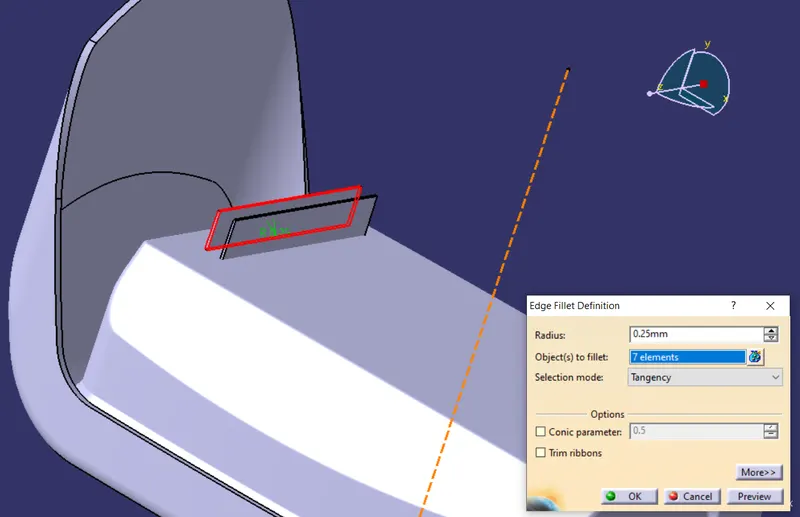
Assemble the rib body with coin holder
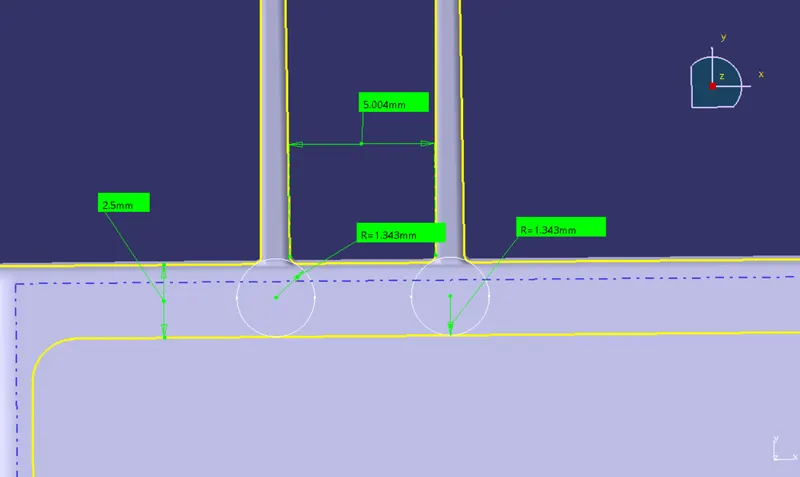
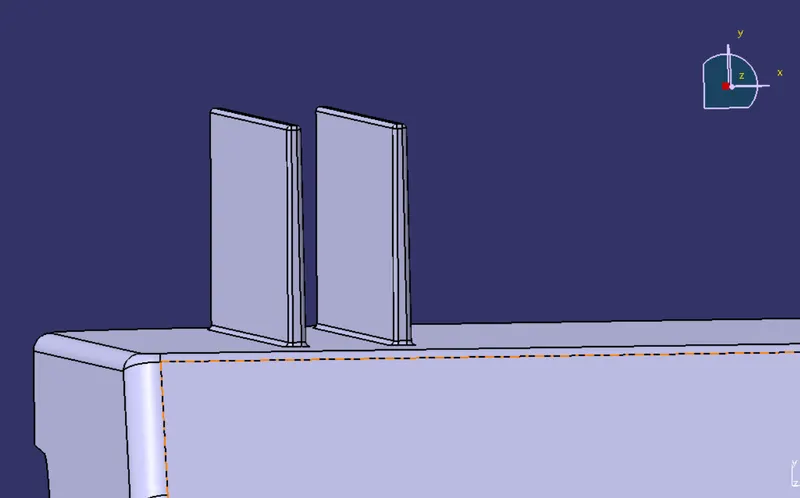
Similarly create another Rib with distance between two ribs as a 6mm
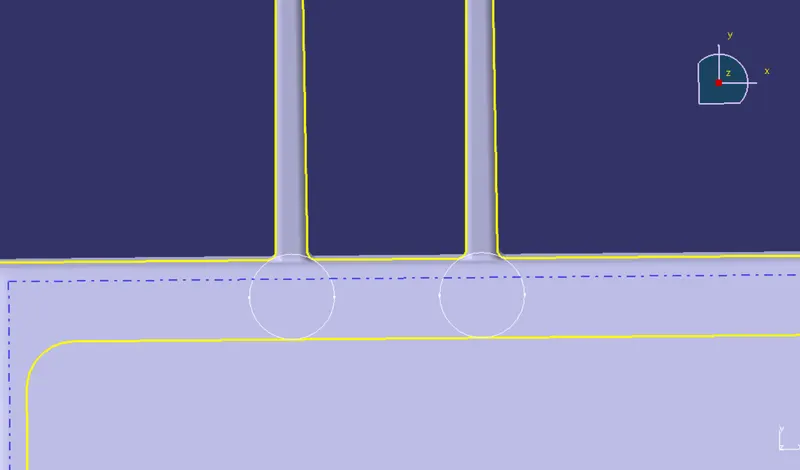
Now create an intersection using a XY plane to determine Rib root thickness
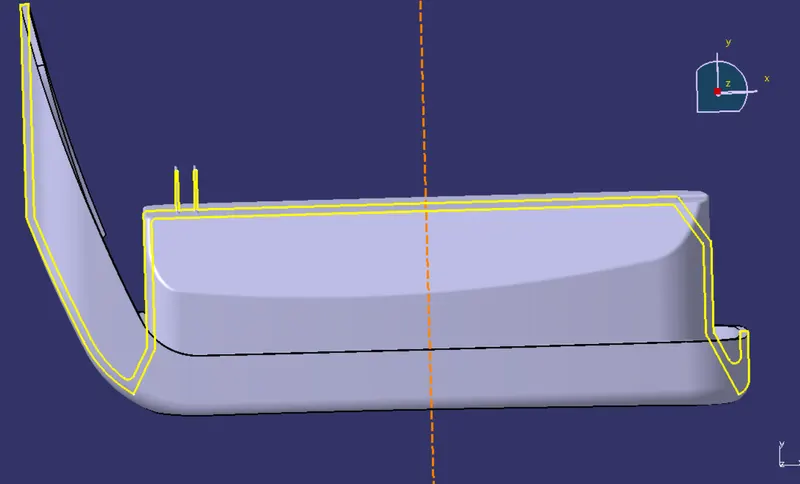
Create a tritangent circle by selecting extracted curves and line
By using measure tool, measure the distance, height and thickness
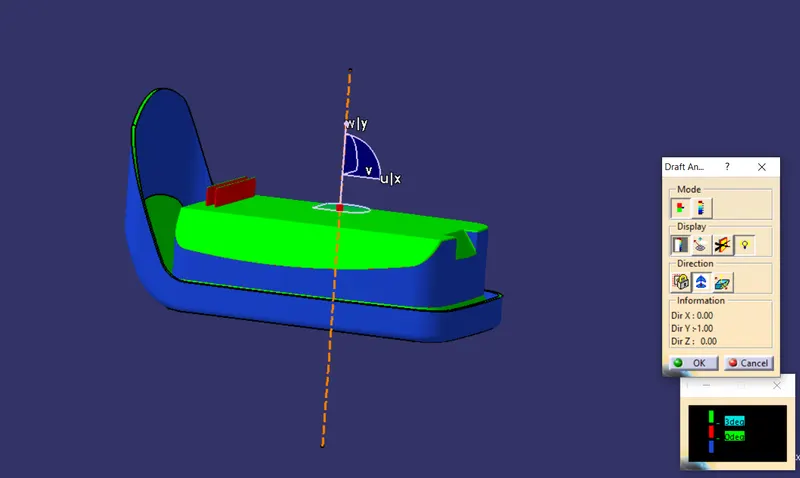
DRAFT ANALYSIS:
After the Rib features are created select material mode and go to insert- feature draft analysis.
Select the compass and position it on the tooling axis
Click on the body to get colour scale
Result:
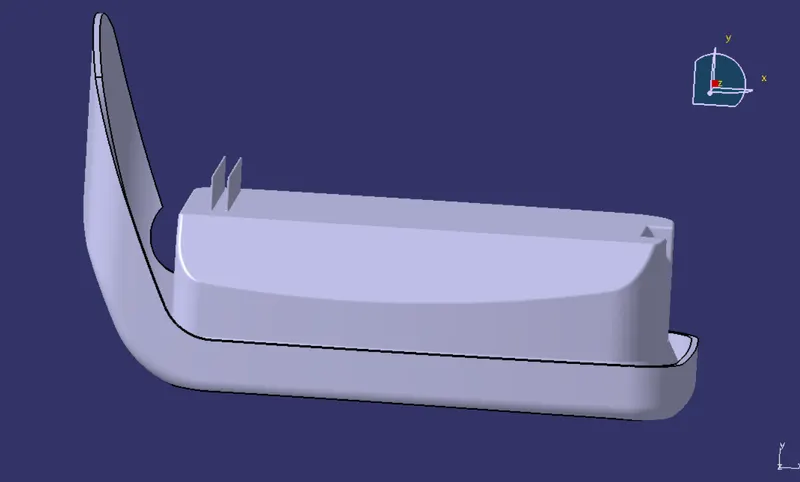
The outer features Ribs are created
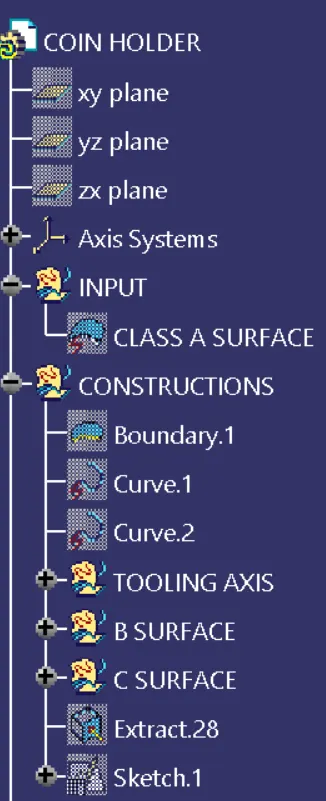
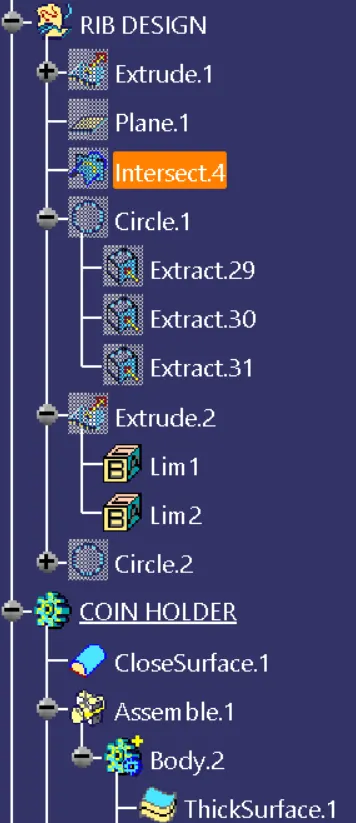
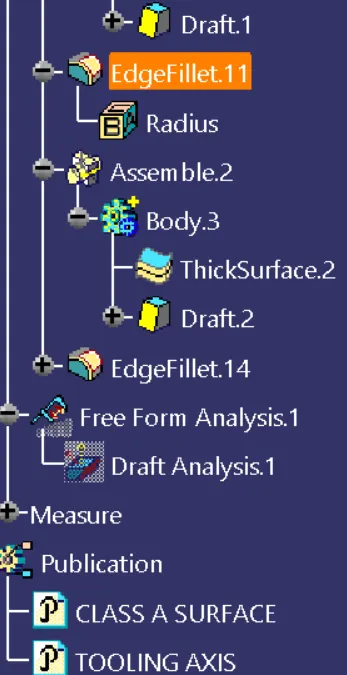
Tree Structure: