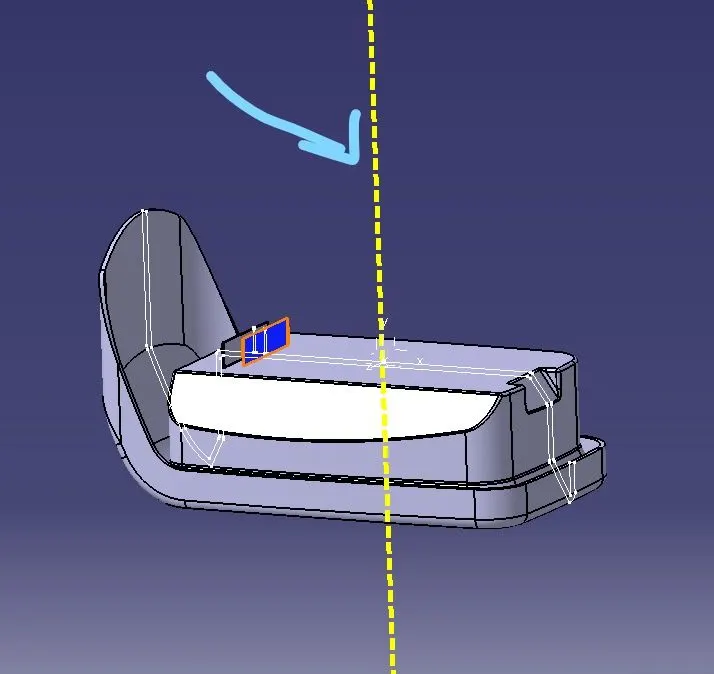
Week 9 - Attachment Feature Creation - Challenge 1
Draft Analysis:
The Draft Analysis command enables you to detect if the part you drafted will be easily removed. This type of analysis is performed based on color ranges identifying zones on the analyzed element where the deviation from the draft direction at any point, corresponds to specified values.Draft analysis is done for rib, follow below image with angle-
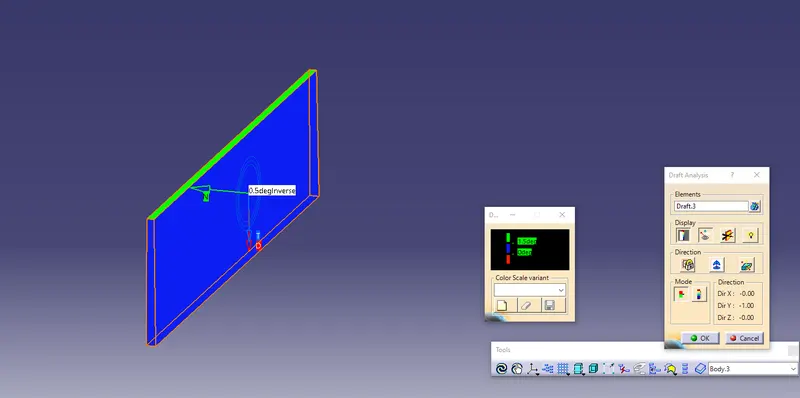
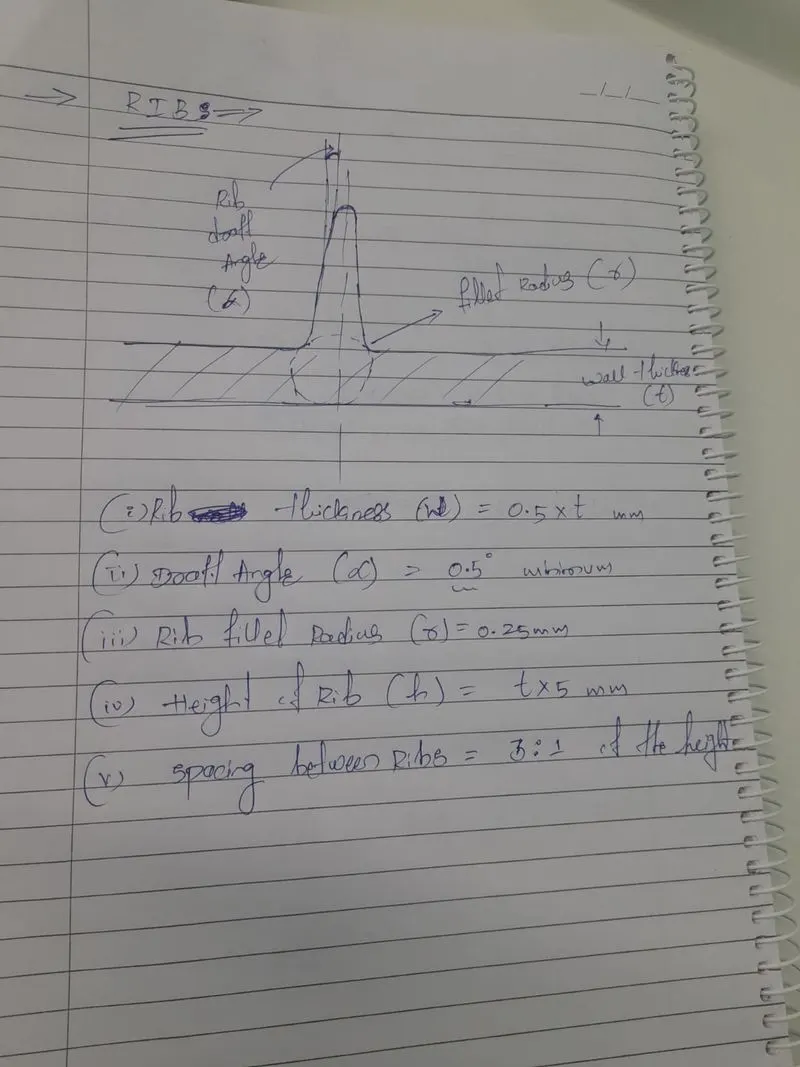
for creating rib , we have to follow the design rules . Follow the images applied for the fillet, draft angle , height of the rib, thickness etc, compare with the standard values , image attached in below.
1)Radius, draft angle, thickness
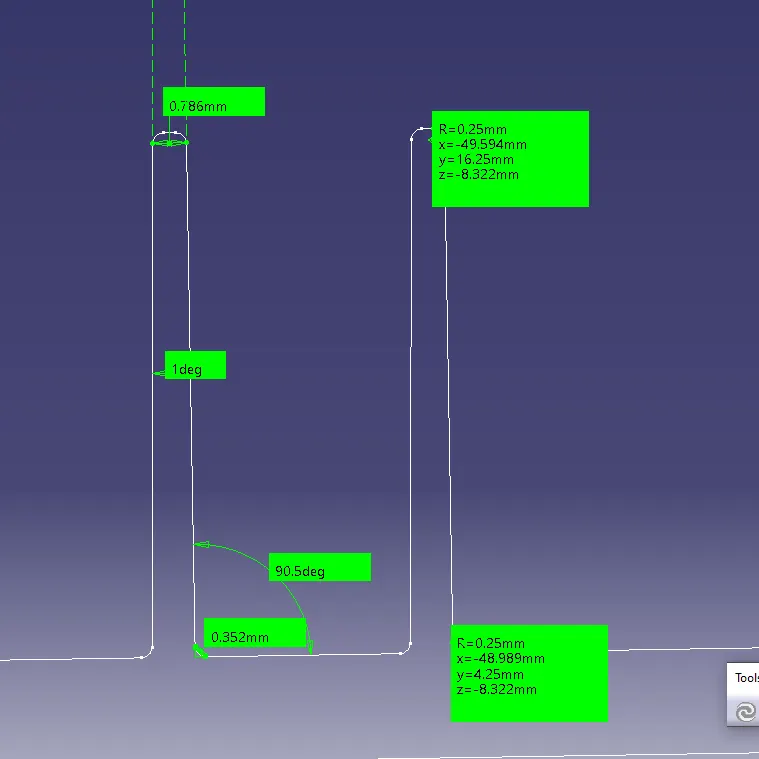
2)Height of the rib
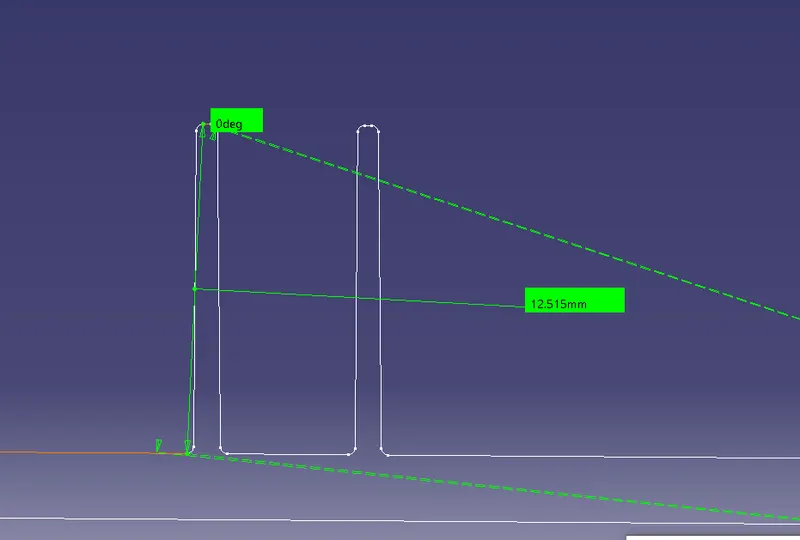
3)Isometric View
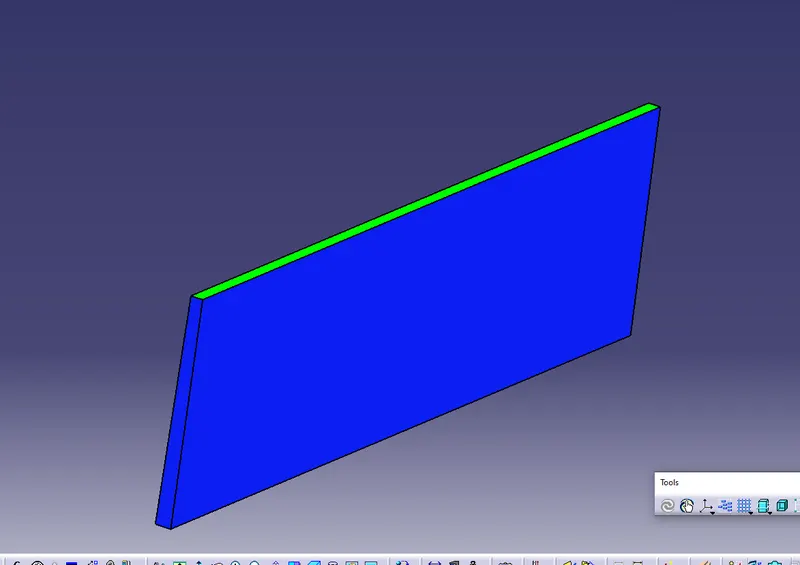
4)Top View
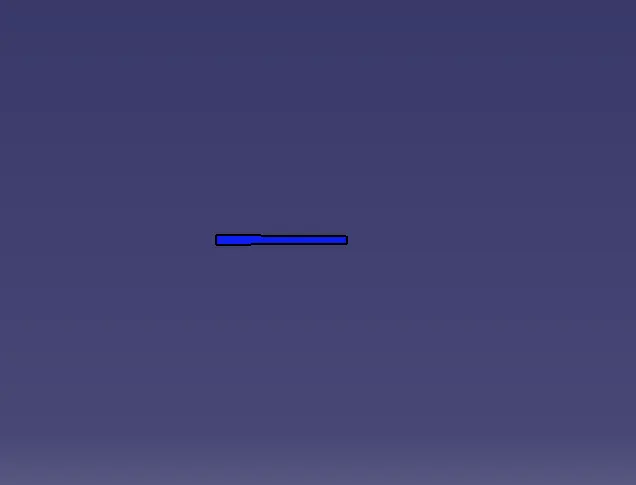
5)Side View
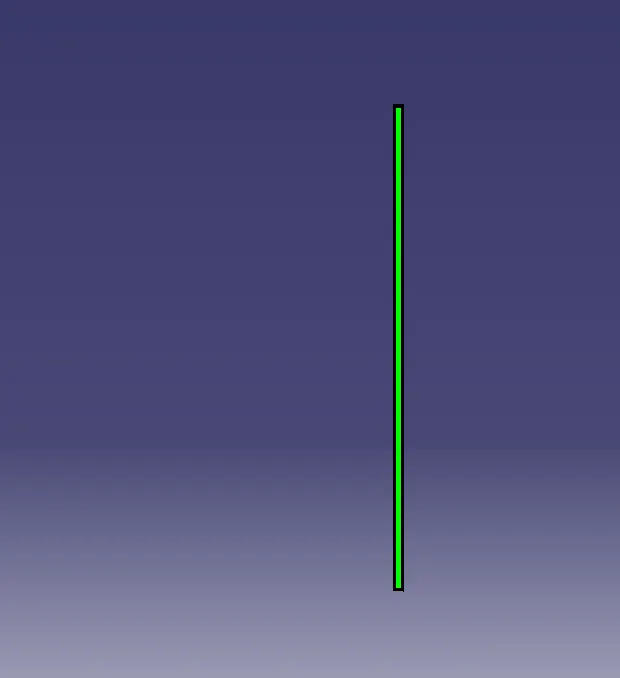
6)Guidlines to create RIBS:
TOOLING AXIS:
We use tooling axis as direct to feed or inject the molten material into closed core and cavity portion without damging of tool.I t is created with different method (i)Bisecting method (ii)Creating sketch and intersecting with axis. More ofetn bisecting method is used to create axis.
It's applications are :
(i) It is used in draft analysis to analyse the part by locking the compass along with it.
(ii)It is used as direction to create class C surface in sweep command.