Week 8 - Challenge 2 - Base Bracket Design
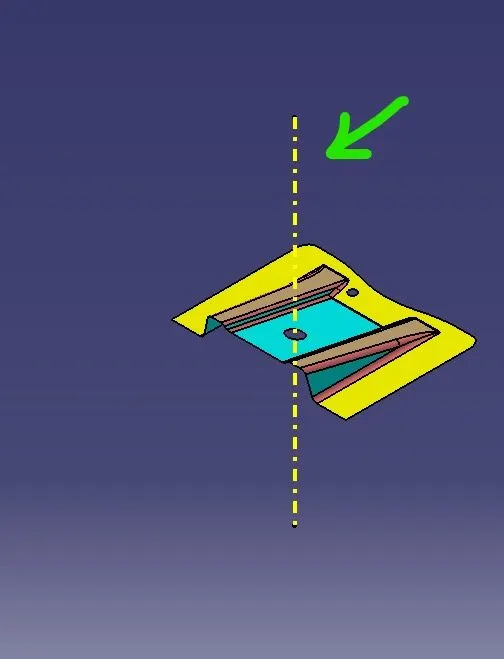
1)Tooling Axis :
It is use to create axis for core and cavity of mold to open and close properly without damage. It can create by bisecting method,in this method we take reference of dummy tooling axis(it is the assumption axis in that, we visualize the part in different axis direction )to create it.After getting that we use the bisecting method to create it. Tooling axis is more helpful during the creation of Class C surface using sweep command,in that we use tooling axis as the direction to create the class C surface.
2)Draft Analysis :
In this analysis process , we do analysis of the given part or created solid body for draft angle. It needs to be meet the draft angle.Minimum draft angle value as per requirement is 3 degree. Draft analysis box gives the information about display (color , scale), draft direction and direction value.
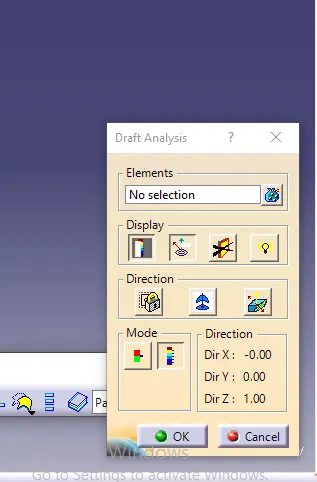
In thar mode option give 2 types of analysis, they are:
(i) Quick mode: It usually used for simple products and gives the result with different color variants. It is default mode.
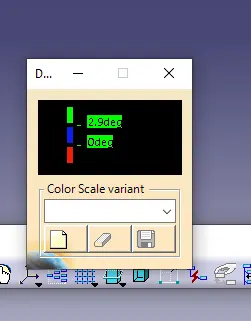
(ii) Full mode
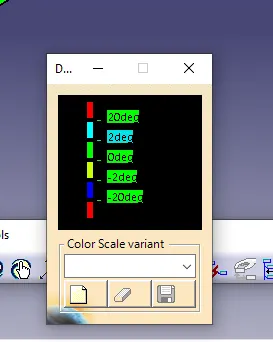
3)Draft Analysis for Class A surface:
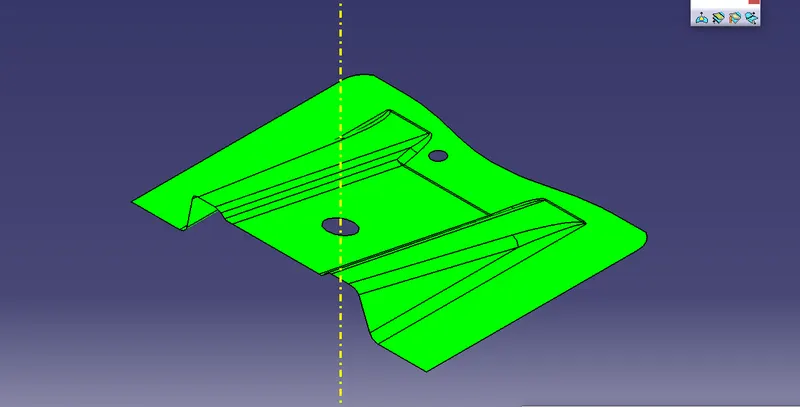
4)Isometric View:
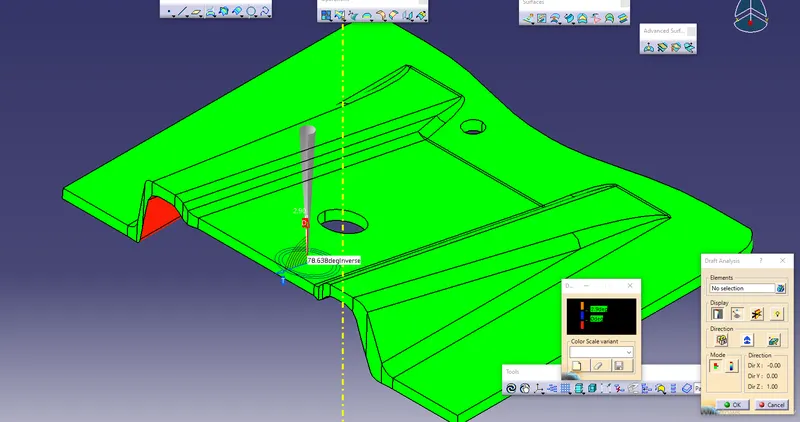
5)Toop View:
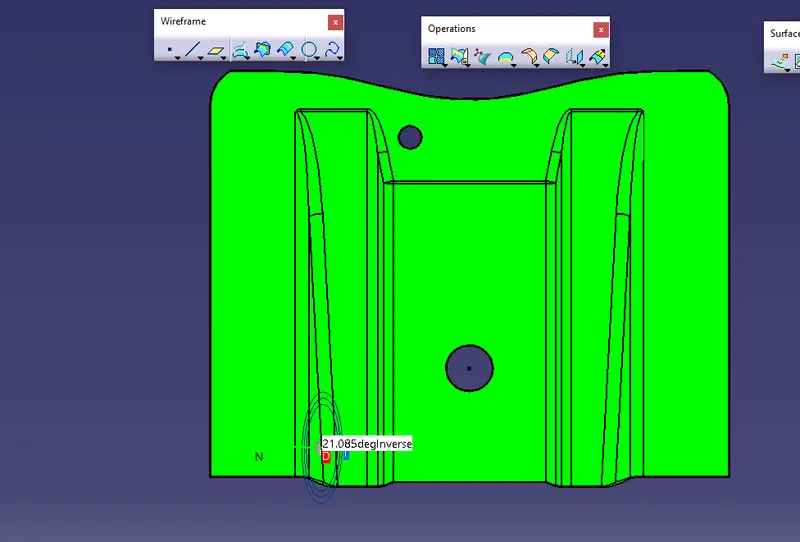
6)Side View:
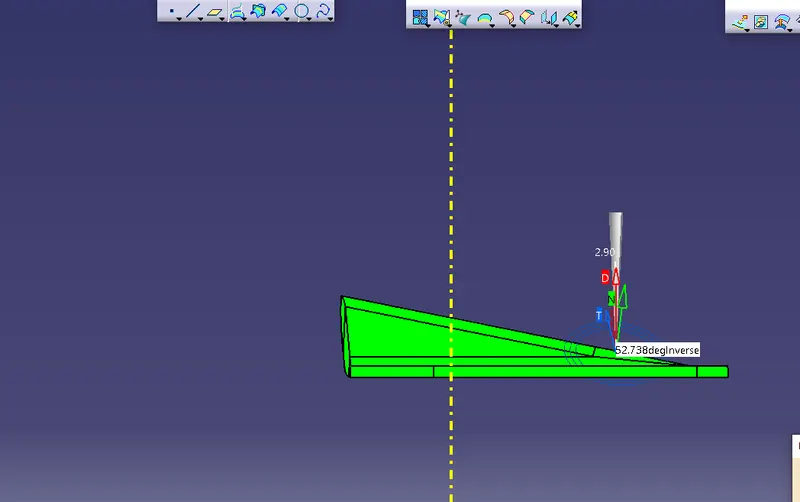
7)Front:
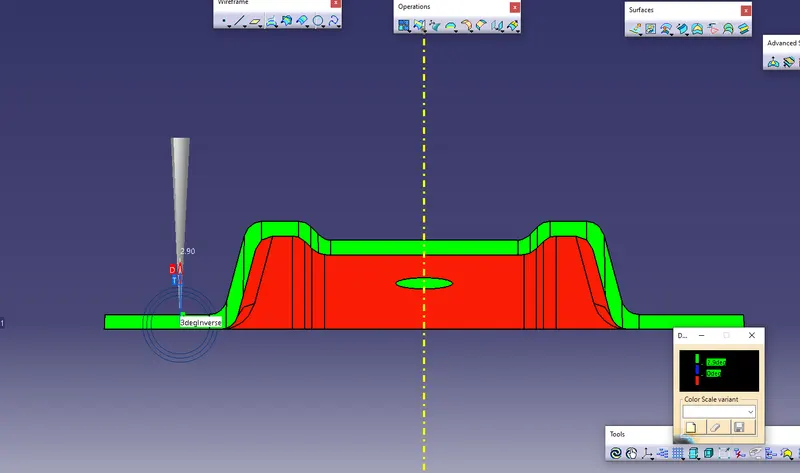
8)Draft Analysis for solid body:
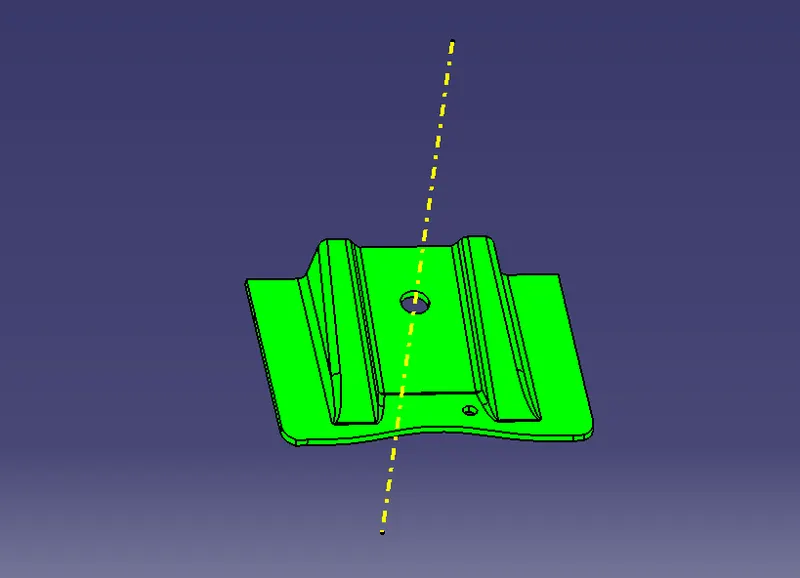
9)Solid Body :
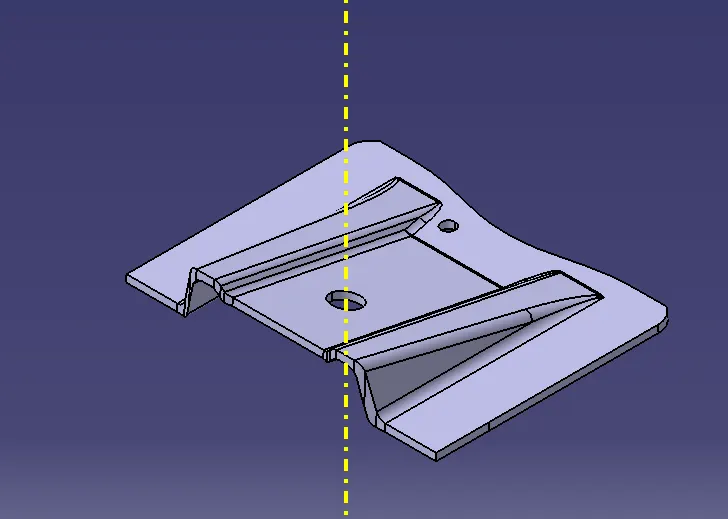
10)Color Variant in Draft Analysis :
11)Value Variant in Draft Analysis :
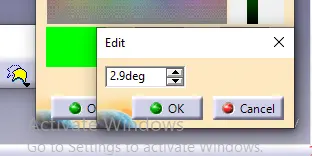
To set the value as per standard value.