Week 8 - Universal Joint
AIM:
- To perform transient structural analysis on the universal joint with three different materials.
- To obtain results for the simulation.
PROCEDURE:
- Open ansys workbench and dropdown a transient structural analysis system and rename it as a universal joint.
- Browse to the file location and import geometry.
- Open engineering data resources and add stainless steel, titanium alloy, and structural steel.
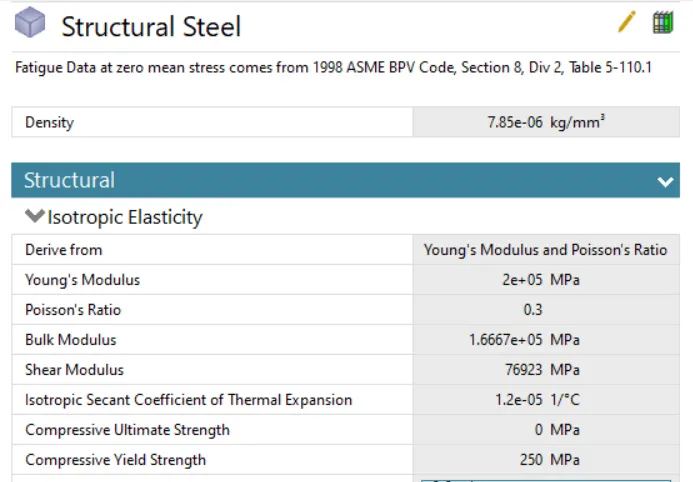
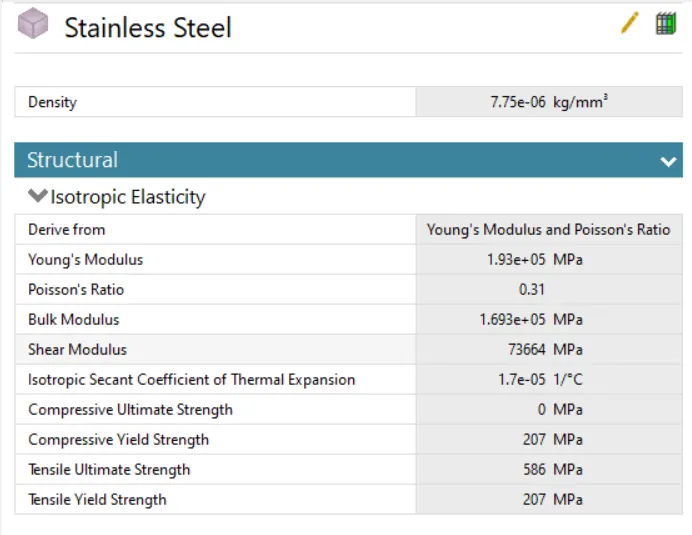
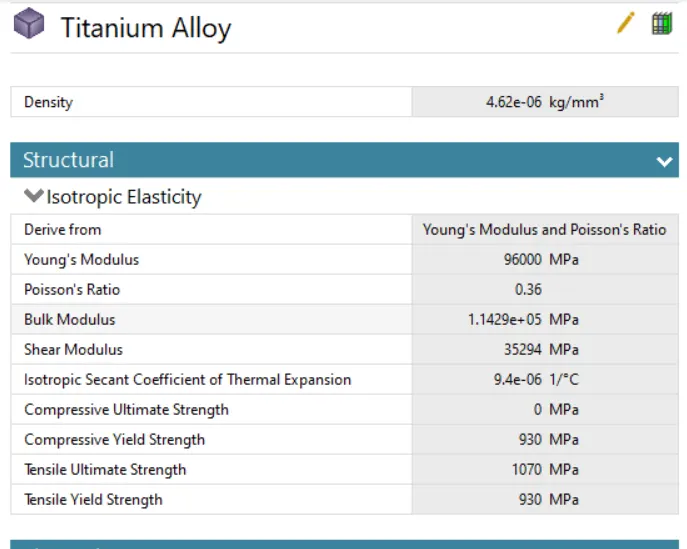
- Open the model using space claim.
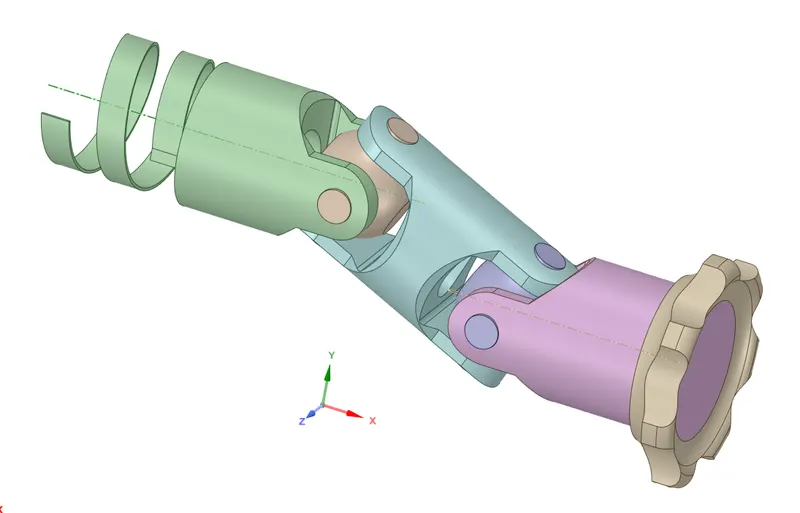
- Open ansys mechanical and set up the simulation.
- Delete the automatically created contacts.
- Create the required joints.
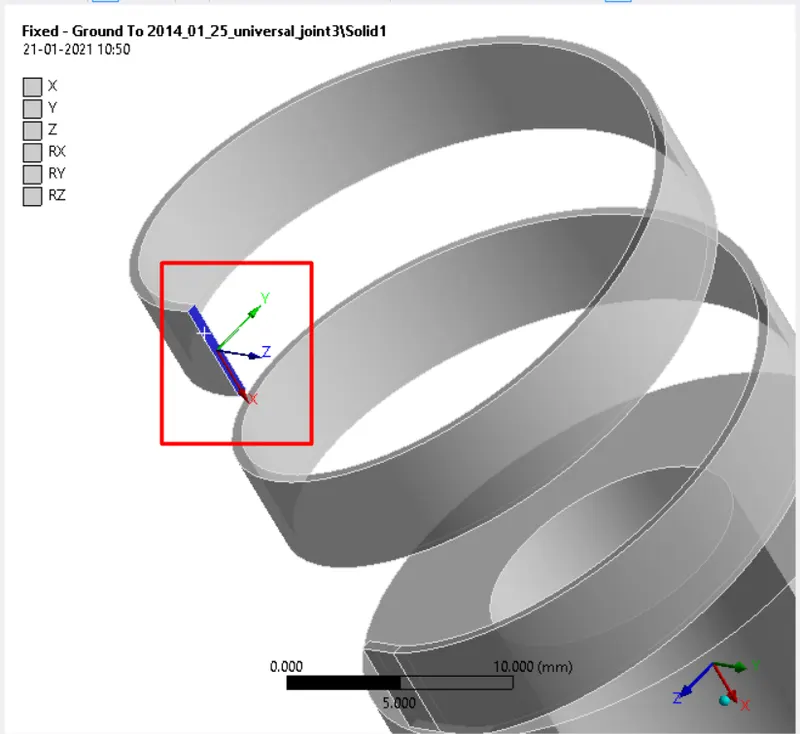
- Create a body to ground fixed joint to the spring as below.
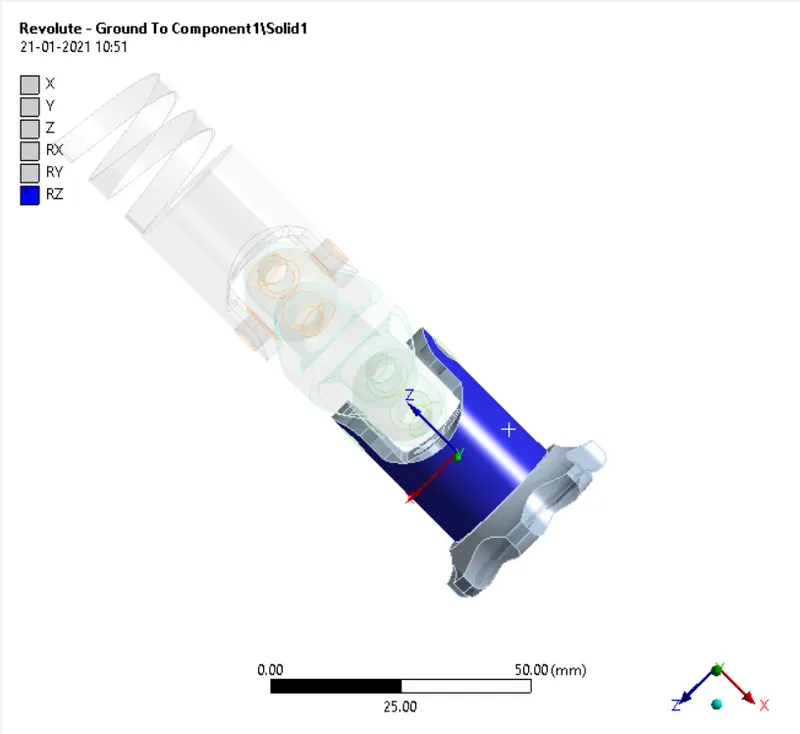
- Create a body to ground revolute joint as below.
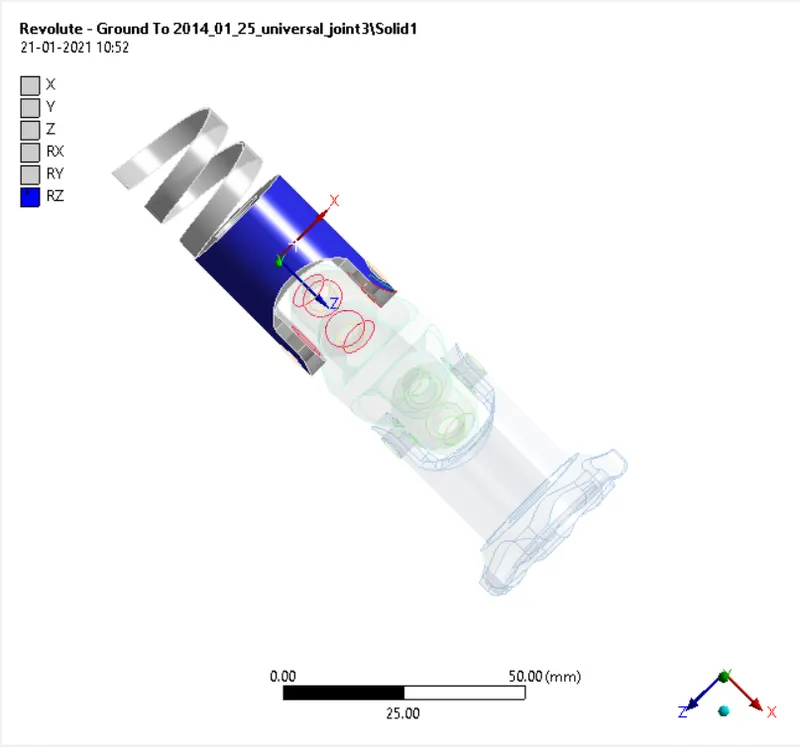
- Create another body to ground revolute joint as below.
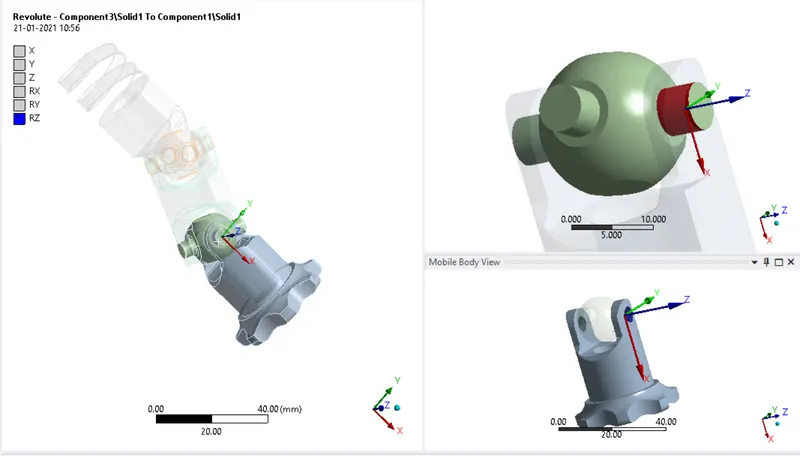
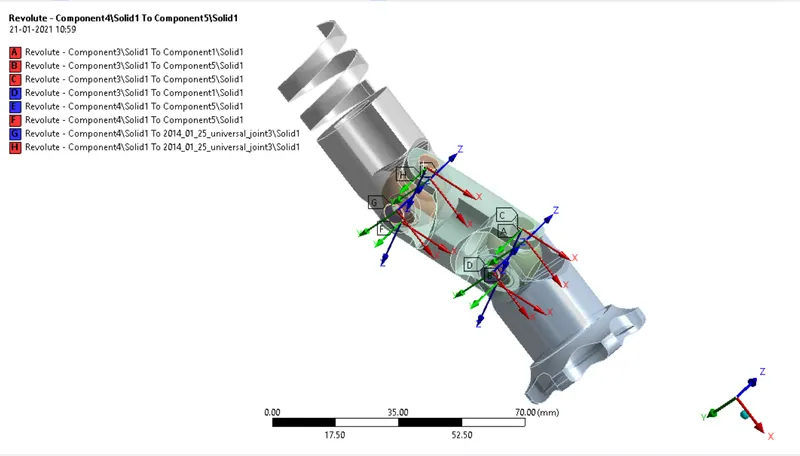
- Create a body to body revolute joints for all the pin joints as below.
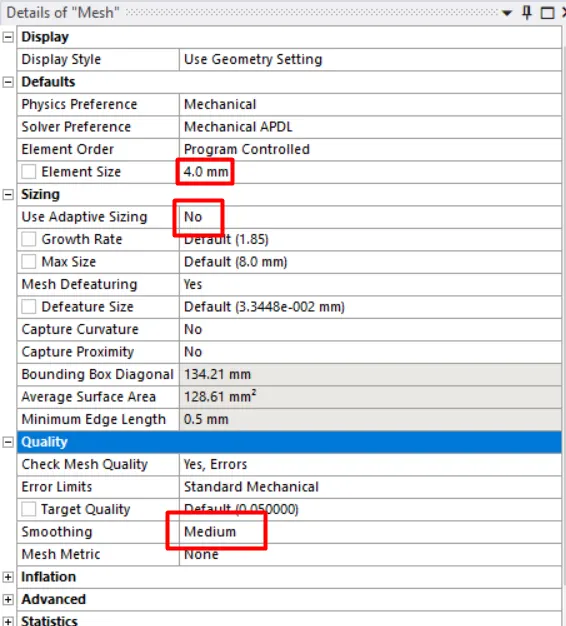
- Now under mesh settings change the element size to 3.5 mm and use no adaptive sizing and change smoothening to medium.
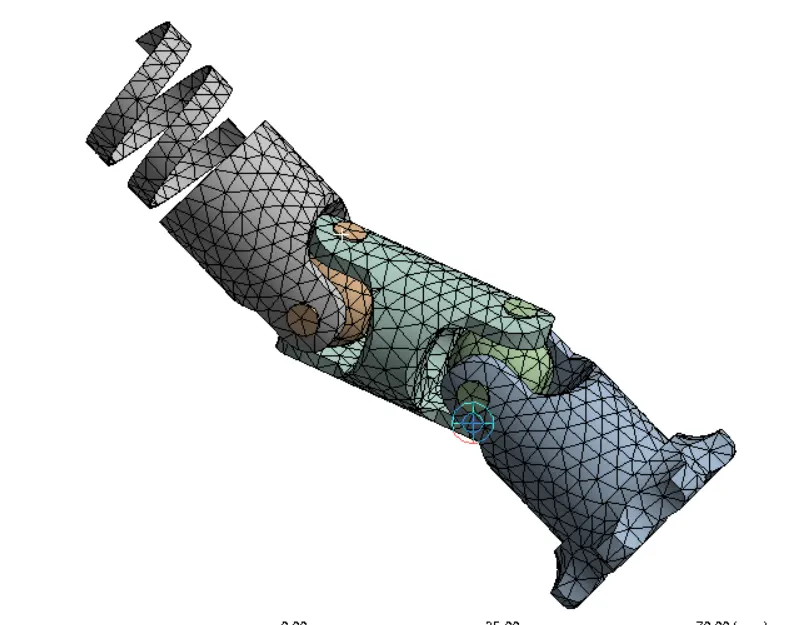
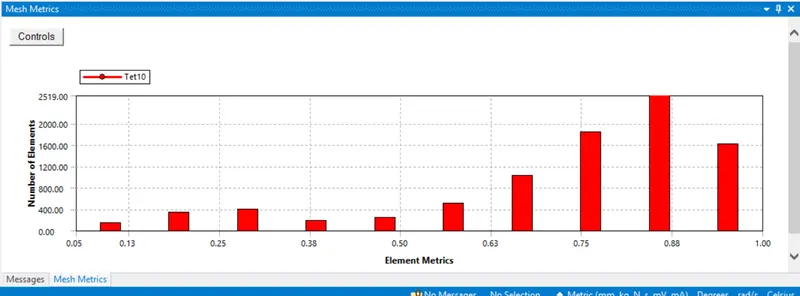
- The above graph represents mesh metrics which gives a clear idea of element quality and type of elements used for the simulation.
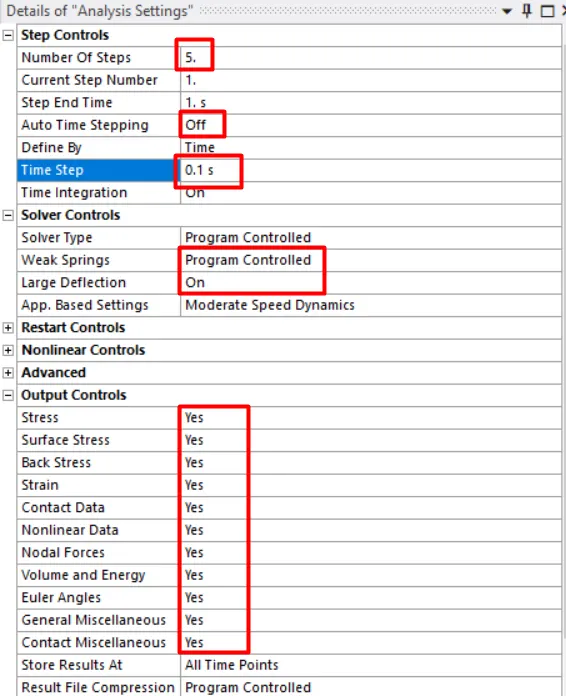
- Now under analysis settings change the number of steps to 5.
- Select step-1 to change the weak springs to program-controlled and turn on the large deflection.
- Switch off the auto-time stepping for step-1.
- Change all the output controls to yes.
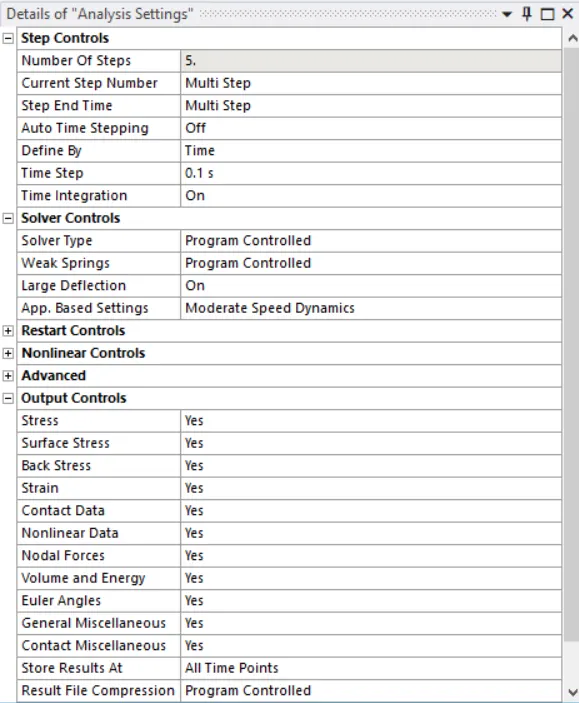
- Select steps 2-5 switch off the auto-time stepping and insert time step as 0.1.
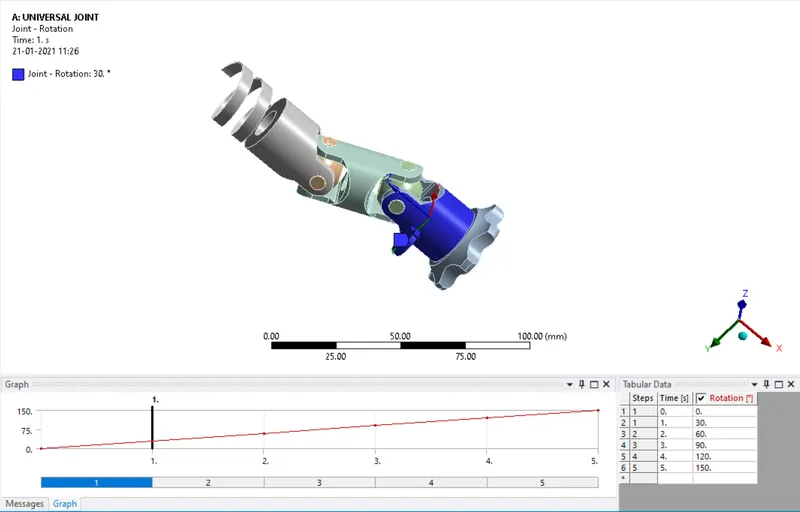
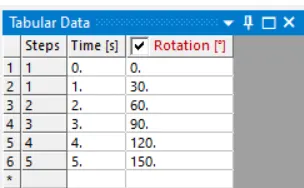
- Now select the below shown revolute joint and insert a joint load as rotation in tabular data with increment in the angle of rotation with 30 degrees.
- Now list the outputs require and simulated the model for results.
CASE-1:
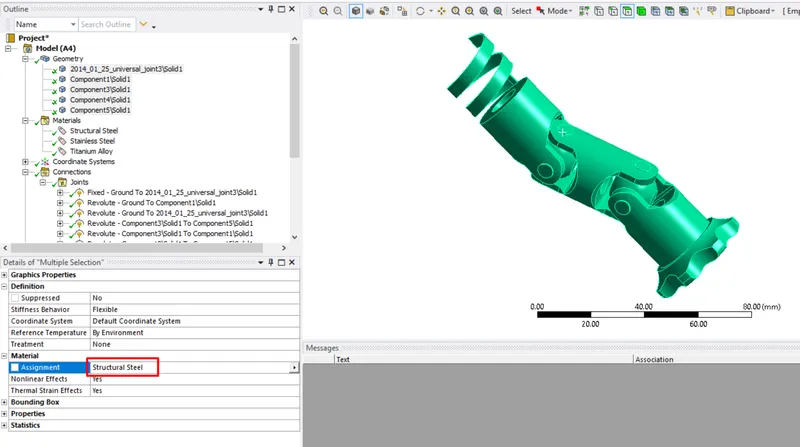
- For case-1 assign material for the model as structural steel and run the simulation to obtain results.
CASE-2:
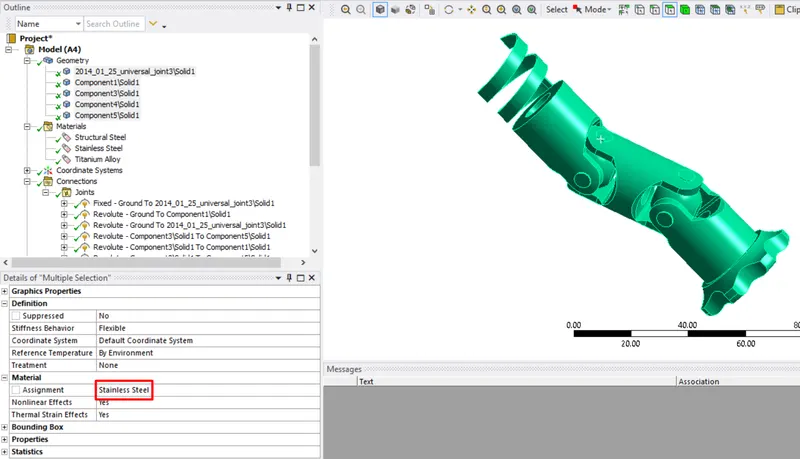
- For case-2 assign material for the model as stainless steel and run the simulation to obtain results.
CASE-3:
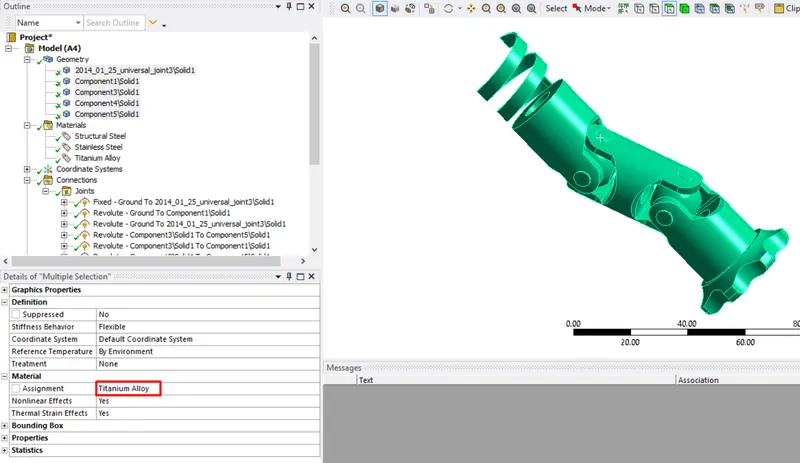
- For case-3 assign material for the model as titanium alloy and run the simulation to obtain results.
RESULTS:
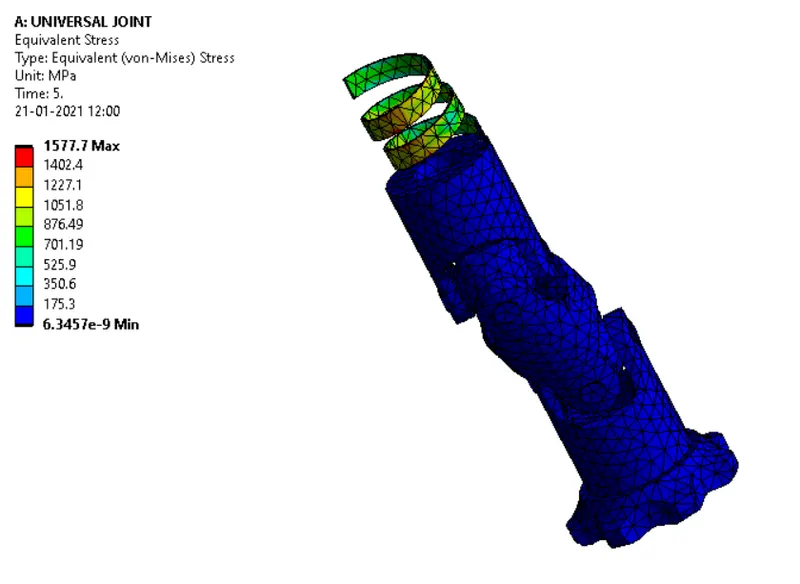
CASE-1: STRUCTURAL STEEL
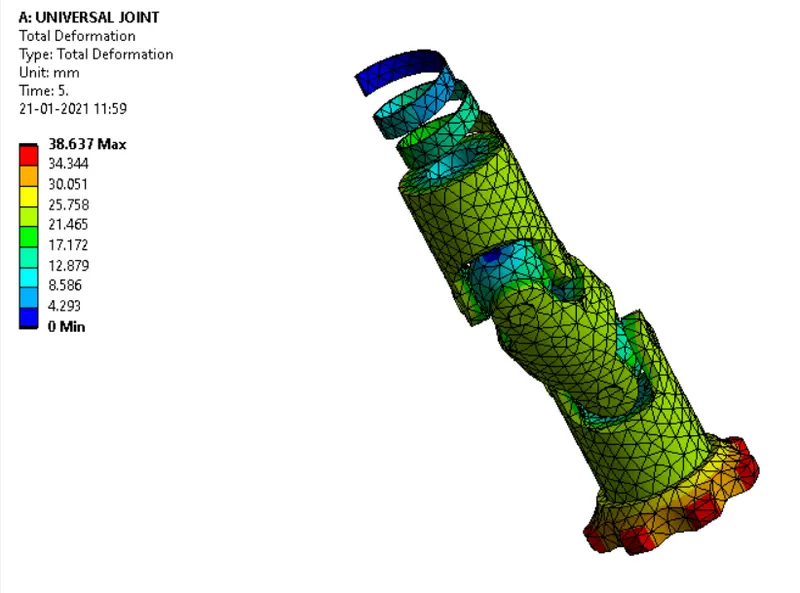
TOTAL DEFORMATION:
EQUIVALENT STRESS:
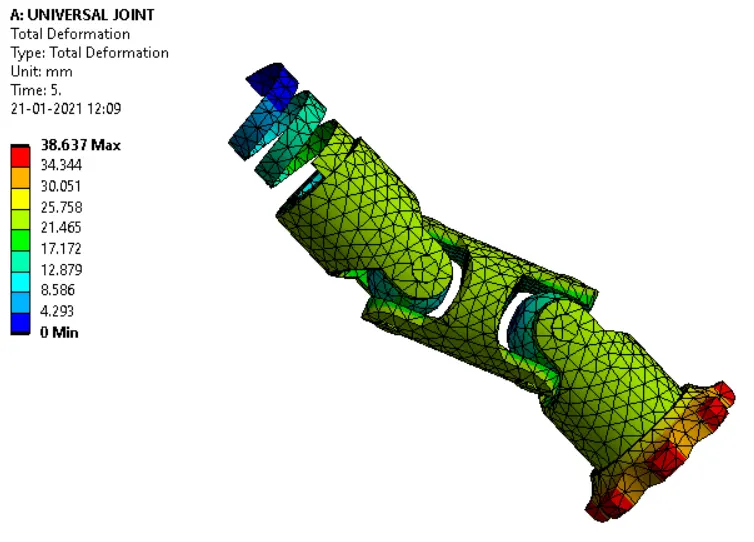
CASE-2: STAINLESS STEEL
TOTAL DEFORMATION:
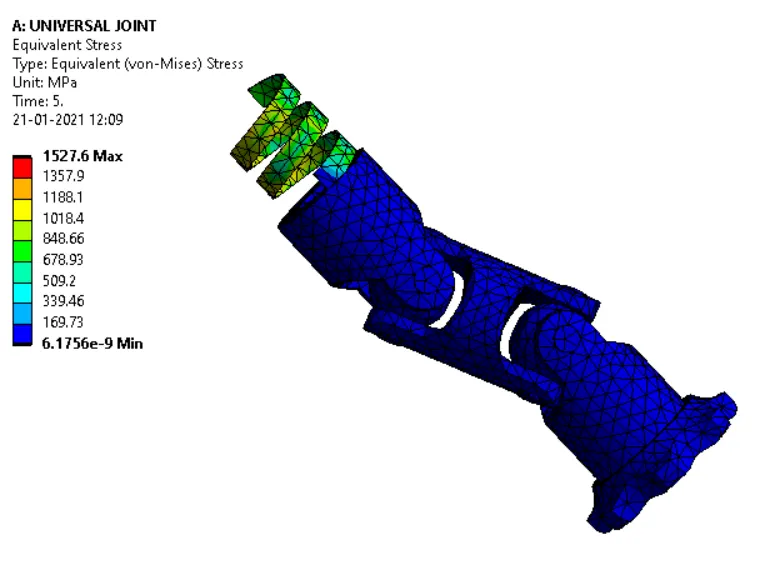
EQUIVALENT STRESS:
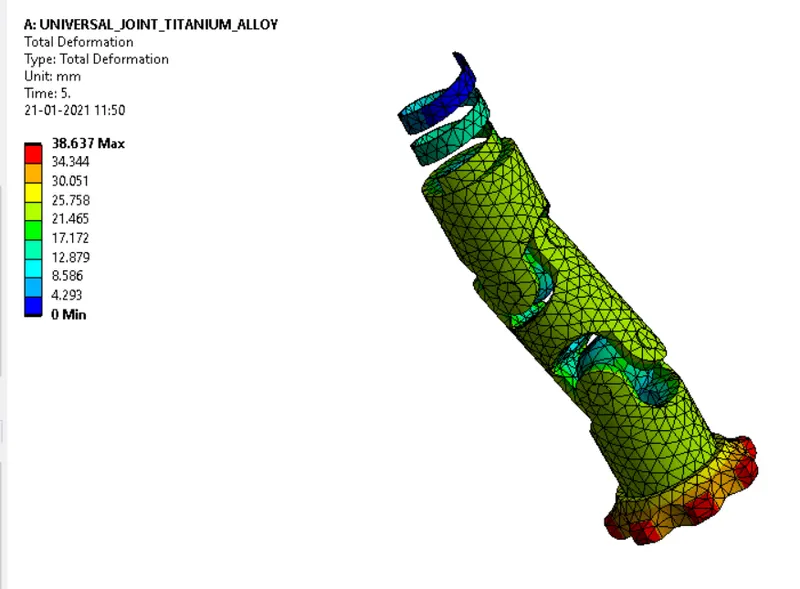
CASE-3: TITANIUM ALLOY
TOTAL DEFORMATION:
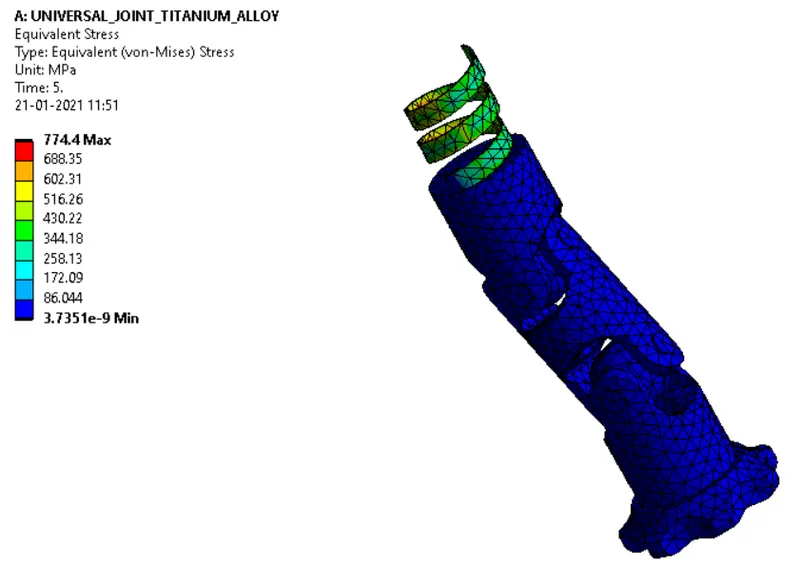
EQUIVALENT STRESS:
| SL.NO | MATERIAL | TOTAL DEFORMATION | EQUIVALENT STRESS |
| 1 | STRUCTURAL STEEL | 38.637 mm | 1577.7 MPa |
| 2 | STAINLESS STEEL | 38.637 mm | 1527.6 MPa |
| 3 | TITANIUM ALLOY | 38.637 mm | 774.4 MPa |
CONCLUSIONS:
- The double universal joint simulation using three materials that are structural steel, stainless steel, and titanium alloy is completed successfully and results are tabulated.
- The deformation under three cases is the same and the equivalent stress in the case of titanium alloy is less compared to stainless steel and structural steel.
- The design is safe in the case of titanium alloy as the equivalent stress not exceeds the yield strength of the material that is 930 MPa.