Meshing the Plastic Component of a Car Side Door Model using Hypermesh
AIM :
- To extract the midsurface of the given plastic component and a mesh the mid surface using quads as per the given quality criteria.
- To assign the thickness for the elements of the plastic component.
Procedure:
- Import the geometry.
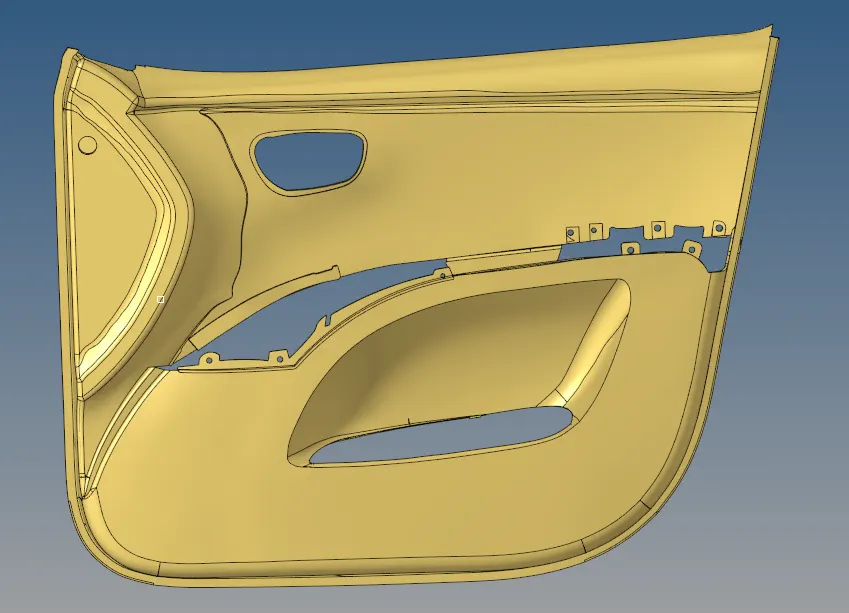
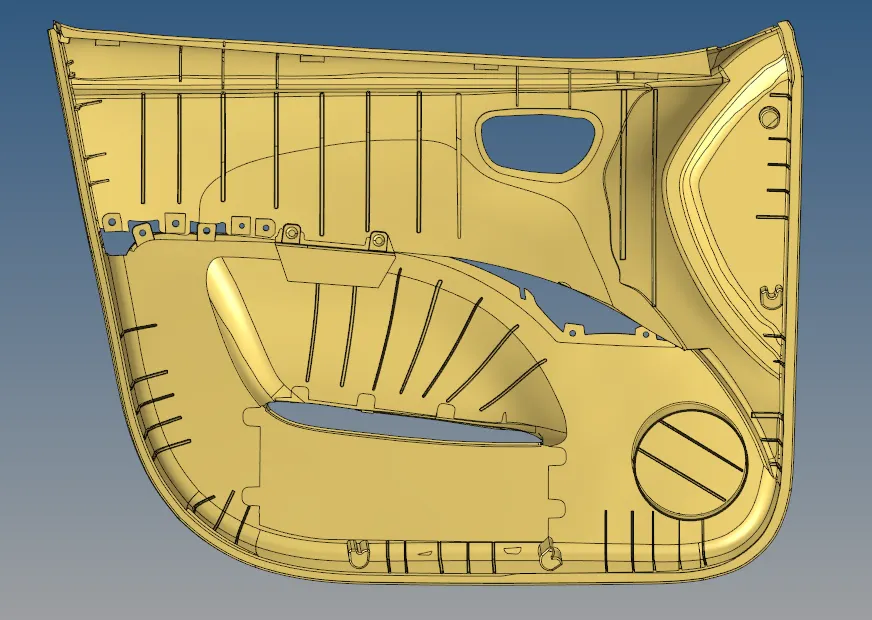
- Perform the topology rewiew and cleanup the geometry where the surfaces are undesired using edge edit option and surface edit options.
- Defeature the fillets which are below 5 mm.
- The given component is plastic component so the auto midsurface option will not work properly.
- Perform manual mid surfacing using surface edit -offset option.
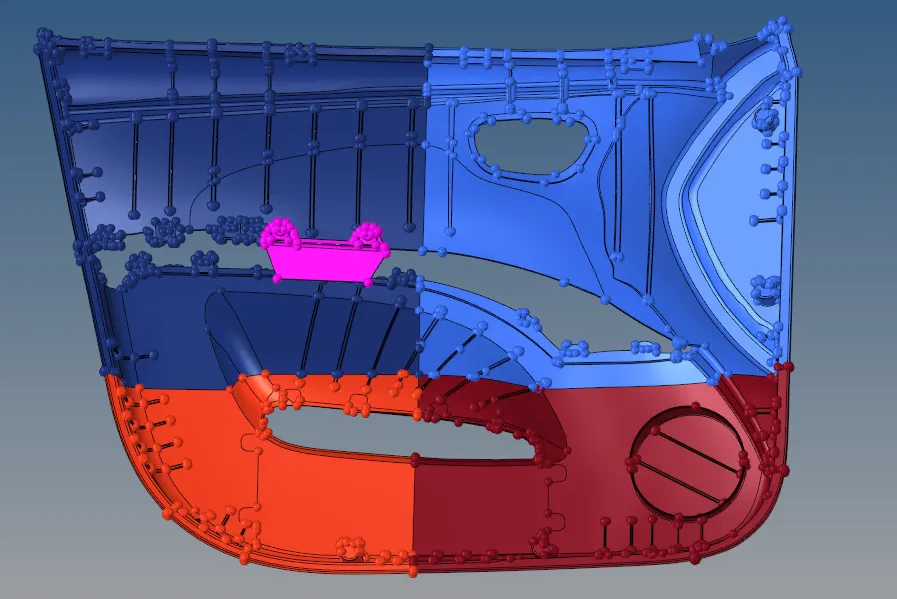
- Before manual mid surfacing,Because of the complexity of the geometry, the component is splitter into for parts. And then meshed.

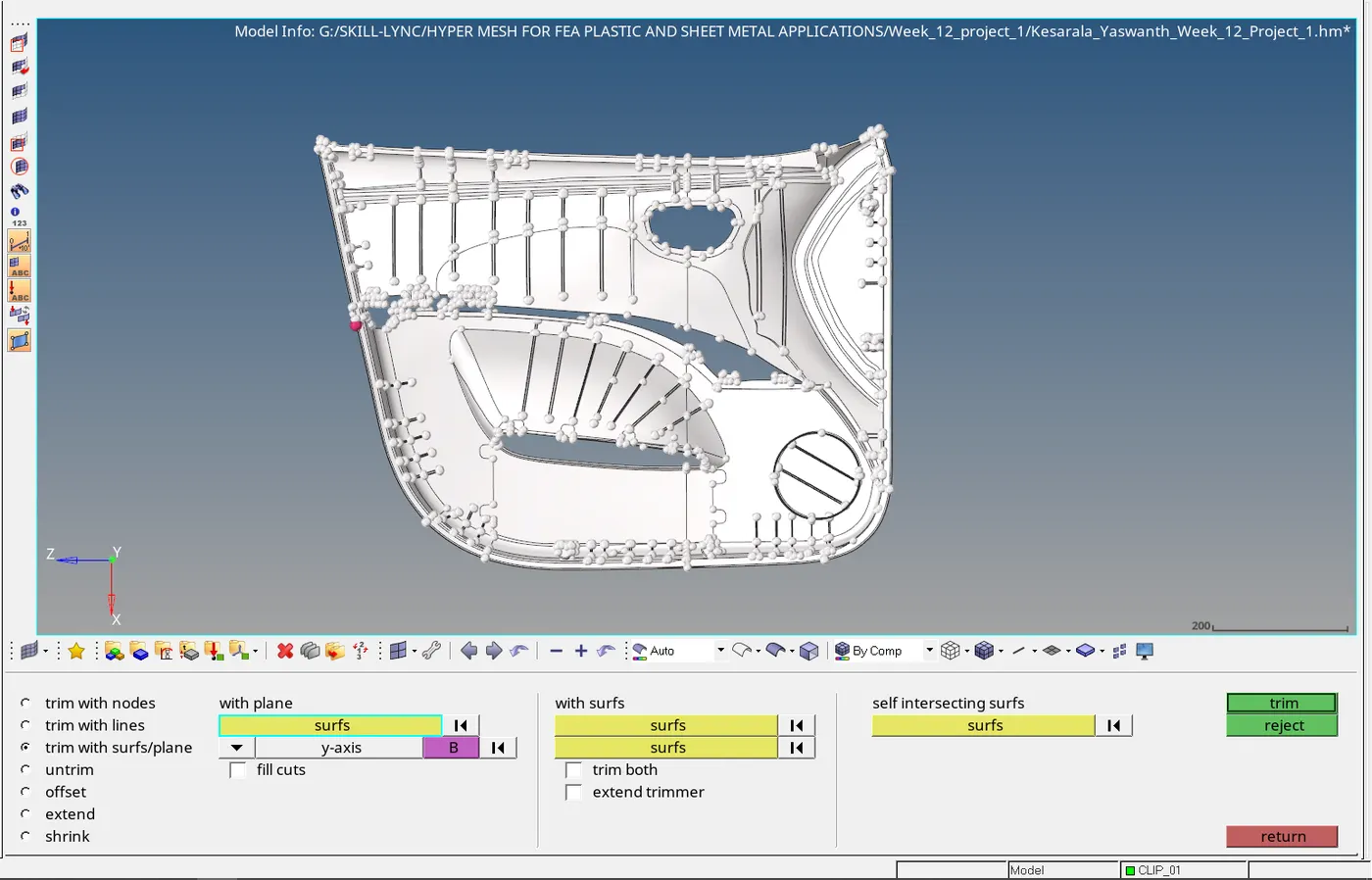
- As looking at the geometry the component contains so many number of ribs which are of different thickness.
- So auto midsurafacing wont work properly so manual mid surfacing is recommended.
- Move the splitter surfaces to four different component collectors and isolate any one of the collectors and start mid surfacing one by one.
- Manual mid surface can be extracted by measuring the distance between the nodes and using surface offset option.
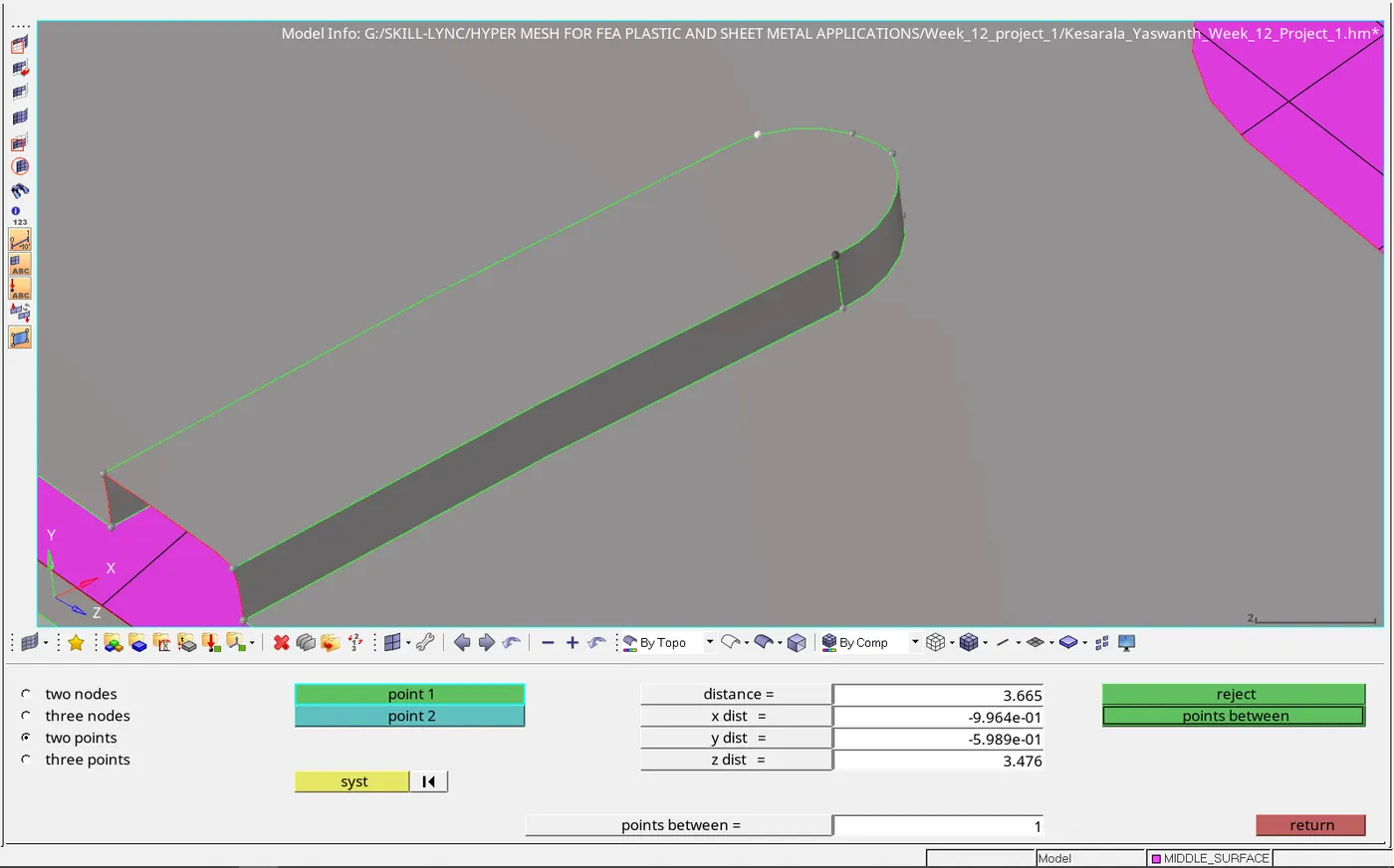
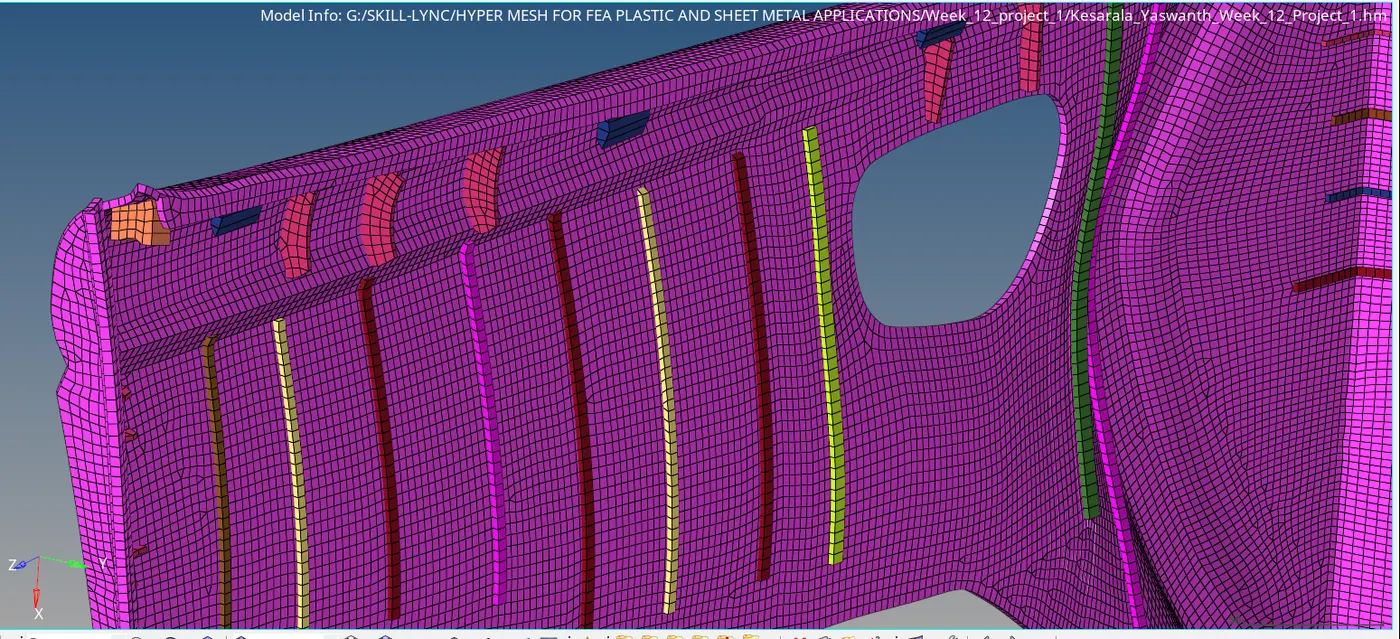
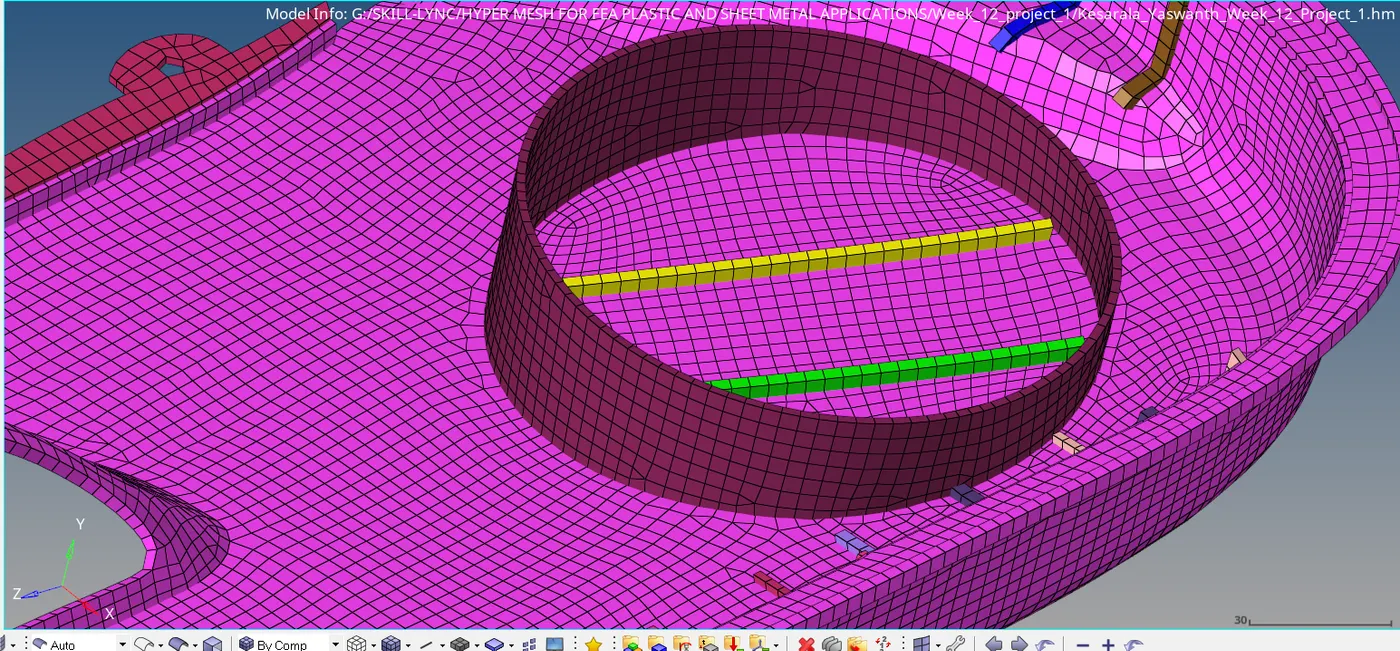
- Mid surface for all the ribs and parent components are extracted and meshed and checked for given quality criteria.
- The ribs ad the parent geometry are not in contact after extracting the mid surface by using the extend surface option the ribs are made contact with the parent geometry.
- Ribs are meshed first and then the parent geometry is meshed after the both the ribs and parent geometry are meshed the rib elements nodes are projected on to the surface of the parent geometry.

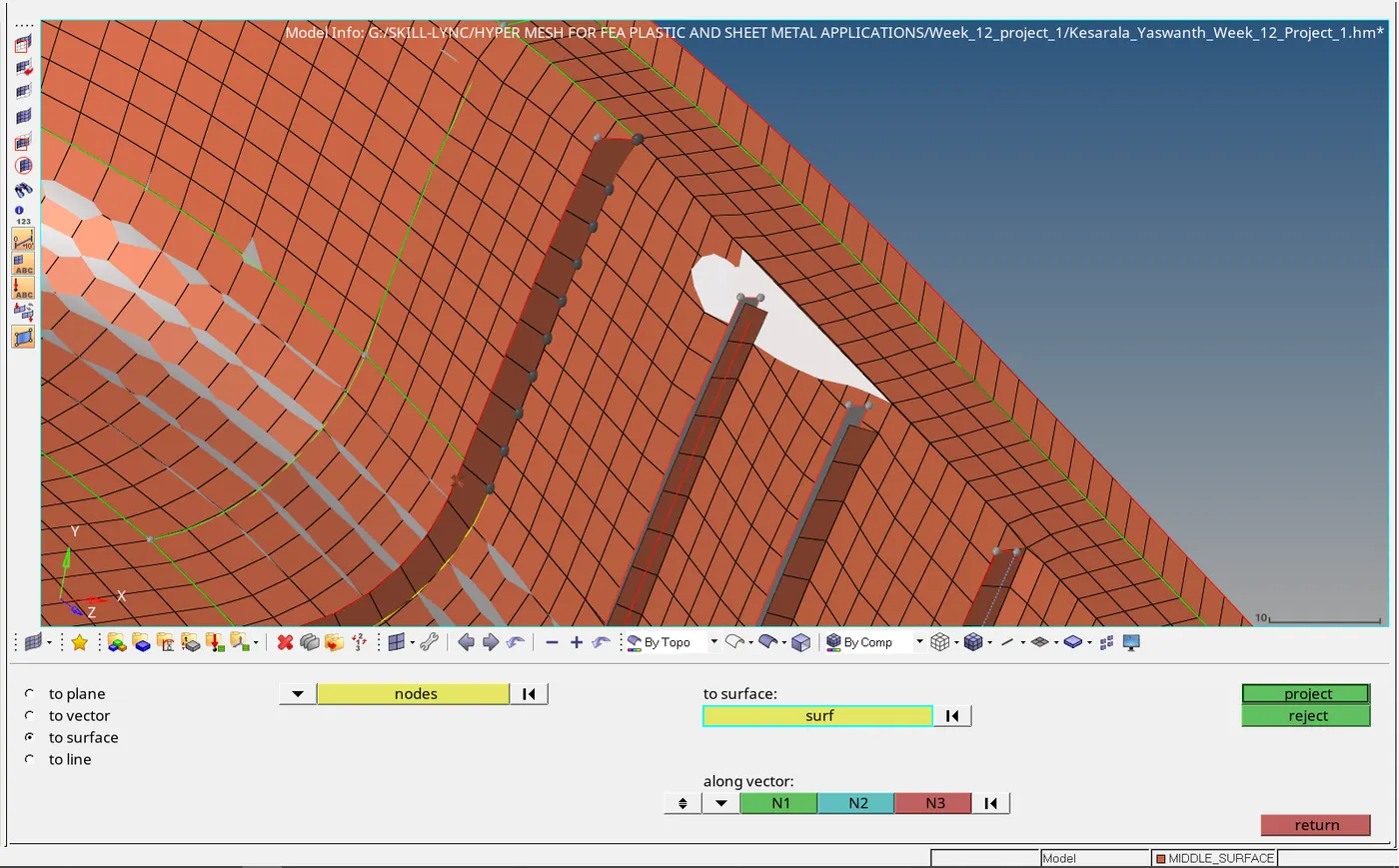
- After projecting the nodes of the ribs the nodes of ribs and parent geometry are connected using replace node option for connectivity between elements.
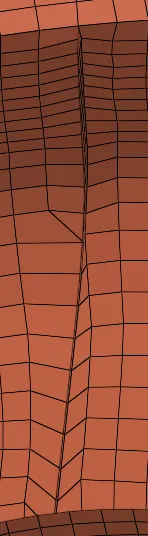
- After connecting both the elements the elements are remeshed and smoothened for proper mesh flow.
- By using above technique all the rib elements are connected with the elements of the parent geometry.
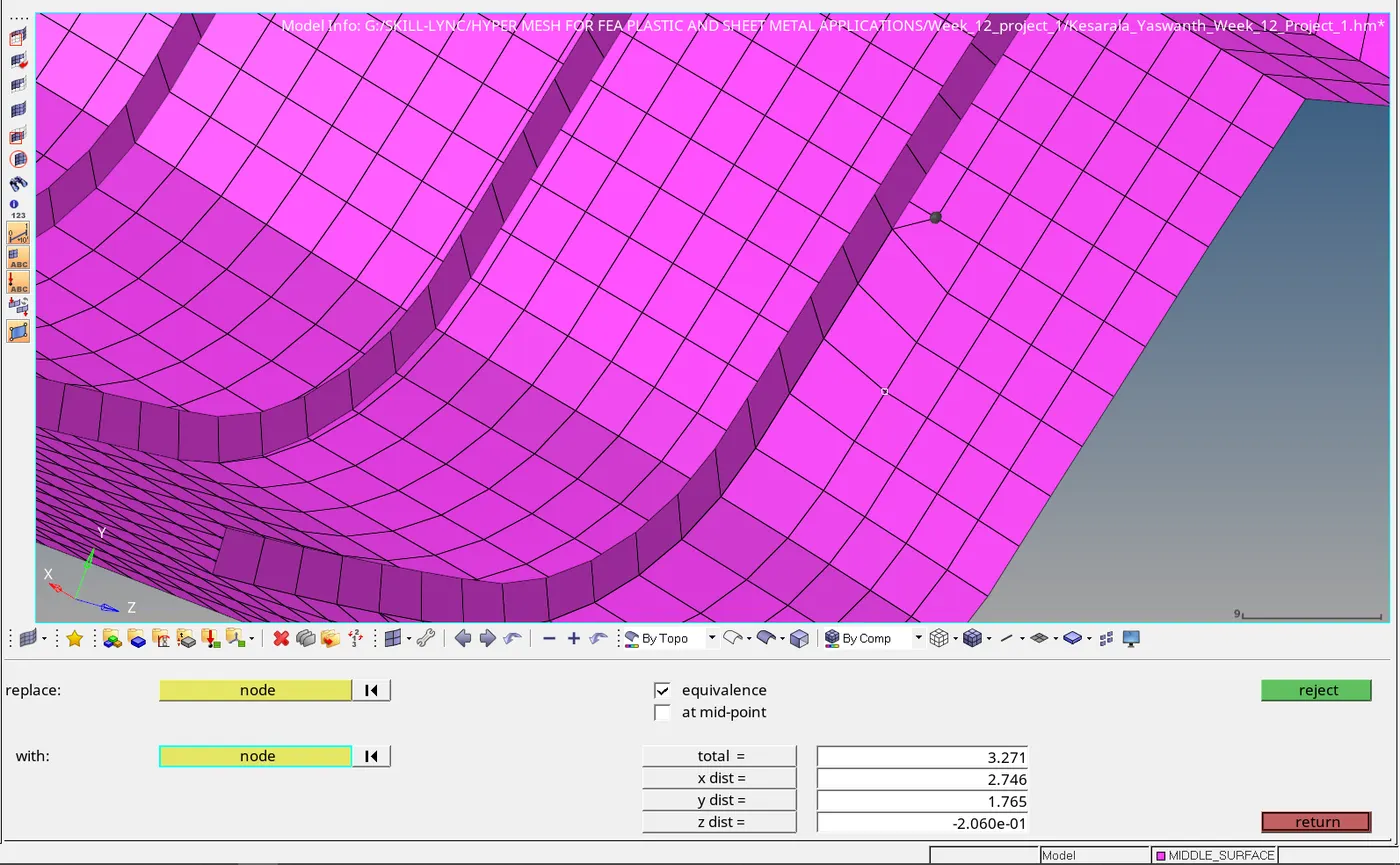
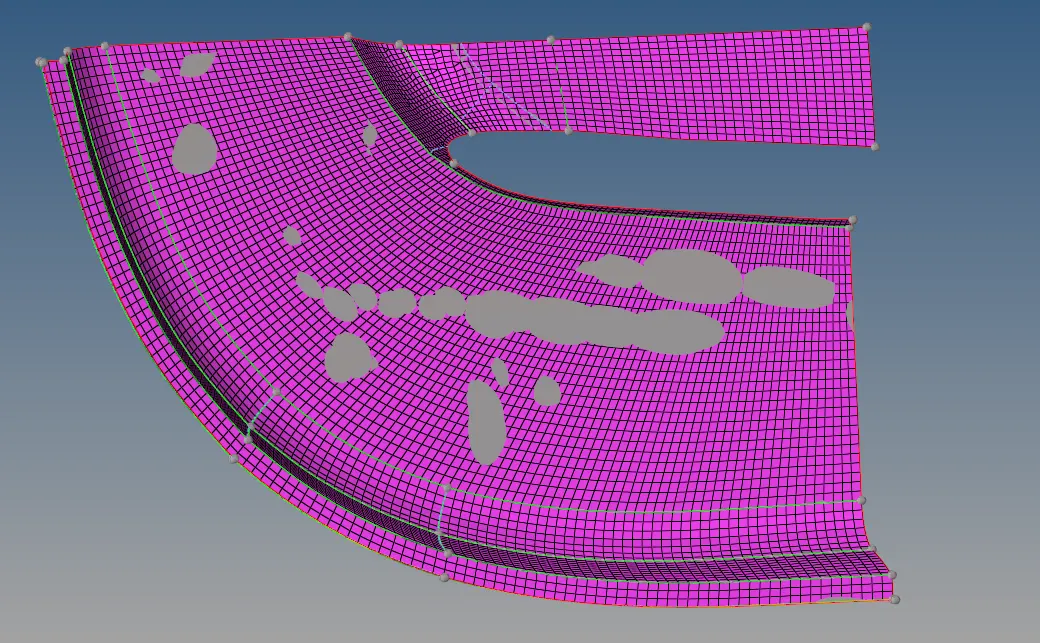
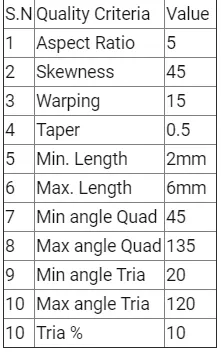
- After meshing all the parent components and ribs the mesh is checked for quality using check elements option.
- The quality of the elements is checked based on the given below criteria.
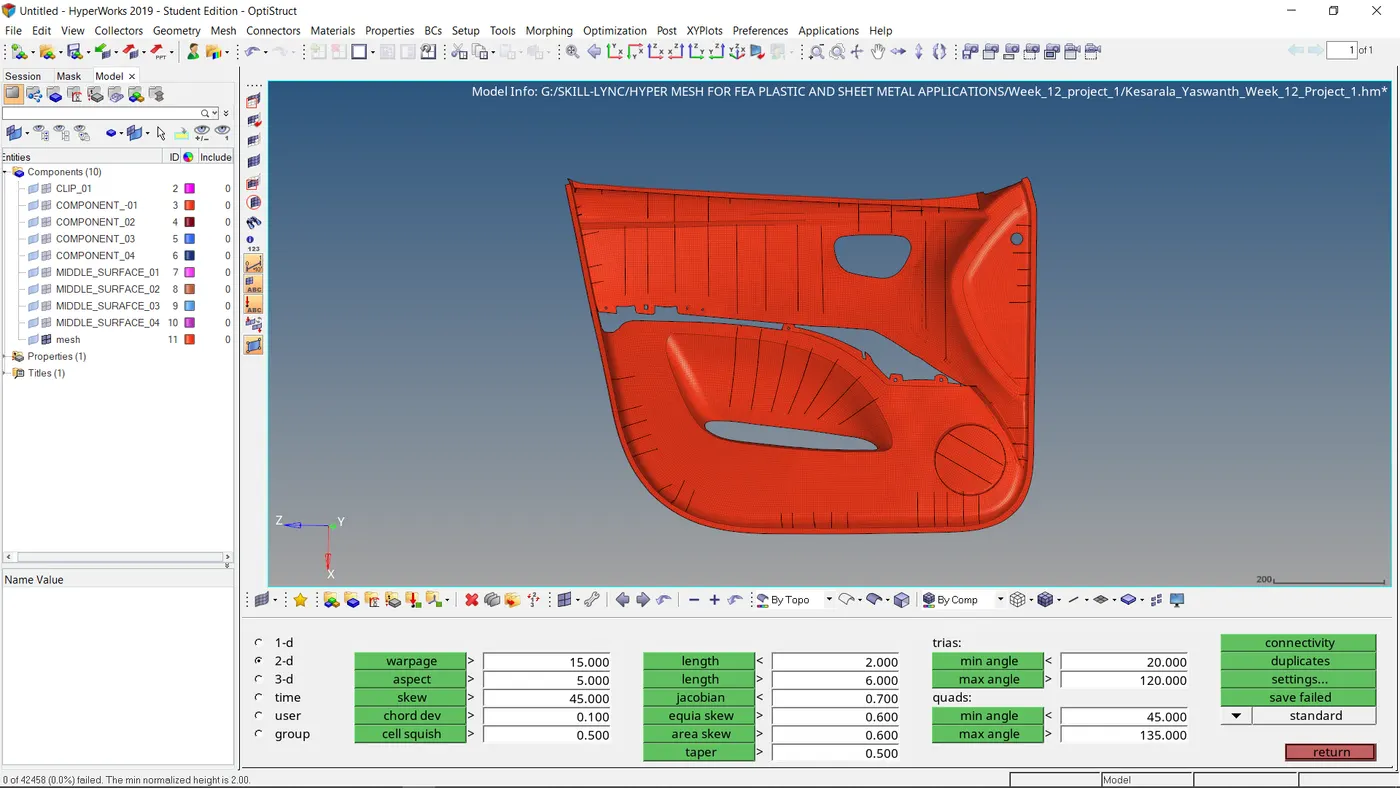
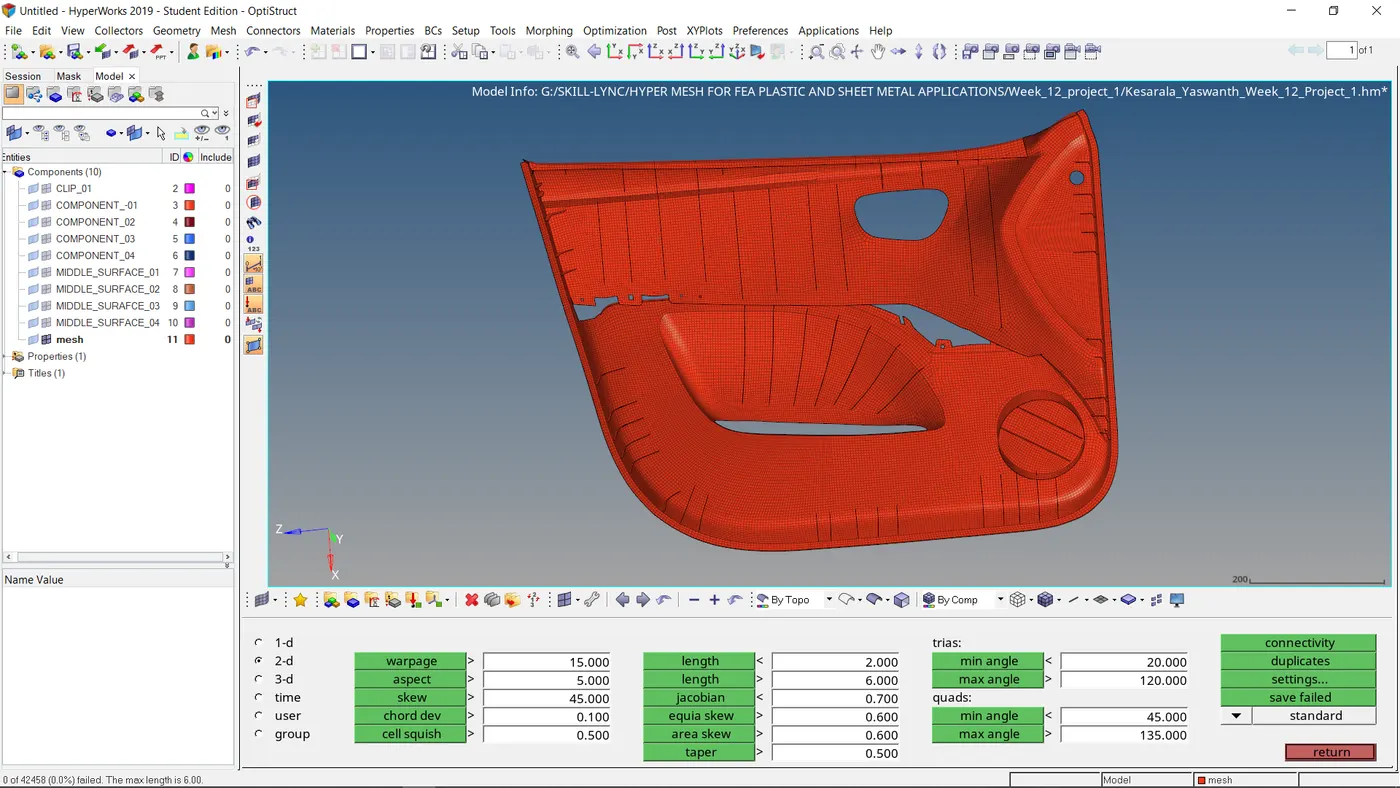
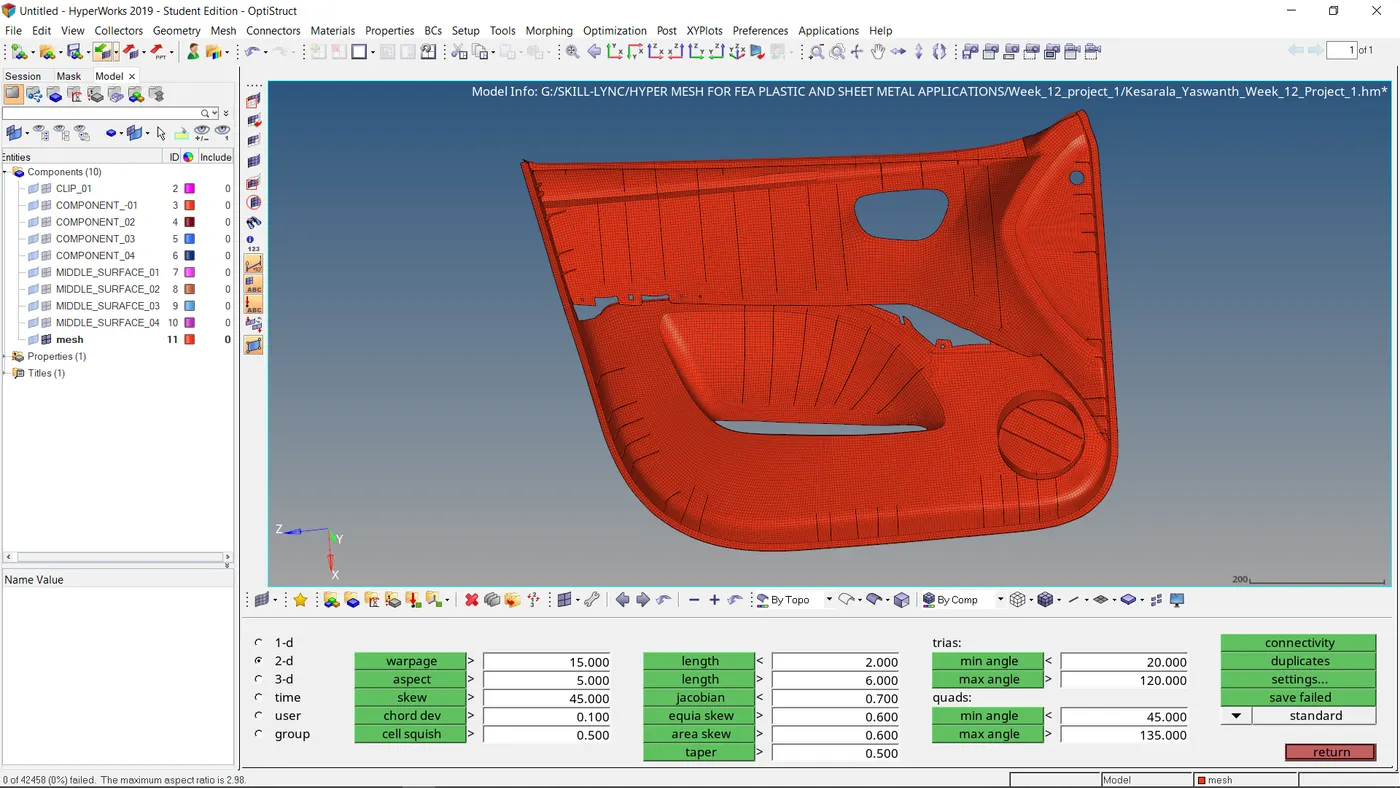
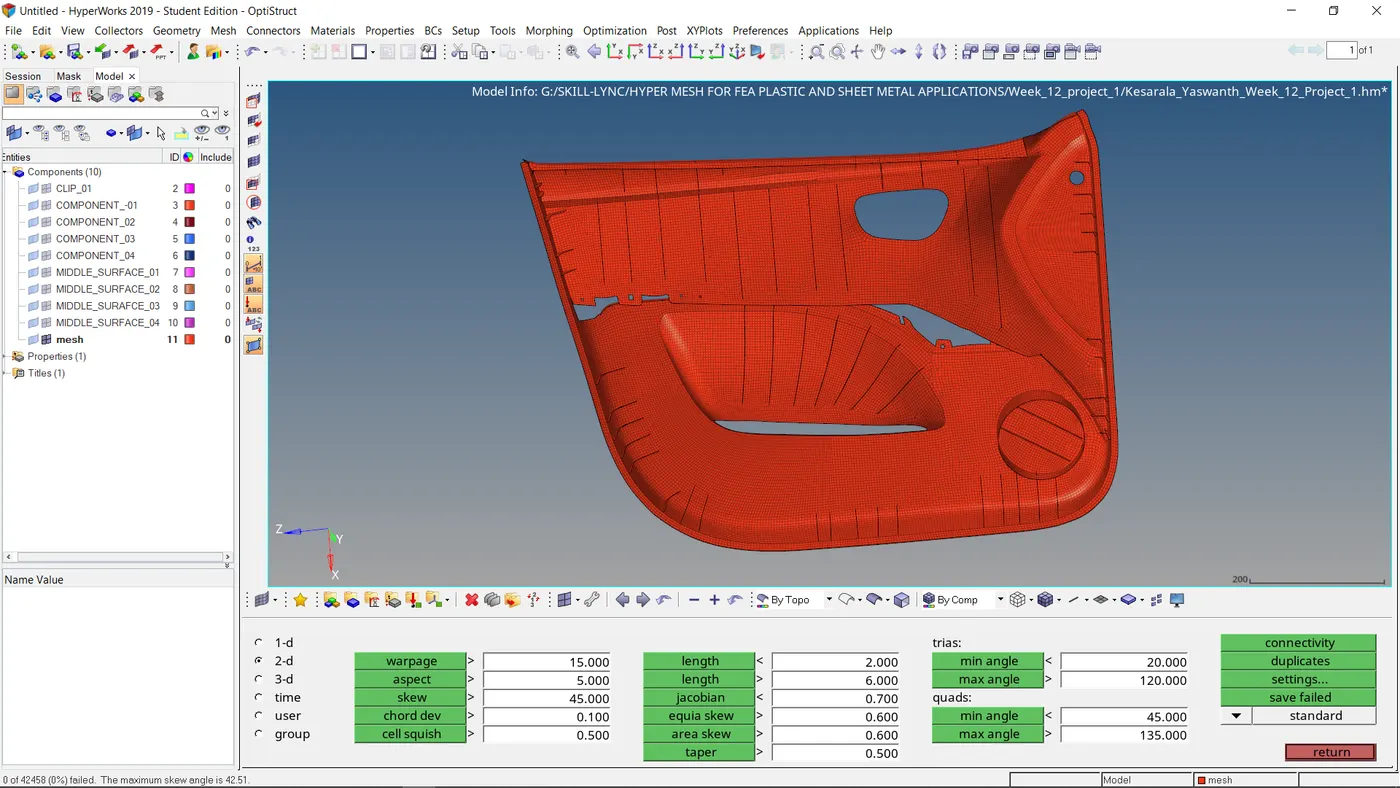
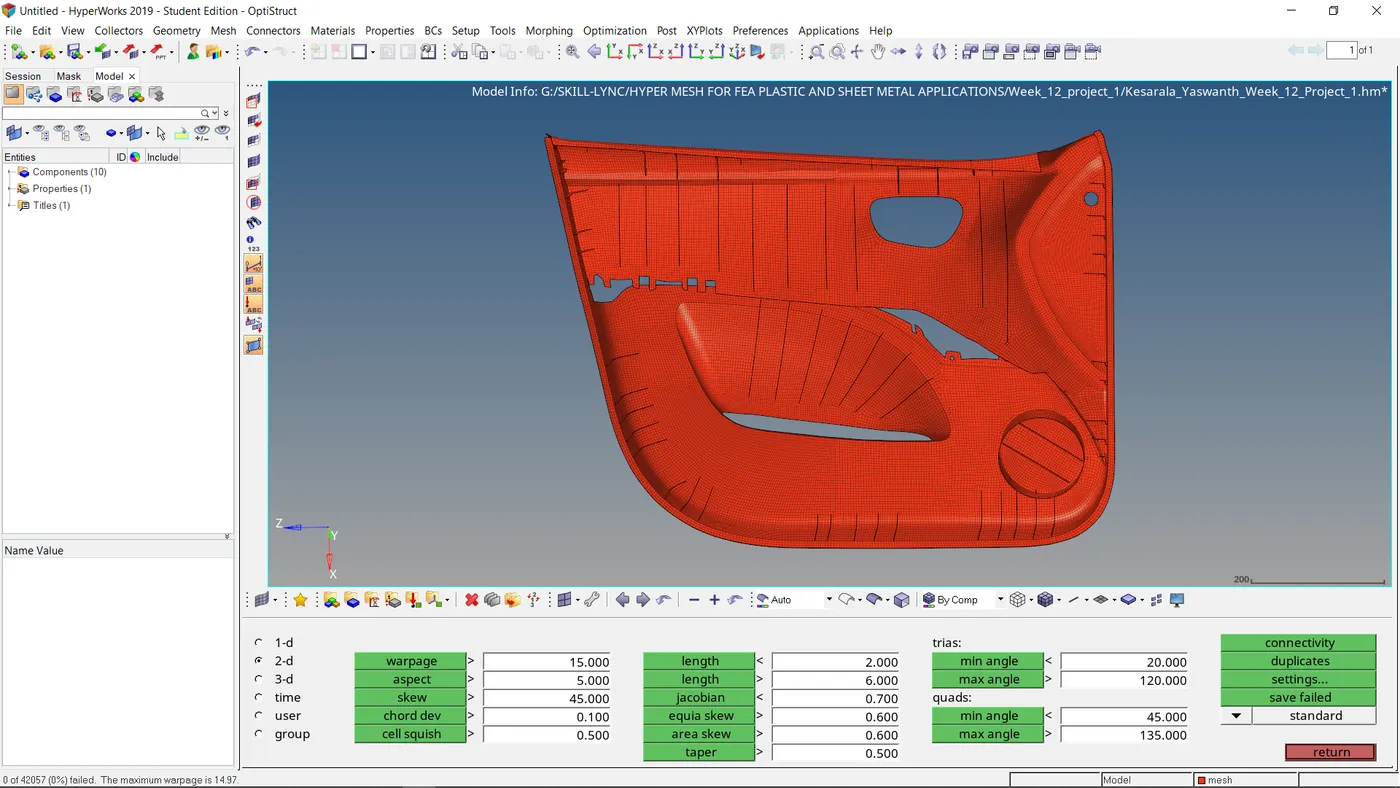
- To resolve the errors of the elements use the quality index option swap between the methods to remove errors.
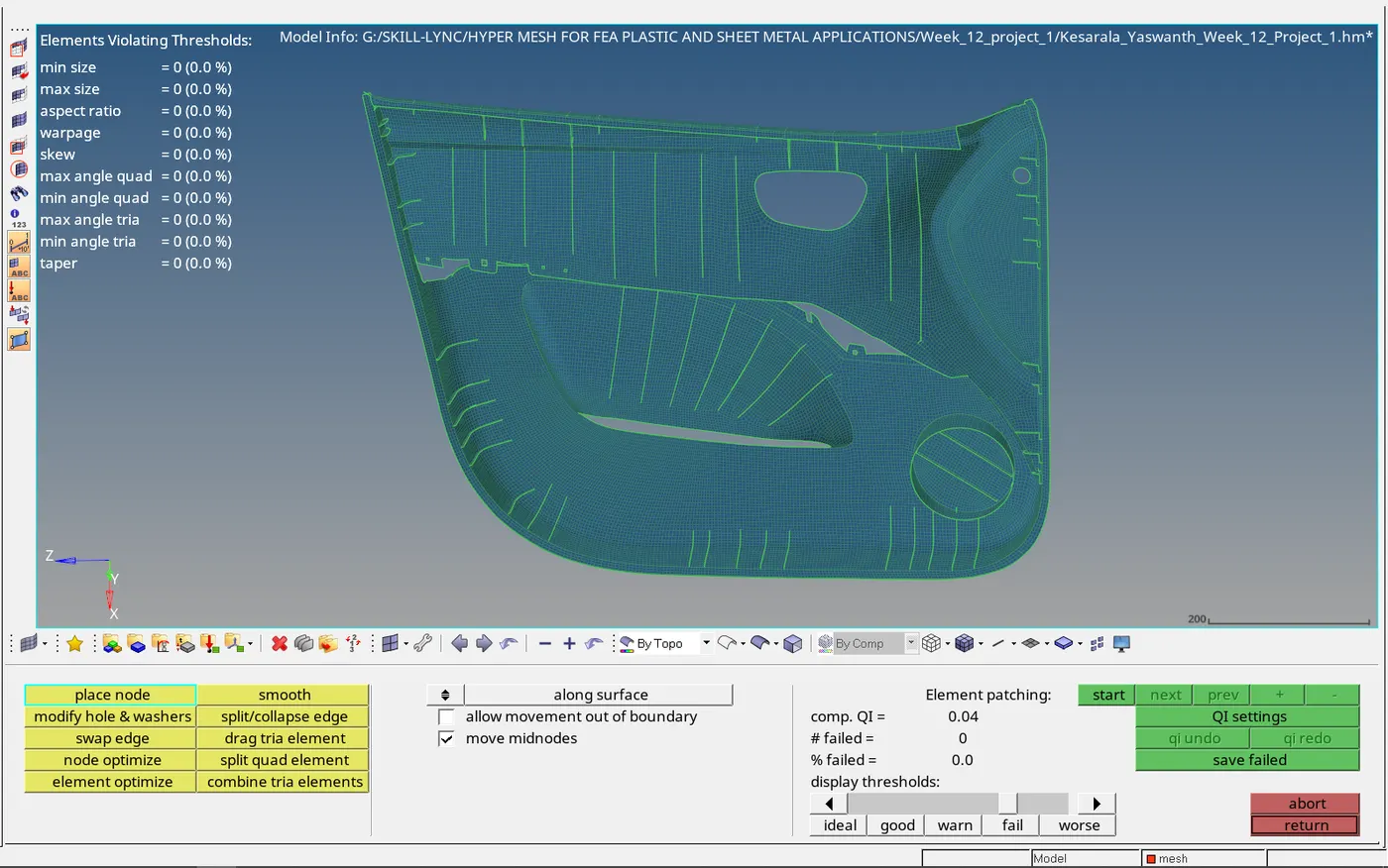
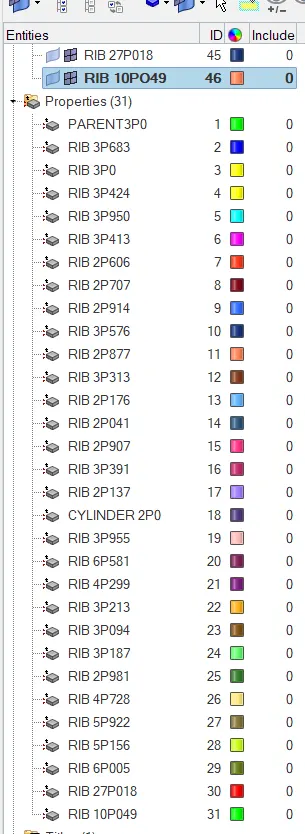
- After checking the elements create the component collectors for the ribs of respective thickness and move the elements to their respective thickness component collectors.
- Create the for each component collector with the respective thickness and assign property value to the component collector.
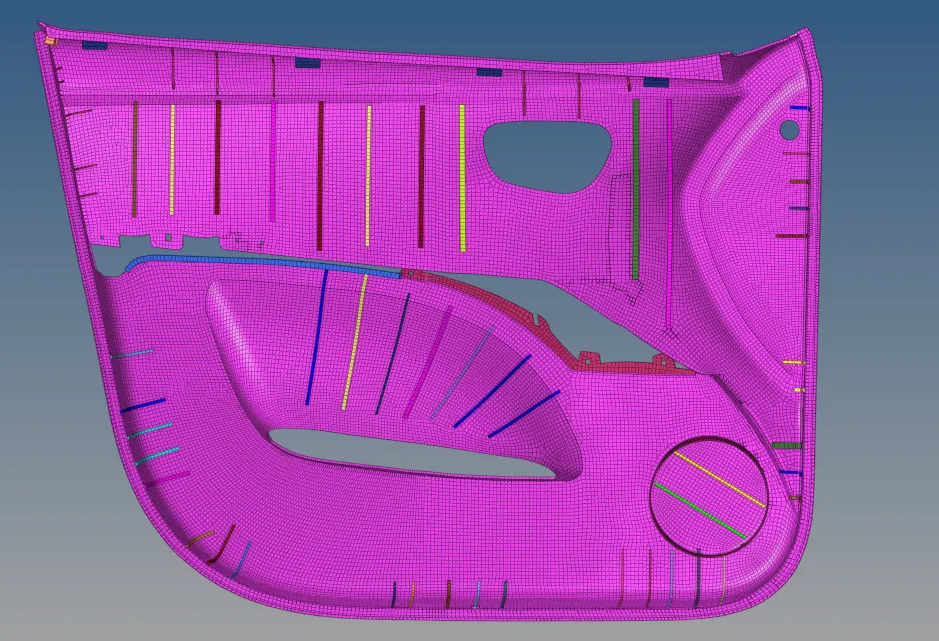
Result and conclusions:
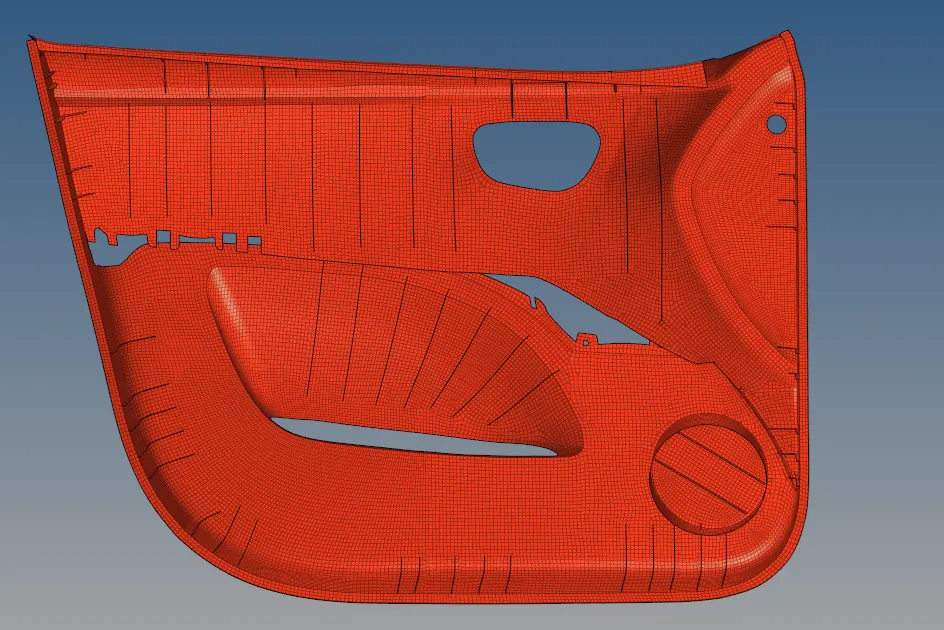
- The mid surface for the given plastic component is extracted and meshed based on the given quality criteria.
- The thickness for the given plastic component after meshing is assigned successfully.