Week 5
Aim and Objective:
- To clean up the geometry.
- To mesh the given component according to given quality criteria using ortho trias and trias to capture the surfaces without any knicks and raised edges
- To perform the volume mesh after FE modelling the given geometry with tria elements and check-in the volume meshed component for tet collapse.
Procedure:
- Import the geometry.
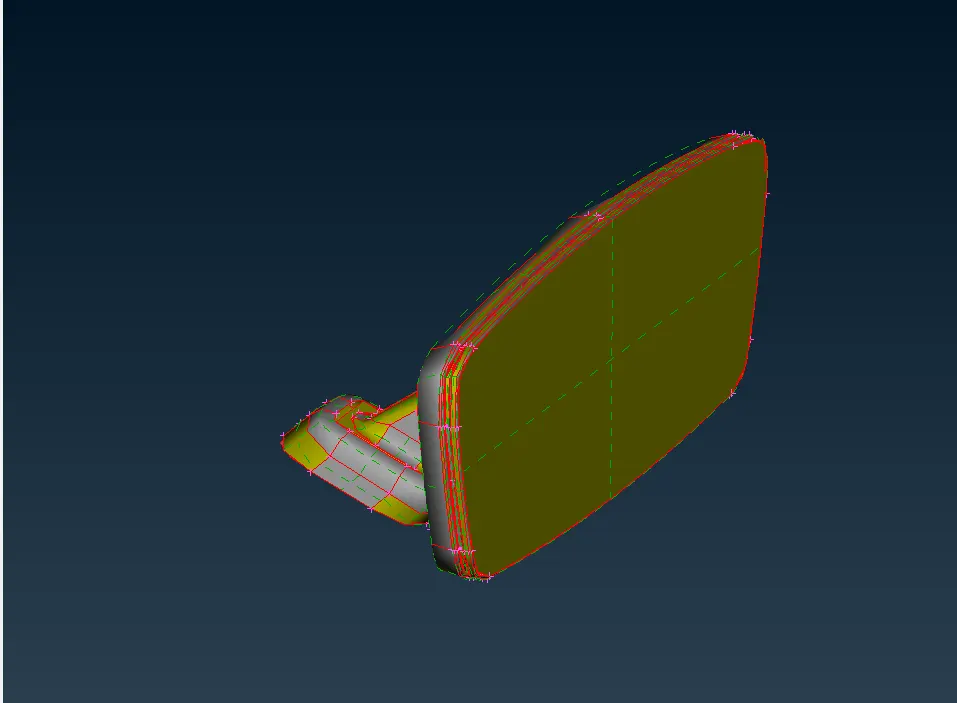 .
.
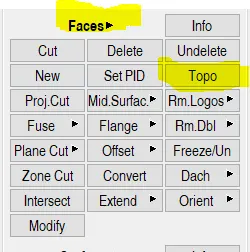
- Perform topo using topo tool under faces menu.
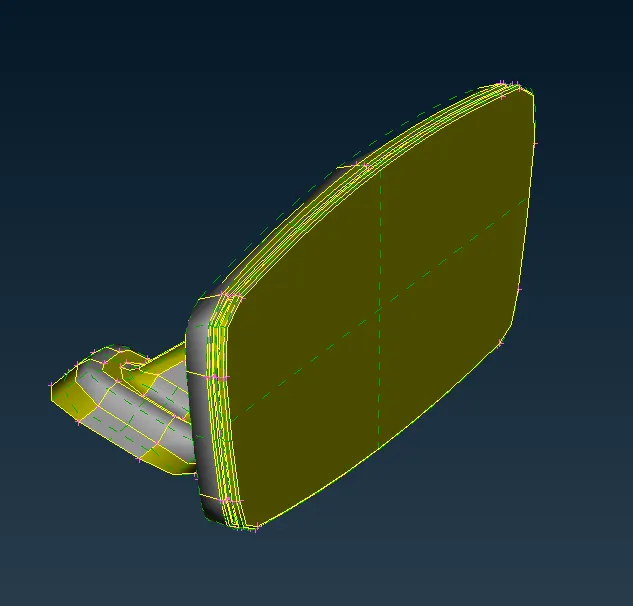
- In ANSA if geometry contains two colours then the geometry is inconsistent.
- The component should follow the colour pattern grey indicates positive, yellow indicates negative in ANSA colour is an entity.
- To maintain a single colour pattern the orientation is used.
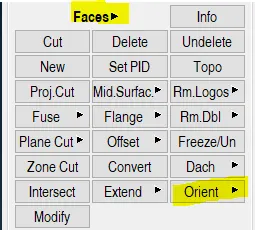
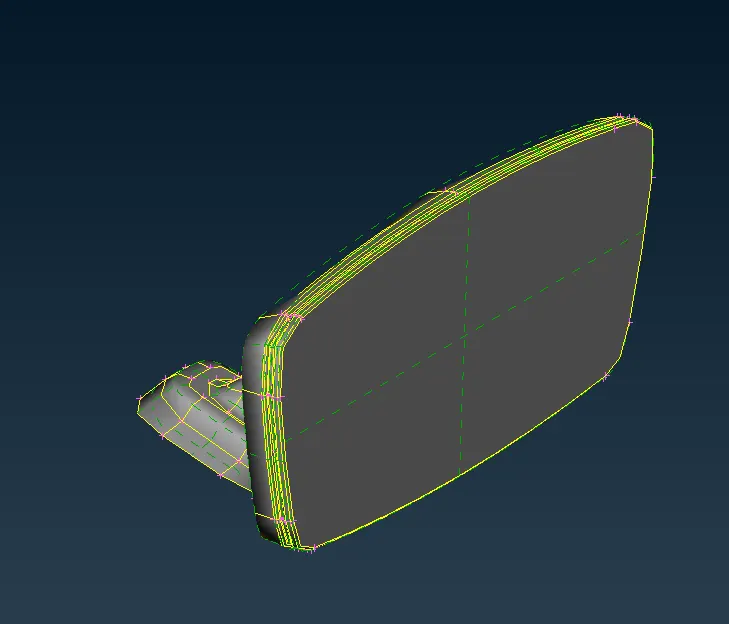
- After changing the orientation the geometry checkup is to be performed using the check manager.
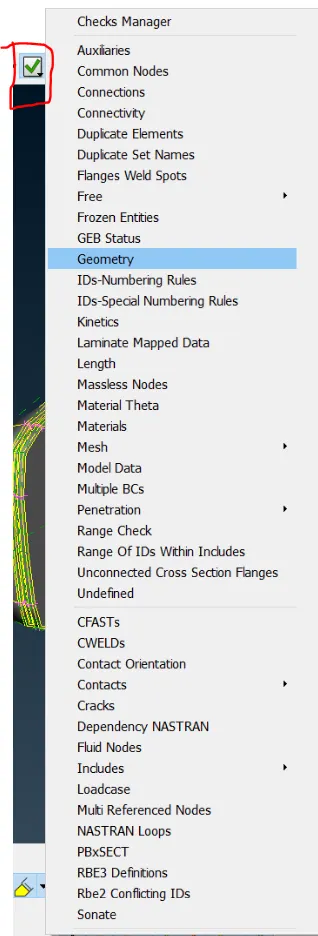
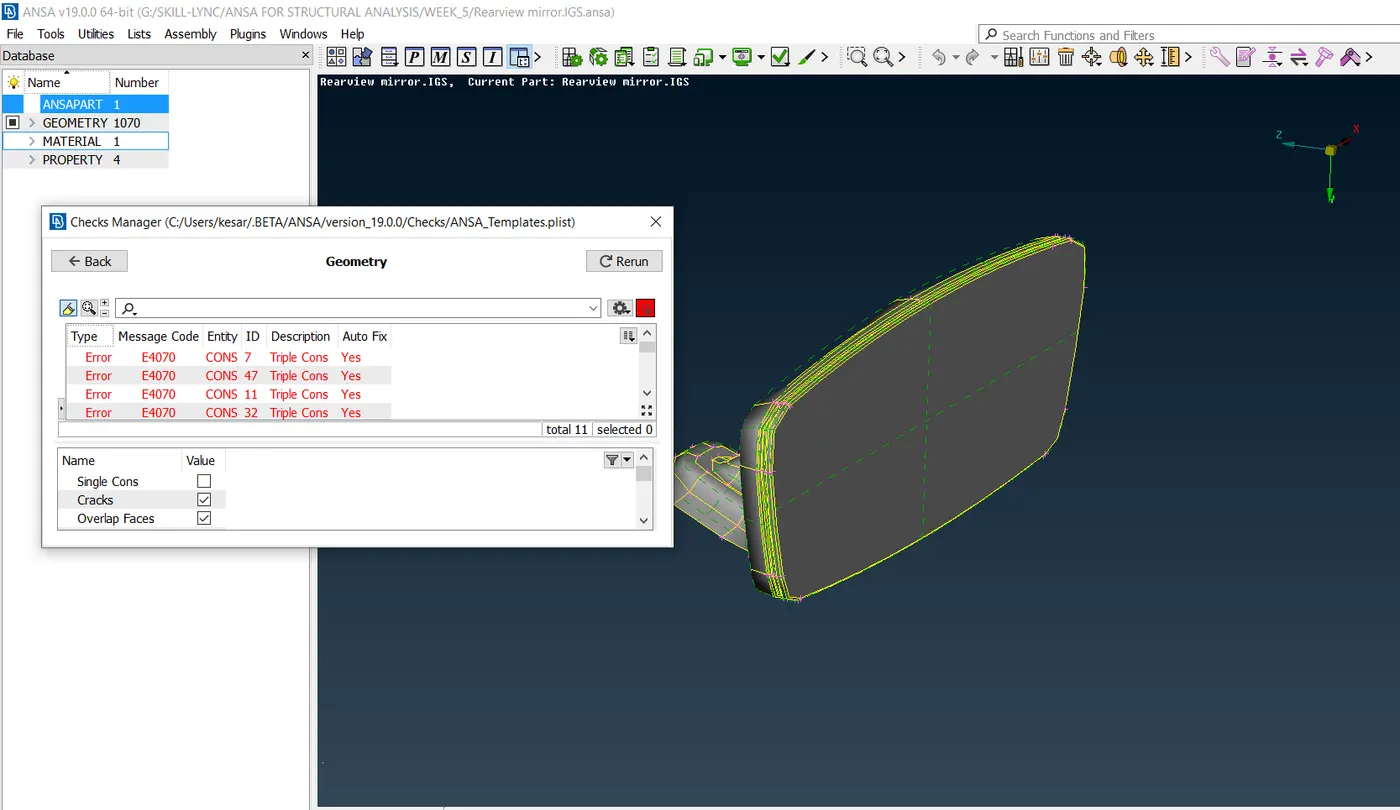
- Using manual fix and auto fix clear all the geometric errors present in the model.
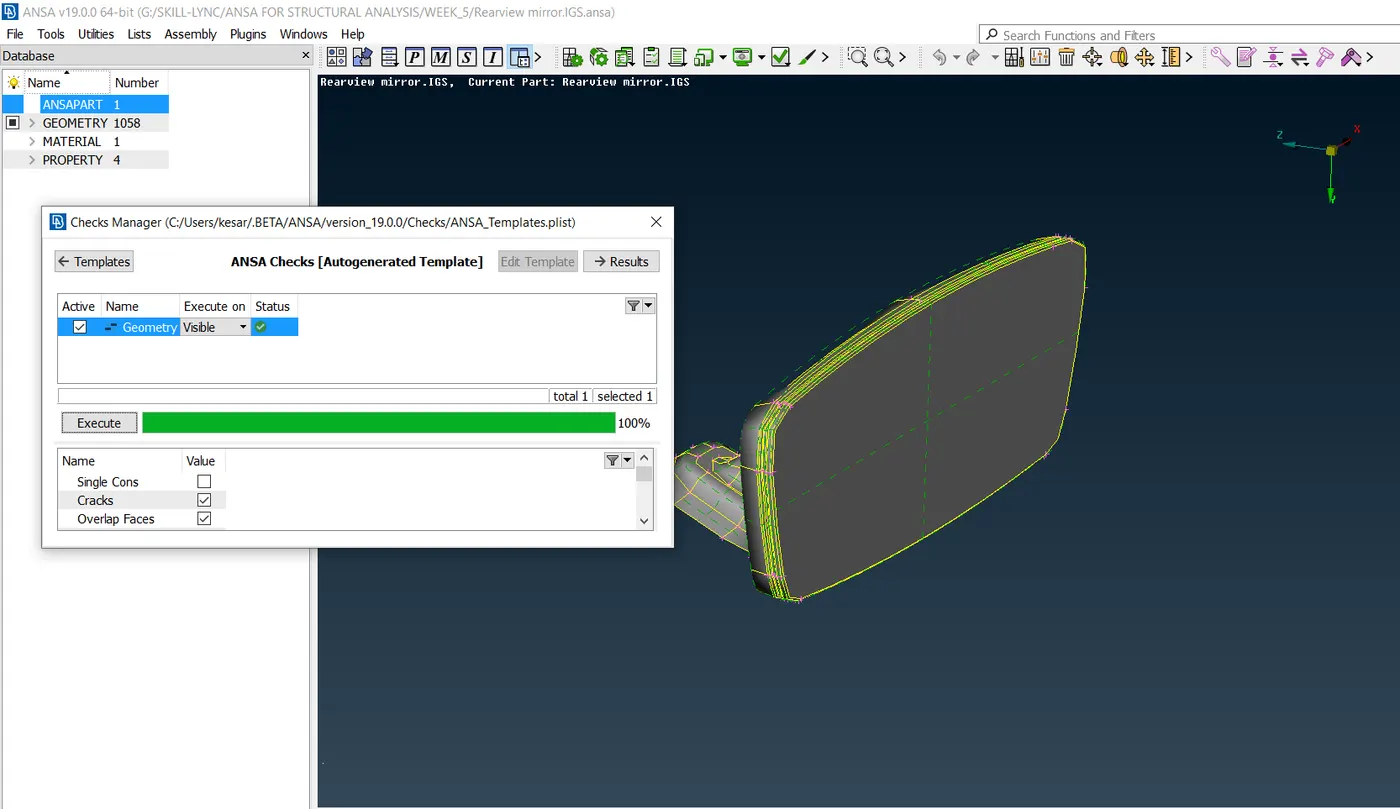
- Check whether the geometry contains single component or multiples components if any found using boolean operation and lock view manager separate them and save the lock views as a separate component.
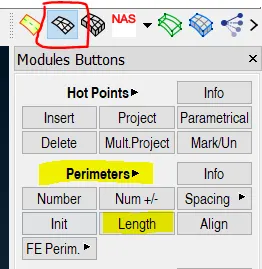
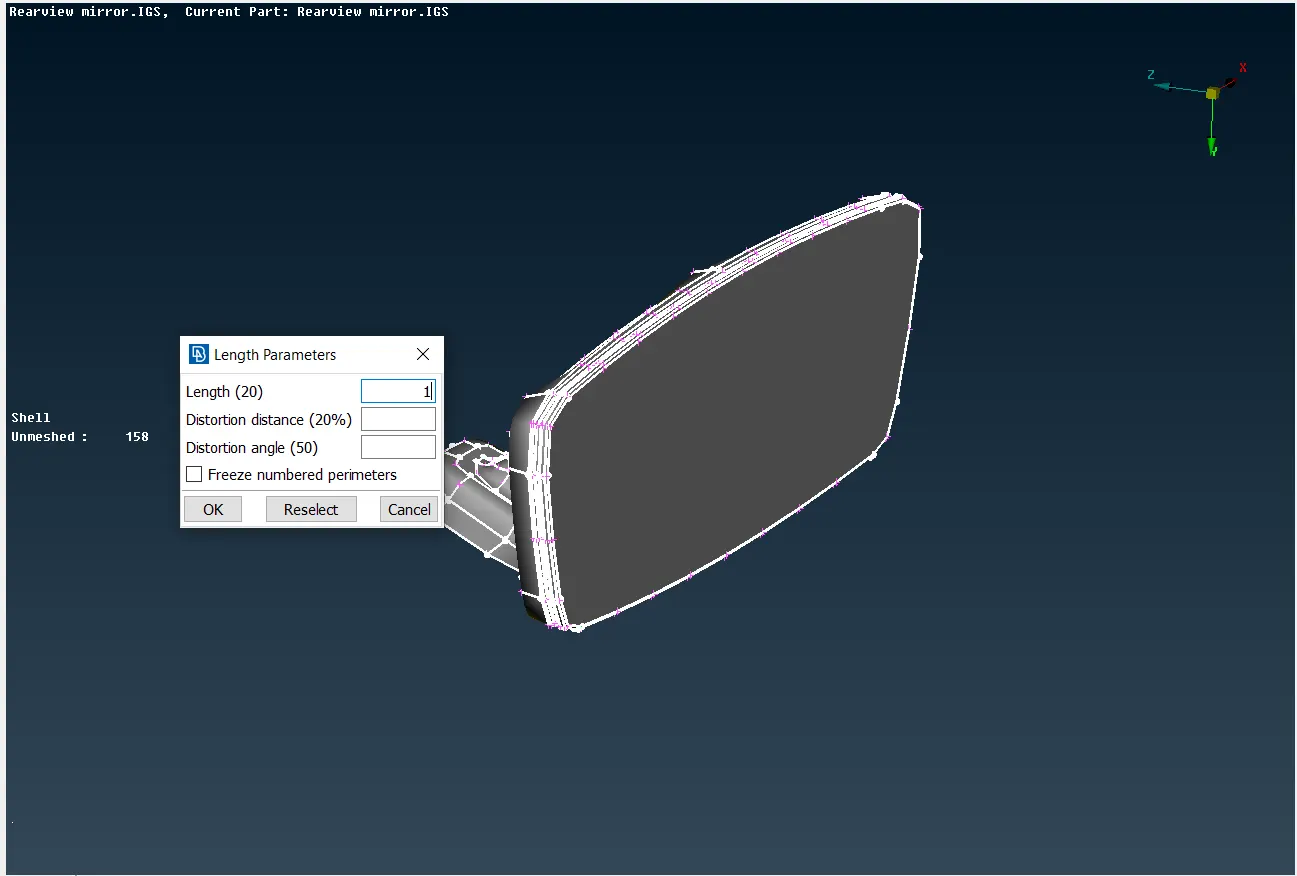
- Now set the model for target length 1 by using length option under perimeter in the mesh tab.
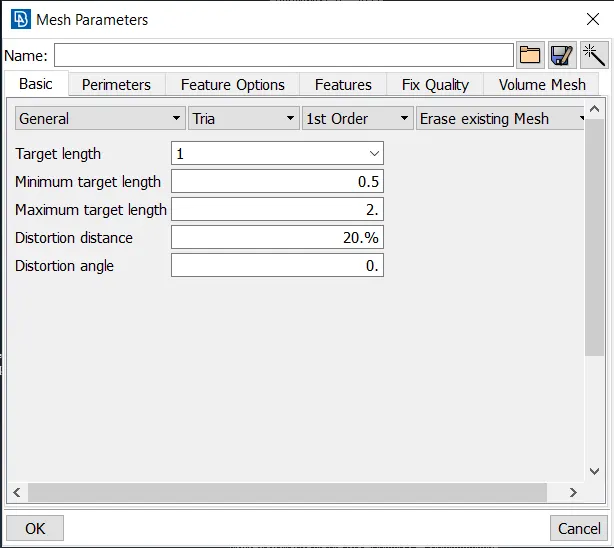
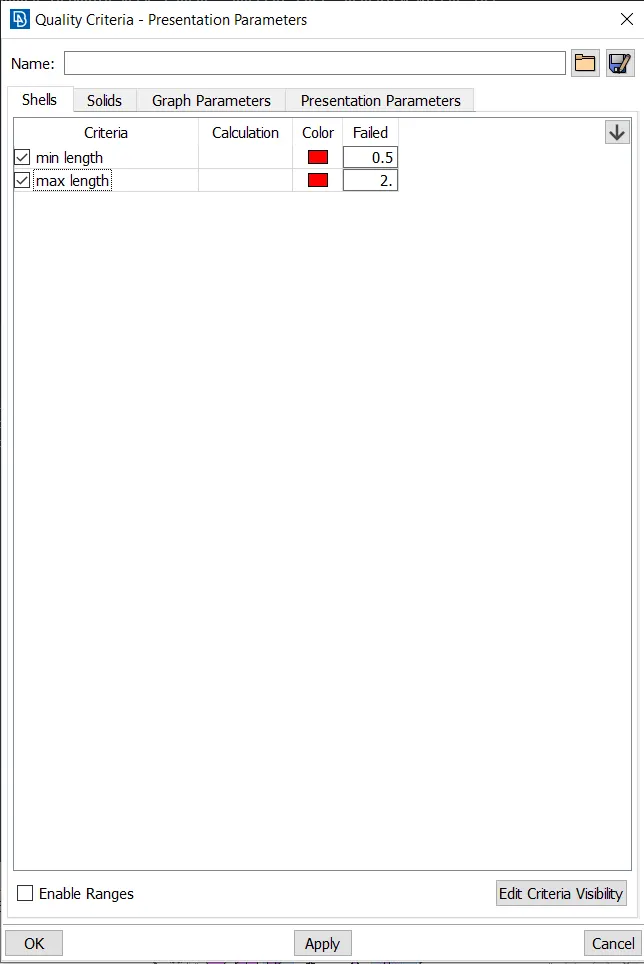
- After setting the model for target length insert mesh parameters and quality criteria for tri shell meshing.
- Measure the narrow fillet regions.
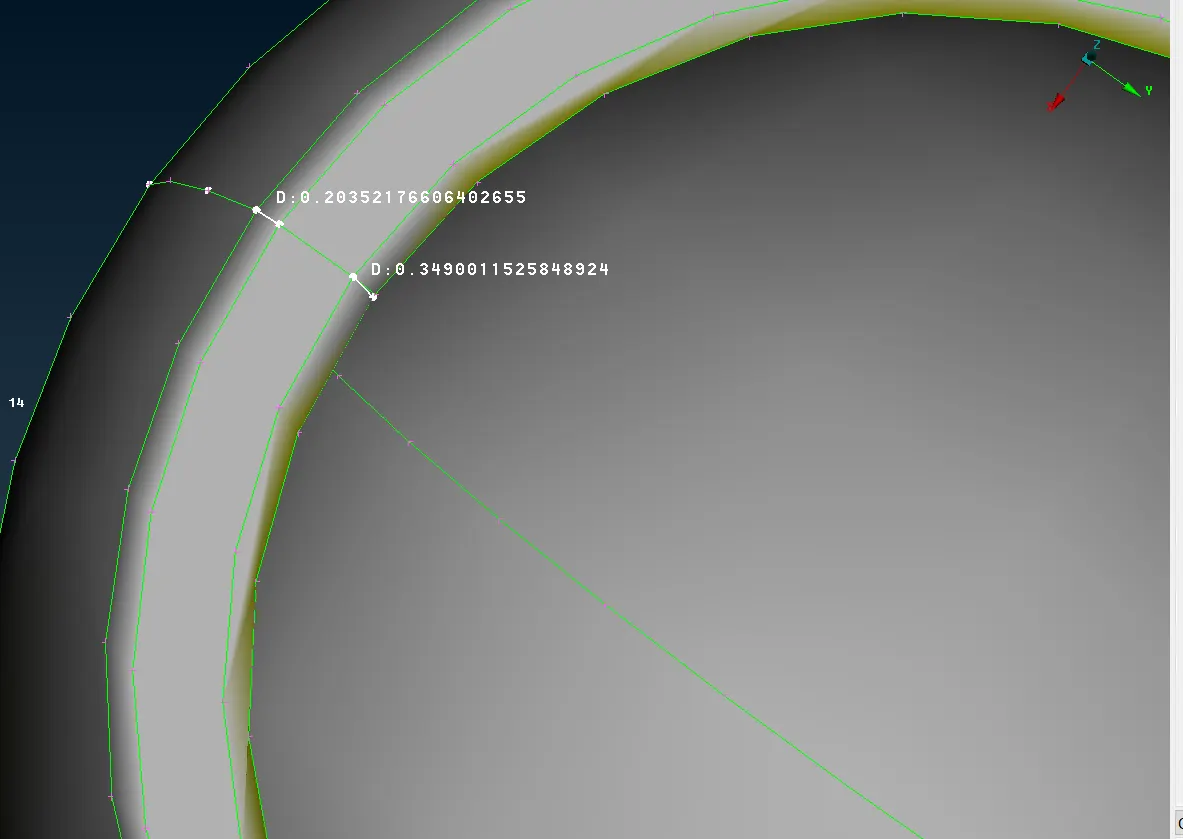
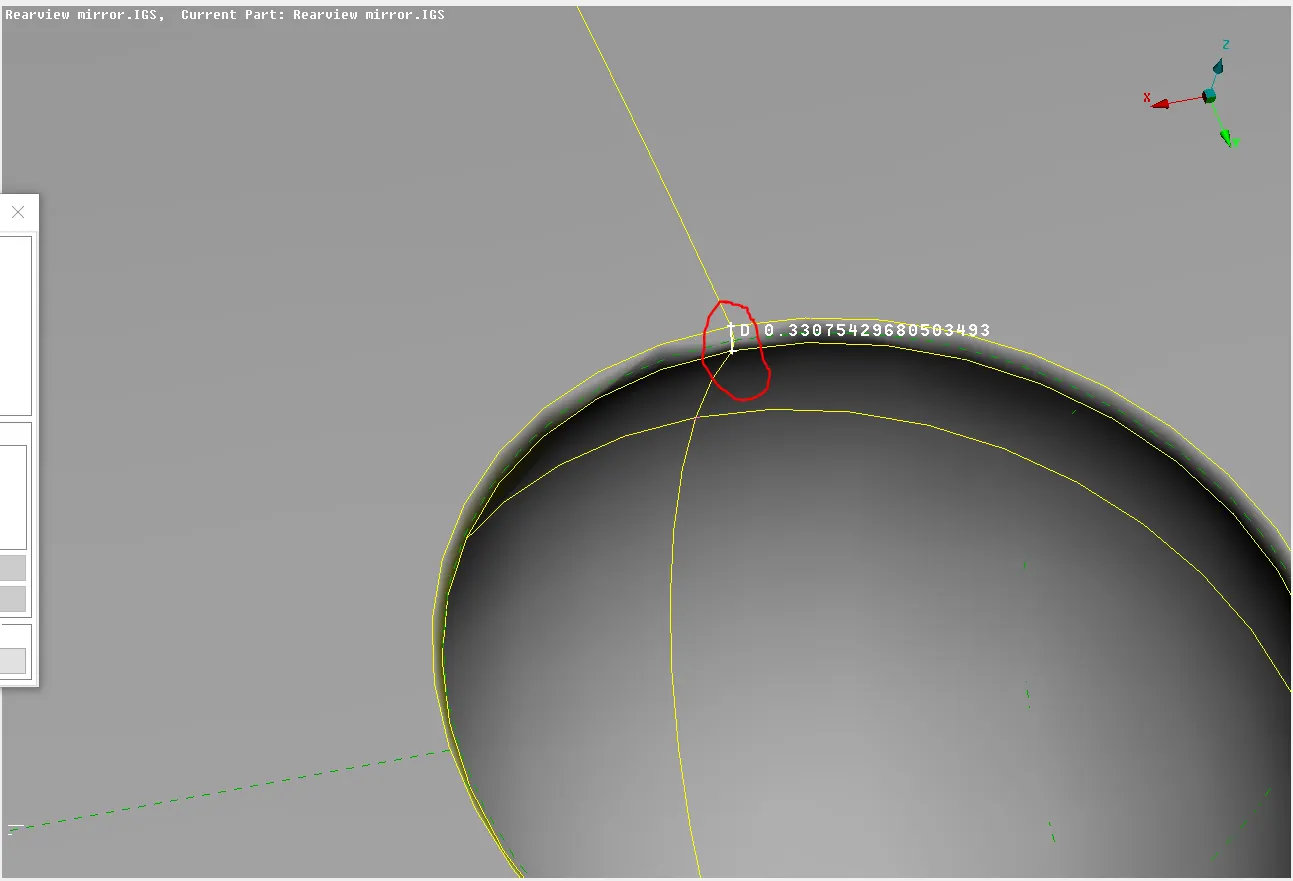
- As we can see in the picture that the above fillet is failing for minimum length criteria so we have to defeature the fillet
- Under faces using dach we can remove those fillets.
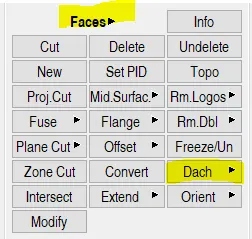
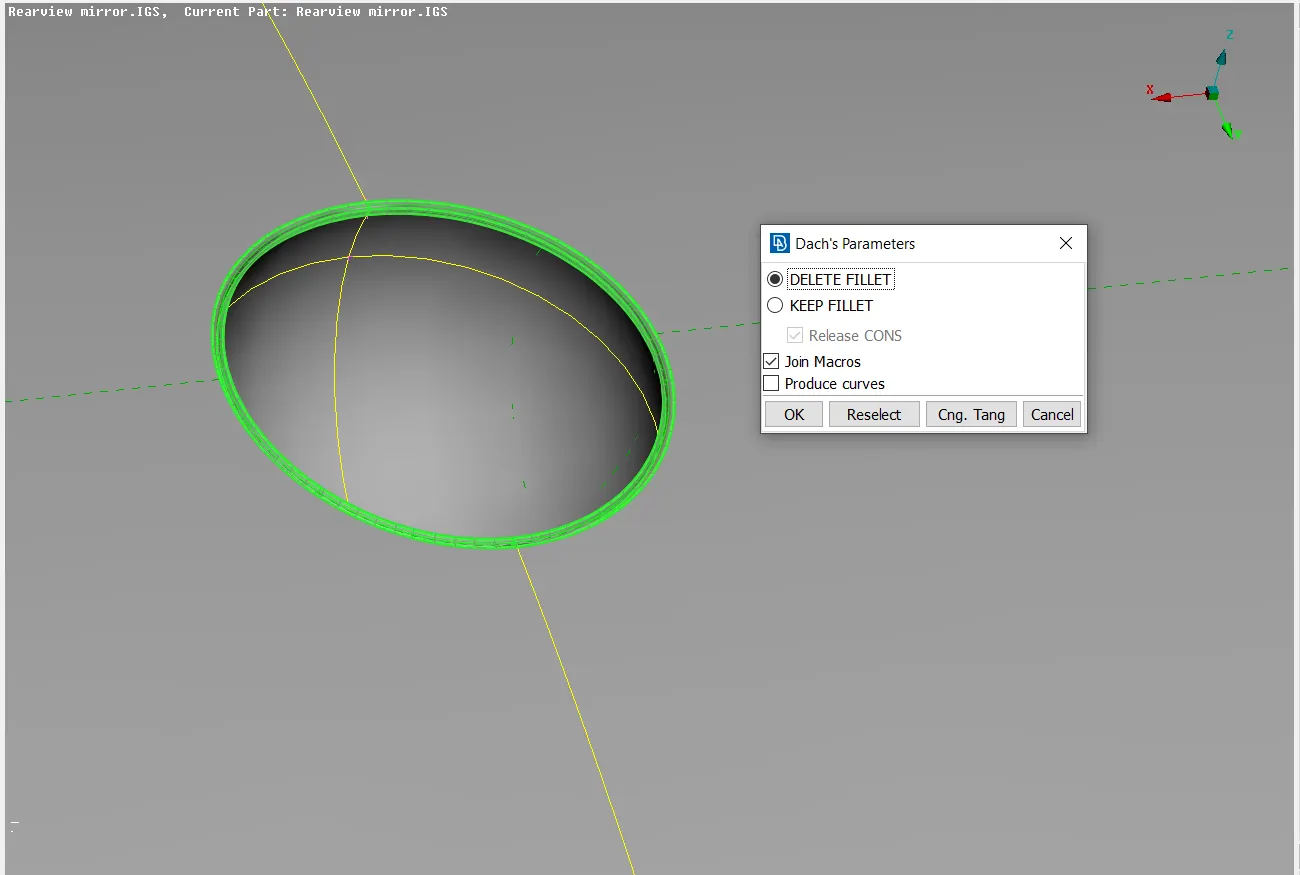
- Now mesh the curved regions in the geometry using ortho trias, The ortho trias will capture the curved regions properly. Flat regions using trias.
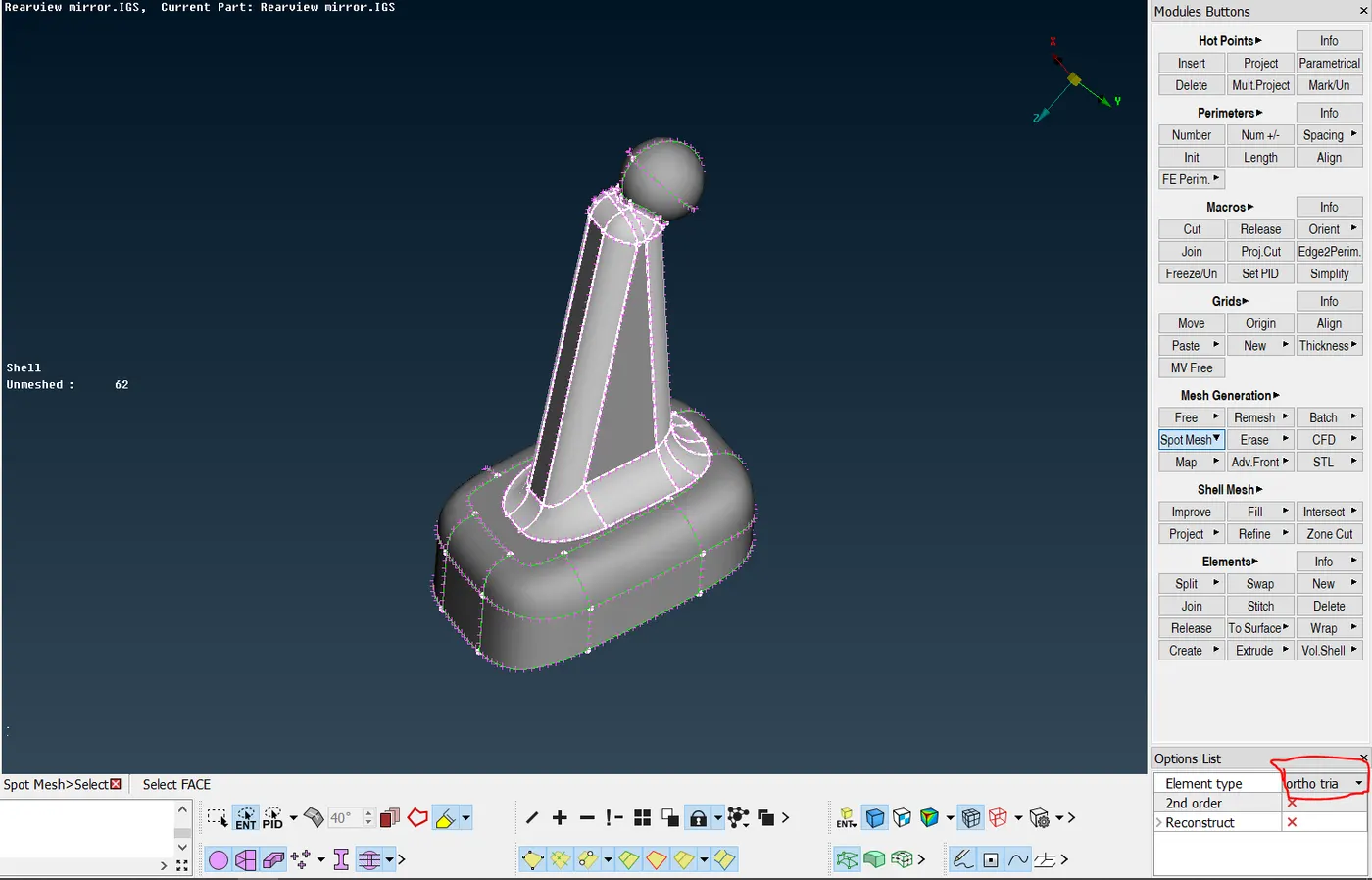
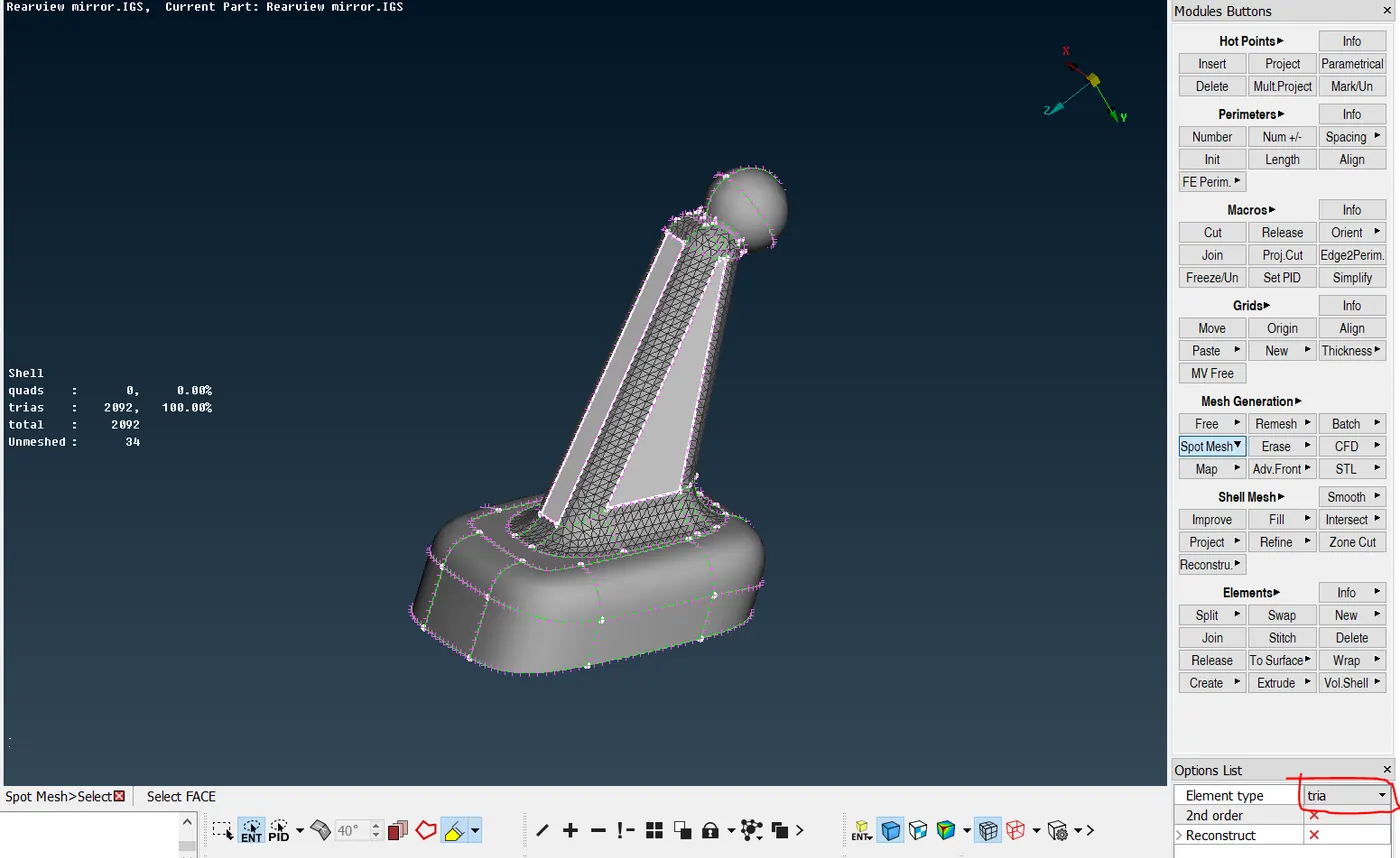
- If any elements are failing then reconstruct the mesh and make the mesh-free from failed elements.
- Follow the same procedure for all the three components. Mesh remaining components by the same strategy.
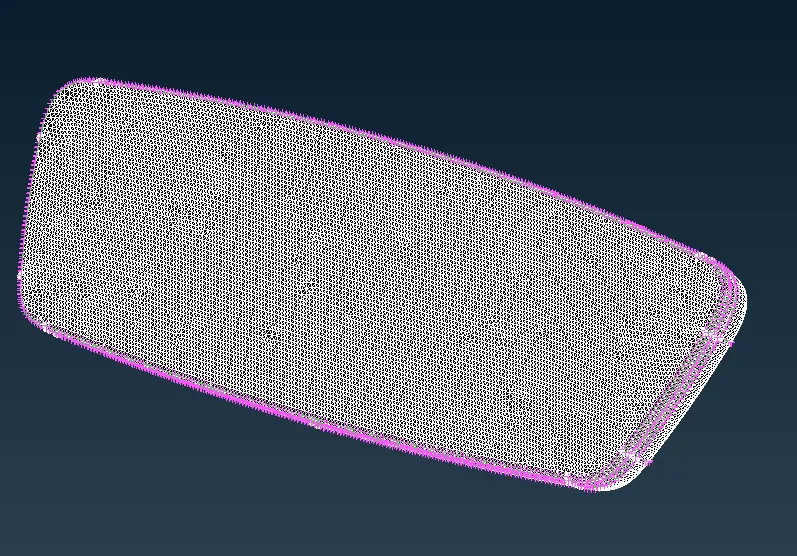
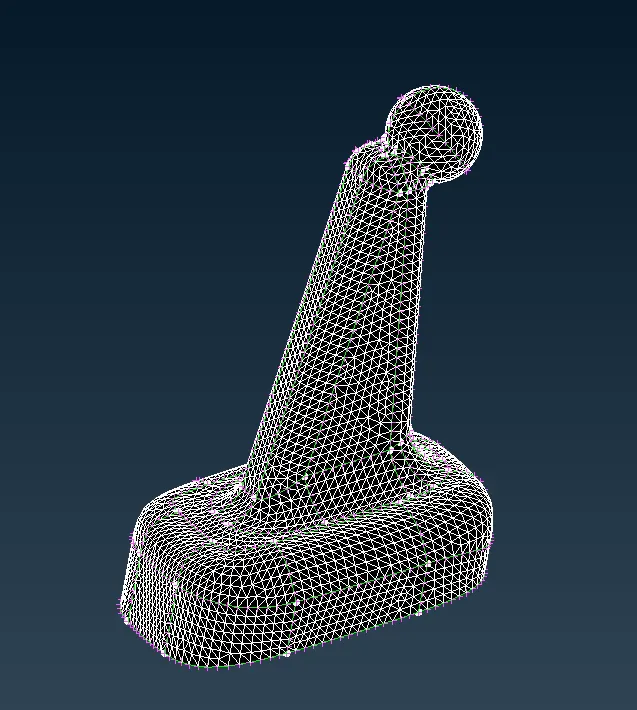
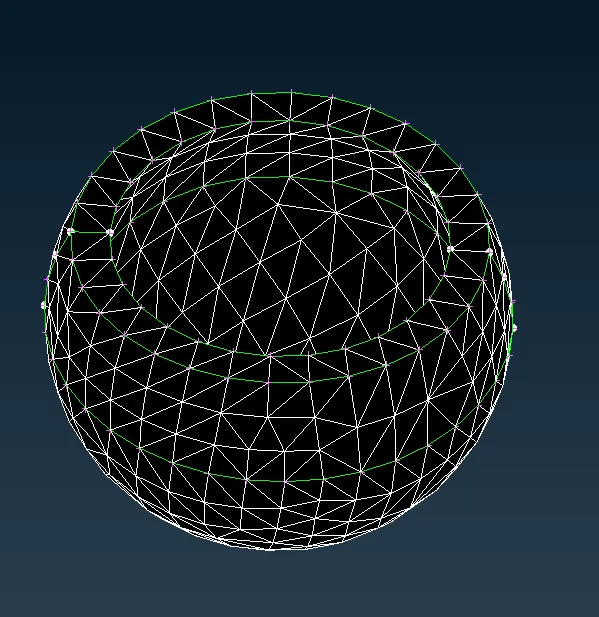
- After meshing all the components under the volume mesh tab define the property for the FE model as PSOLID and remesh the model using tetra mesh.
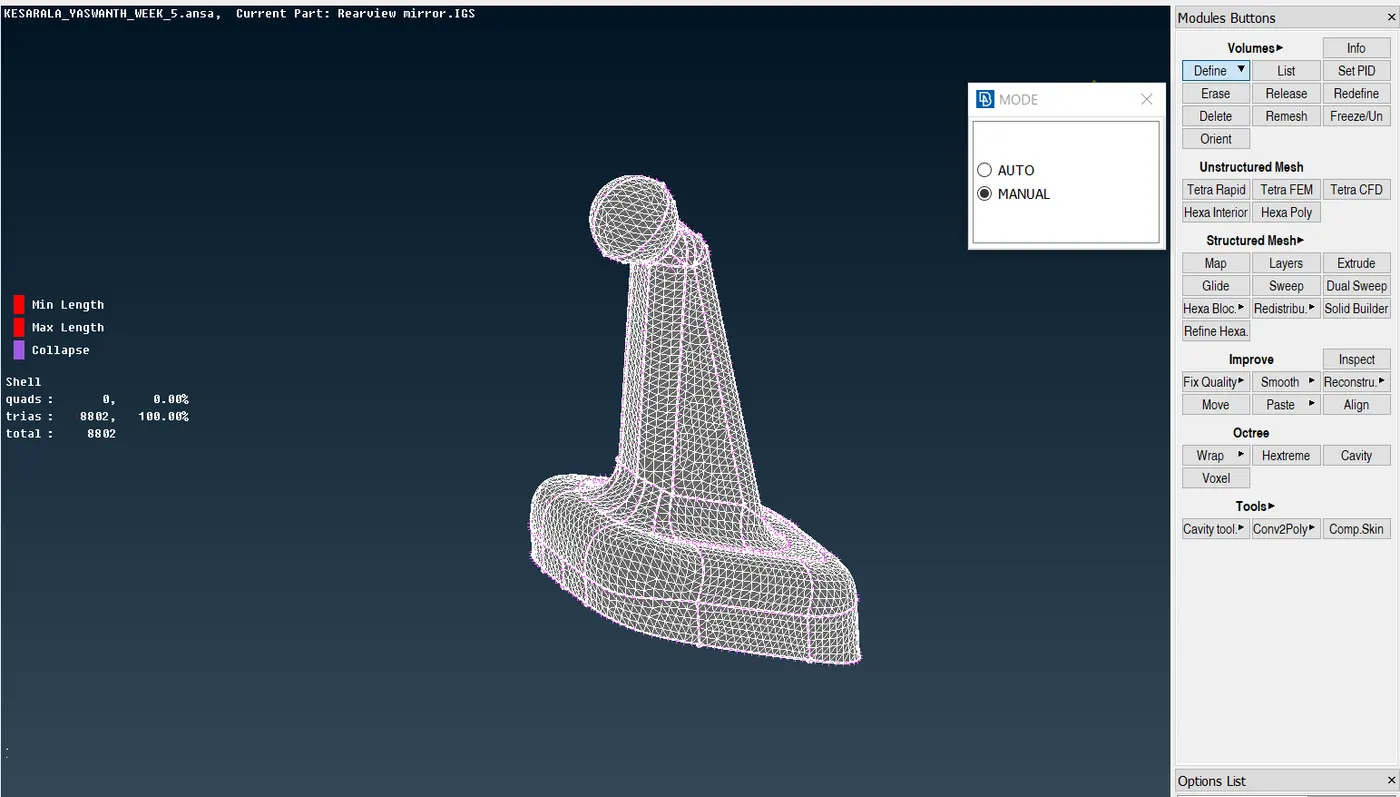
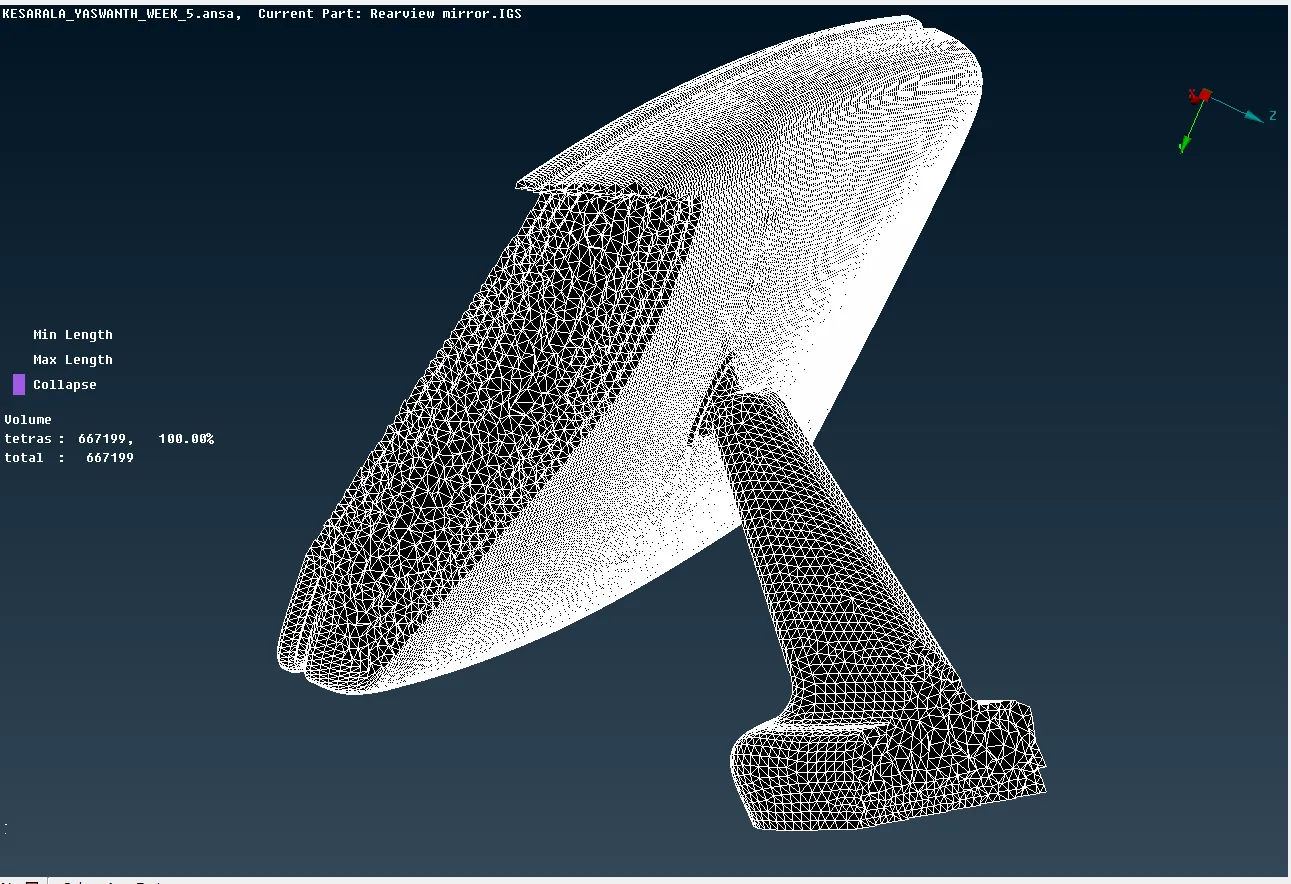
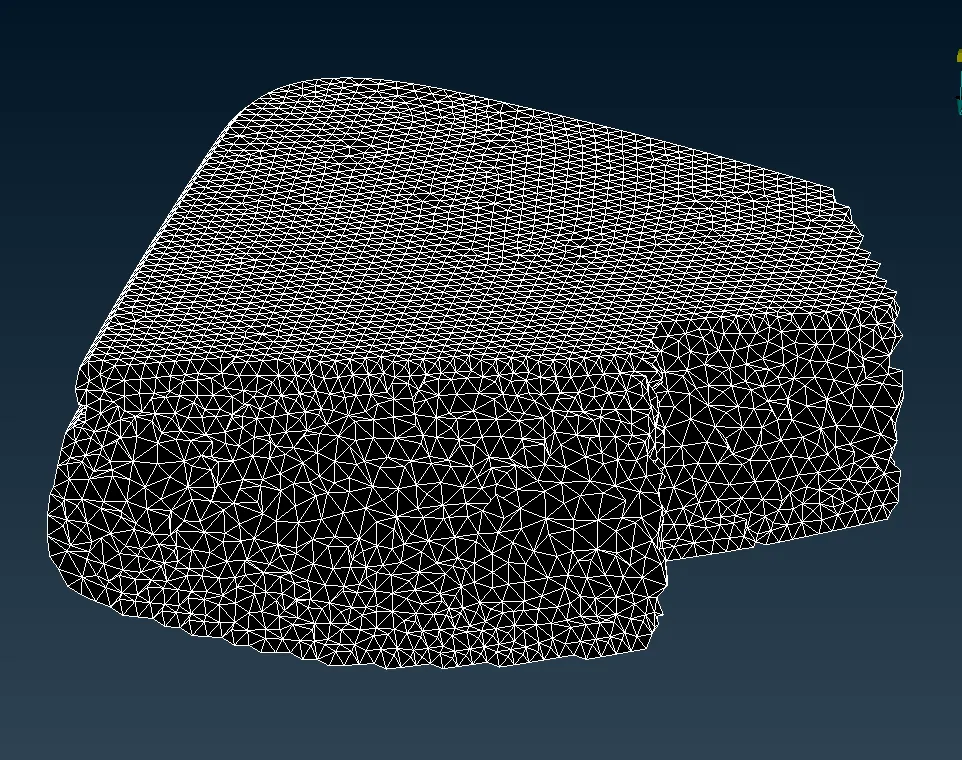
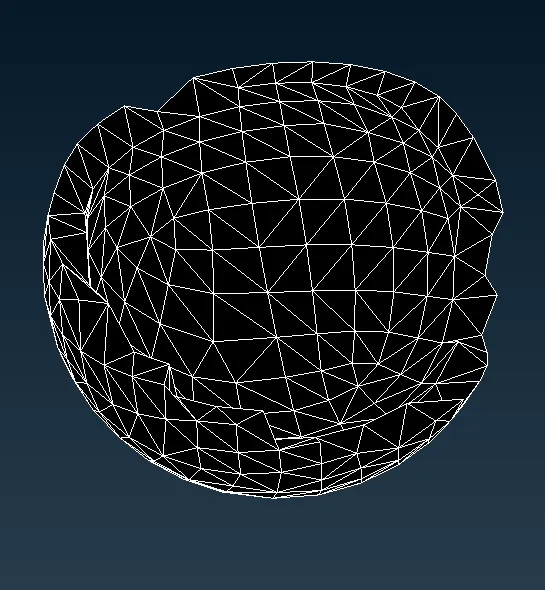
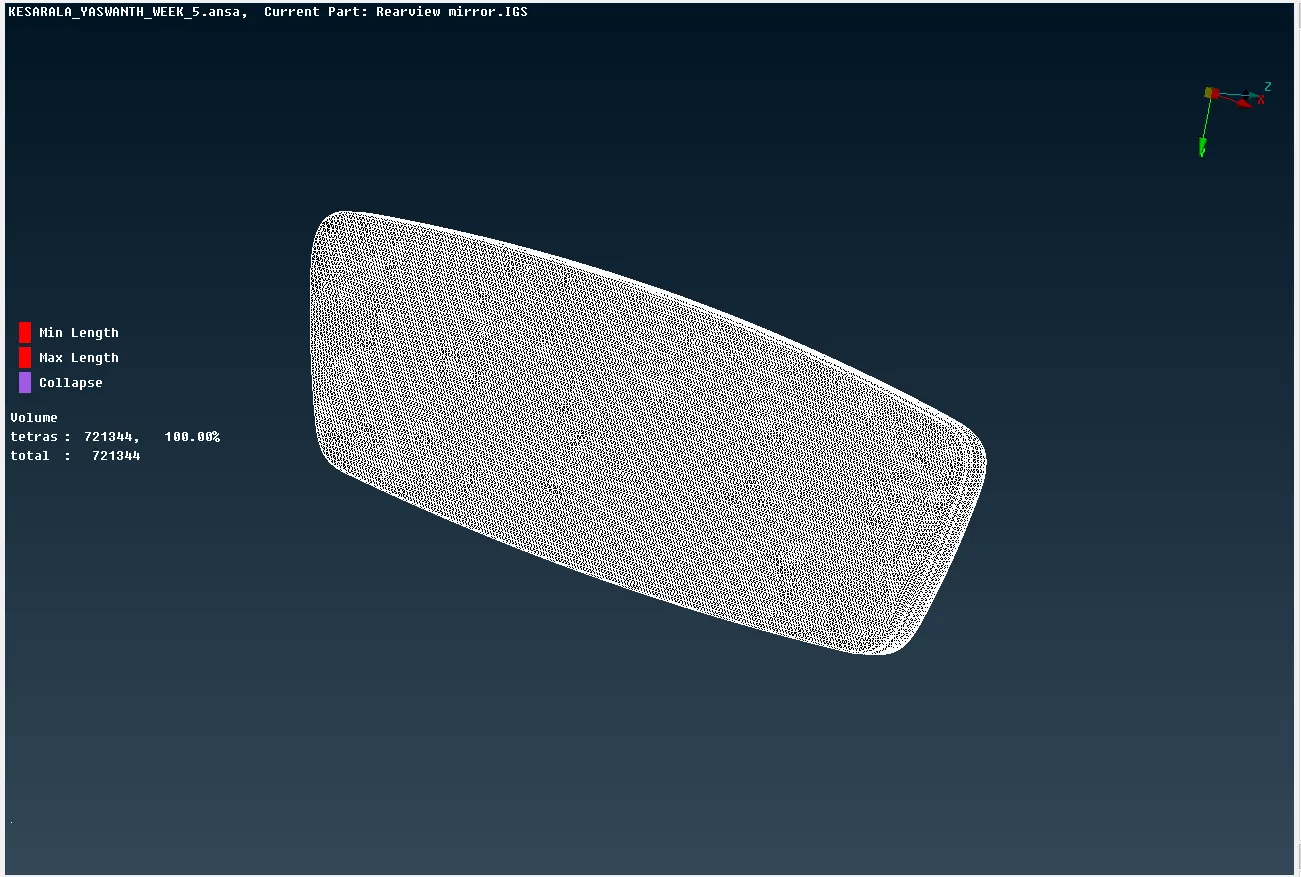
- After meshing all the components using tetra mesh check the elements for tet collapse.
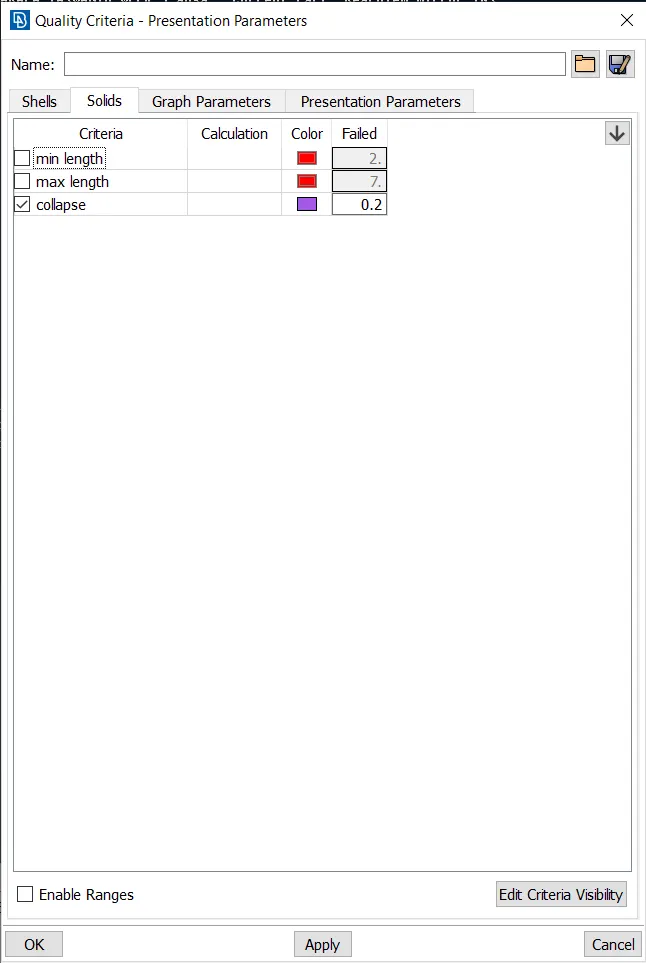
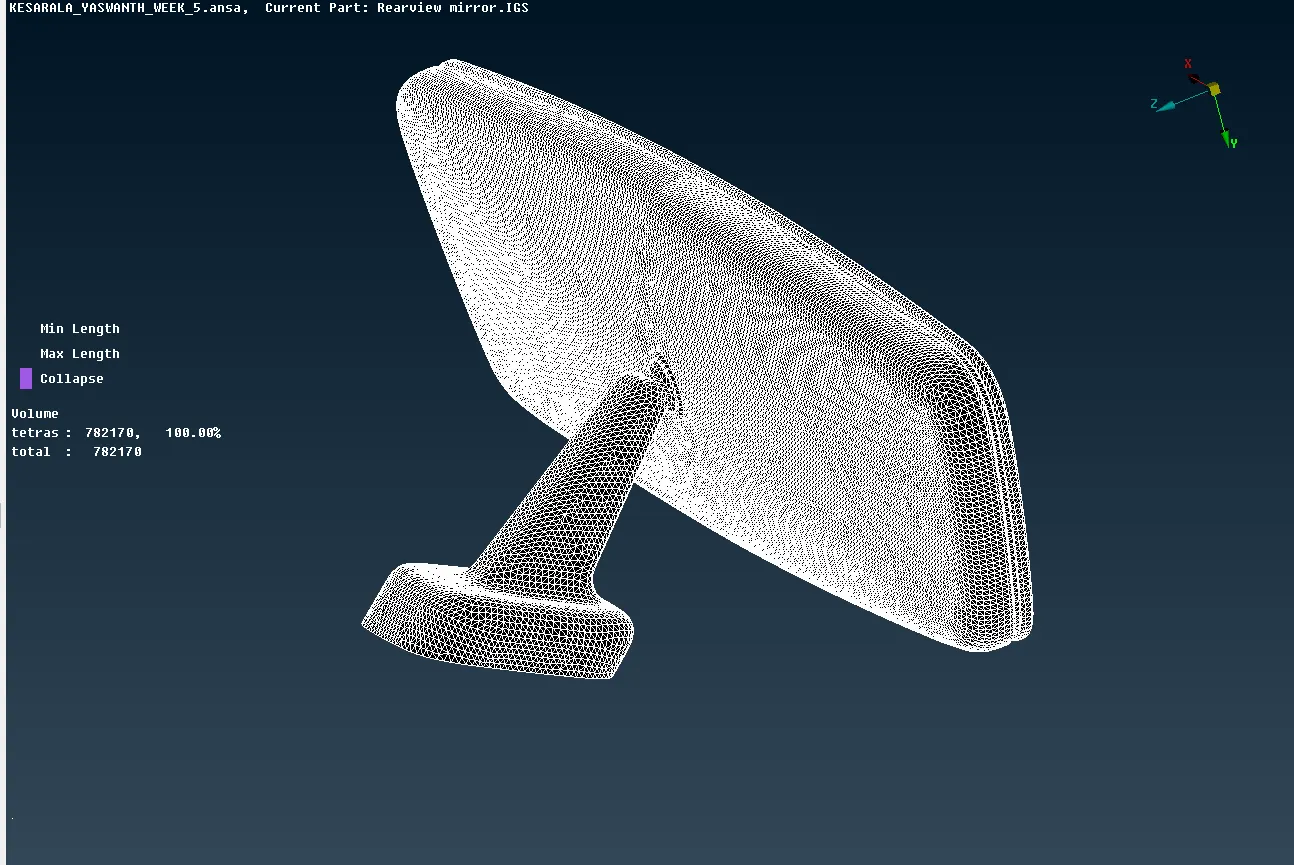
- Zero elements are tet collapse.
Outcomes:
- The concept of tetra meshing and assigning the property for the volume mesh is understood.
- Different tetra mesh algorithms are understood.
- How to clear the elements which are collapsed is understood.
Results and conclusions:
- The given component is successfully meshed using trai elements.
- The volumes for the FE model is assigned successfully.
- The given component is meshed successfully using tetra elements.
https://drive.google.com/file/d/1oQL45x3PJanbWeN4pwEkE28Op7tTK3lc/view?usp=sharing