Week- 8 - Solid meshing
Answer:
Rear View Mirror Solid Meshed with Tetra Elements:
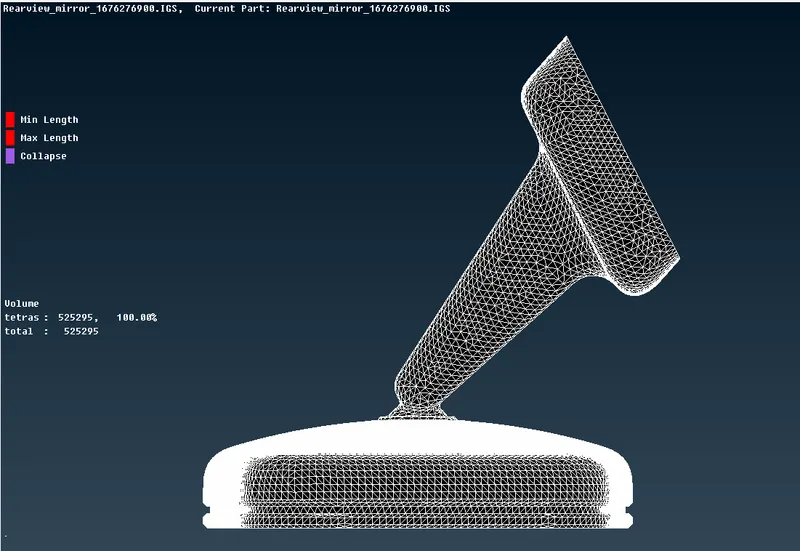
Failed elements for 2D meshing:
Min.Length & Max.Length:Red color
Failed elements in 3D Solid mesh:
Tet collapse:Blue color
Note:Mesh is free from Failed elements in both 2d and 3D mesh.
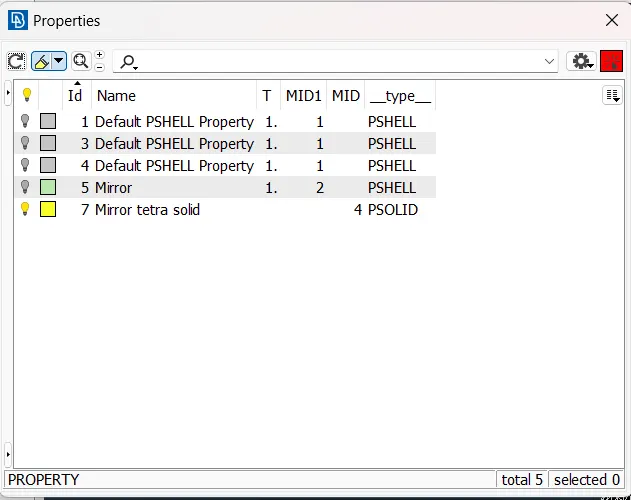
Properties collector:
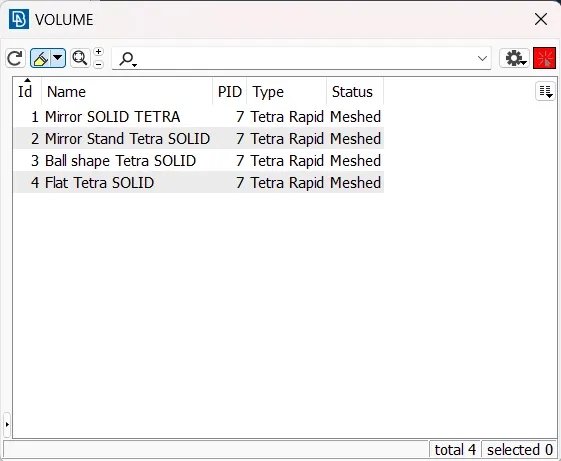
Volume Collector
Procedure:
1.Open ANSA Software.
2.Import Rearview model into ANSA.
3.Apply Topo command to the entire model.
4.Orient the model for particualr perpendicular diraction.
5.Use Cons resolution by Using Perimeters in Mesh module.
6.Now Go to Checks manager and execute it for checking any errors in the geometry.
7.Perform 2D meshing on the model using Tria and Ortho tria elements.
8.Tria elements are used on Flat/plane surfaces and Ortho tria elements are used on Filleted or curvy areas.
9.Check for min and max length errors and completely eliminate the errors.
10.After 2D meshing perform 3D tetra solid mesh by usinf Voulme mesh module.
11.Perform 3D mesh for individual components separately use Tetra rapid for generating Tetra elements.
12.Define the volume of individual component stored in list and then apply Tetra Rapid command in Unstructured mesh .
13.After 3D mesh check for Tet collapse quality criteria.
14.Eliminate all the tet collapse errors.
15.Finally save the model.