Week 7- Meshing of Backdoor Challenge
Answer:
Backdoor Mesh:
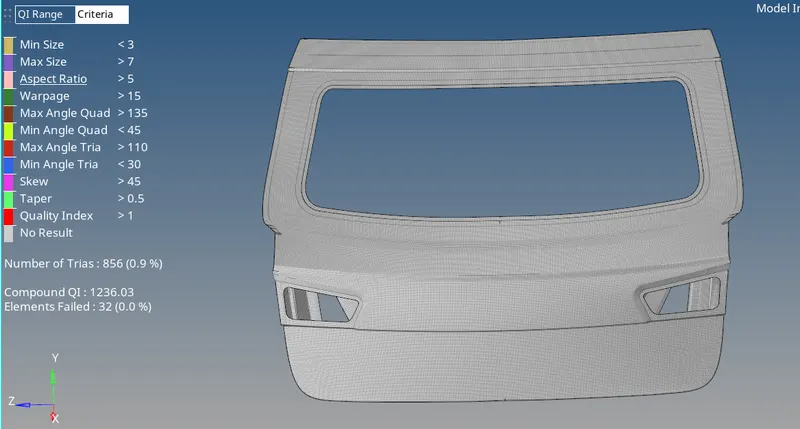
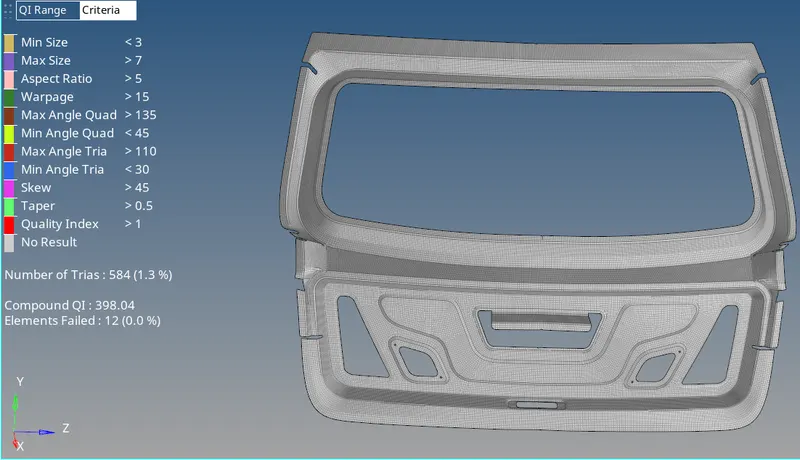
Inner Midsurface Mesh:
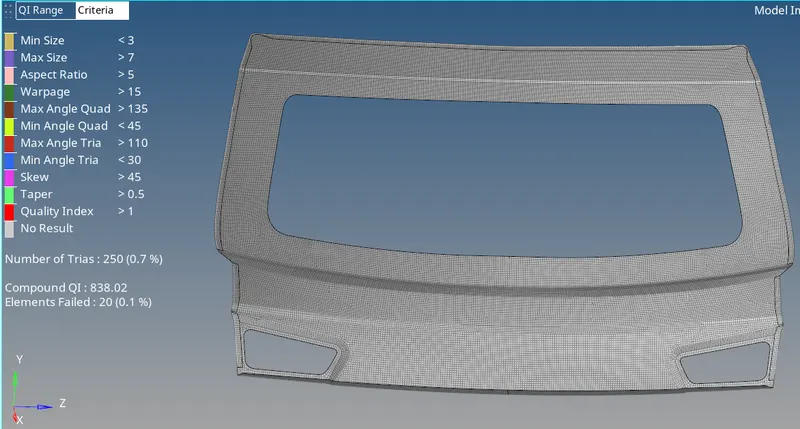
Outer Midsurface mesh:
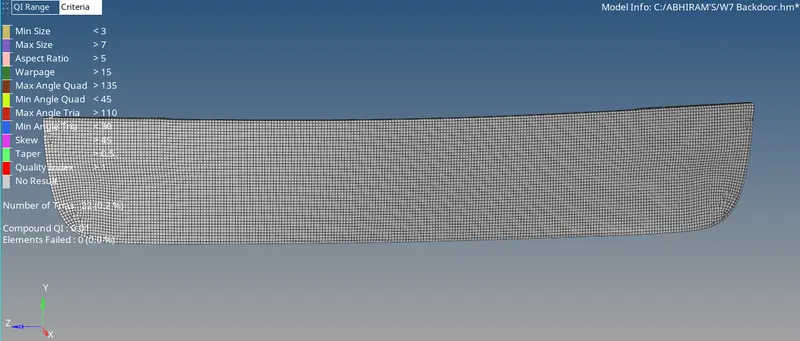
Lower Midsurface mesh:
Procedure:
1.Import the IGS model into Hypermesh.
2. Set the auto to By topo.
3.Separate the components of backdoor model like inner,outer and lower components.
4.Set the quality criteria by selecting Criteria file settings by selecting check of each criteria and editing with respect to the given values in the question.
5. While working on individual component make the component as current.
6. First Geometry clean up is done by following commands:
i. toggle edge.
ii. split-surf-node.
iii.split-surf-line.
iv. trim with surf.
v. replace point.
7.After geometry cleanup the meshing of surface is done using automesh(F12) in 2D.
8.After meshing the trias need to be managed and the mesh flow should be proper.
9. Elemental failure must be corrected upto some extent.
10. Commands used in handling elemental failures:
i.Smooth .
ii.Rebuild (shift+R)
iii.qualityindex(shift+Q).
iv.Replace node.
v.Translate(shift+F4).
vi.element cleanup.
11. After completing all the above check for free edges by using Shift+F3.
12.First use preview equalence and then equalence.
13.Finally, Goto tool and select reflect to symmetrically view the mesh of the component.
14.Then save the model with suitable name.