Week- 8 - Solid meshing
Week- 8 - Solid meshing
Aim:
The solid Meshing must be done for the given Rear view mirror component, check for geometrical errors and mesh the Surfaces with the given 2D element Quality criteria.
Objective:
- Proper geometry cleanups.
- Usage tria and ortho trias.
- Mesh Flow correction by using PID Region.
- Meshing the model as per the given QC.
Procedure
1] Importing the (IGS file) model into the ANSA.
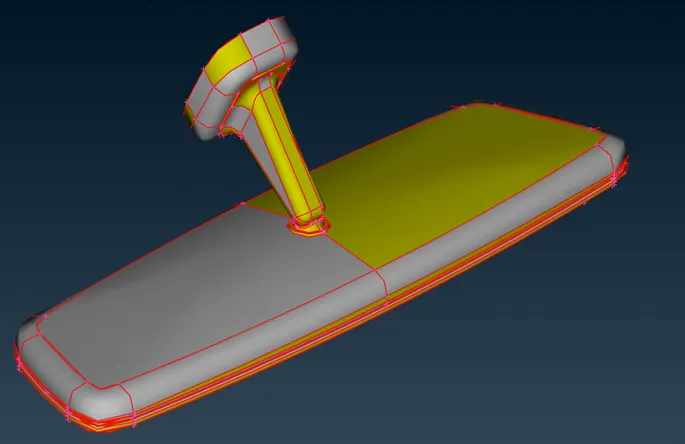
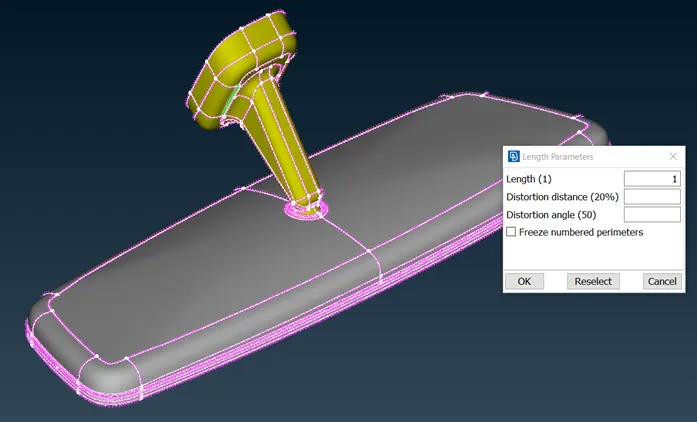
2) To improve edges and curves feature qualities, in classic mesh LENGTH---Perimeters and Macros are adjusted to 1 to get the good finish of the solid model.
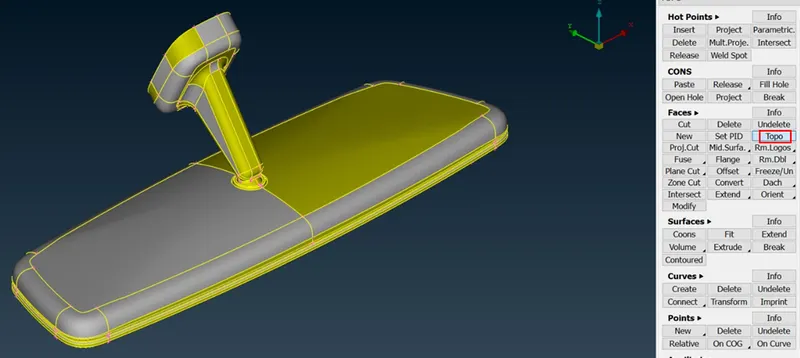
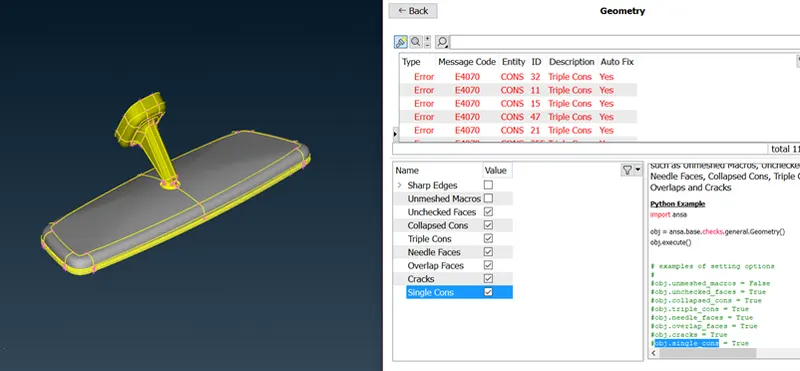
3) Topo command is used for the stitching of curves with their neighbouring edges. It will turn red (Single cons) to yellow (Connected cons-2), and the orient command is performed for the proper face alignments.
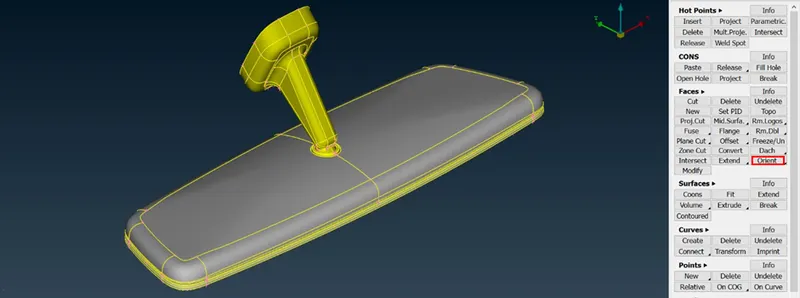
4) Orient command is used for the proper alignment of all the surfaces of the geometry.
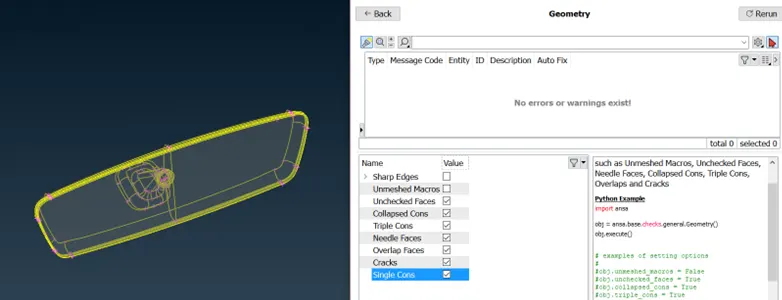
5) Geometry checks showed only few errors that are corrected by the automatic method.
6) Quality criteria and the target element are entered as per the given parameter. (Solids after Volume mesh)

7) Surfaces with the flat portions can be meshed by the TRIA element only. But the surfaces with the curved portions can be meshed byt the ORTHO TRIA elements. As the model is simple it can be done with the short interval of the time.
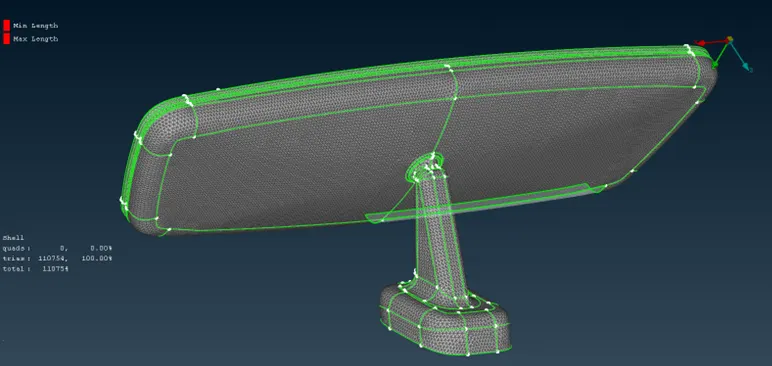
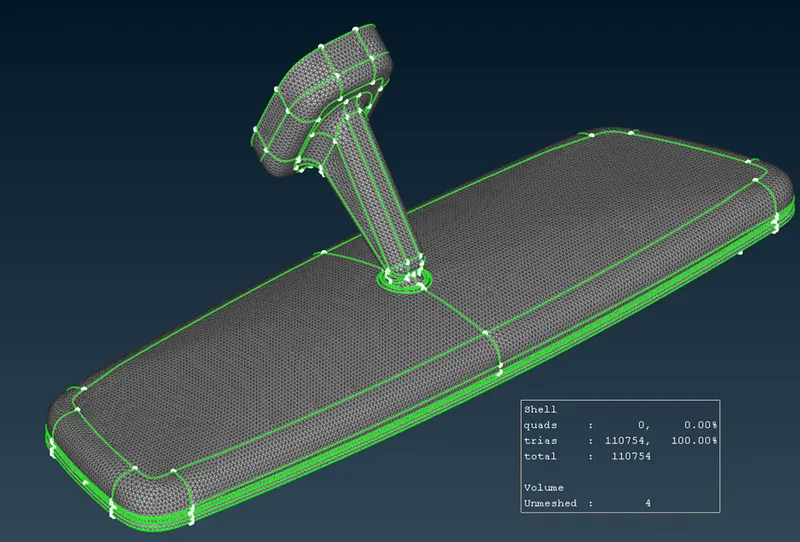
8) So far, the meshed elements are acting as the outer shell of the geometry, Volumetric mesh has to be done for the required process (SOLID MESHING).
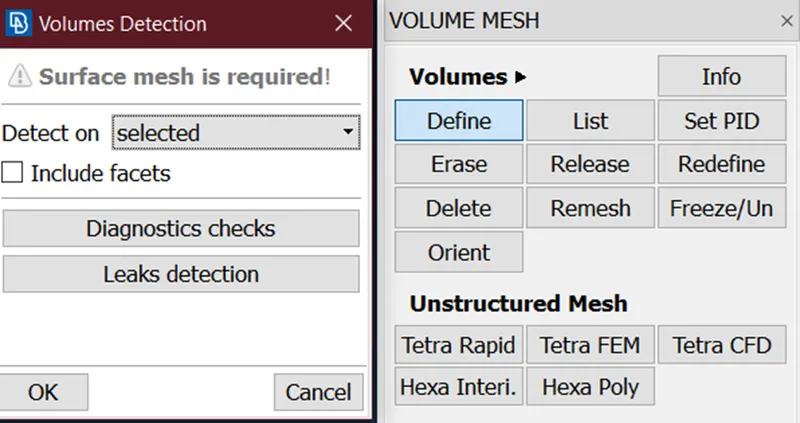
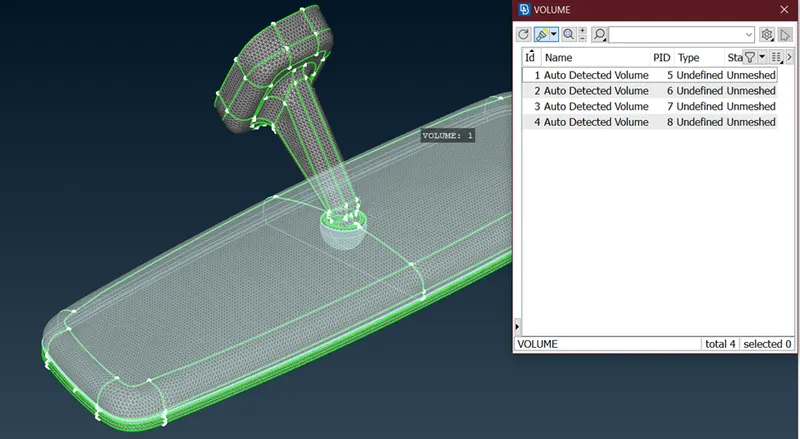
9) Those volumes are detected, and the volume mesh has to be performed. (Mesh with tetra rapid)
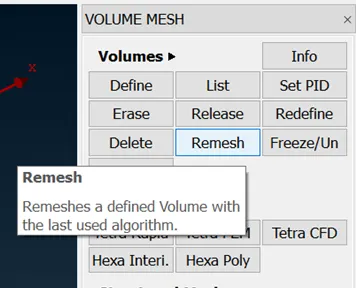
10) Remesh option is selected for the volumetric mesh.
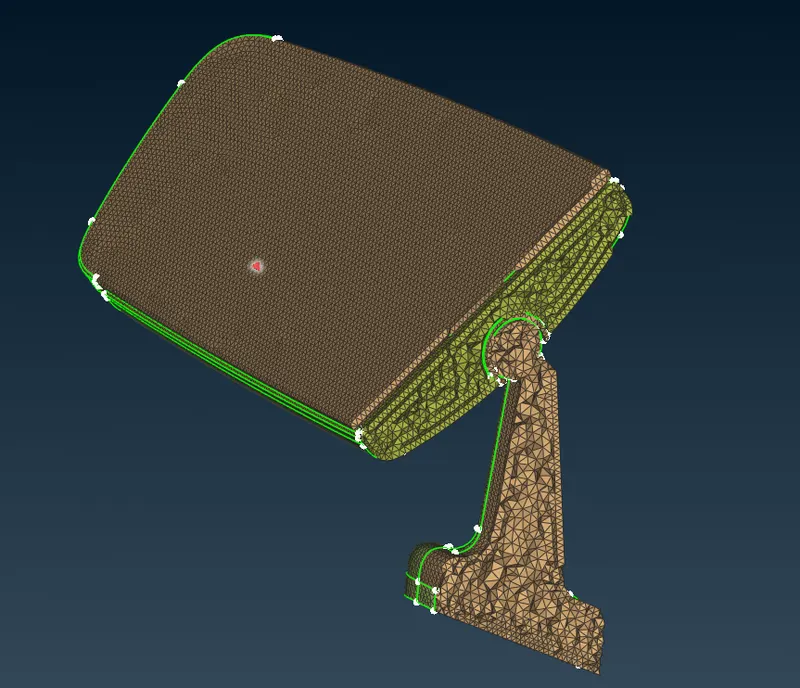
11) Now 3D tetra mesh is obtained by this process.
Course outcome
- Difference between tria mesh and ortho tria mesh.
- Shell to solid (Trias to Tetras).
- Application of ortho tria and tria.
Result:
Solid meshing is done for the given rear-view mirror component.