Week 4 - 2D Meshing for Sheet Metal
2D- Meshing for Sheet Metal
Aim:
For the given CCB CAD model geometrical cleanup, mid-surfacing and meshing is performed for the given respective quality criteria.
Objective:
- Proper geometry cleanups (Ease access of mid-surfacing).
- Mid-Surfacing (Auto Mid-surfacing reduces time).
- Meshing the model as per the given QC without any OFF elements.
- Assigning thickness to the mid-surface and mesh for the further process.
Procedure:
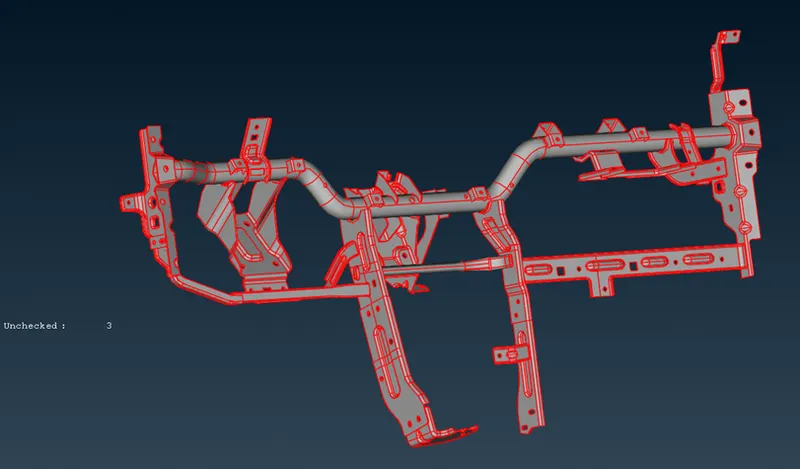
1) Importing the (IGS file) model into the ANSA.
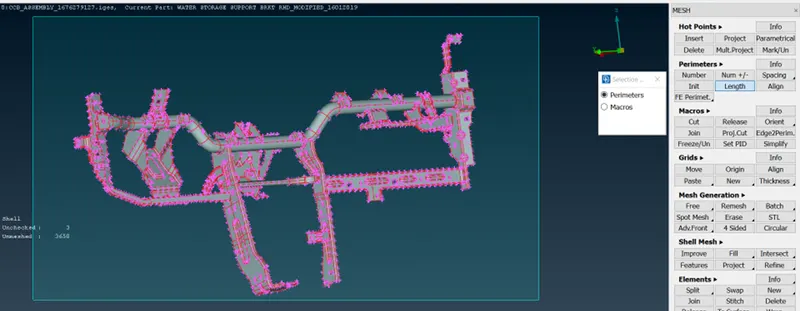
2) To improve edges and curves feature qualities, in classic mesh LENGTH---Perimeters and Macros are adjusted to 1 to get the good finish of the solid model.
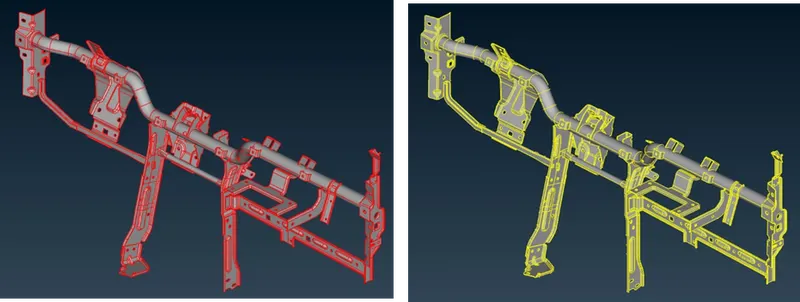
3) Topo command is used for the stitching of curves with their neighbouring edges. It will turn red(Single cons) to yellow (Connected cons-2).
4) Geometry checks are done, which corrected automatic FIX as well as manually.
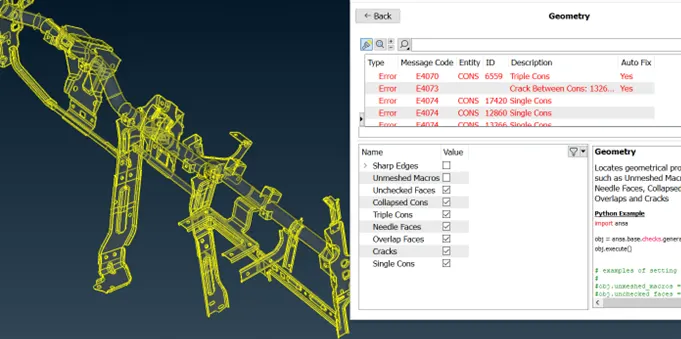
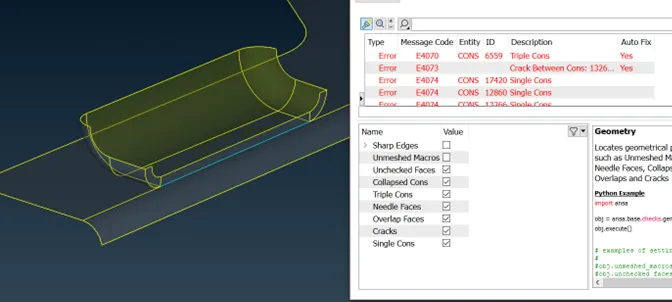
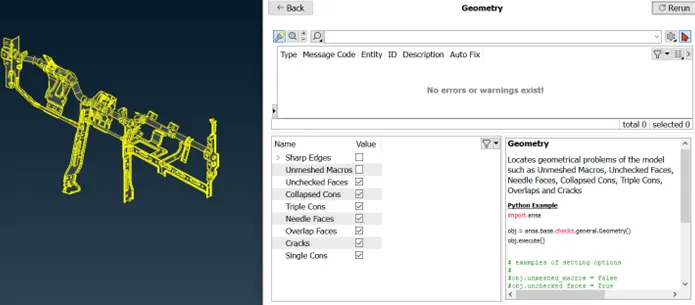
5) After correcting every error, the given model can be investigated whether sheet metal or plastic. It is determined as the sheet metal as it contains the same thickness throughout the model.
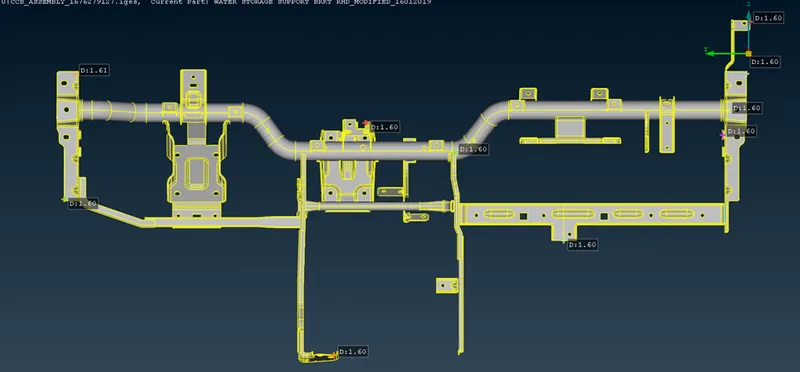
6) Quality criteria file is saved as per the given model.
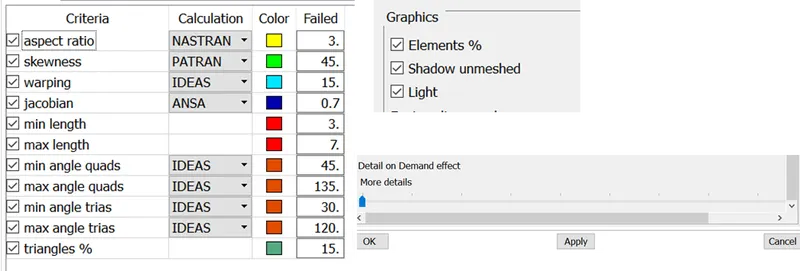
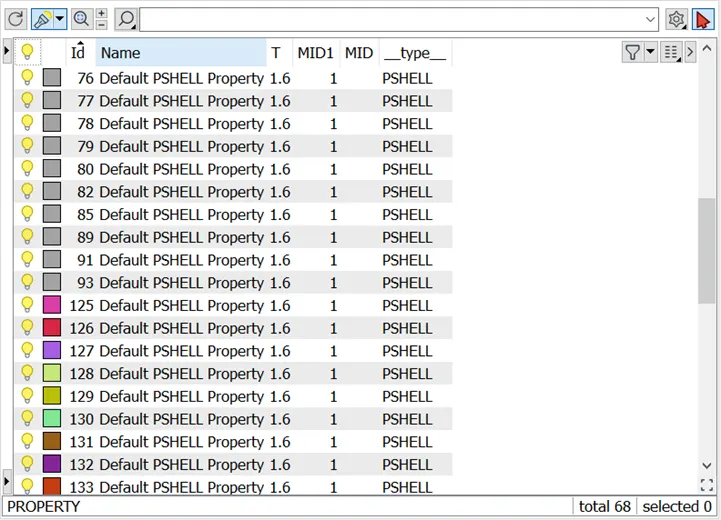
7) As this model is identified as the assembled component as it contains many components from the part modelling. From the below images, we can observe that the property tab shows 34 parts are there from this assembly.
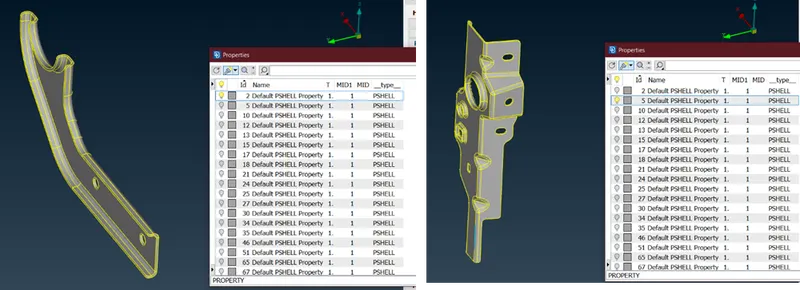
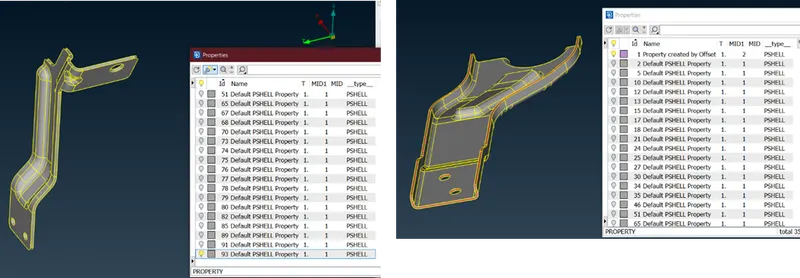
8) The manual approach will take a lot of time to complete even though it is a bit more accurate than the automatic. To save time I have chosen the mid-surfacing------CASTING/EXTRUSION option for the MID-MESHING process.
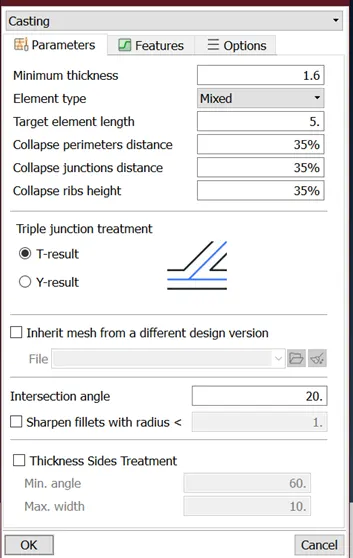
9)Due to this assembly containing a lot of parts it will take some time for the mid-meshing process to complete.
10) As this model contains large number of parts after automated meshing, with the property manager part by part, mesh flow can be corrected.
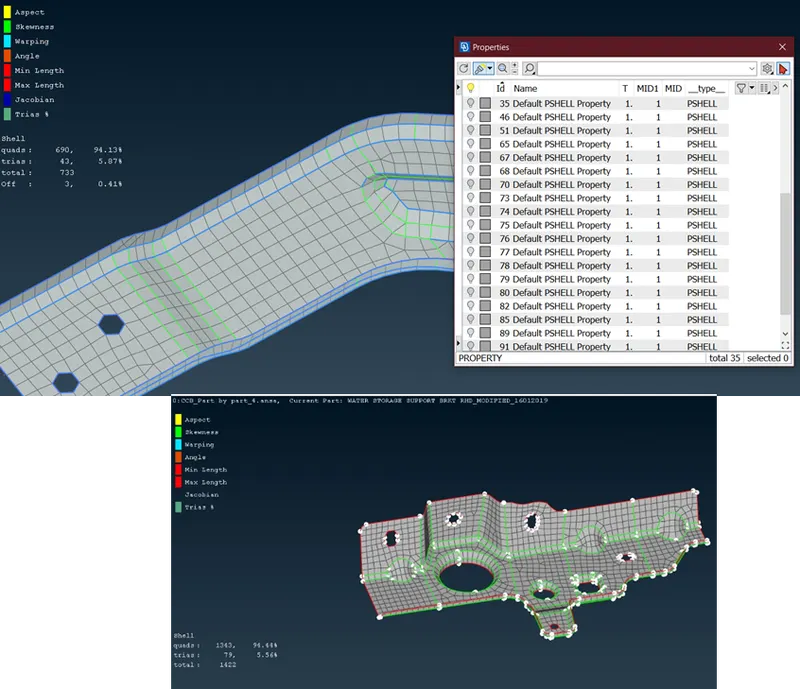
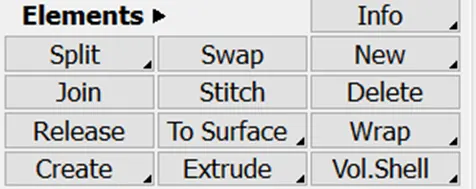
11) Commands like SPLIT, SWAP, JOIN, and PASTE are used to correct the mesh flow manually for the optimized quality.
(Paste option in GRIDS)
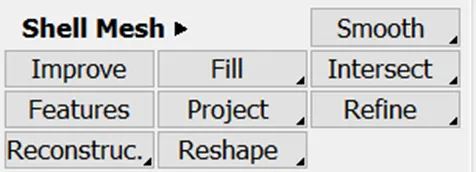
12) Commands like SMOOTH, RECONSTRUCT, RESHAPE, IMPROVE, and OPTIMISE are used to correct the elemental errors for good flow with the mesh.
13) The elements should be within the solid 3d part for the proper results in the post-processing.
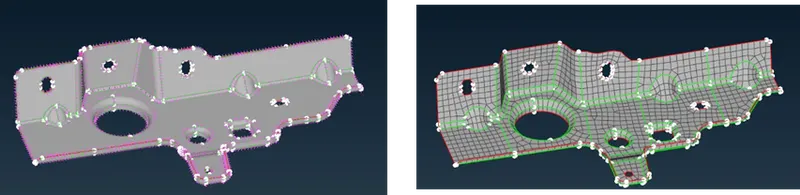
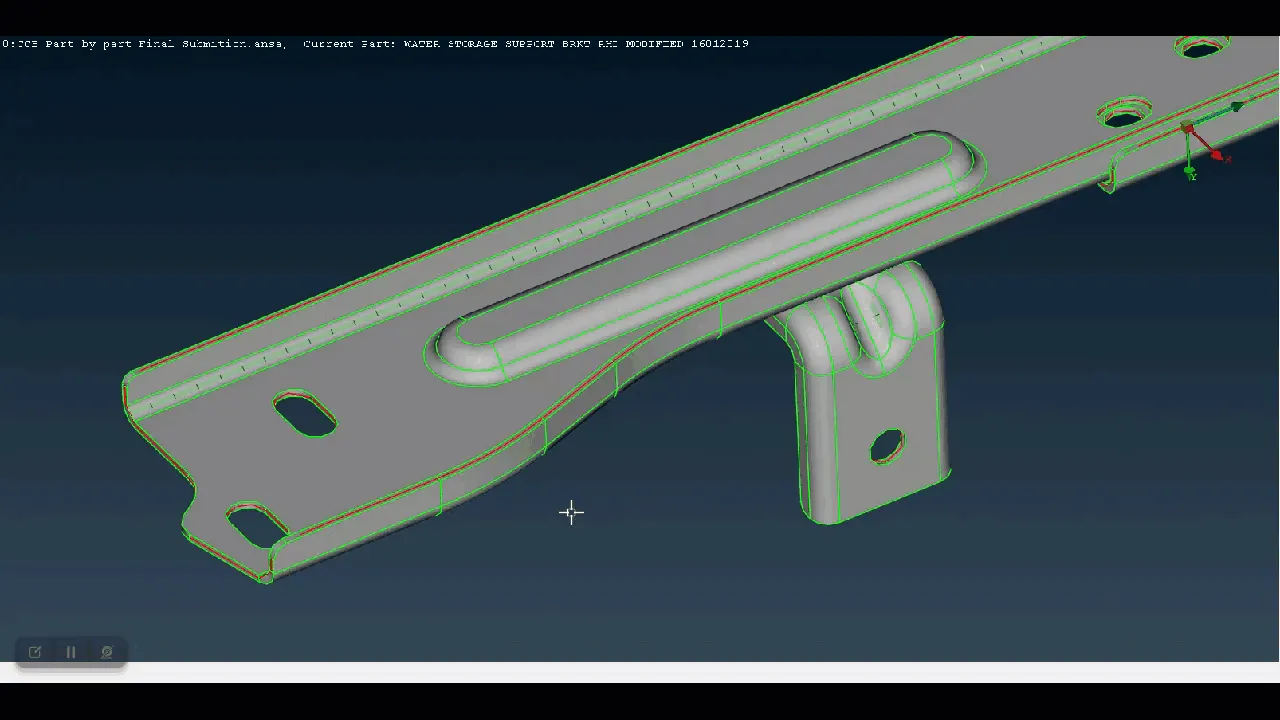
14) Mesh corrections cannot be done in a single shot it will take some time. Through the property manager, part by part is corrected and saved with updated iterations for the safe backup.
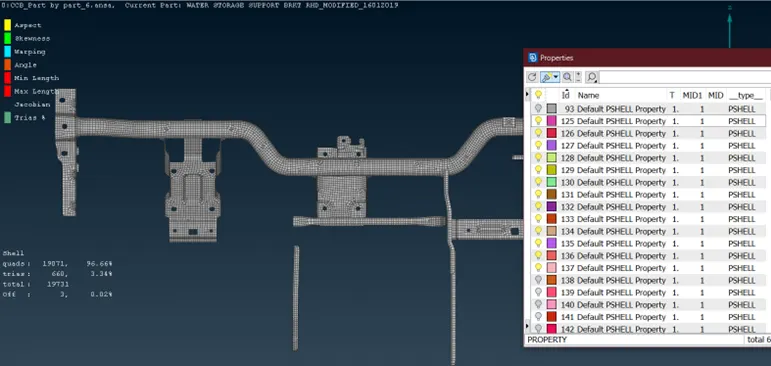
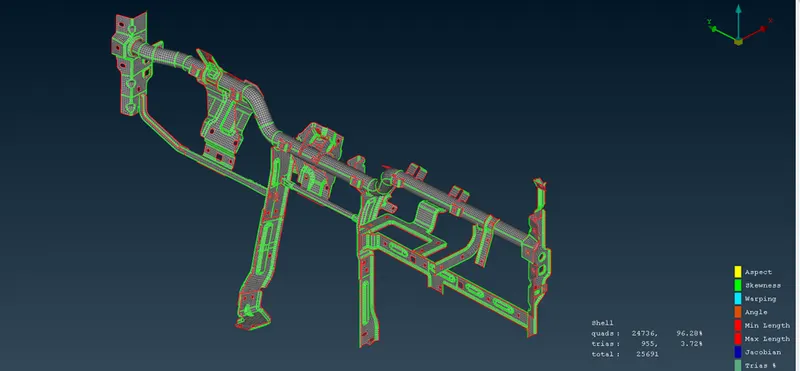
15) Meshing is optimized until the given QC is achieved without any off elements. Thickness is updated as per the given model to the property manager.
Course Outcome
- Manual geometry cleanups.
- Dealing with large assemblies.
- Extrusion/Casting Mid surface meshing.
- Use property manager for the large assembly.
Results:
The given CCB CAD model geometrical cleanup, mid-surfacing and meshing are performed as per the given quality criteria.