Week- 8 - Solid meshing
OBJECTIVE
- To create solid mesh using tetra fem and
- To mesh with the given element Quality Criteria for the given Rearview mirror.
PROCEDURE
- Open the given Rearview mirror in ANSA by using File > Open
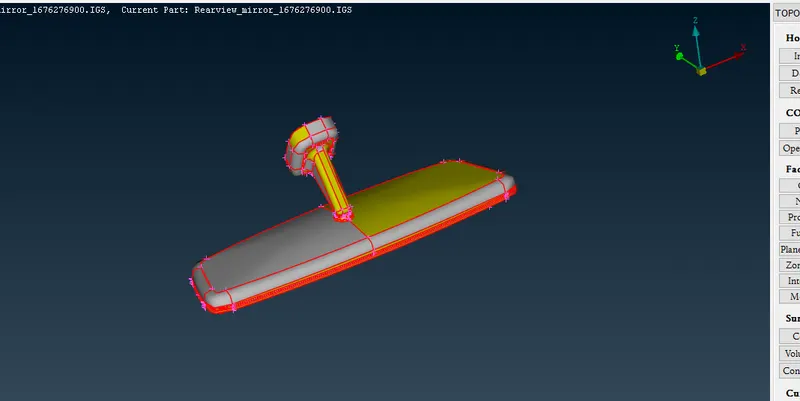
Rearview mirror
2 After that Go to Tool >Checks >Geometry for Cleanup.
3 As shown in screenshot, Checks Manager window click Execute to check any error occurred in Rearview mirror and fix the Error and Cleanup the Geometry.
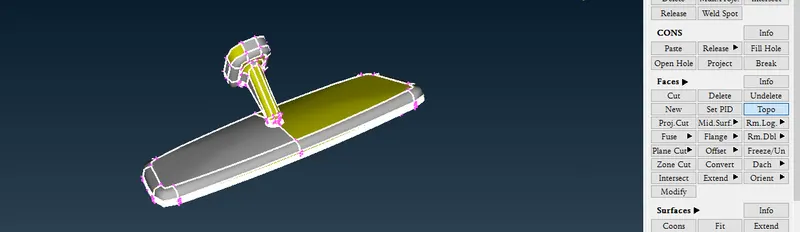
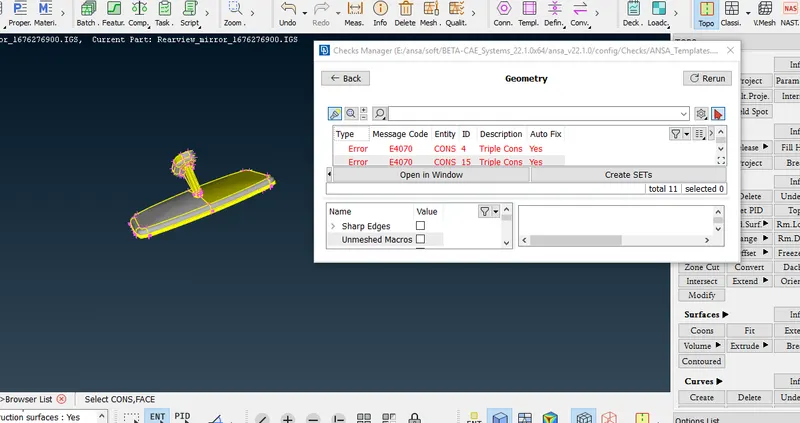
Error in Rearview mirror
- In the above screenshot, error has been occurred in the given Rearview mirror. Check the error showing in the Model and also tic mark on single cons.
- When eliminating the error, Right Click on the error which is going to resolve and click Show only option.
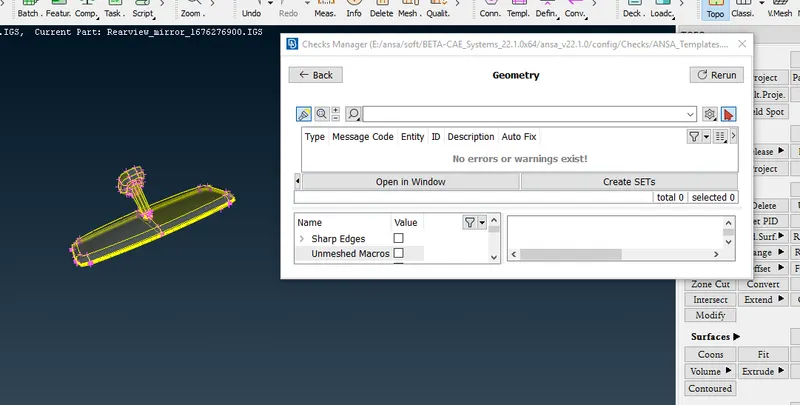
Cleanup the Geometry
- After that Click Execute in the Checks Manager and 100% Geometry Cleanup is now get.
Mesh Generation
- For that follow Go Utilities >Quality Criteria Option and assign the given Quality Criteria Values.
- After assigning the Quality Criteria for the Component, Go to Utilities >Mesh Parameters and assign the Average Value for Meshing.
- Mesh Parameters
- Go to Mesh >Perimeters > Length Option and Select the whole good model to Mesh and enter the Value of Perimeter 1mm Length for Meshing.
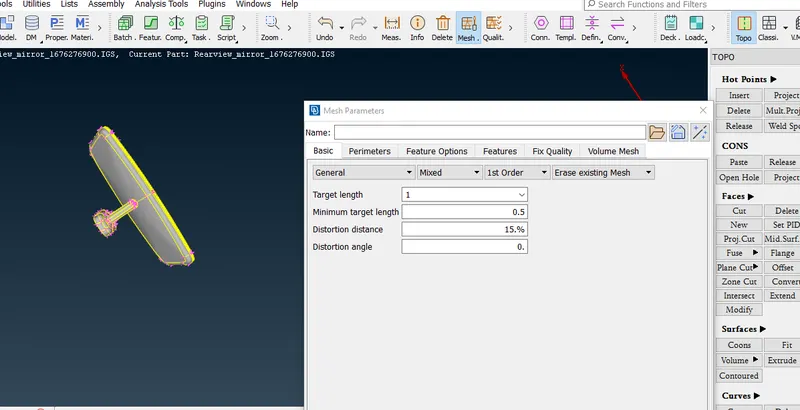
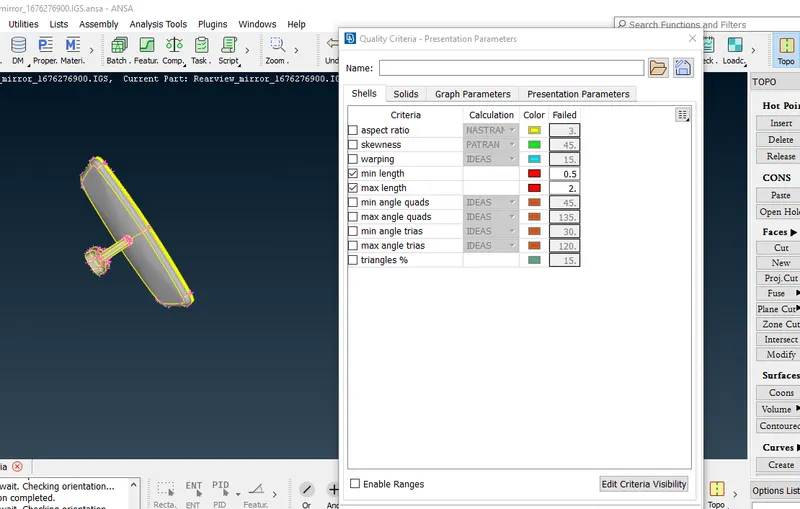
- Now for meshing we used tria and ortho tria elements
- tria elements are deploy those area which are flat and ortho tria on fillate areas
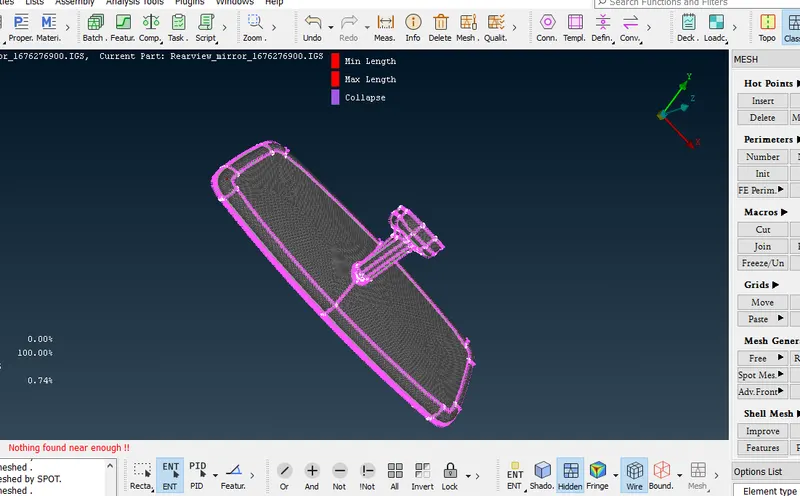
- After completing surface meshing now check any quality failure
- Use Shell Mesh-->Reconstruct option to rearrange the Mesh and Use Shell Mesh >Smooth Option to refine Mesh lines equally within the Selected Surface and solving the Quality criteria issues.
- After removing all quality issues go to volume mesh
- Now open volume mesh
- In volume mesh define the volume entites after that use tetra FEM to mesh volume
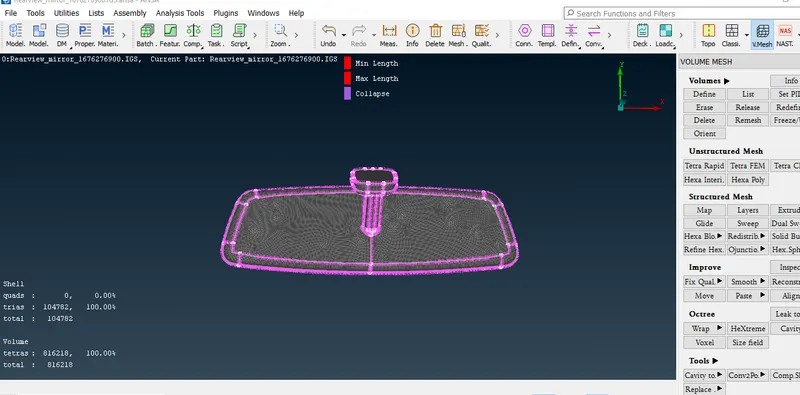
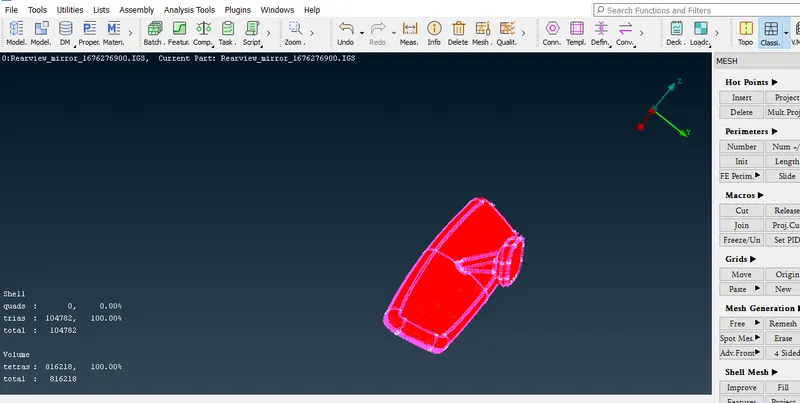
Rearview mirror Mesh
Learning Outcomes
From above project we learnt about unstructued solid meshing and used of ortho tria
Conclusion
solid meshing takes too much time then surface meshing