Week- 8 - Solid meshing
Aim : For the rearview mirror component check the following
- check for the geometrical errors
- mesh the Surfaces with the given 2D element Quality criterias given below.
Procedure: The cad model is given as
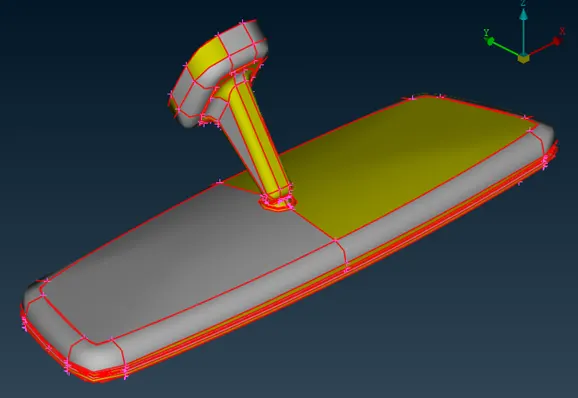
As the first step topology is done and after that I have gone for the geometry check up to check is there any geometrical errors and fix them
We are meshing 3D components here , so in order to get a good mesh we can use tria elements for meshing for that we can select tria option in mesh parameters
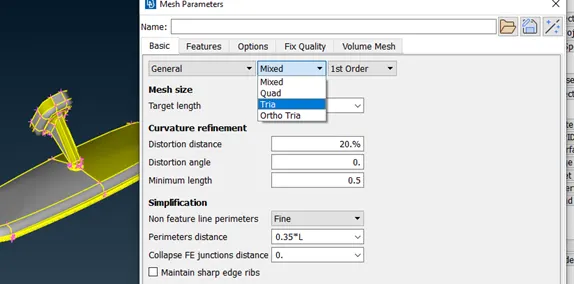
After that the quality parameters are declared
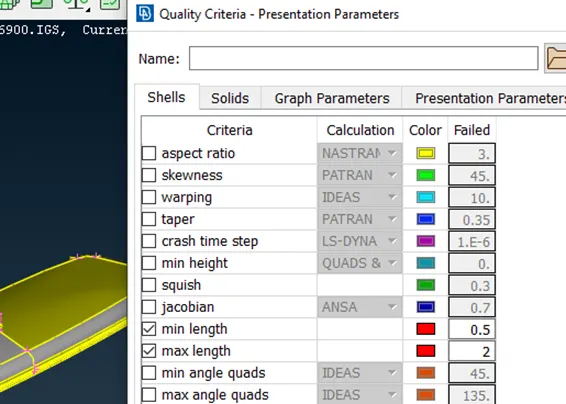
As mentioned in the question we have given only the min and max length also the tet collapse in the solids
Then we can go for meshing of each parts of the components by best option
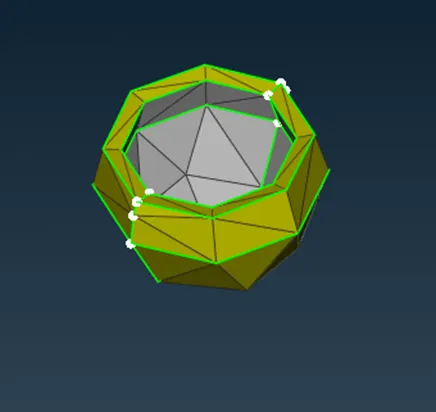
The next step is defining the volume , it can be done by define option in the volume mesh
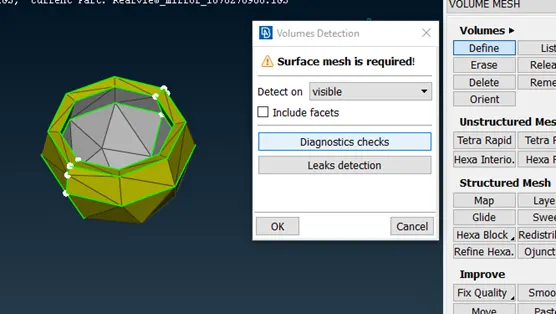
Also we will use tetra fem option for volume mesh
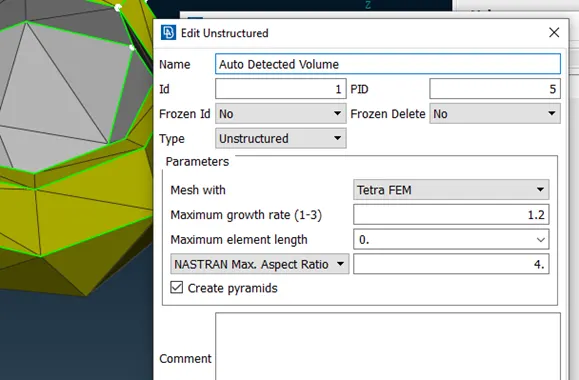
By clicking on apply it will select all the entities and volume mesh will be applied ,for checking the volume mesh we can use the not option to see cut view of the model
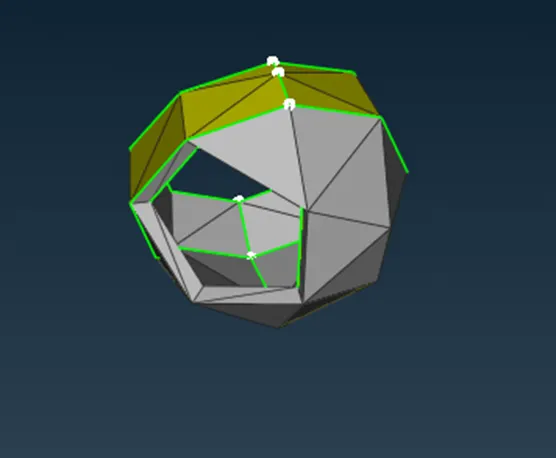
Same as this do for the remaining parts then volume mesh will be completed
The final model is given as
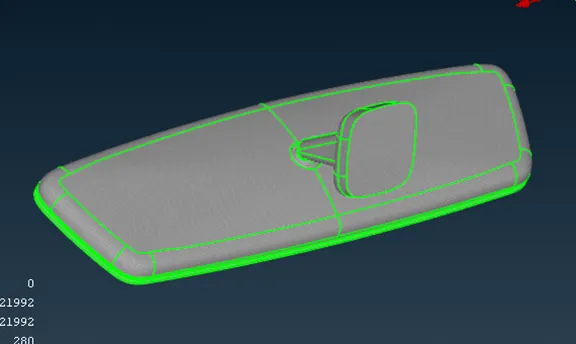
My learning outcomes from this challenge
- Learned a new way of meshing which is easier and gives the best result
- We can use trias and ortho trias for meshing according to the surfaces of the model
- Especially ortho trias are used for the curvy and complicated surfaces
Conclusion
From this challenge I have learned the solid meshing and its procedures and what are all the steps to be followed for solid meshi