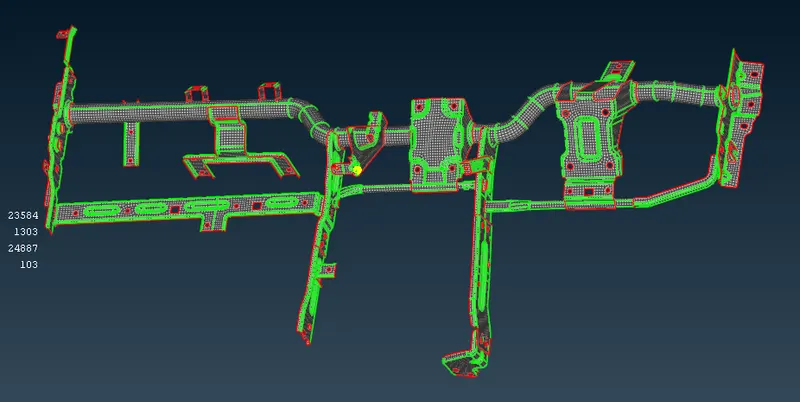
Week 4 - 2D Meshing for Sheet Metal
Objectives
For the given CCB CAD model, Check for the Geometry cleanup (if required), Take the mid surface, and Mesh it with the below 2D element Quality criteria.
|
S.No |
Quality Criteria |
Value |
|
1 |
Target/Average length |
5 |
|
2 |
Minimum Length |
3 |
|
3 |
Maximum Length |
7 |
|
4 |
Aspect |
3 |
|
5 |
Warpage |
15 |
|
6 |
Skewness |
45 |
|
7 |
Jacobian |
0.7 |
|
8 |
Minimum Quad Angle |
45 |
|
9 |
Maximum Quad Angle |
135 |
|
10 |
Minimum Tria Angle |
30 |
|
11 |
Maximum Tria Angle |
120 |
|
10 |
Tria Percentage |
15 |
Steps followed
The model is given as
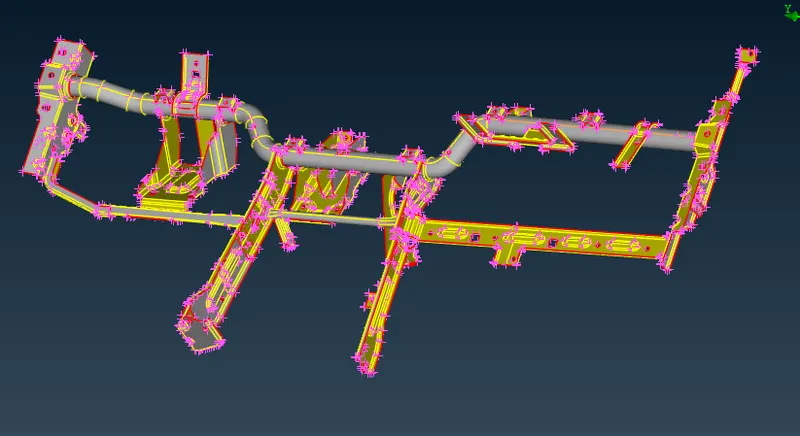
- Topology is done as the first step to connect all the edges or single cons
- Geometrical checks are done for checking if there’s any geometrical error , if there is any error we can clear the errors by autofixing it , if there is any exceptional surfaces are present we can delete that manualy by checking in the property card list and select ‘show only ‘ to clear each error
- since there are so many parts in this geometry we can go for midsurface extraction one by one for each parts
- once the midsurface is created we can rename the parts in the property card list
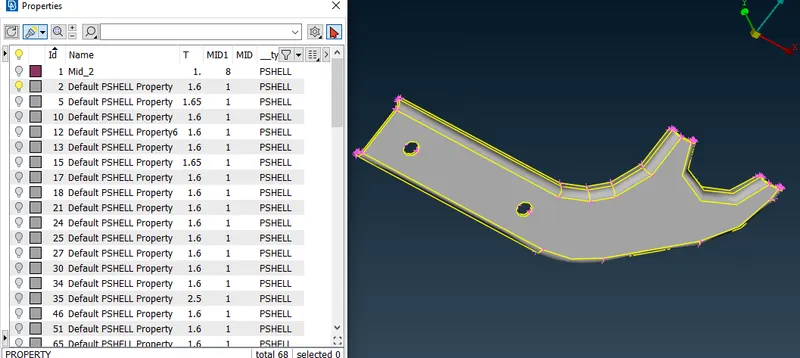
- For extracting the mid surface we need to measure the edges length, then by offset option a face is selected by feature area selection
- The half of the parent geometric length is given as the offset value , also the direction should be checked and the negative offset value should be given for the opposite angle
- After extracting the midsurface , hide the parent geometry and save the midsurface in the property card list (ctrl+p)
- Remove the unwanted lines and clean up the model
- Before meshing we need to declare the target length parameters as required
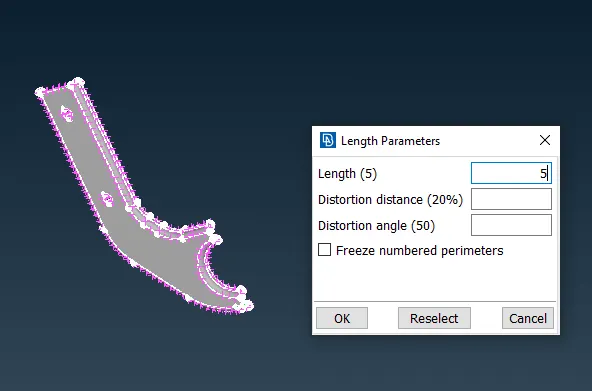
- For the mesh generation we can go for classic mesh-best mesh by selecting the whole model also give the average mesh length as required
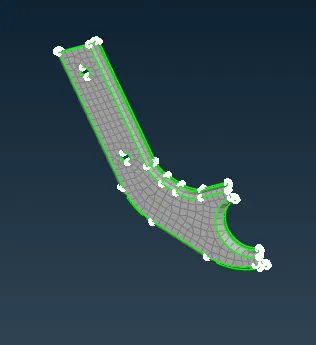
- Declare the quality parameters (Fn+f11) as required
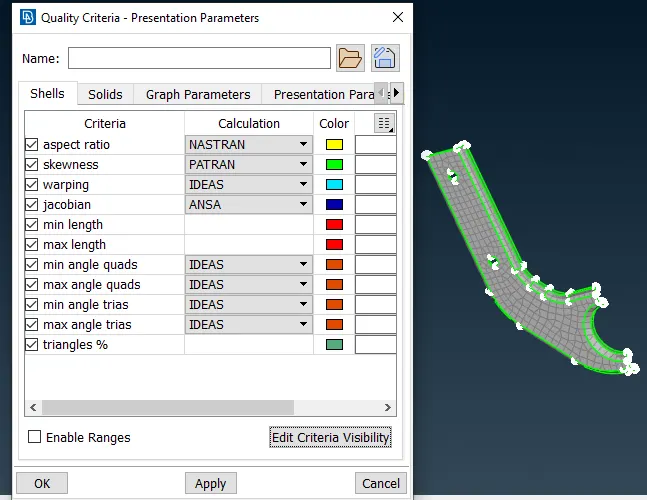
- For improving the mesh quality the quality parameters should be satisfied, so that we will make changes in the mesh by ‘reconstruct’ , and avoid the tria elements which are facing opposite side and facing along the edges by the options in the elements such as ‘split ,collapse, swap etc
- The final result of the model is given as .