Week_8_Plastic Model_1
Week 8 - Plastic Model:01
1. Aim
- To Generate a mesh on a given model after a proper geometry cleanup and mid-surface generation using Hypermesh.
- Ensure the generated mesh obeys the mentioned quality criteria and the corresponding thickness of each surface assigned to the mesh.
Objective
- Import and perform a geometry cleanup on the given model using Hypermesh.
- Assign thickness and generate a Proper mid-surface with the proper technique.
- Mesh the generated mid-surface and reconstruct the mesh to satisfy the following quality criteria.
- Model Checks
Quality Criteria
| Sl No: | Quality Criteria | Value |
| 1 | Target Element Length | 5 |
| 2 | Aspect Ratio | 3 |
| 3 | Skewness | 45 |
| 4 | Warping | 30 |
| 5 | Taper | 0.5 |
| 6 | Min. Length | 3 |
| 7 | Max. Length | 7 |
| 8 | Min. Angle Quad | 45 |
| 9 | Max. Angle Quad | 135 |
| 10 | Min. Angle Tria | 30 |
| 11 | Max. Angle Tria | 110 |
| 12 | Tria % | 15 |
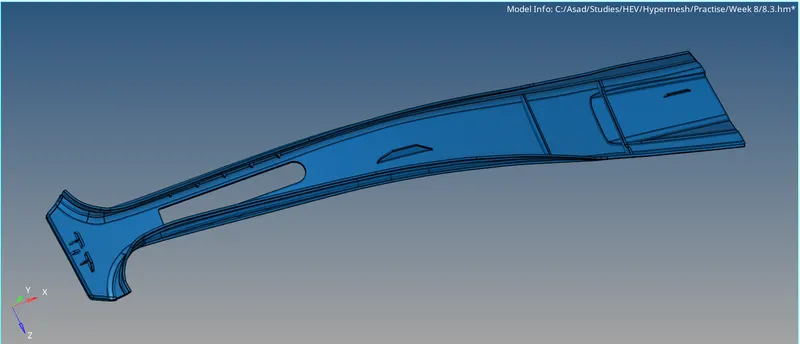
Fig 01: Isometric View Of Model.
3. Procedure
Step 1: Importing the File
First We have to import the file to hyper mesh. Here, the file is in STP format.
Step 2: Geometric Cleanup and Extracting Midsurface.
We can see that thickness is not constant throughout the geometry by taking thickness measurements. So given geometry is a plastic model. After the geometry cleanup, try the auto mid-surface option to extract the mid-surface. The extracted mid-surface has issues like missing surfaces, orientation, and mismatching surfaces. These issues are addressed by commands like 'Split Surf Line, Toggle Edge, Filler Surfs, Delete Surfs, Extend Surf, Offset, Ruled, Project, etc. After that, the mid-surface is generated and it is ready for meshing.
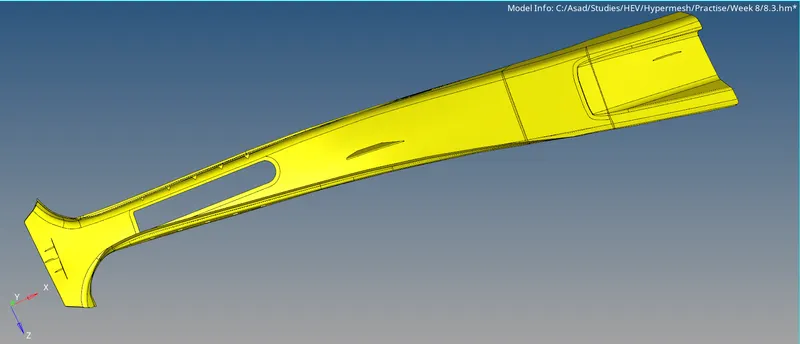
Fig 02: Mid Surface Extraction
Step 3: Property, Material, Measuring Parameters and Quality Criteria
This is a plastic model, which means that there are components with different thicknesses. So organise those components separately and assign properties based on thickness. Create material, and add Quality Criteria and Measuring Parameters.
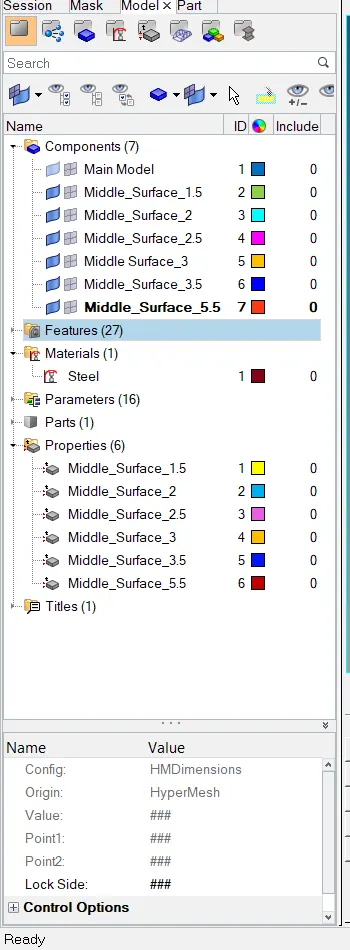
Fig 03: Property and Material
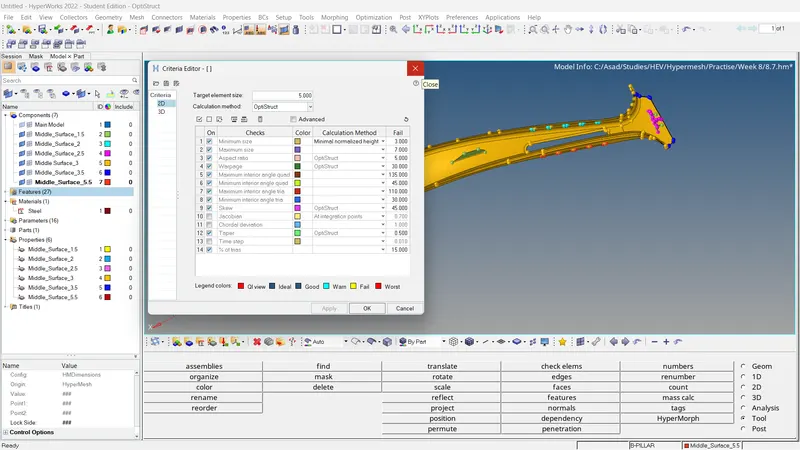
Fig 04: Quality Criteria
Step 4: Meshing the Surface
The meshing is carried out the surface to surface. Also, adjusting the number of nodes for good mesh flow.
- 2D >> Automesh >> Select Surface >> Ok.
The mesh flow should be improved especially in feature areas. For that, we can use these functions,
- 2D >> Rebuilt >> Select the mesh elements which to be reconstructed.
- 2D >> Edit element >> Create/Combine/Split
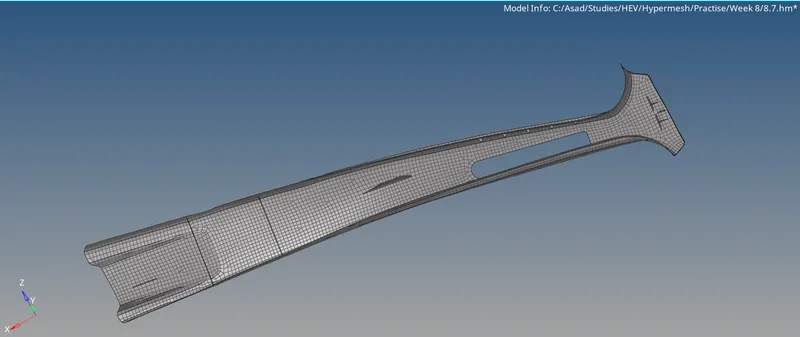
Fig 05: Generated Mesh
After correcting the mesh flow, the element quality should be checked.
- 2D >> Quality Index >> Cleanup Tools
Using the following tools, Place nodes/Smooth/Modify holes and washers/Split and Collapse Edge/Swap edge/Drag tria element/node optimise/element optimise/split quad element/combine tria element, we can simply modify elements to obey element criteria.
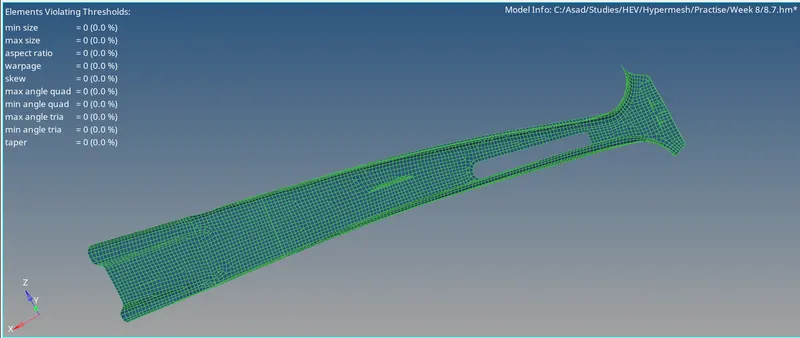
Fig 06: Quality Index
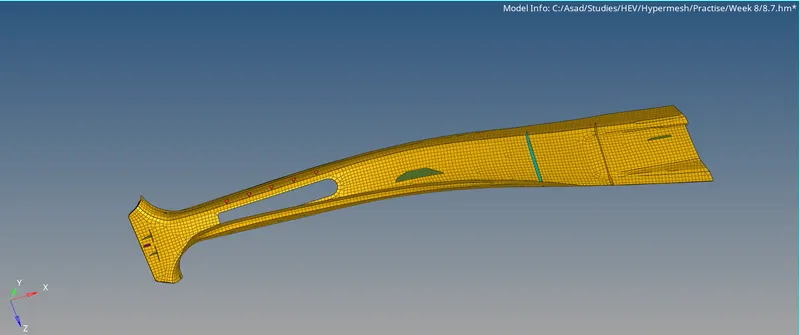
Fig 07: Final Mesh
Step 5: Model Checks
Check For Free Edges And Equivalence
- Tools >> Edges >> Select Elements >> Adjust The Tolerance Value (~0.5) >> Find edges. >> Delete Edges >> Preview Equivalence >> Equivalence.
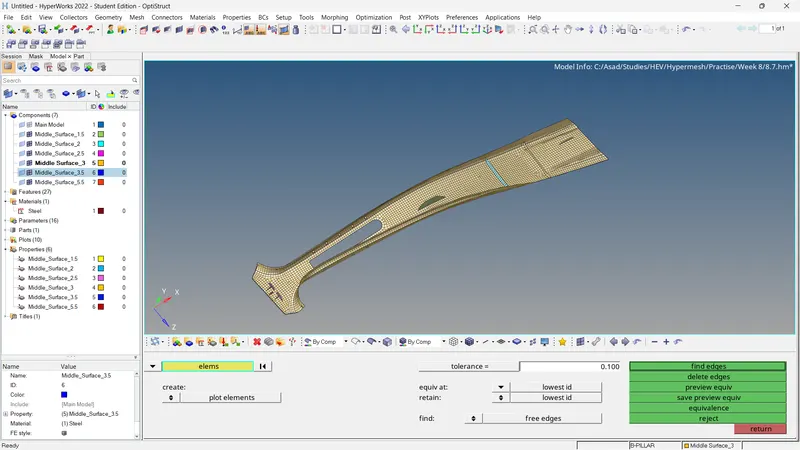
Fig 08: Edges And Equivalence
Check For Connectivity and Duplicates
For Connectivity
- Tools >> Check Elements >> 2D >> Connectivity.
For finding duplicates,
- Tools >> Check Elements >> 2D >> Duplicates.
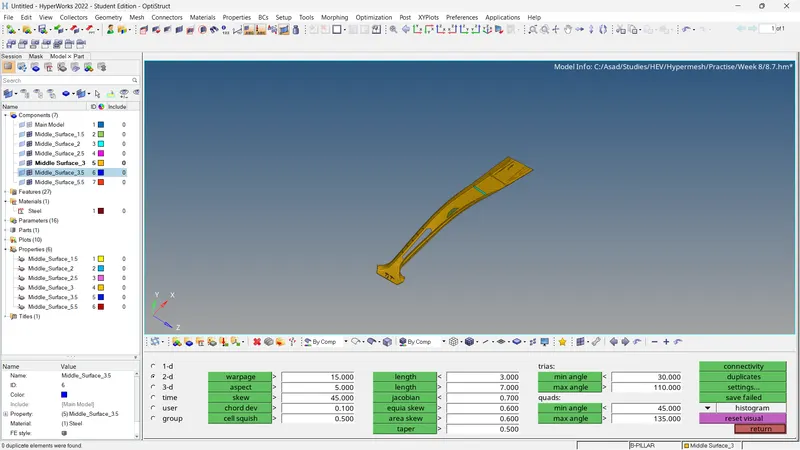
Fig 09: Connectivity and Duplicates
Check For Normals
- Tools >> Normal >> Elements >> Color Display >> Display.
If any of the vectors have opposite directions, it can be corrected by Using the 'Adjust' option.
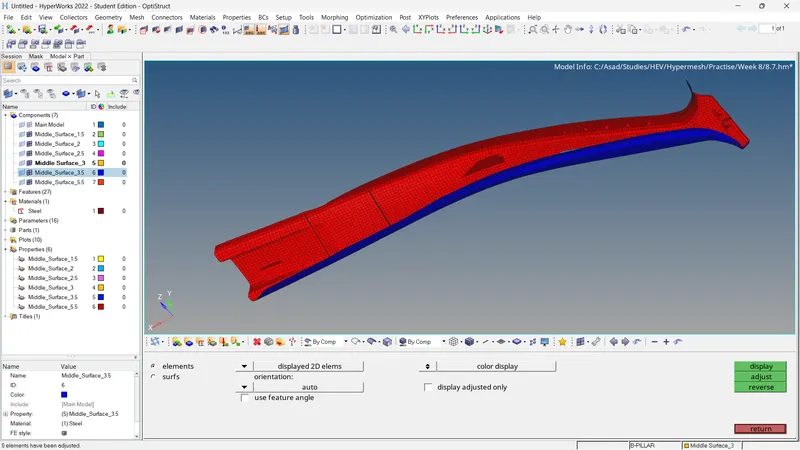
Fig 10: Check For Normals
Check For Penetration and Dependency
For penetration/intersections checks,
- Tools >> Penetration >> Select Elements >> Check
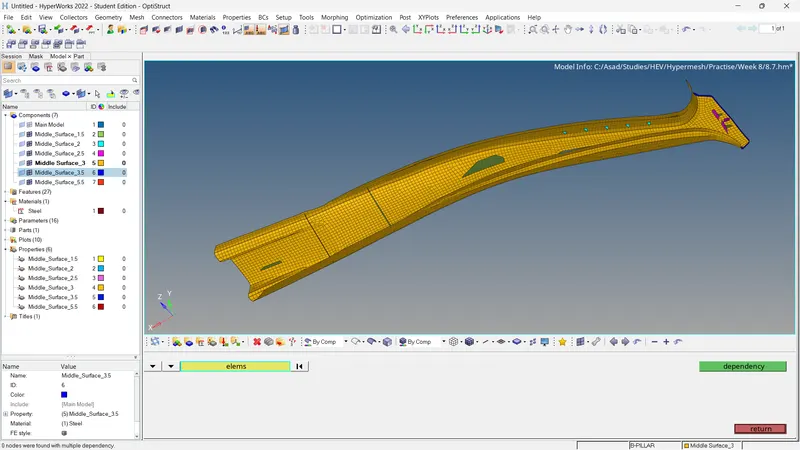
Fig 11: Check For Penetration
For dependency checking,
- Tools >> Dependency >> Select Elements >> Dependency
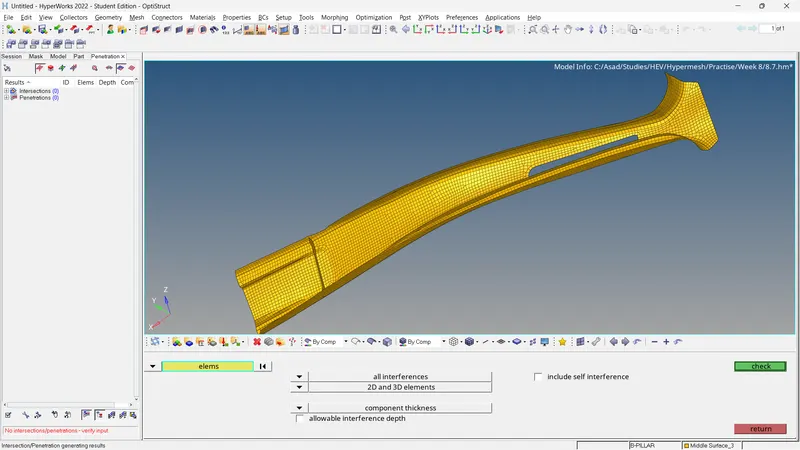
Fig 12: Check For Dependency
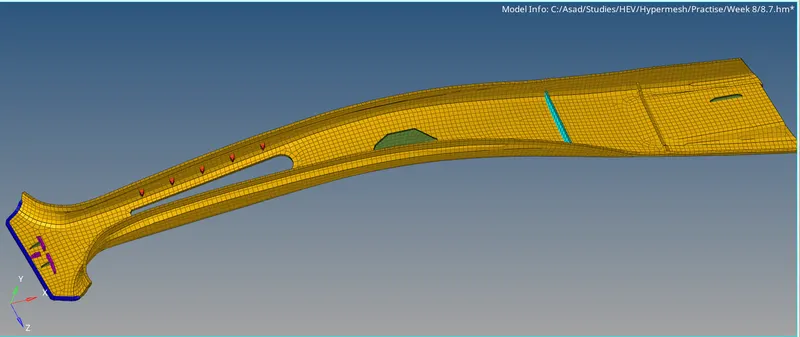
Fig 13: Final Result
4. Conclusion
- The mid surface of the given model is generated, assigned properties based on thicknesses, and materials and adds quality criteria and target element lengths for every one of the components.
- The meshing and reconstruction of a generated mesh of each component are completed.
- Model checking is finished.
5. Results
- For the given Plastic model, the mid-surface is extracted and mesh generated. The generated mesh satisfies the following quality criteria and the model checks are completed.