Week_8_Plastic Model_1
Aim-
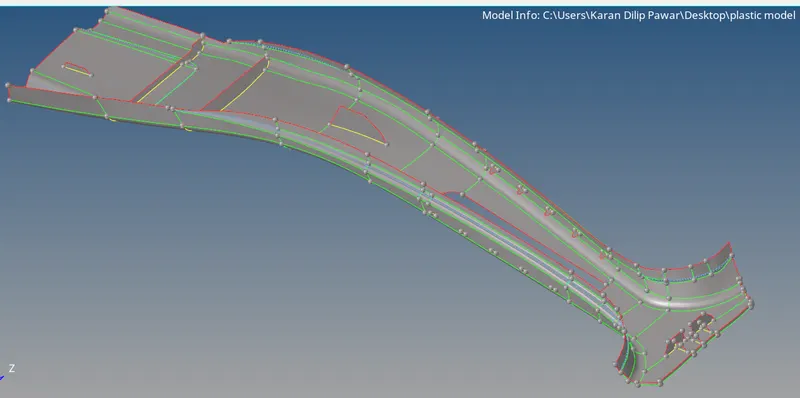
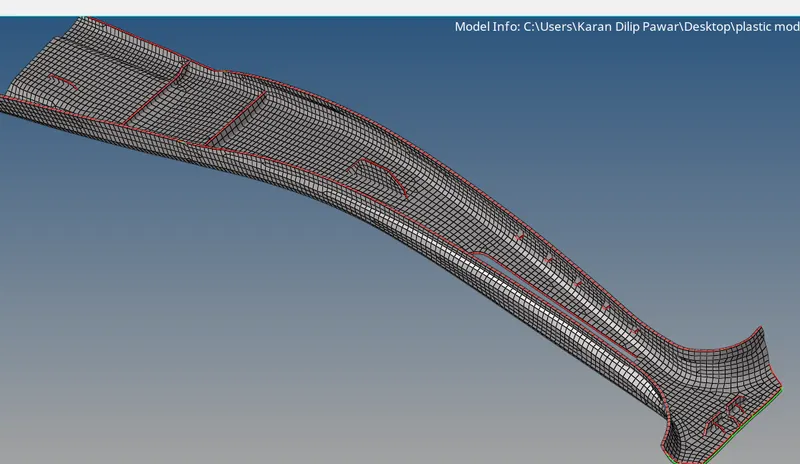
Creating a midsurface for B-Pillar meshing with given quality criteria and assigning thickness to it.
Procedure-
1. Importing the step file and perform necessay cleanup in parent geometry if required.
2. Creating a midsurface by Geometry- Surface edit- Offset Command or by Shift+F9
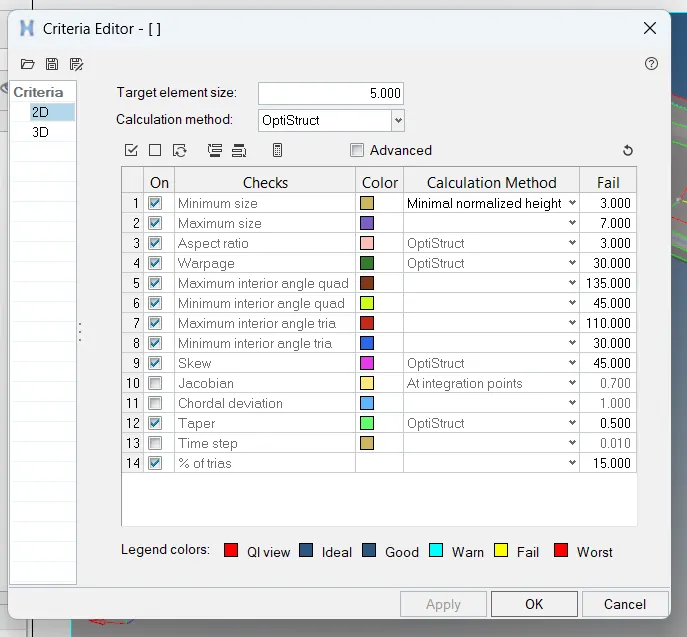
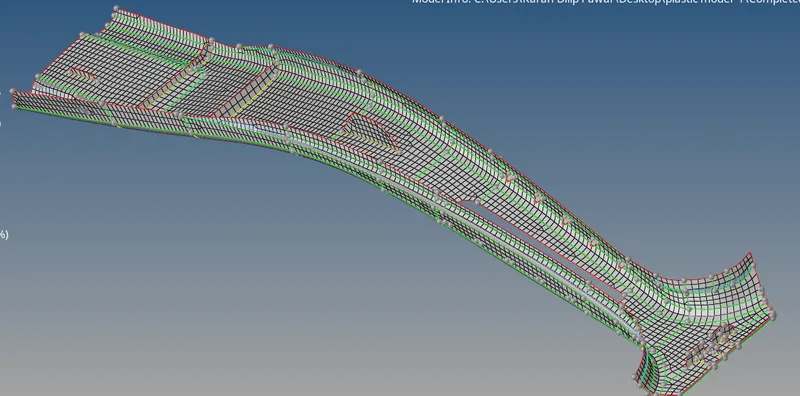
3. After getting midsurface from parent geometry starting with mesh with element size 5mm i.e F12 OR 2D- Automesh and applying given quality criteria by Prefrences-Criteria File Settings.
4. As the geometry is having variable thickness need to make separate property ID for each different geometry and assign the thickness for same by making a property card of thickness.
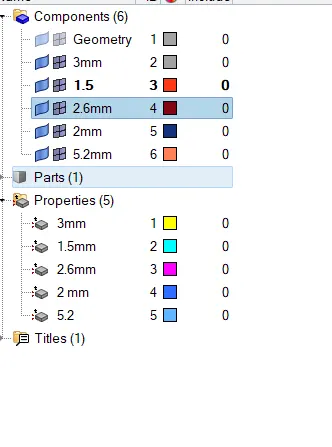
5. Completed with the Assignment.
Learning Outcome-
Learn how to deal with the component having variable thickness how to take midsurface for same and creating different component ID and assigning thickness to it.