Week_8_Plastic Model_1
AIM: to create a mid surface for a given component (plastic) and assign thickness.
PROCEDURE: download the component file and open it in HYPERMESH
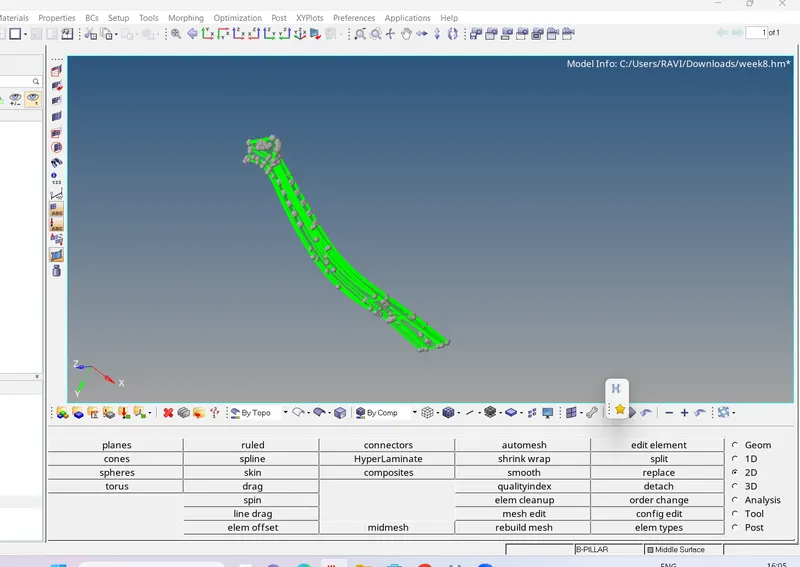
create a mid surface from the parent geometry.
check whether the mid surface extracted from the parent geometry surfaces are not.
hide the parent geometry.
assign the quality parametres as mentioned.
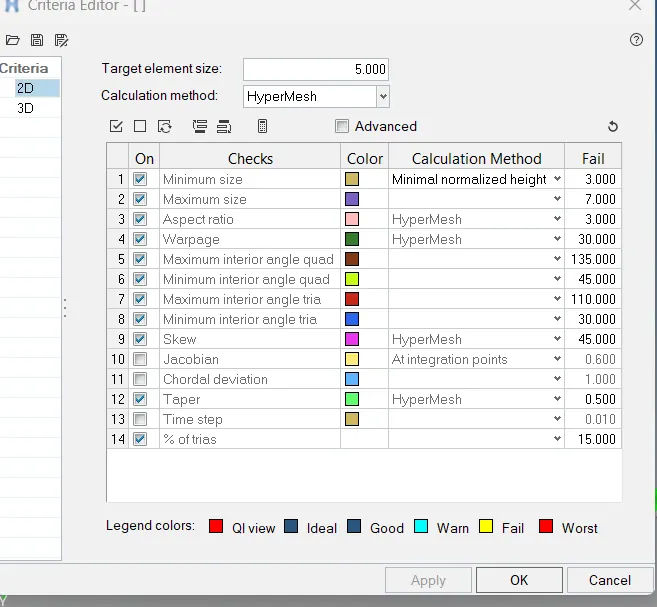
geometry checks should be done.use toggle edge tool to supress the feature lines which are creating th equality errors.
select automesh in 2D and mesh the midsurface.
select the quality index to verify the elments which are failing the quality parametres.
use the optimizing elements .to remove the errors.
assign thickness and property to the midsurface and compare it to the parent geometry.
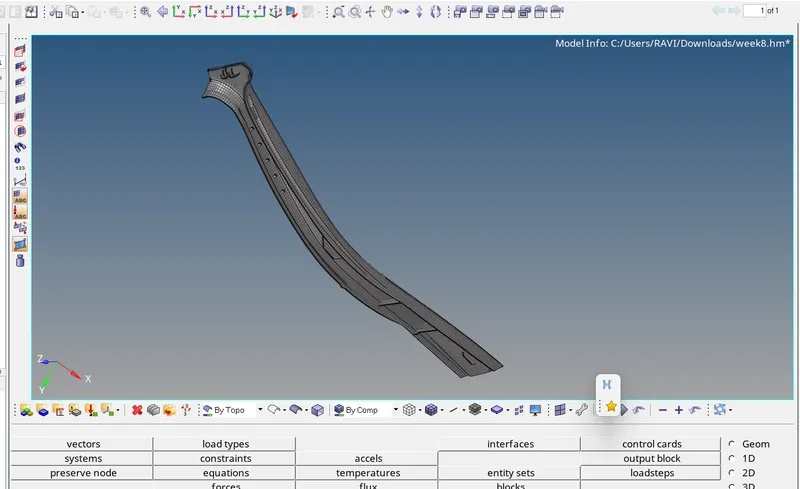
result: midsurface is extracted from the given component and meshing is done within the qualityv parametres.