Week - 8 - Morphing
Objective:-
- to check for geometrical errors and fix them all
- to perform morphing by using suitable tools
Introduction:-
- received two models one for practicing and another one for performing the given morphing task
- the first model had a lot of red cons so used the toppo tool and fixed them
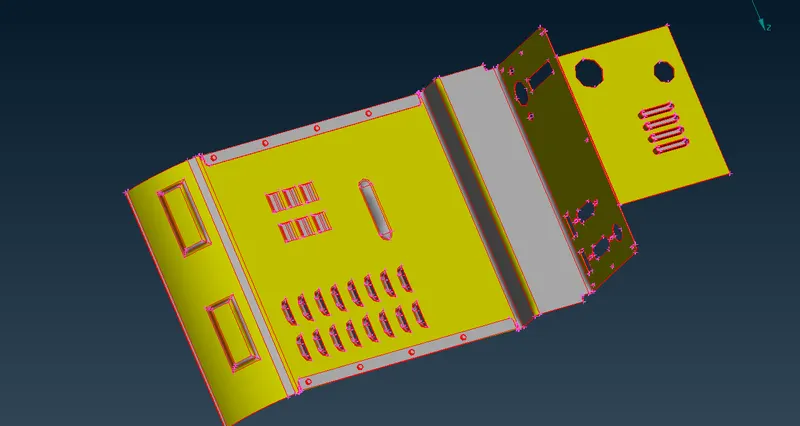
- one model was basically of two plates with very little thickness
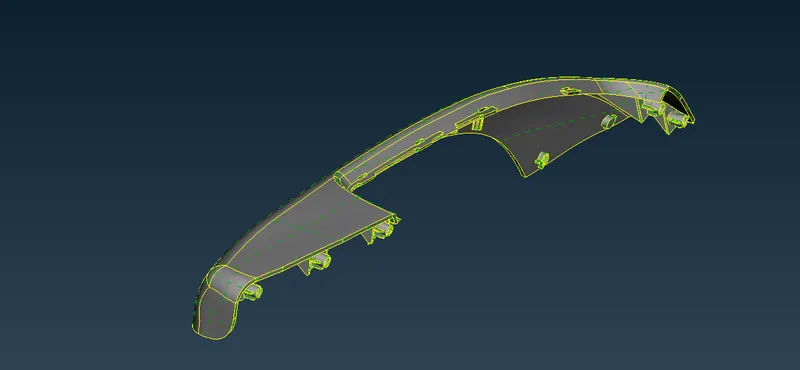
- another model was of Car's hand rest
- Morphing- It is a module used to modify the Mesh model (or) FE model to meet the new design changes without change of node id and the element id.
modal received (first model)
Car hand rest model received
Theory:-
- Firstly imported the first model
- after observing the model saw that there is a lot of single cons which can be fixed using the toppo tool
- so fixed them using the toppo tool
- then by using the orient tool fixed all the orientation issues and turned all the faces into similar orientation
- then did a geometry check using checks tools.
- Importances of morphing
- it is the best way to do changes in the geometry or FE without disturbing the elements, hot points, or cons
- easy to handle and makes work faster than it is supposed to be if we create the whole geometry just for a slight change in the geometry
Modal after using the toppo tool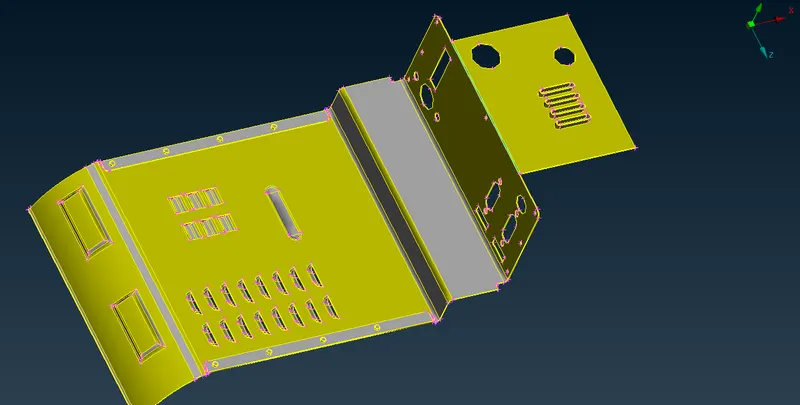
Modal after using the orient tool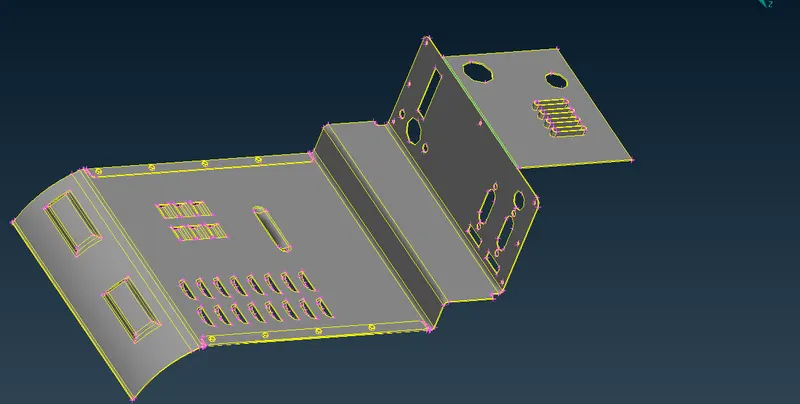
- after fixing all the orientation issues
- switched to morph deck
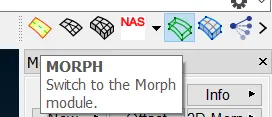
- then in morph deck to perform morphing first created the morphing box
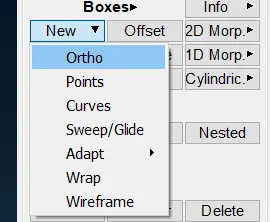
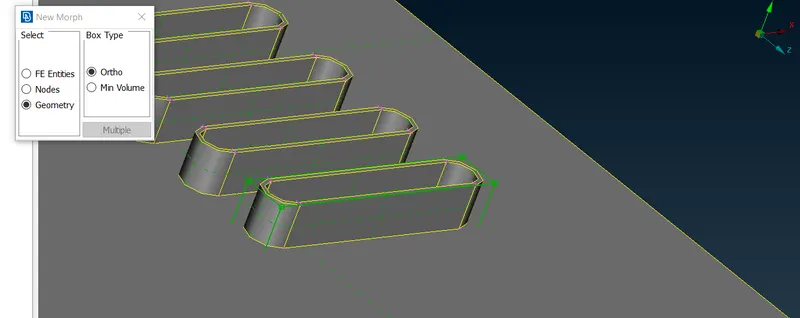
- to create a box used Boxes--> NEw--> Ortho then checked on geometry option and selected the faces where needed to do morphing
- then it created a morph box that looked like
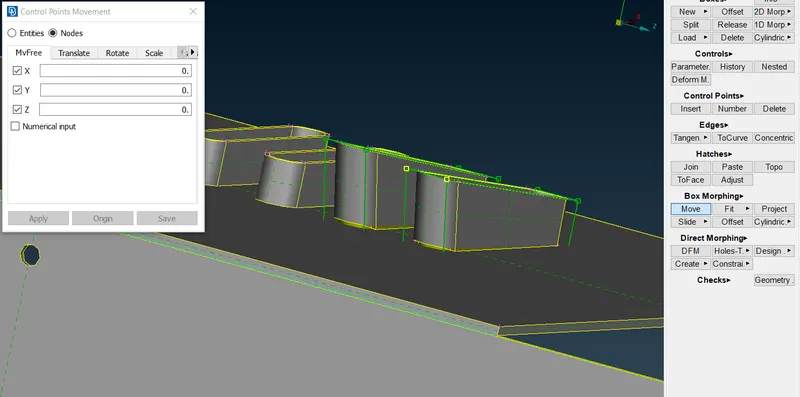
- after creating the box, used Box Morphing--> Move
- then selected the box points that were to be moved to achieve the desired shape
- then pressed the middle mouse button to fix the position of that component of the geometry
- that's how got the morphed geometry
complete morphed geometry (model 1)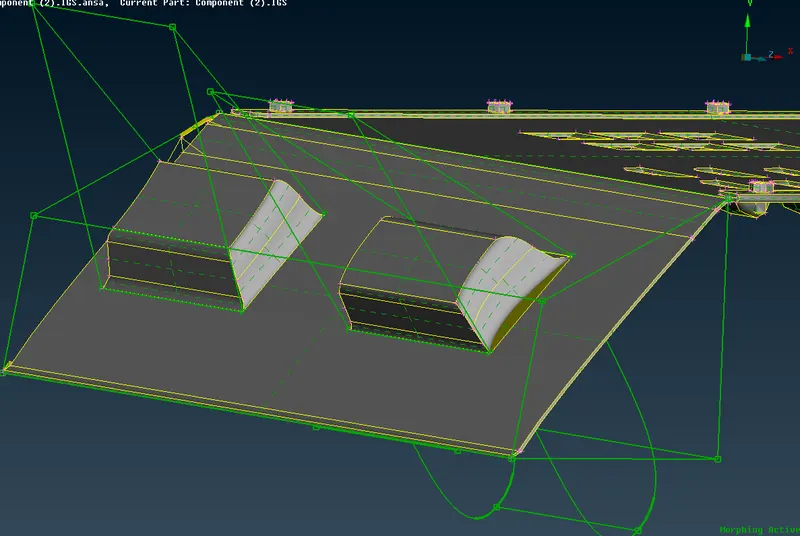
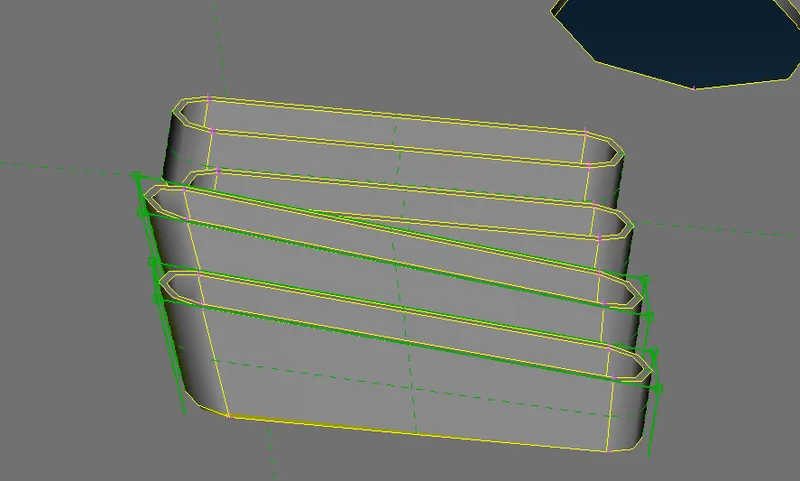
- used tools such as split to split the morphing box into the desired number of boxes and handle the morphing much efficiently
- then for the 2nd model used the same procedure to morph the components as mentioned in the challenge
- such as
component before morphing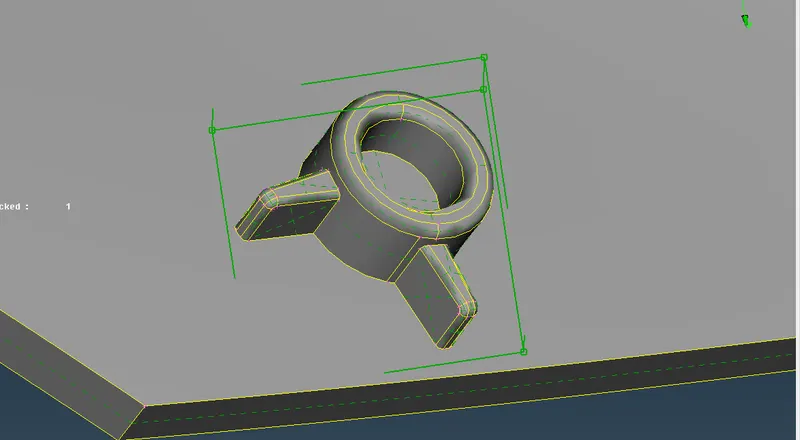
same component after morphing and making changes in the shape and size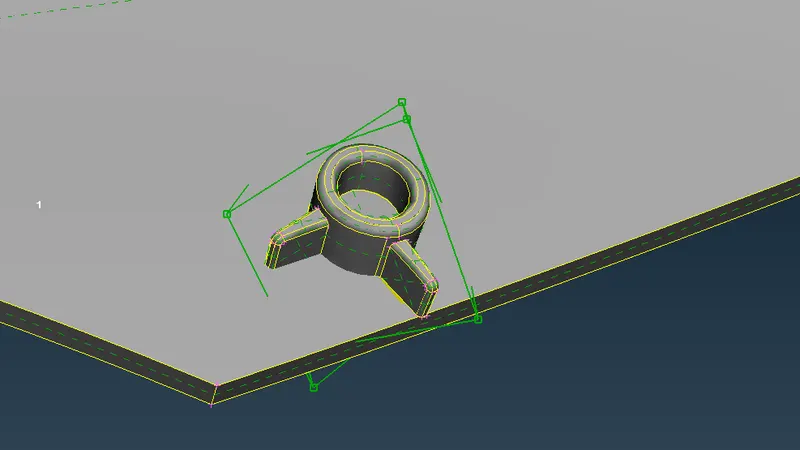
after creating the morphing box but the points were not moved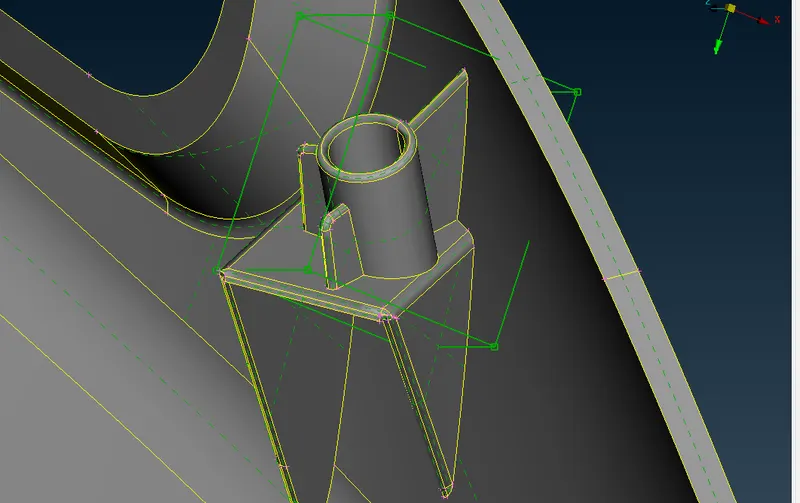
before morphing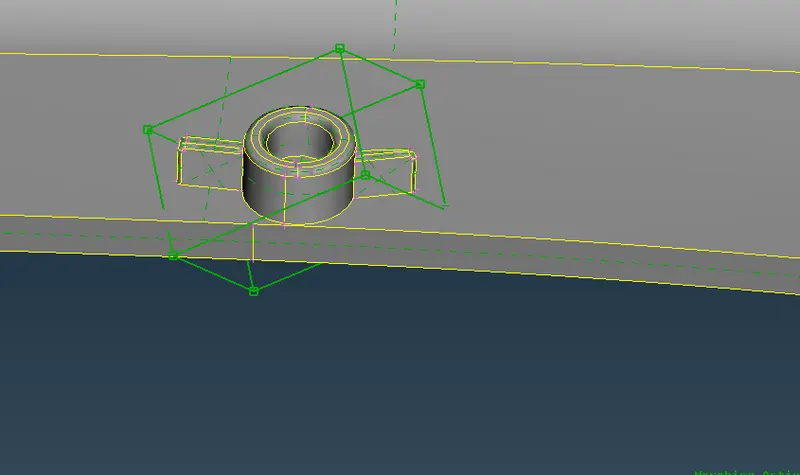
after morphing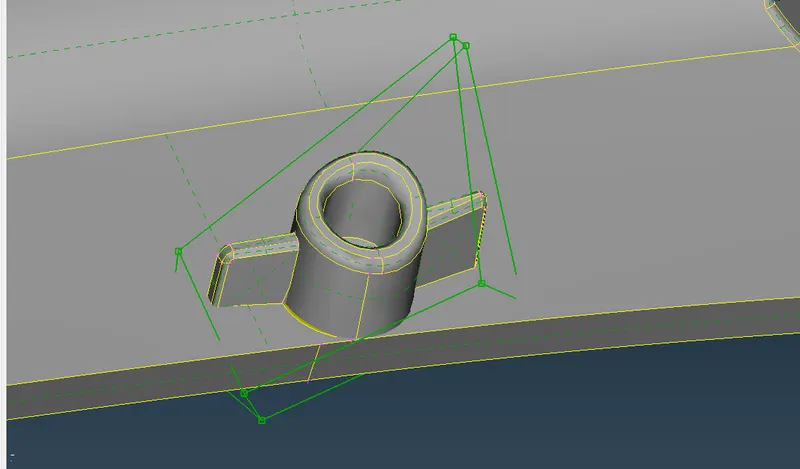
after increasing the height of dog houses by using morphing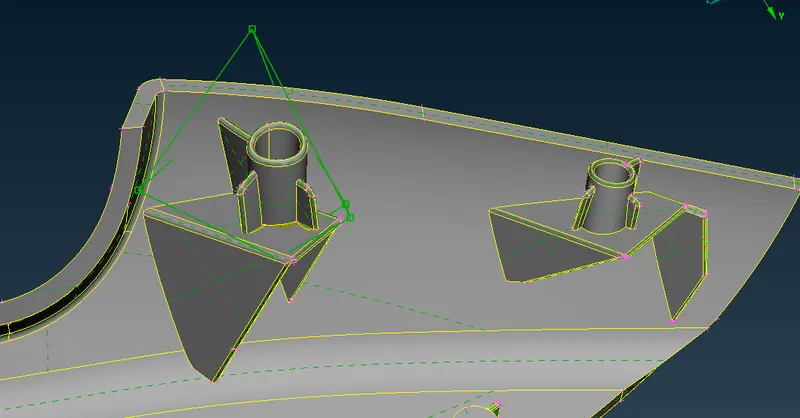
Conclusion:-
- Learned how to perform morphing for any geometry without changing its number of nodes, cons, etc
- learned how to use different tools in morphing deck
- learned how to split morphing boxes in morphing and how to use them to do the desired changes
- learned what is morphing and its importance