Week - 8 - Morphing
AIM:
To change the design of the given models with morphing method
PROCEDURE:
a)Model1:
- Import the given model
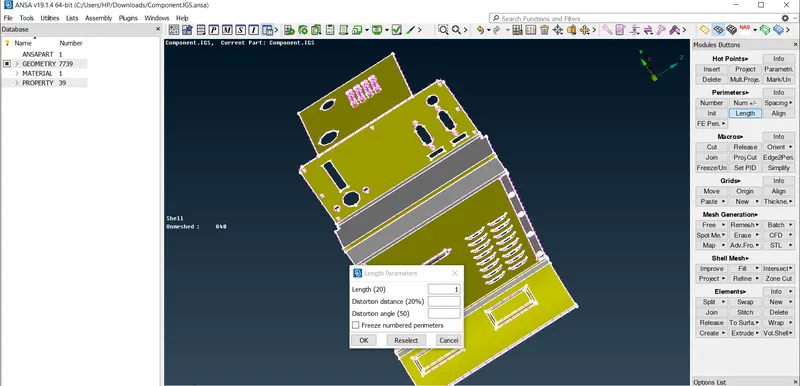
- Give CONS resolution,Goto Mesh module>perimeters>length,give length as 1
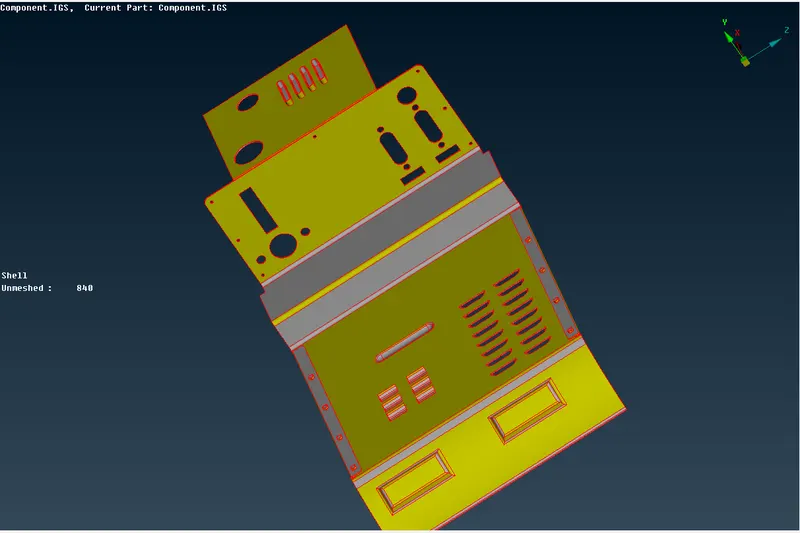
- Perform TOPO,Goto TOPO module>faces>TOPO
a)Before TOPO b)After TOPO
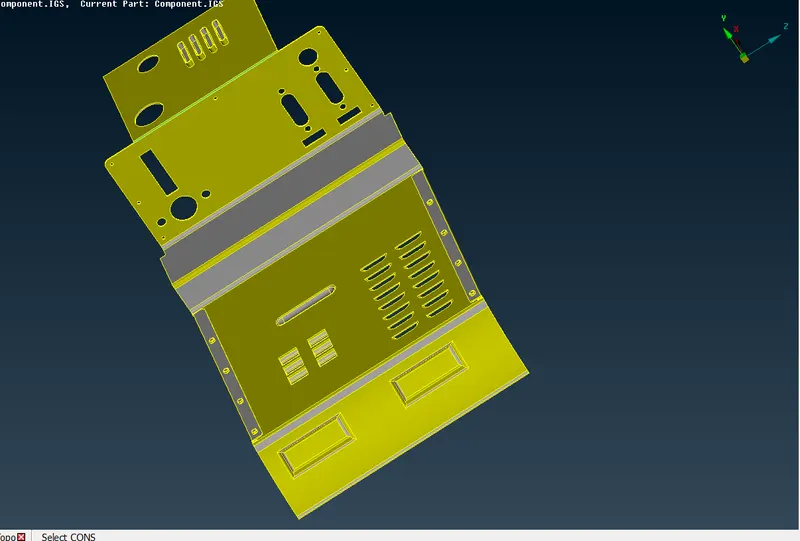
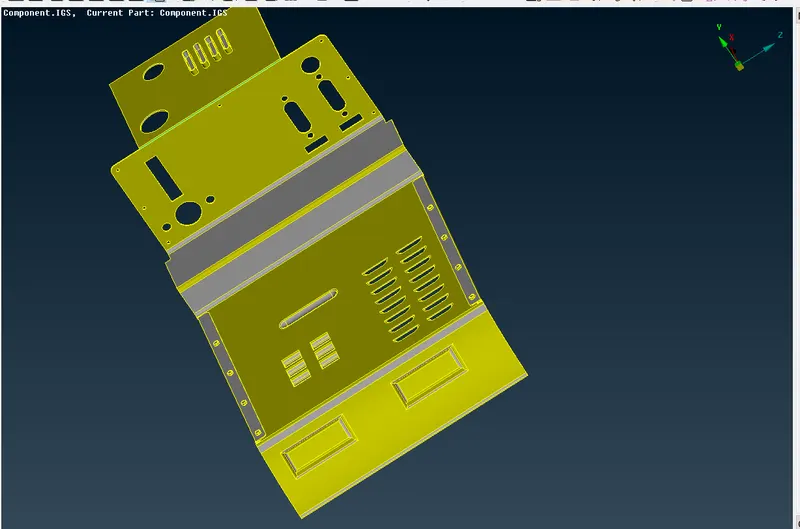
- Do ORIENT ,Goto TOPOmodule>faces>ORIENT
a)Before ORIENT b)After ORIENT
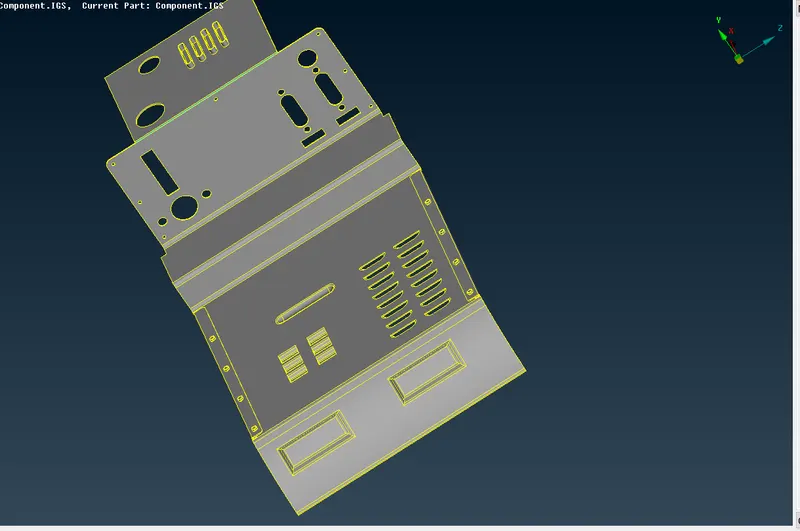
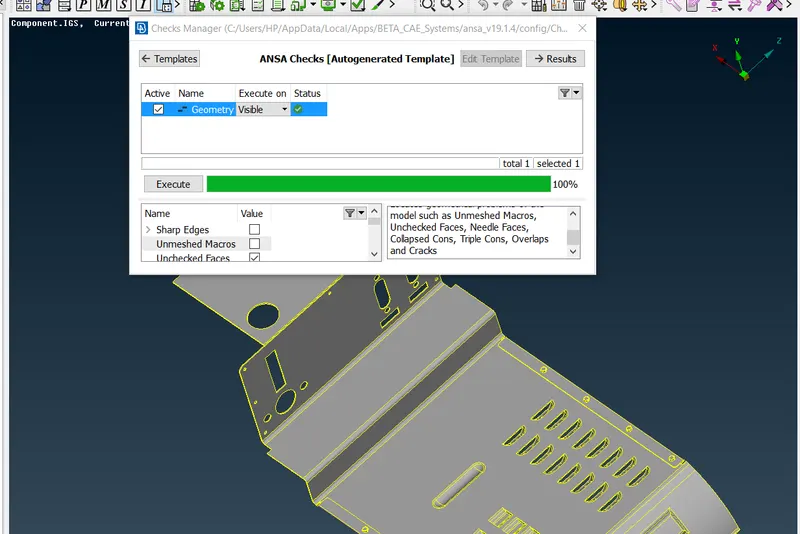
- Check for geometrical errors,Goto Checks>geometry
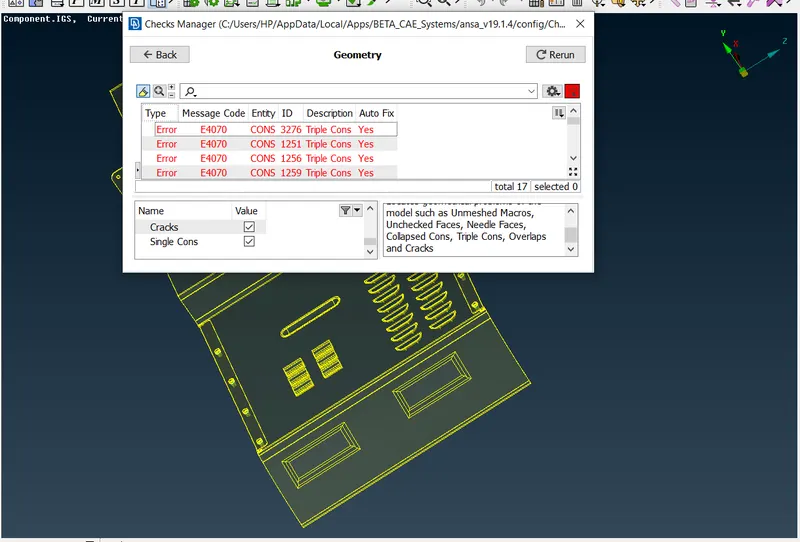
- Clear the geometrical errors
- Select the features to morph and Goto MORPH module>Boxes>New
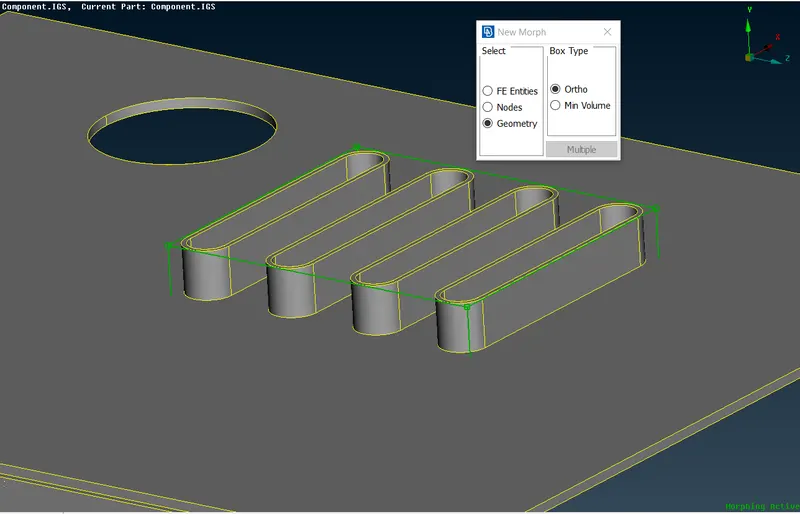
- Split the box, Goto MORPH module>Boxes>Split
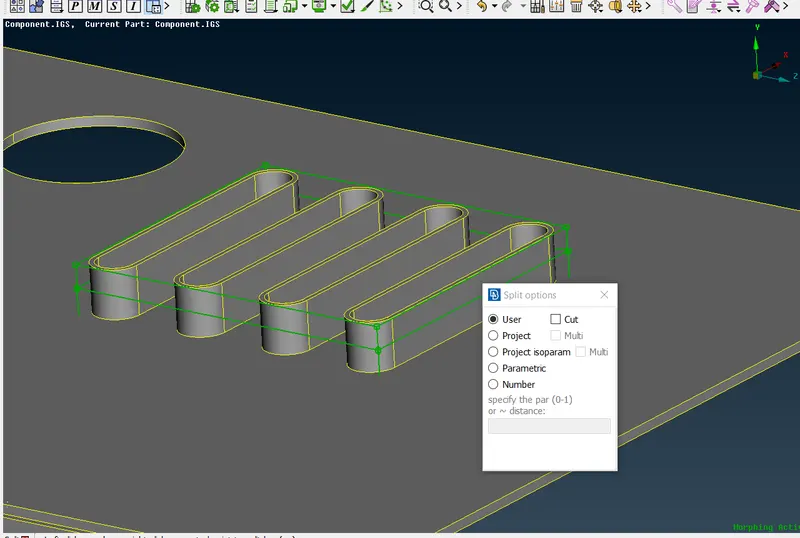
- To alter the geometry,Goto MORPH module>Boxmorphing>Move
- Select the axis to move the box accordingly
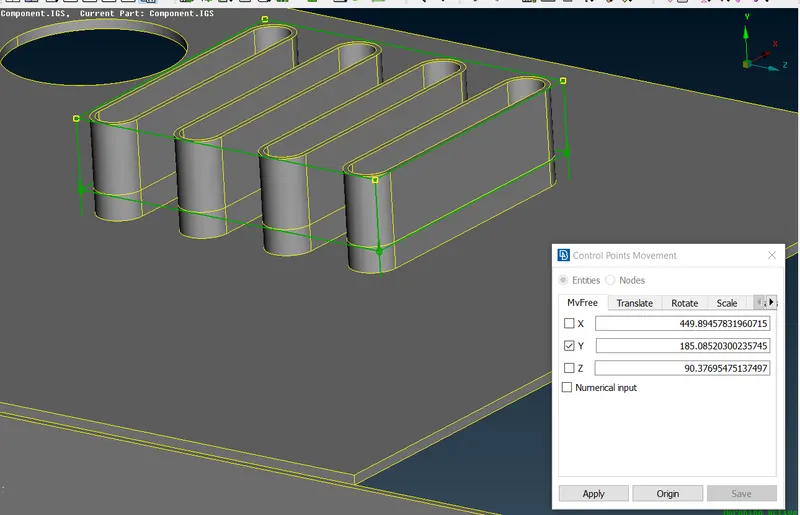
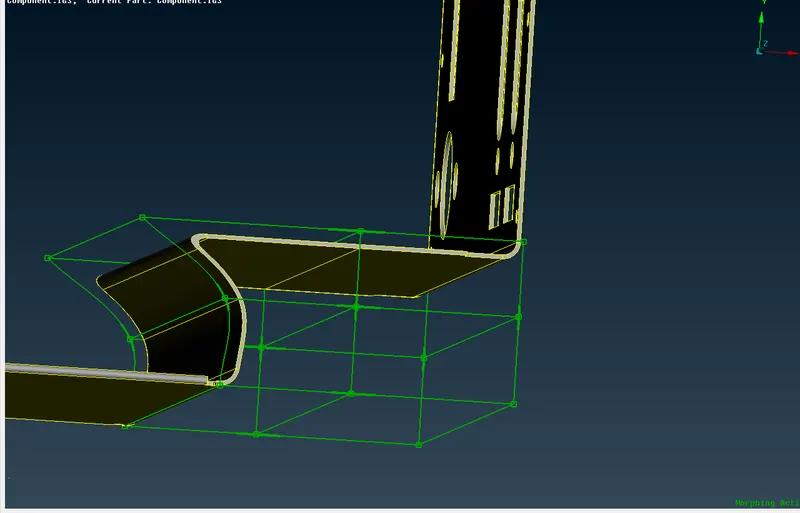
- Similarly do the same MORPHING process for remaining features
b)Model2:
- Import the given model
- Give CONS resolution
- Perform TOPO
- Check for geometrical errors
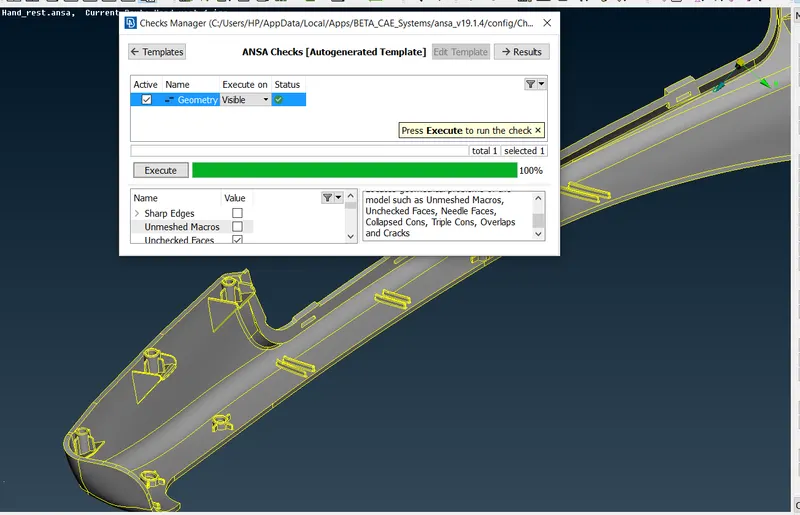
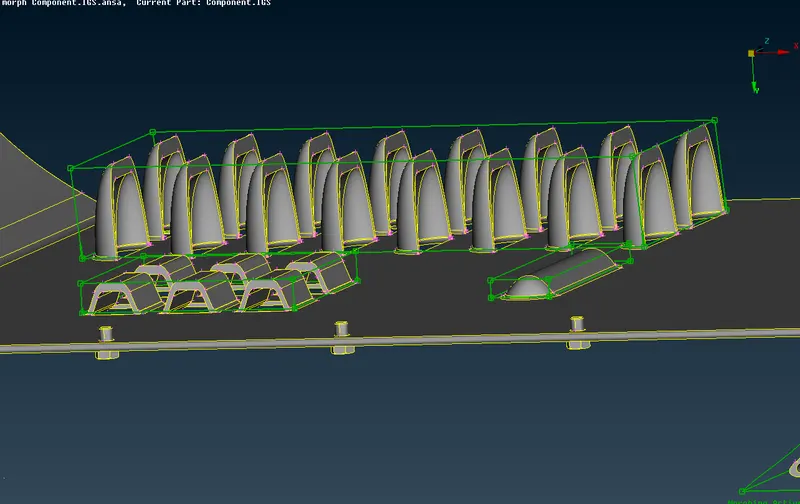
- Select the features to morph,i,e dog houses and ribs
- Goto MORPH module>Boxes>New,check Geometry and Box type as min.volume
- Split the box, Goto MORPH module>Boxes>Split
- To alter the geometry,Goto MORPH module>Boxmorphing>Move
- Select the axis to move the box accordingly
- Final results are as follows
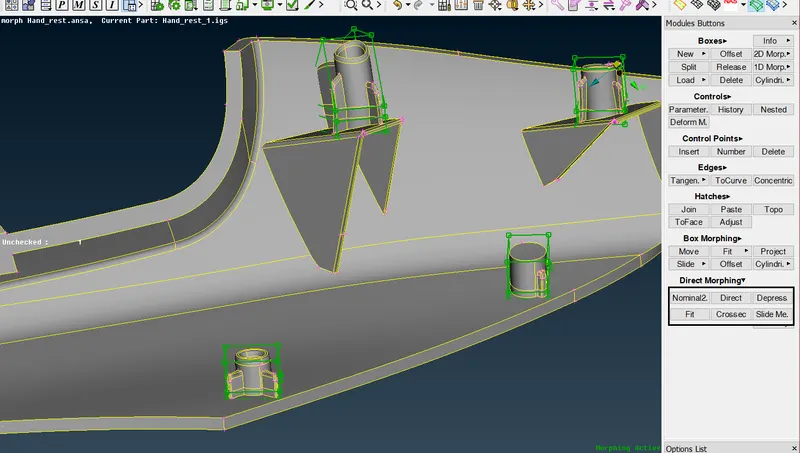
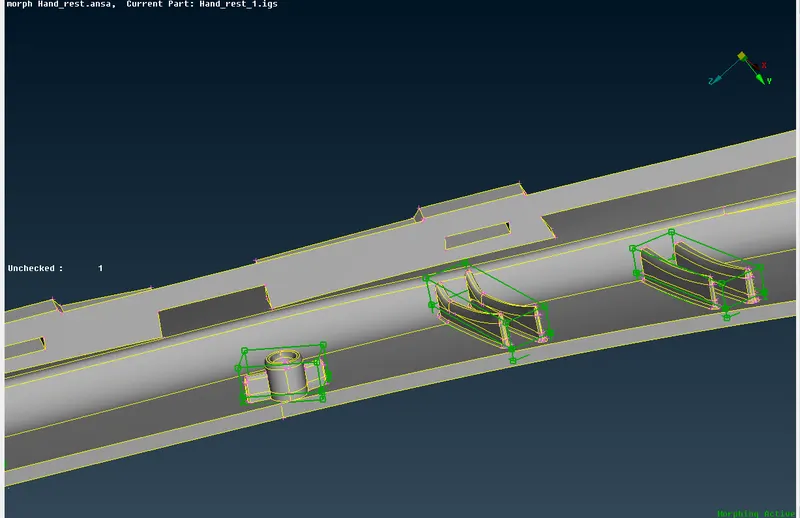
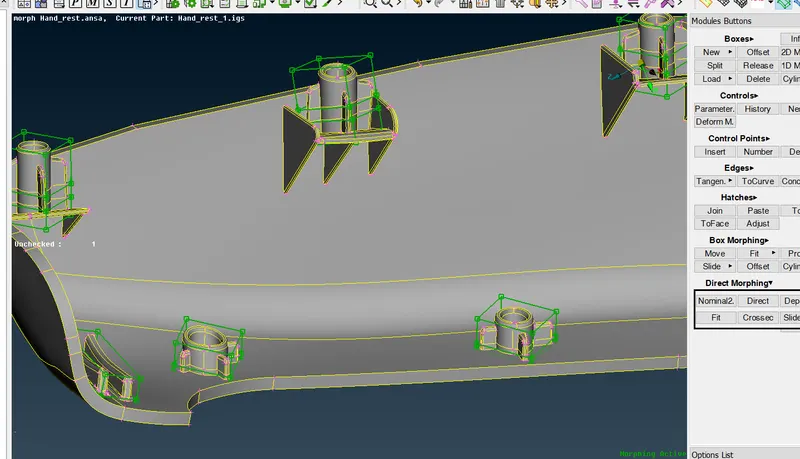
CONCLUSION:
- Morphing is one of the ANSA features which is used to change the geometry as well as the FE.
- Morphing is done in models to make a change in geometry without disturbing the connectivity of the model.
Applications:
- Mainly used in Automotive industry to change the vehicle model ,from hatchback to sedan , also from sedan to SUV
- Morphing is used for number of different purposes in industries, To change any Length or height of the model and also many geometrical parameters without changing the connectivity.