Week - 8 - Morphing
Aim:
In this challenge, There will be two models.
1. To Practice all the Morphing techniques that were shown in the video for Model-1.
2. To Perform morphing for the Model-2 and Increase the Height of the Dog houses and Ribs.
Example for morphing:
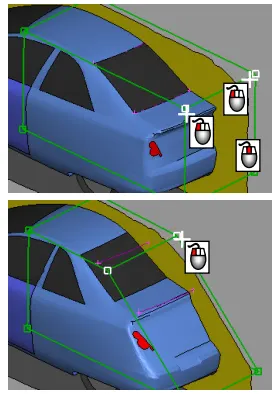
Procedure:
- Import the cad models and check for geometry.
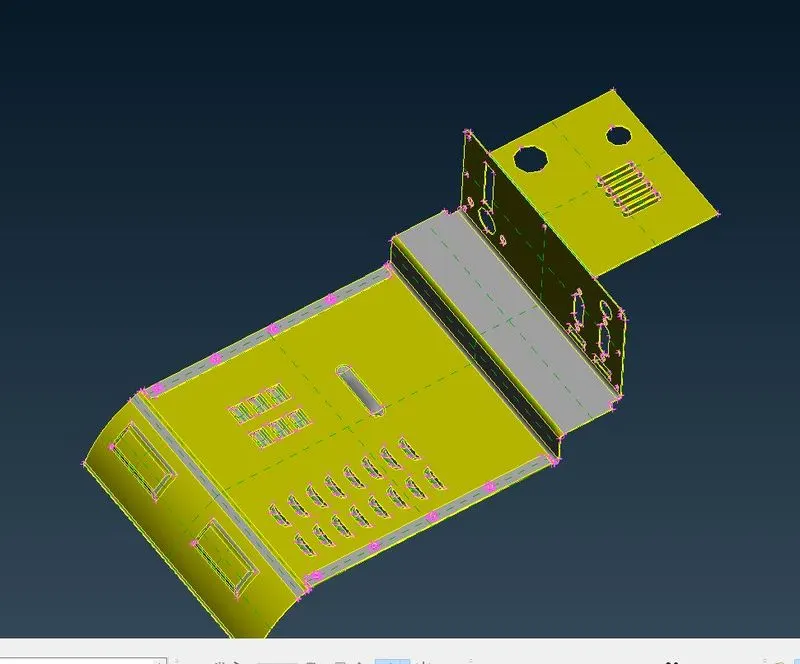
- Switch to Morphing deck in ansa.
- Boxes>New>Geometry>Ortho select the model or any part that has to morph.
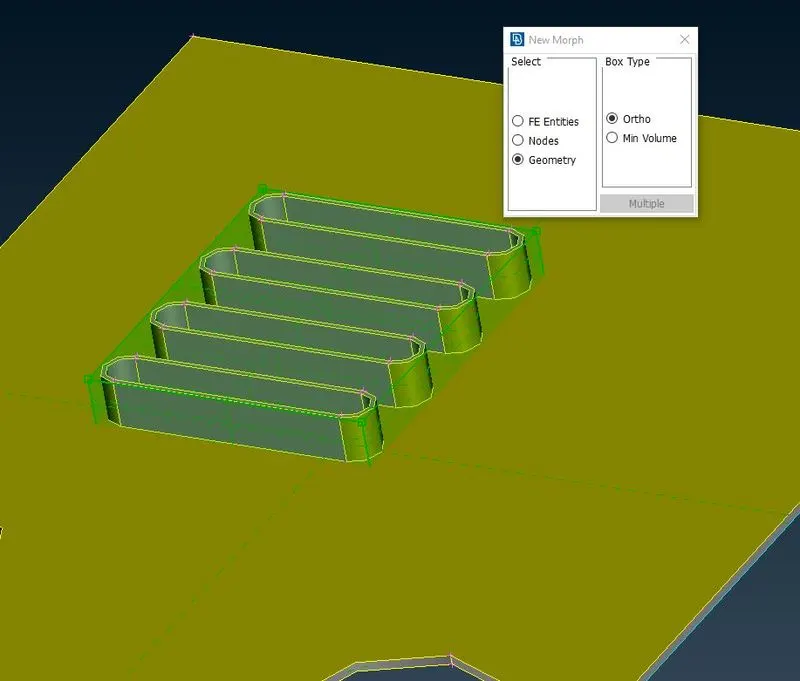
- Now green box will generate. To move it click on the generated green points at the corner of the box. Click the middle button and move the given box at x,y, and z-direction to change the profile in 3D moves.
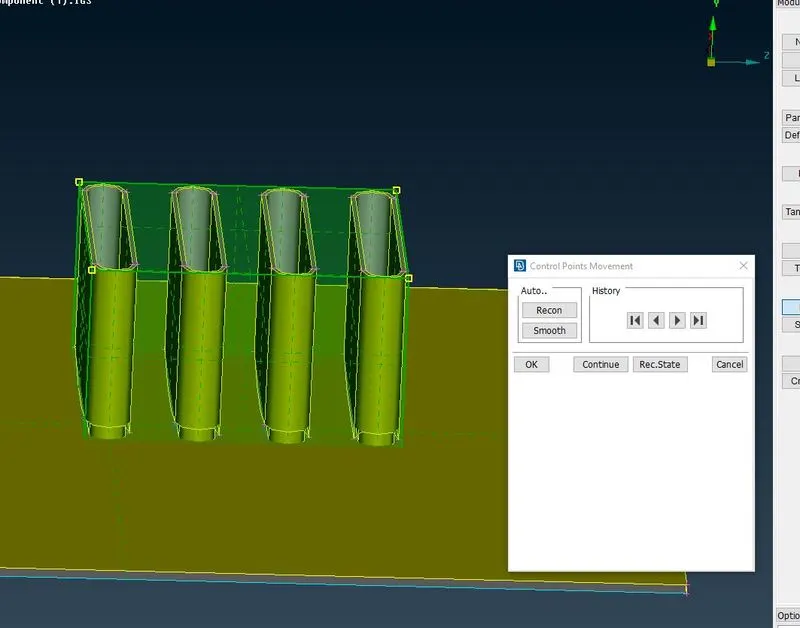
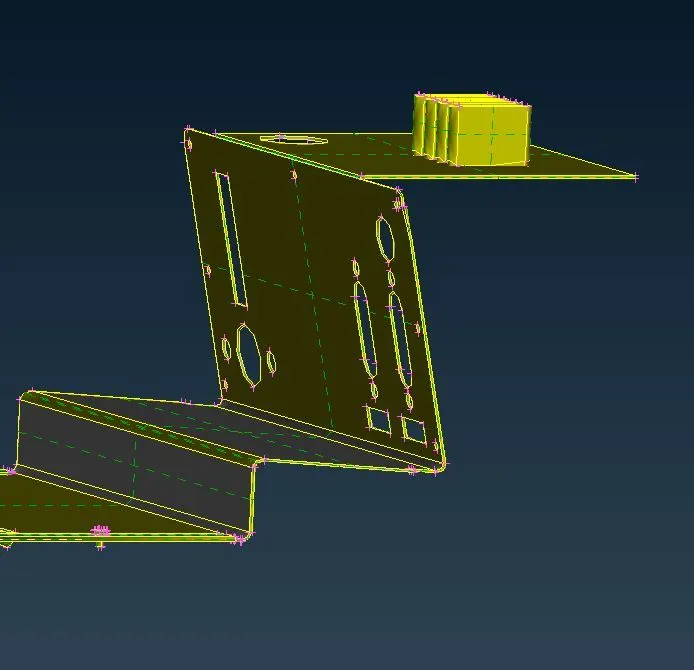
- Now the final morphed referance image of practice model is shown
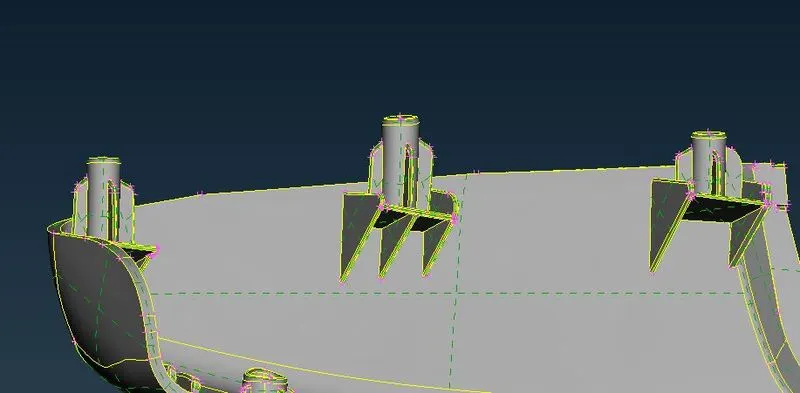
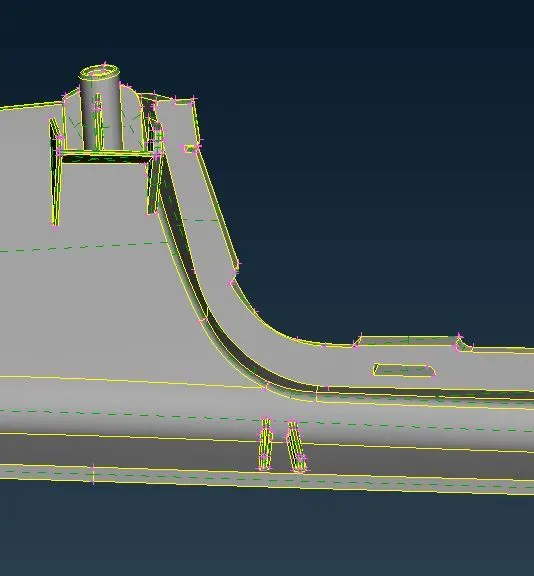
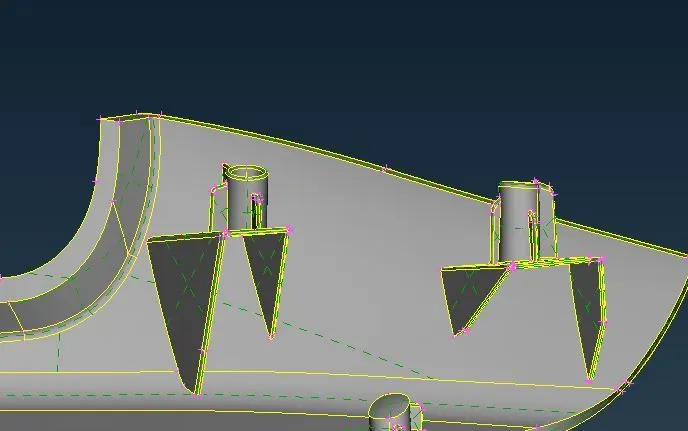
- now repeate the same for hand rest model 2, and the final image of the model is shown
Learning out come:
learnt in making the changes in appearance of a character or transforming one object into another. can be achieved through a variety of techniques, including image warping and interpolation and to make a new positions to create the appearance of transformation. alos the various teqcinuque involved in it.
Conclusion:
Components given were morphed to the required shape, doghouse and rib heights are increased also the damaged surfaces are corrected.
Referance Link:
http://oss.jishulink.com/caenet/forums/upload/2015/08/15/380/13186067105201.pdf