Week - 8 - Morphing
Aim: to do a morphing on a given geometry
Procedure :
- Take geometry from given location and open in ANSA
- Do a topo and geometry clean up
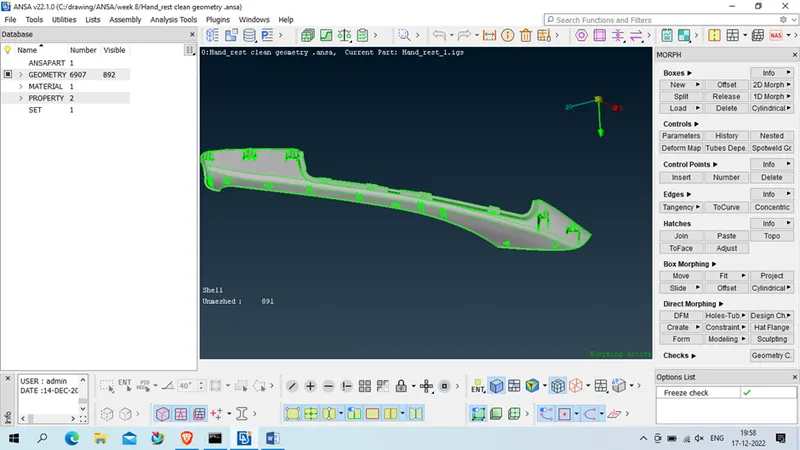
Now go to Module > morph > classic morph > Boxes > new > ortho
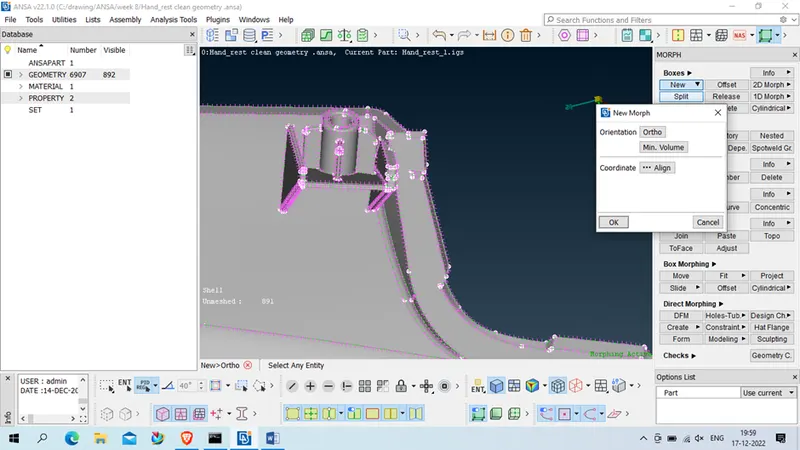
select geometry which is needed to morph
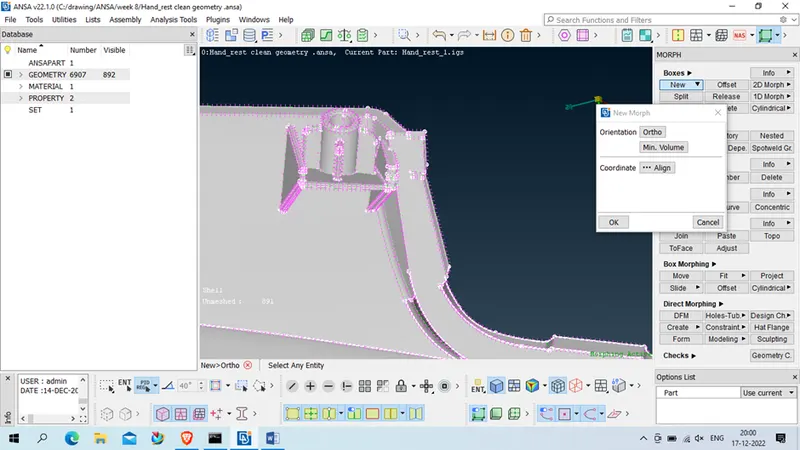
Unselect the required section
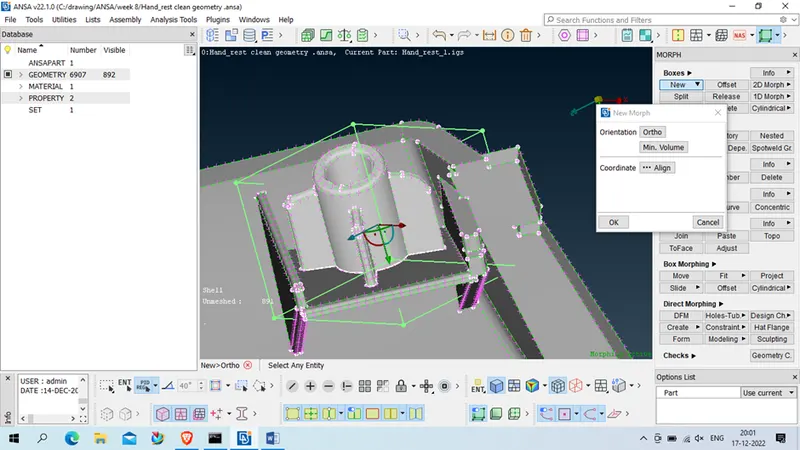
now click on Min.Valume (in New Morph), our morph box will be generate properly as per given below
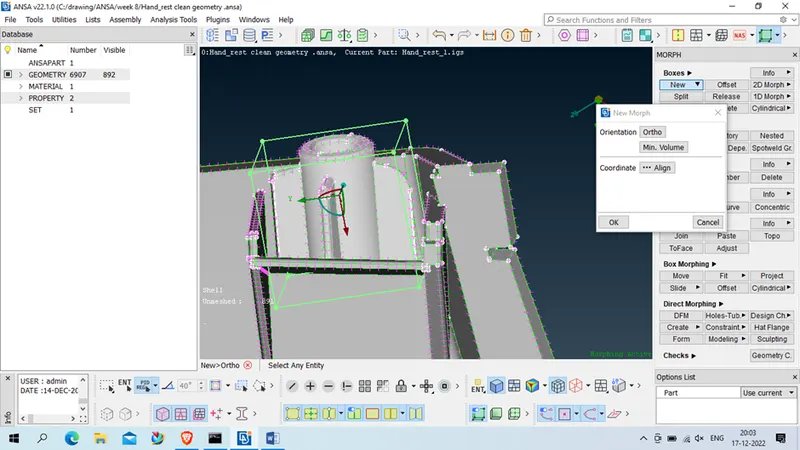
now click ok>ok to
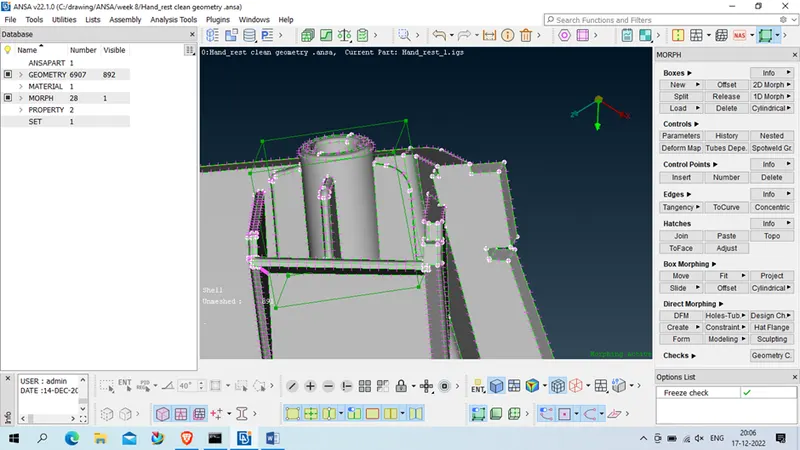
Now goto morph box > move > translate , and select 4 corner (node) which need to be morph
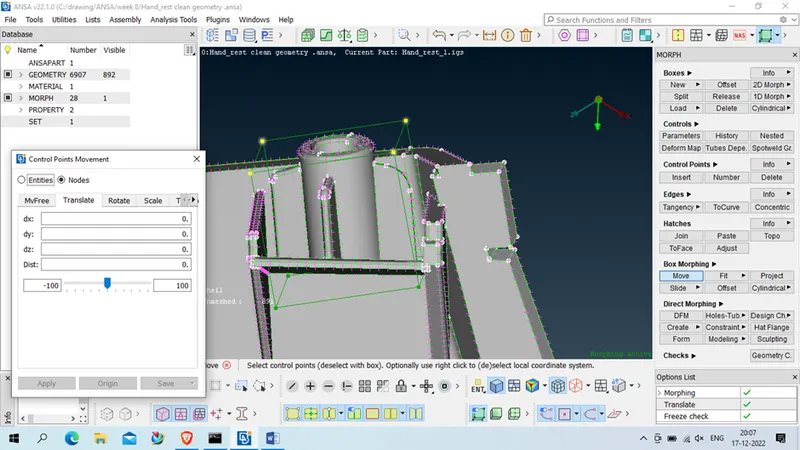
Middle click
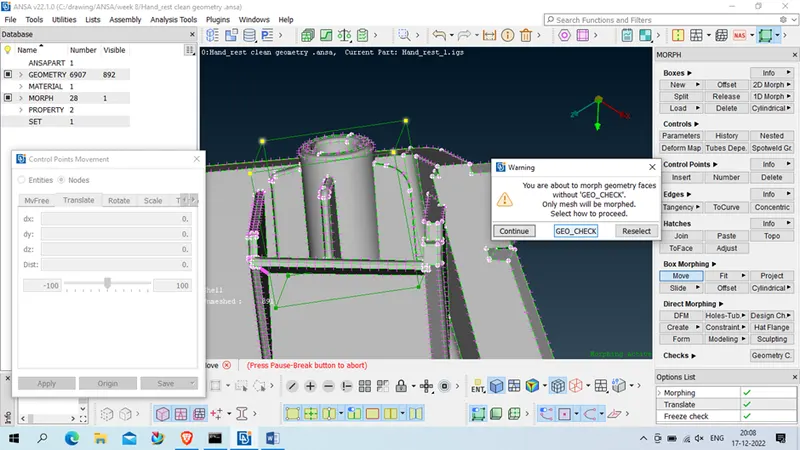
Click on GEO_CHECK
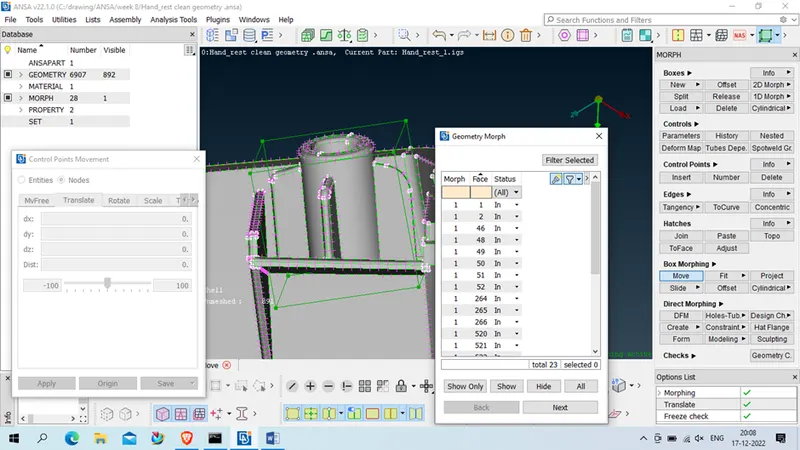
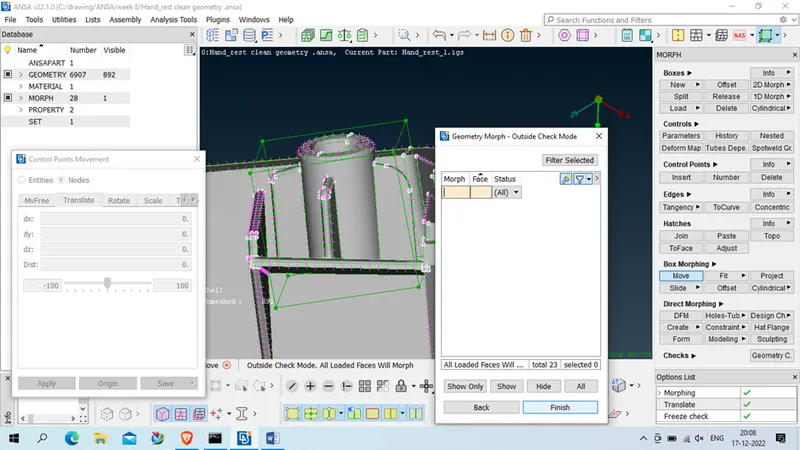
Now next & then finish
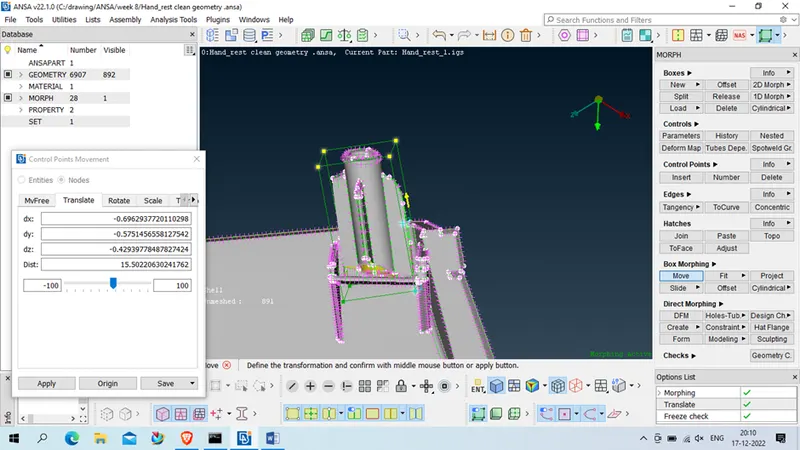
Now click on 2 node which is in vertical inline
Give distance as much we required like 20 in our case
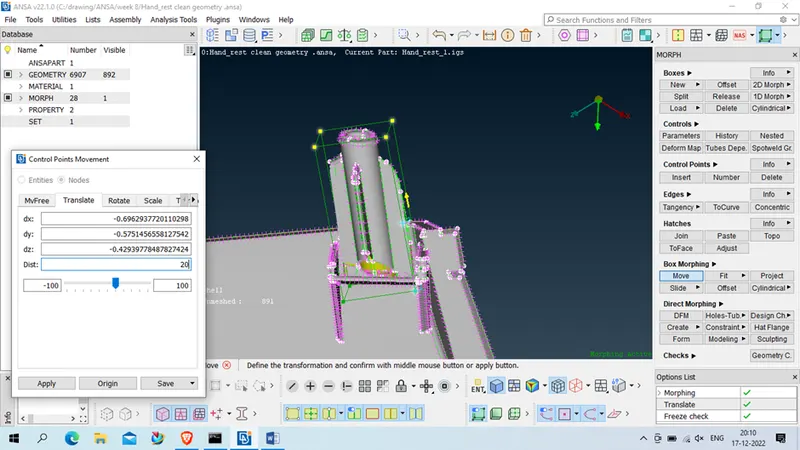
Click on apply > and ok
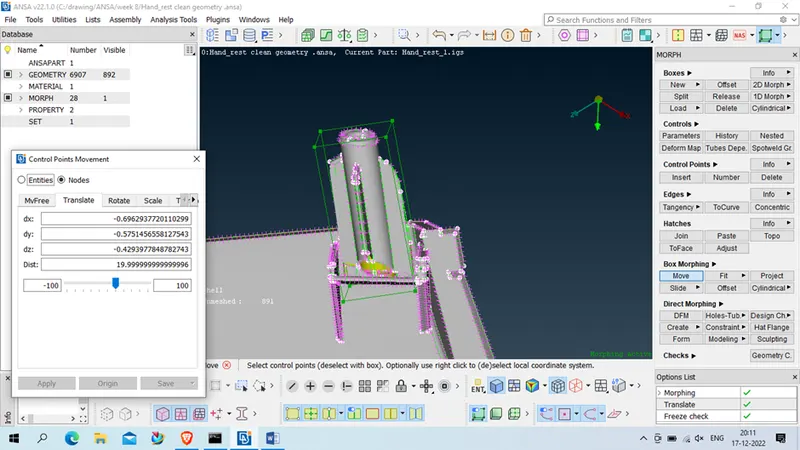
Middle click
Our morph is done for 1 reason , now we have to repeat same for all required zone
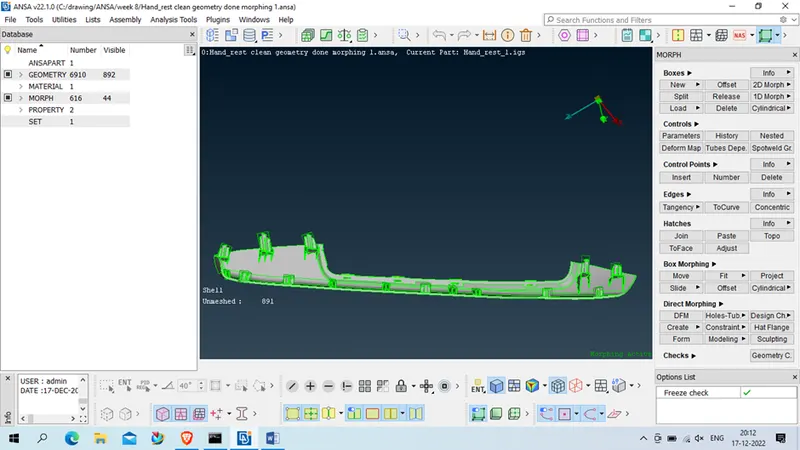
Conclusion: in this week we had learn to deploy morphing on given geometry