Week - 8 - Morphing
AIM:
To do the morphing which was performed in the videos and also morphing has to be done for the model by increasing the height of the dog house and rib.
PROCEDURE:
1. import the model and click the morph module next to the Nastran.
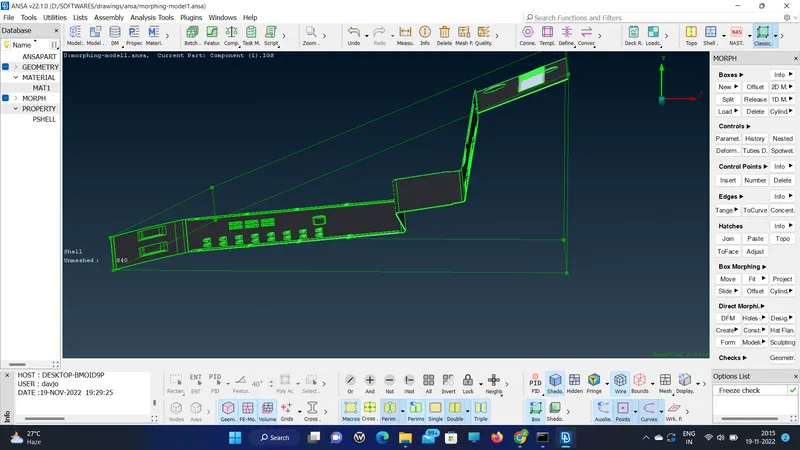
2. Create the box to morph the sheet metal component, then use the move option in the BOX MORPHING.
3. Atlast the whole geometry is selected to morph.
MODEL 2:
1. Import the model and check the geometry and start to select the box for the particular place like the dog house and ribs which need to be morphed or height increased.
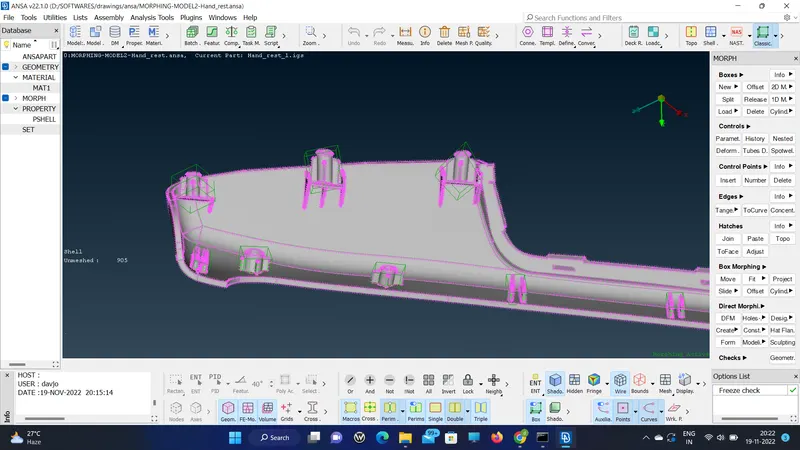
2. So whichever red box in the challenge is mentioned is increased in height by box morphing.
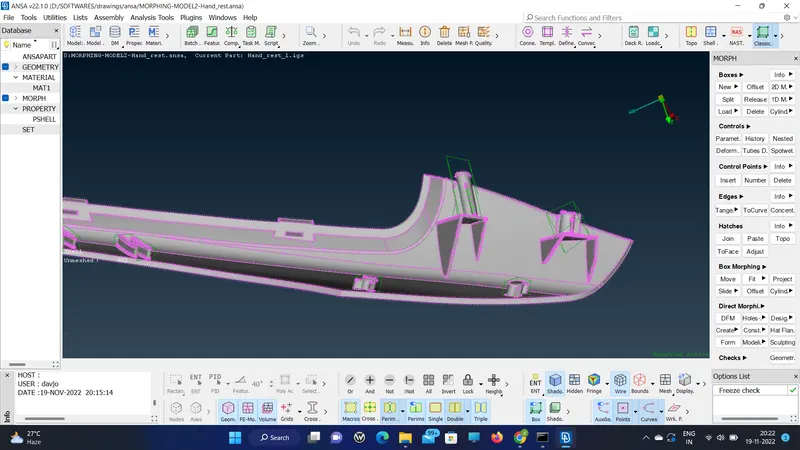
RESULT:
Thus I learned the basics of the Morphing tab in the Ansa So that any morphing in the model can be done to show the change in design to the team in the future.