Week - 8 - Morphing
MORPHING
Aim:
To perform Morphing using ANSA.
Procedure:
Step 1:
Import the given CAD model to ANSA.
Step 2:
Do a Topology check and do geometric clean up. By doing it, the CAD errors are resolved.
Step 3:
Create morph box by selecting the poits or surfaces.
Step 4:
Split the box into required number of splits.
Step 5:
Use the move option and select the points in move in the required co-ordinate axis to achieve the desired shape.
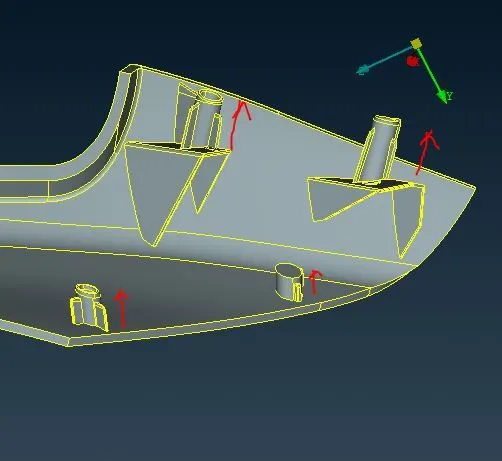
Model 1 Shape changes
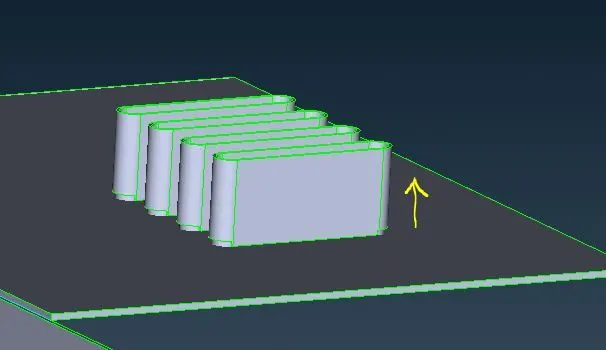
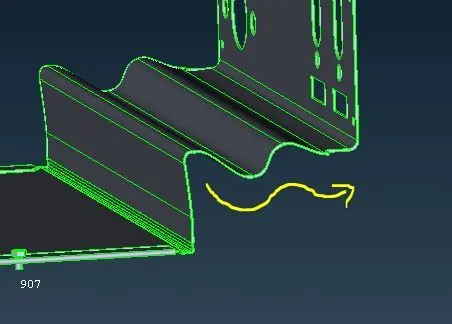
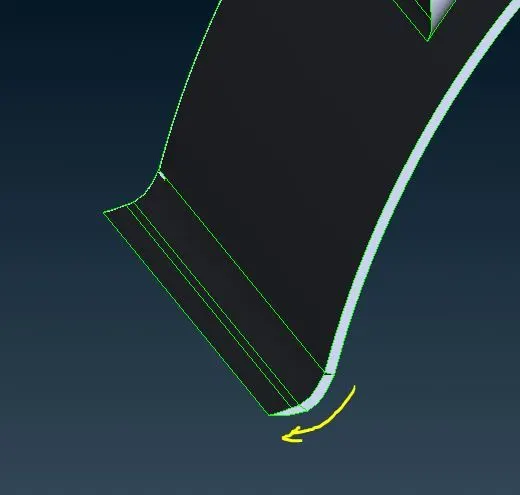
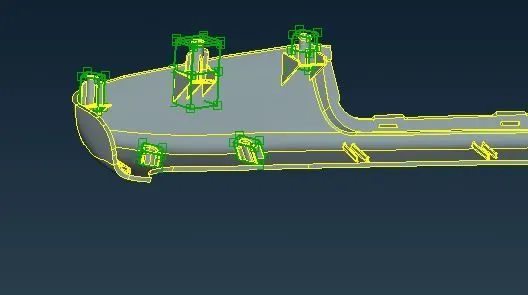
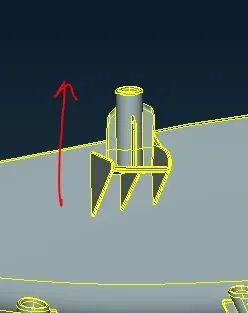
Model 2 Shape changes in dog houses.
Learning outcomes:
I learnt to do basic Morphing using various methods.
Conclusion:
Morphing was done for the given CAD model.