Tool Test-2
Aim:
To create a tetrahedral Finite Element model for the given Intake manifold component and check for the geometrical errors and mesh the Surfaces with the given 2D element Quality criteria.
Procedure:
Step 1:
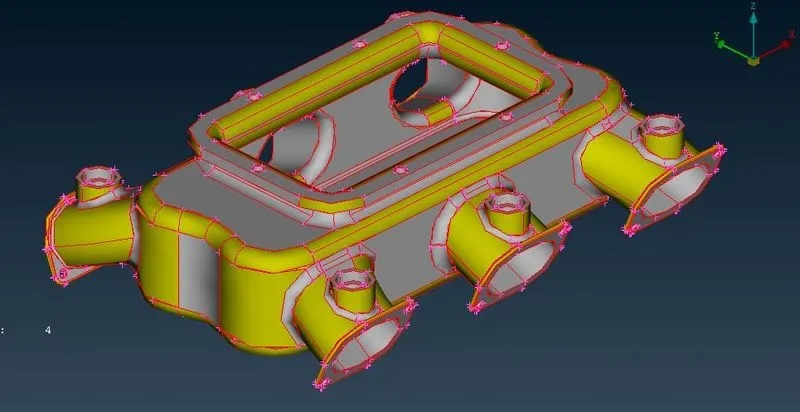
Import the given CAD model to ANSA.
Step 2:
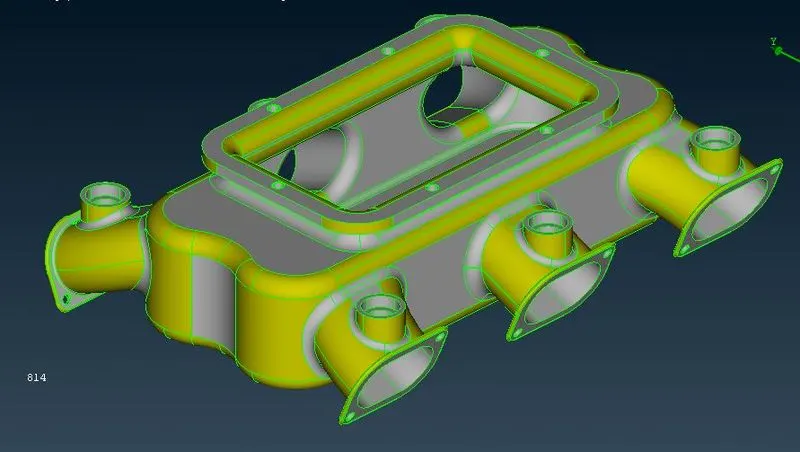
Do a Topology check and do geometric clean up. By doing it, the CAD errors are resolved.
Step 3:
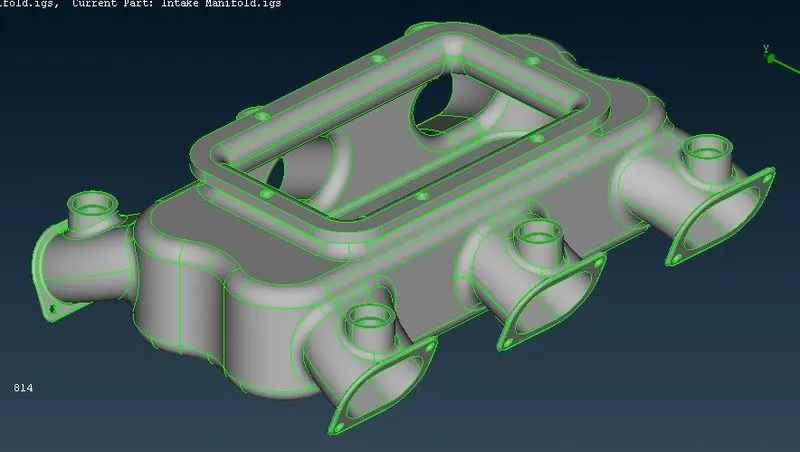
Create respective PID for the given CAD part.
Step 4:
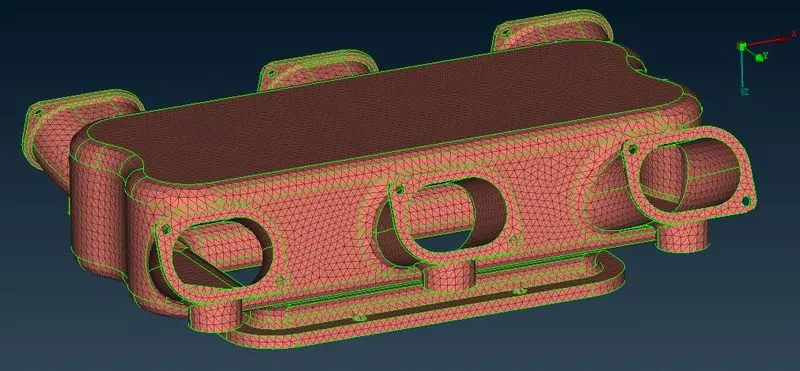
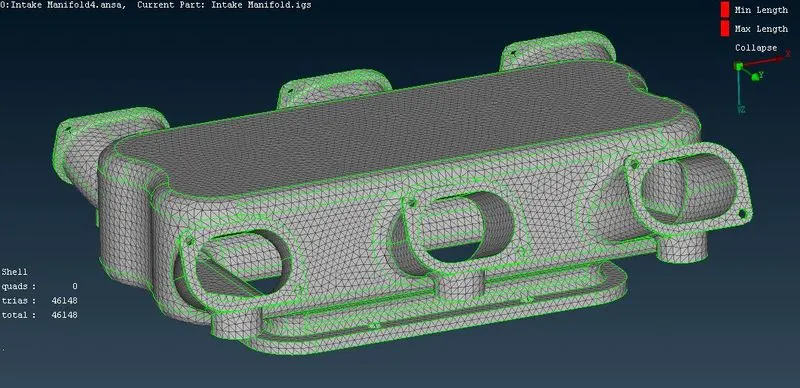
Generate the tria mesh for the given CAD. After which the FE model is to be cleared for minimum and maximum quality.
Step 5:
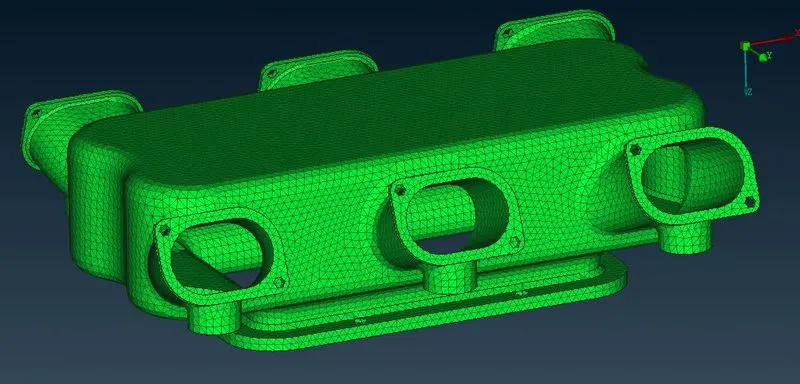
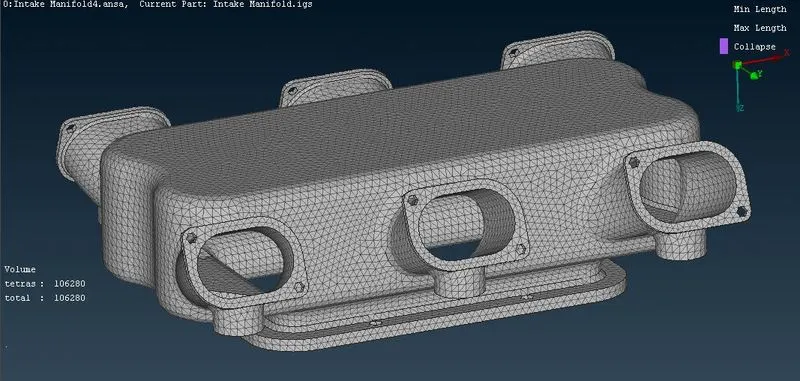
From the generated Tria mesh, the tetra FEM is created for each part. After which the tetra parts are checked for Tet collapse 0.2.
Learning outcomes:
I learnt to create solid tetra mesh for the given Intake manifold component within the given amount of time.
Conclusion:
3D tetra FE model was created for the given Intake manifold component CAD model.
If in case you’re not able to download, please use the link.
File path: https://drive.google.com/drive/folders/15kr3OLM08RnmPWfGvcUC9LM6TWOz13ax?usp=sharing