Week - 8 - Morphing
Our Objective is to :- Do Morphing of two models
Before proceding towards explanation there are few commands which was used again and again , so basically i writting those procedure:-
1) Using New option in Box group MORPH module & selecting ORTHO option within it.
"THIS IS TOTALLY DIFFERENT FROM ANSA PREVIOUS VERSION BECAUSE I AM USING LATEST VERSION OF ANSA RIGHT NOW THEREFORE DIFFERENT OPTIONS ARE THERE"
2) After that box selection is made for which component we want and give middle mouse click.
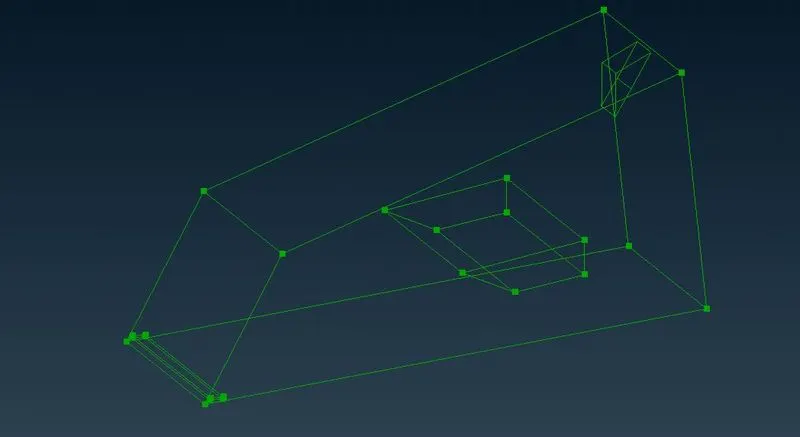
3) After it I used Move button in Box Morphing group.
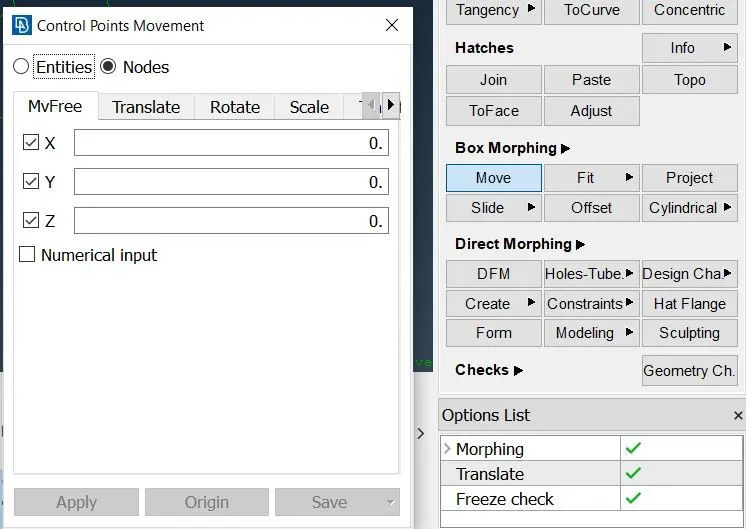
4) Then I selecthe nodes to be moved and move it as per desire.
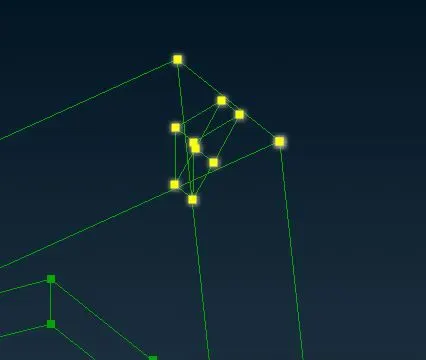
Finally give middle mouse click to apply it.
FIRST MODEL
So now we will deal with 1st model, in the video the ribs are extended therefore I did it similar way
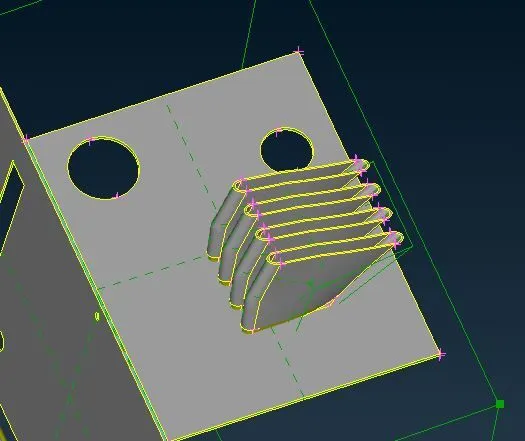
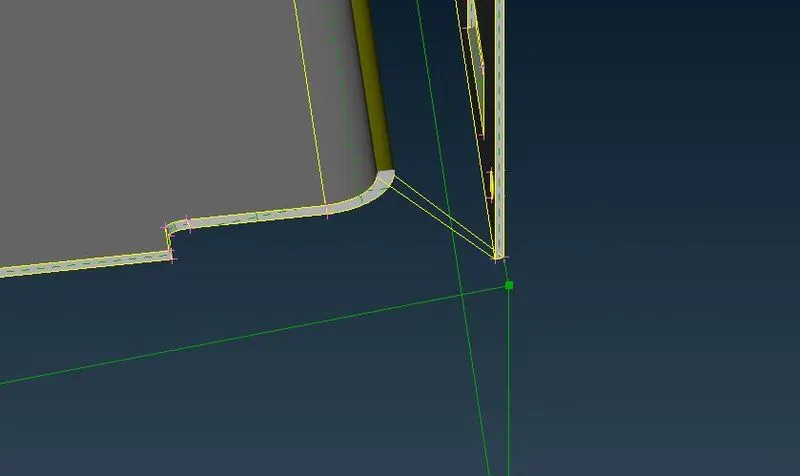
After that in video there was extension in corner , so similarly I did that.
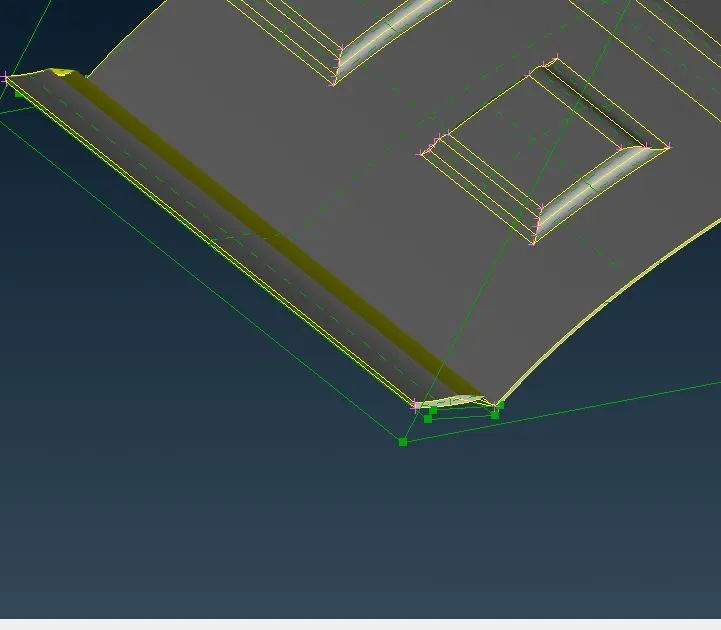
Afterwards there was extension at last curved portion hence I also did that.
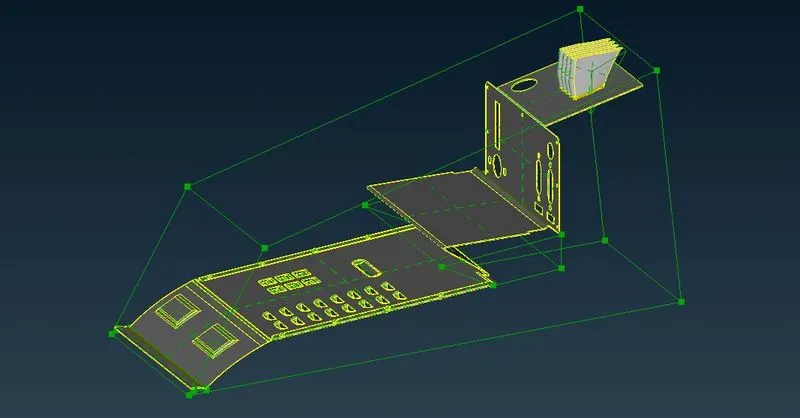
Afterward the whole component was distorted in video , So finally I did that.
SECOND MODEL
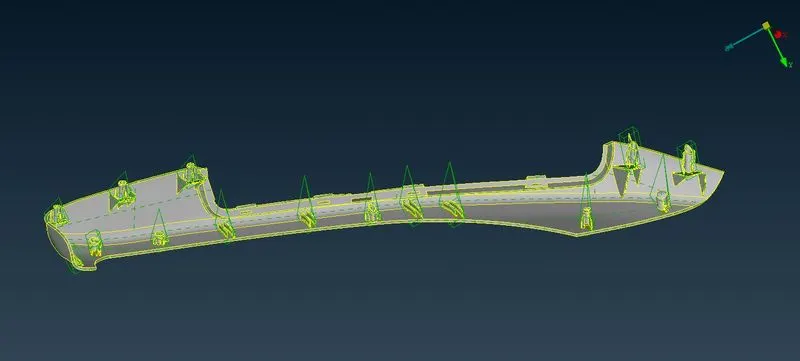
In this model what to do was already given in challenge that is which ribs are to be extended or increase its length. So i did in few steps as explained above.
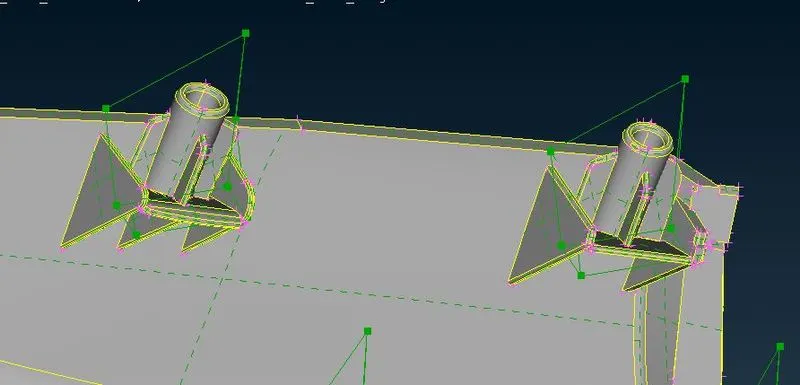
the extension procedure is done in similar way as told above.
So next what I did is selecting all the ribs and using iNot option then I clicked middle mouse button afterwards the ribs which I needed is visible.
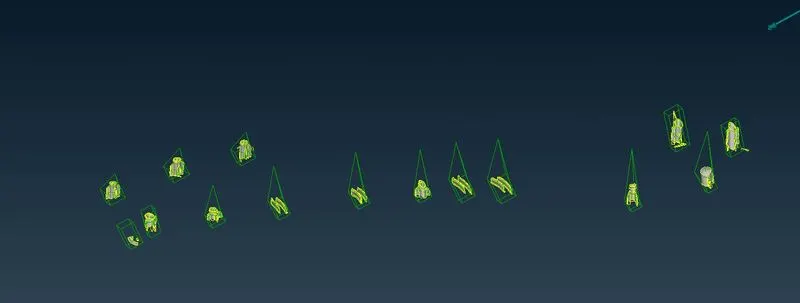
After that I selected one node and then gave move command to extend it , similarly I did for all , after ward all my ribs are extended which we want to do.
%%%%%%%%%% SELF ANALYSING %%%%%%%%%%
Basically I learnt that morphing is the way of changing dimension or angle or anything on FE model or CAD model or mid surface , all can be changed.
The benefit is one can change dimension of any component if it is suitable for research team then they can approve it or change it as per conditions.
Morphing is best way to do dimensional change research without going to actual CAD model and changing that part , then again import and mesh on mid surface , so it is best way.
One disadvantage is it can change and even detach from base after that we have to join it or mesh it at empty part.