Week - 8 - Morphing
AIM:- To perform Morphing operation on the given two models.
PROCEDURE:-
Model-1
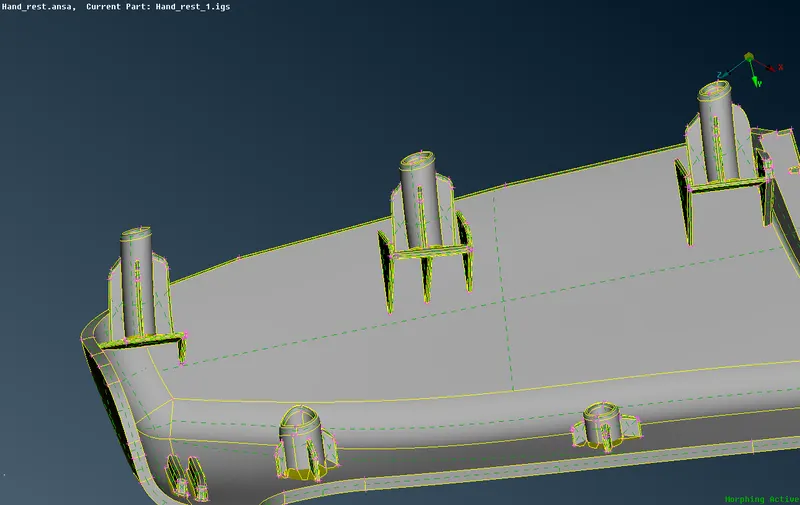
- At First we will import the component in the Ansa work space and perform Geometric and Topological Cleanup.
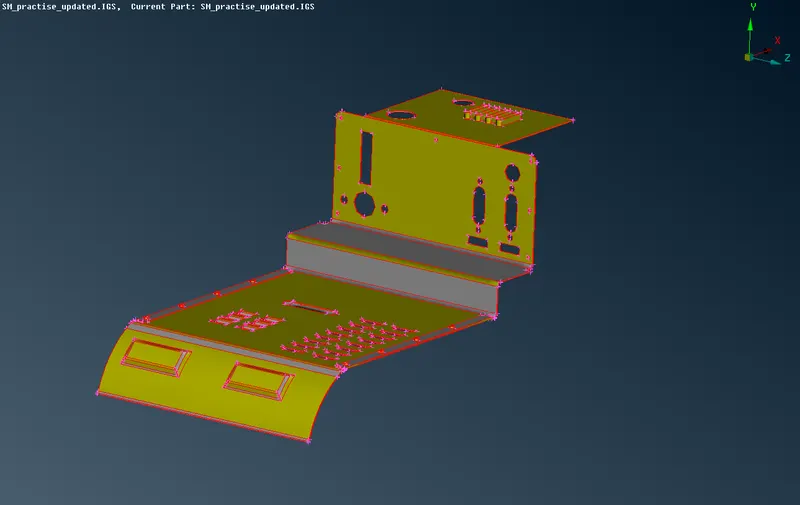
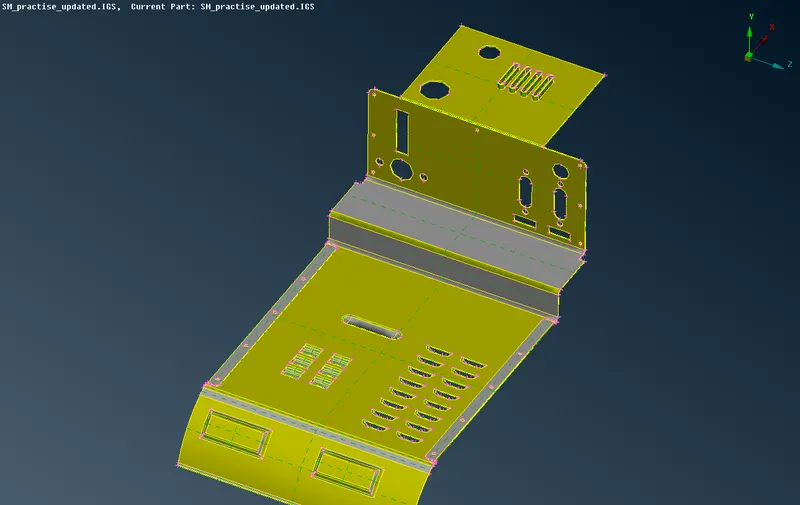
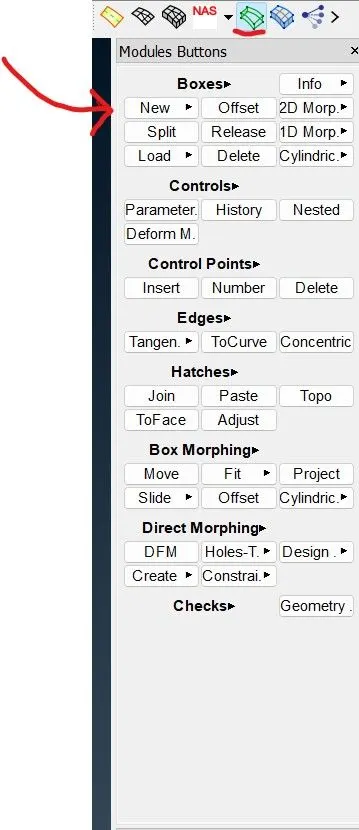
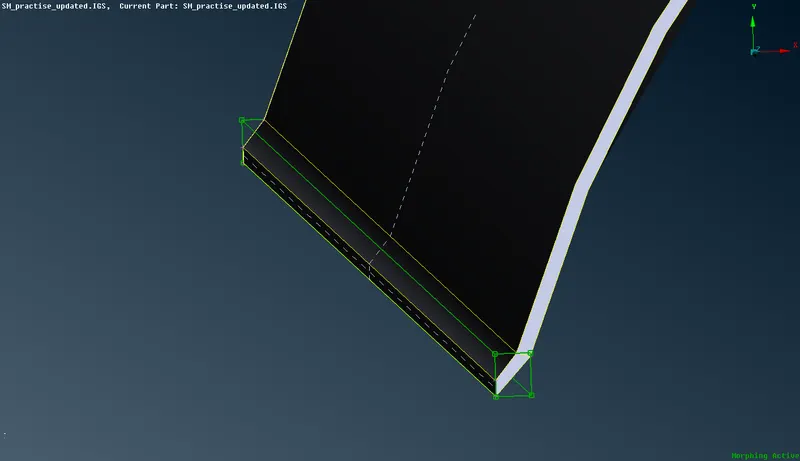
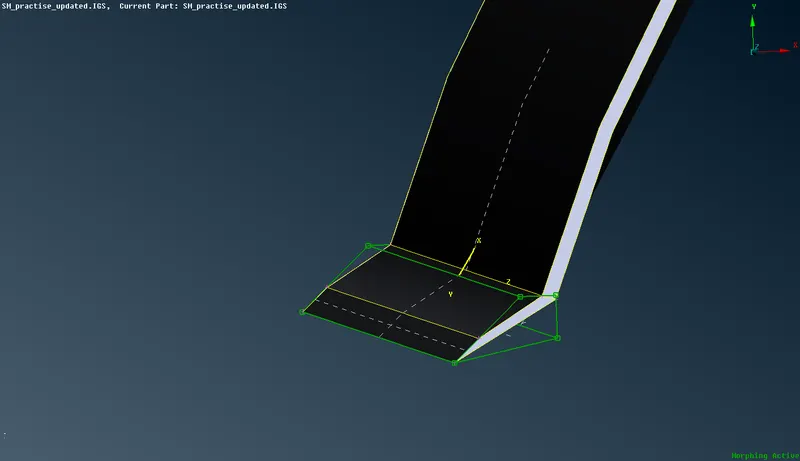
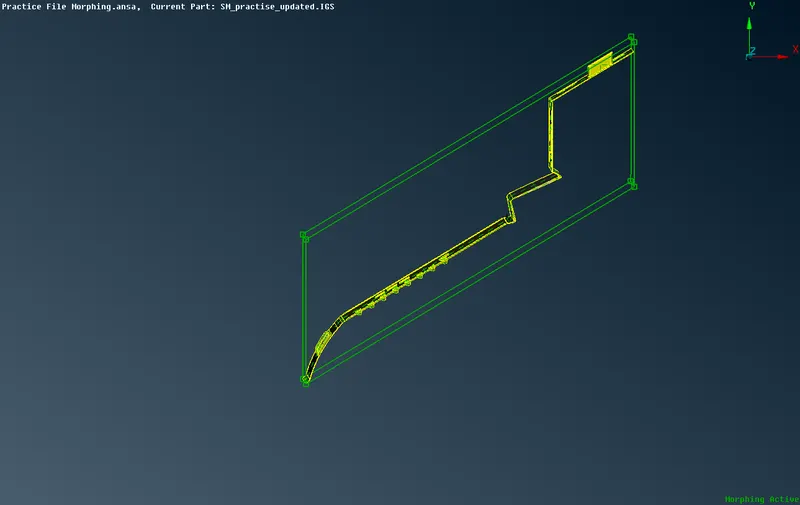
- Now we will go to Morph tab and selecting new in box tab then we will select the required macro to create a morph box around those macros.
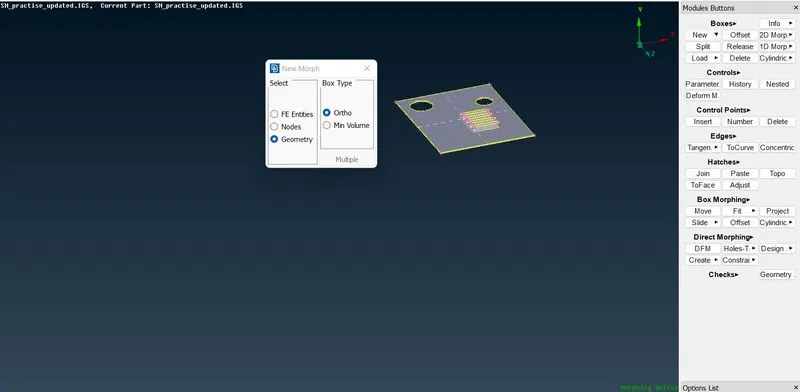
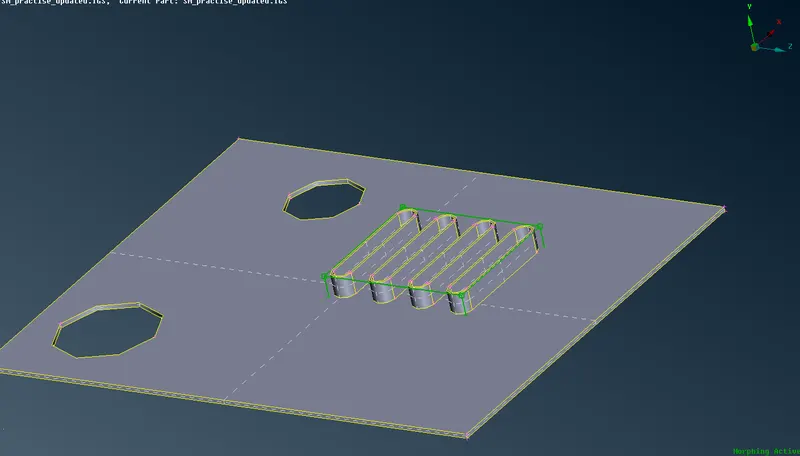
- Now to move we will select the move from box morph tab.
- We can select the handles and check the axis to move or translate the features.
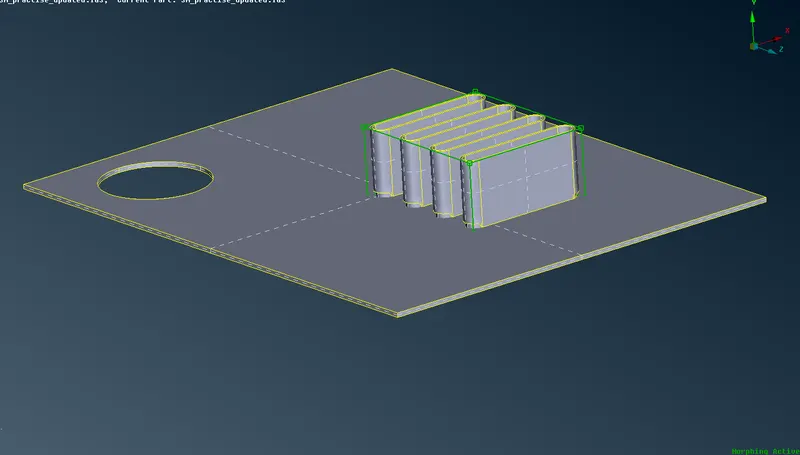
- After moving the feature to desired axis we can get the modified feature, then we can go ahead and delete the box.
- Similar operations are performed in remaing part.
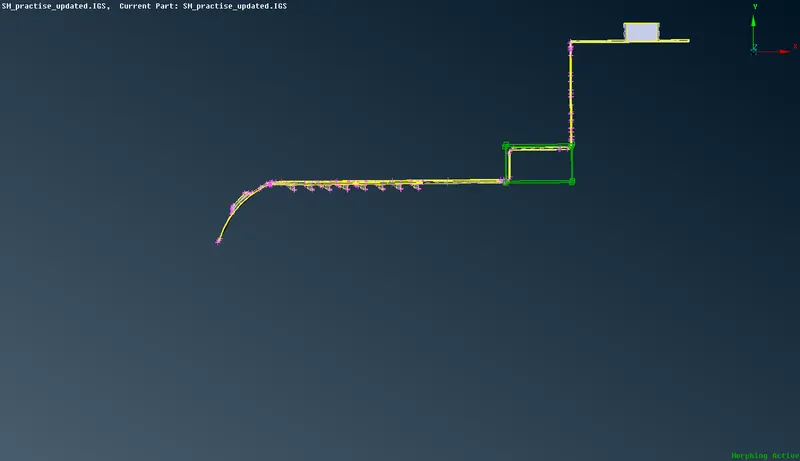
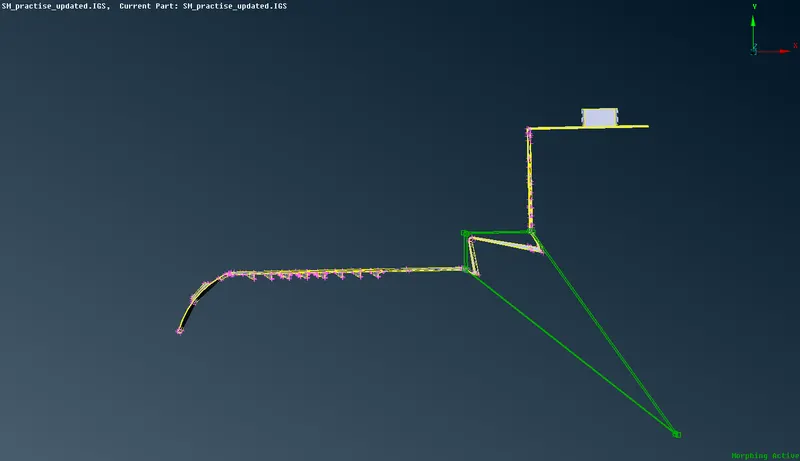
MODEL 2:-
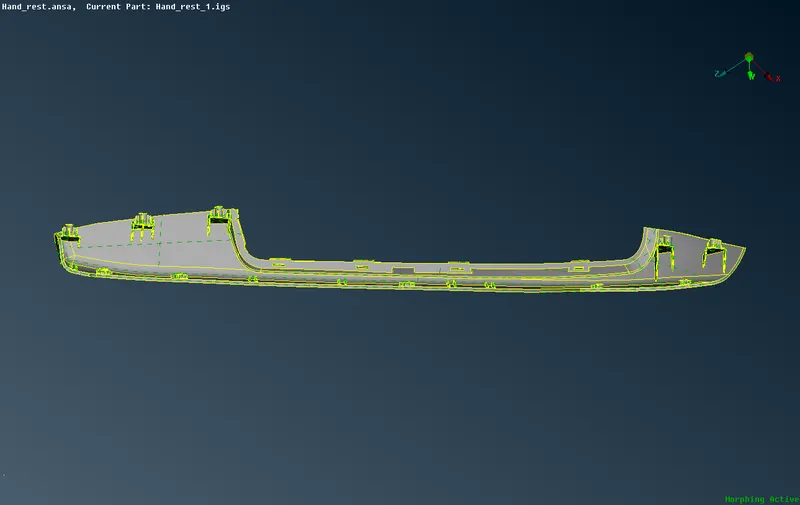
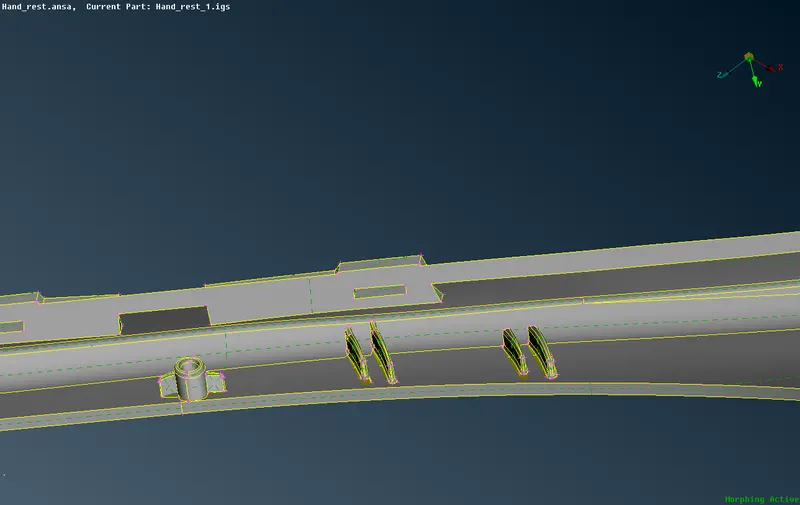
- For model 2 we will approach with the same procedure to morph the features.
- As mentioned in challange we will perform the modification in fatures.
LEARNING OUTCOME:-
- From this challange we have learnt the method to modify particular features in geometry without affecting rest other features and geometry.
- It is basically the modification in design without going for CAD modeling.
CONCLUSION :-
As per the given instruction we have used morph command on the given models sucessfuly.