Week - 8 - Morphing
AIM: To practice all the Morphing techniques that were shown in the video for the given component
METHODOLOGY:
- Import model and do Geometry clean up
- Open Morphing module
- Apply the changes with different options available
INTRODUCTION:
Morphing
Morphing in ANSA is a very powerful and intuitive tool, it can be used to reshape, redesign, and detail a CAE model without the need for a 3D CAD model. During the concept phase of product development, simplified CAD and CAE models are used to retain model versatility and minimize the setup time and the analysis complexity. This means the already existed model can be reshaped and redesigned just with the help of moving the nodal element position with the help of a morphing tool.
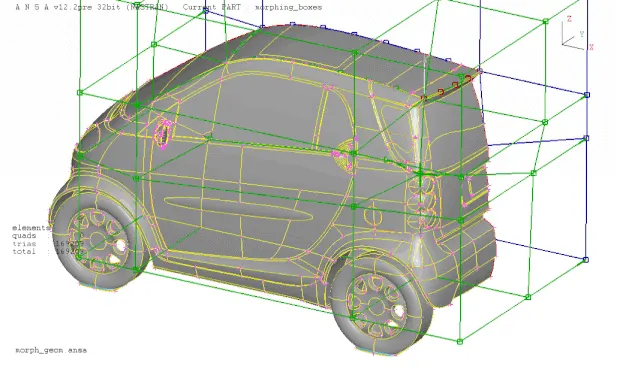
There are different types of morphing such as
- Box Morphing
- Parametric Morphing
- Geometric Morphing
- Direct Morphing
OBJECTIVE-
1. Perform morphing for the Model-2 and Increase the Height of the Dog houses and Ribs.
2.To the morph the sheet metal copmpoment.
procedure-
1.Before working on compoment for morphing first we need to check the copmoment for the sfree edge,crack,and the tripple con if there exist we should make the compoment free from the errors.
2.Now the geometry clean has been carried out we can begin the morphing process.This region in the compoment isolated using the inot option since the protusions are once we shall morphing.
3. Then we shall go to morph deck there we need to create the box using new>ortho>geometry.then protusion are highleted.
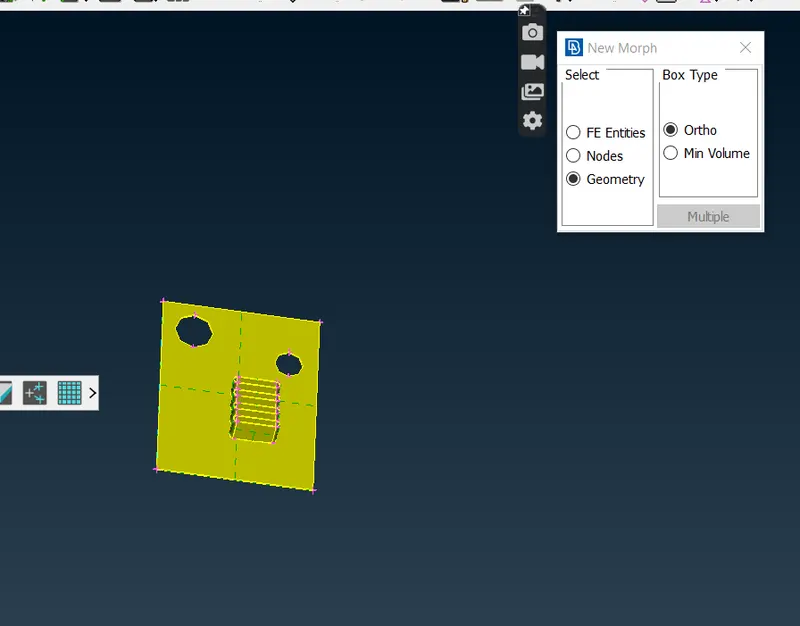
4.Then we select theBox morphing>Move to move the grids on the morph box.after the accesing the tools and selecting the nodes of the grids we can move them based on the cordinate axies by right clicking on one of nodes the tool uses the local cordinate syatem which make morphing process more invotive process. in first step we need to increase the height of the box hence we nedd to slect on x cordinate nad we will increase the height of the box.
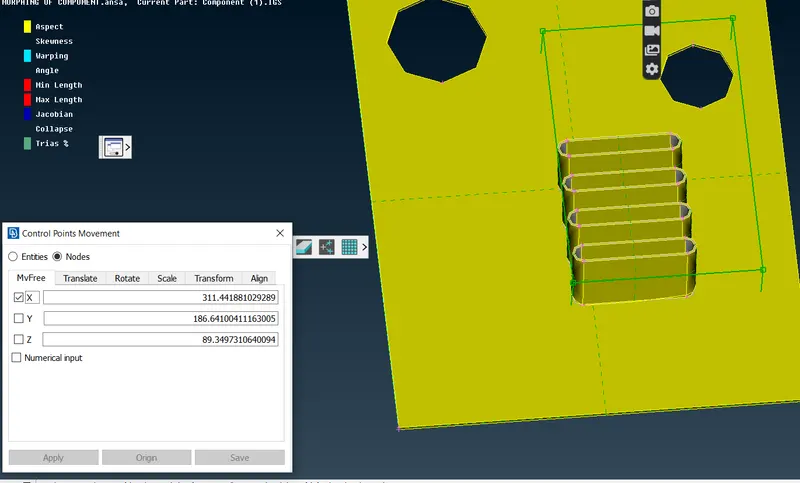
5.Next we need carry out the simple morphing from the side view the procedure is repetaed as in the first step.
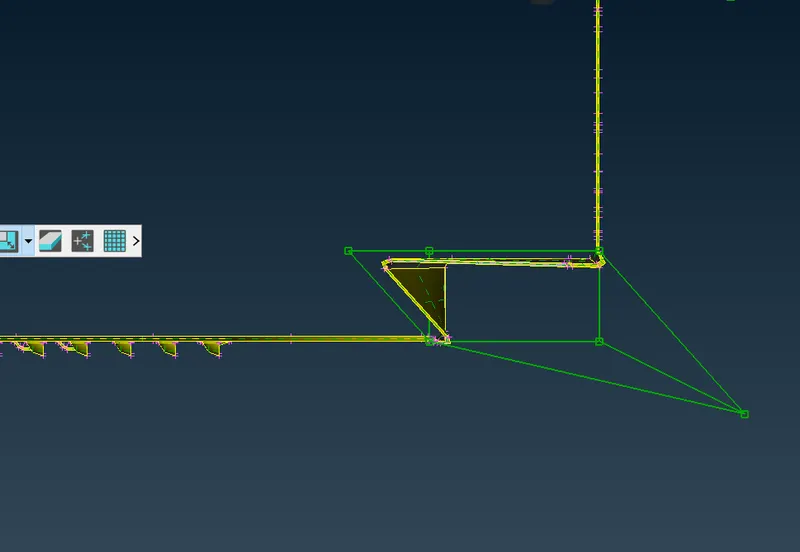
6.Again the morphing is carried out at the region shown after morphing we delete the boxes.
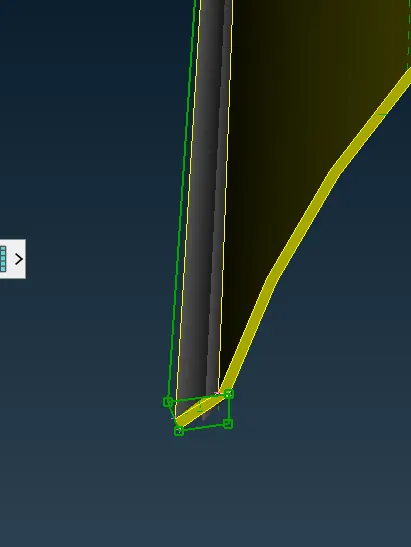
model 2
1. The requirement of morphing is to incraese teh height of the dog houses.
2.As we did in the compoment 1 we need to highlight the dog houses sepertely nad new >orthe>geometry.
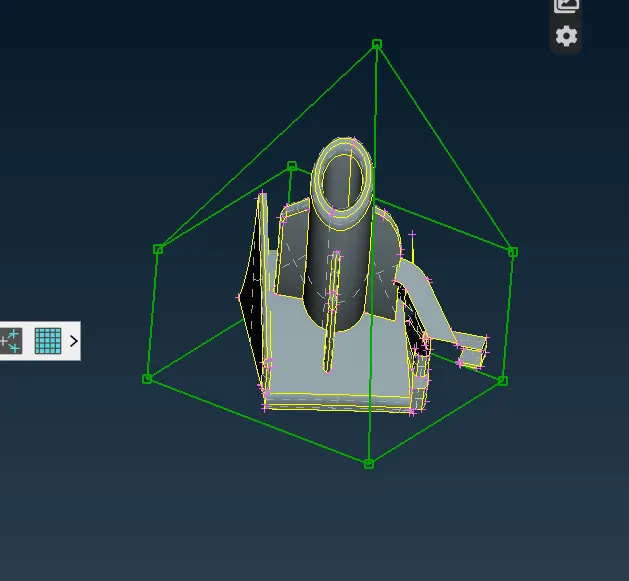
3.After that we make use of the box moephing move command to move the one of the control to incease the height of the dog house.
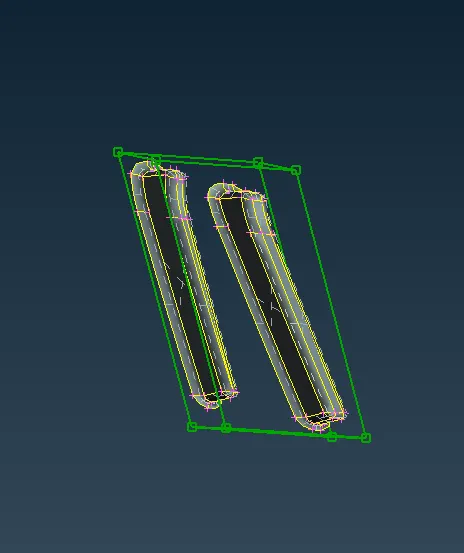
4.To morph these ribs we need to select the minimum volules instaed of geometry in ortho>minimum volume. to facilate the easy morphing.
Laerning outcomes=
1.Learnt the diiferent tools used in the morphing.
2.Leant how to do morphing.