Week - 8 - Morphing
Here iam attaching the finished ANSA file
Model 1
https://drive.google.com/file/d/1dX6W3qOUH5Q4-vp4OQFRkJXyxu8aBfM-/view?usp=sharing
Model 2
https://drive.google.com/file/d/1mnaxQ4cqLLgiRe-ghCA3qx7LCTt8ddw7/view?usp=sharing
Here is the Explaination for the Sheet metal component
AIM
To change the gemotry using the morphing.
PROCEDURE
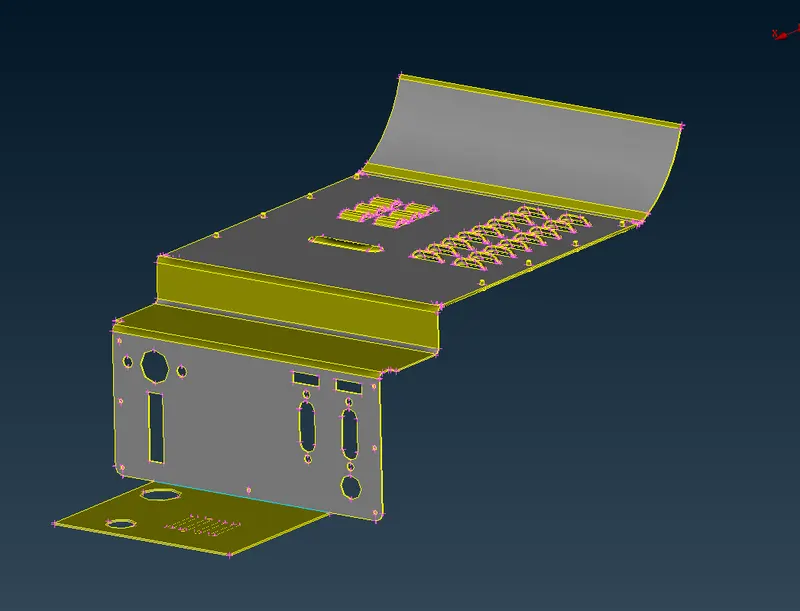
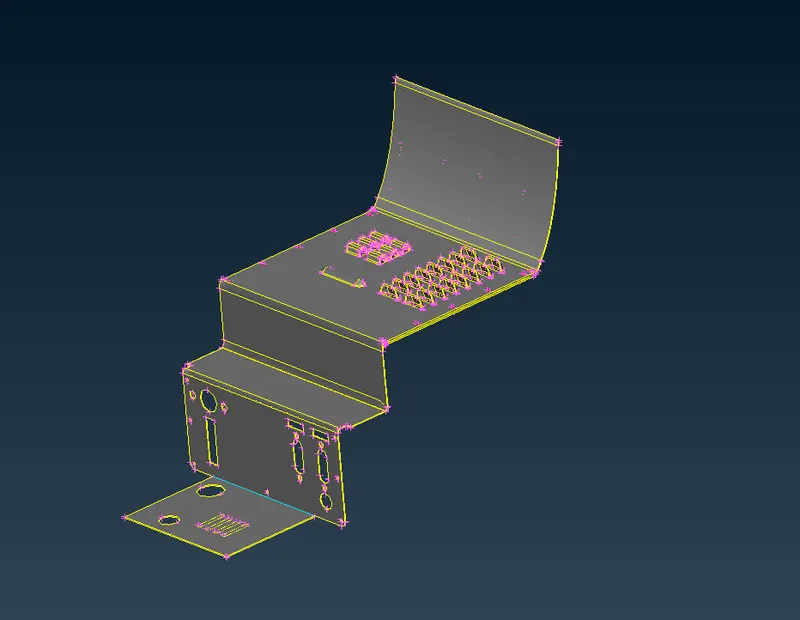
1. First the component edges was realised and done topo to get free from the topo errors. Then the orientation has to be changed
2. Then the geometry has to checked. In that the error has to be auto fixed.
3. After fixing the geometry errors now the morphing interface has to be opened. In that interface NEW command has to be clicked to select the surface in that geometry in volume box ortho type has to be selected
4. After selecting the geometry the select the axis and draging the geometry will results the dimensional changes in the selected geometry.
Before
After
CONCLUSION
The morphing technique which is used to change the dimension or to modify the component it has to be done in this challenge I had learnt the to modify the features and dimension of the geometry without the help of the CAD modular. It could be save time when working in the industries.
#For Hand rest model
AIM
To change the gemotry using the morphing.
PROCEDURE
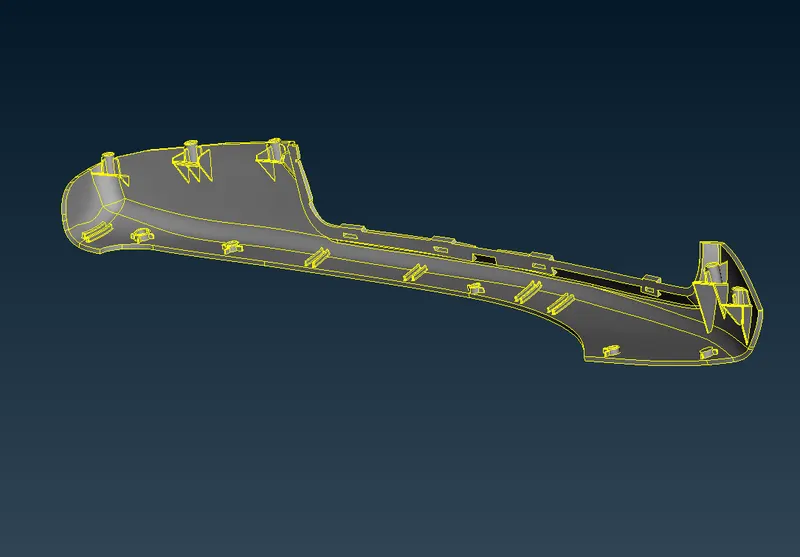
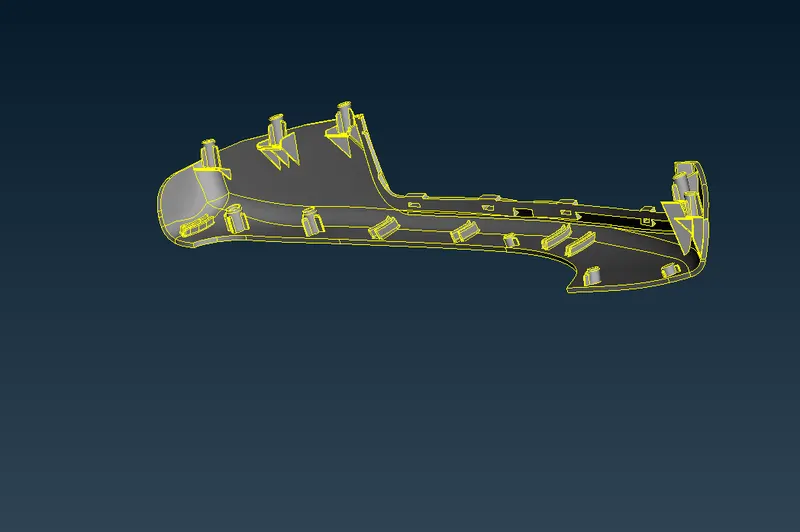
1. First the component edges was realised and done topo to get free from the topo errors. Then the orientation has to be changed.
2. Then the geometry has to checked. In that the error has to be auto fixed.
3. After fixing the geometry errors now the morphing interface has to be opened. In that interface NEW command has to be clicked to select the surface in that geometry in volume box ortho type has to be selected.
4. In this hand rest model the dog house and the ribs dimensions has to be changed. First the dog house and the ribs has to be selected induvidually. Then the box morphing has to be done induvidually for the each features.
5. After selecting the features the select the axis and draging the geometry will results the dimensional changes in the selected geometry.
Before
After
CONCLUSION
The morphing technique which is used to change the dimension or to modify the component it has to be done in this challenge I had learnt to modify the features and dimension of the geometry without the help of the CAD modular. It could be save time when working in the industries.