Week - 8 - Morphing
Aim- Morphing of given models.
Morphing -
Morphing is use to redeign,reshape model without need of 3d cad model.During the concept phase of product development, simplified CAD and CAE models are used to retain model versatility.Already existed model can be reshaped and redesigned just with the help of moving the nodal element position with the help of a morphing tool.
There are different types of morphing such as
- Box Morphing
- Parametric Morphing
- Geometric Morphing
- Direct Morphing
Applications
1.It is used to aqquaire small changes without going back to CAD department .
2.In car industries where where it helps in small design changes .
3.In changing hatch back cars into sedan
Model 1-
Import given model in ansa.
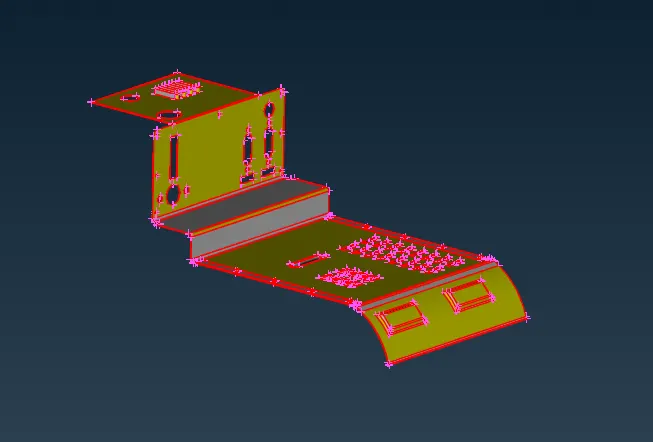
Geometry cleanup is next step.
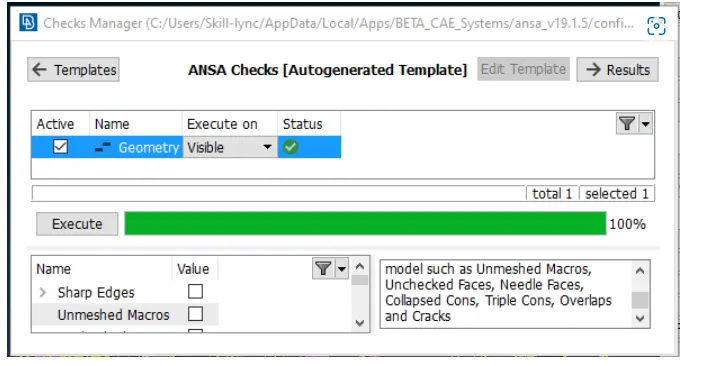
Once we are done with the cleanup we can either mesh it or without meshing also we can proceed for morphing
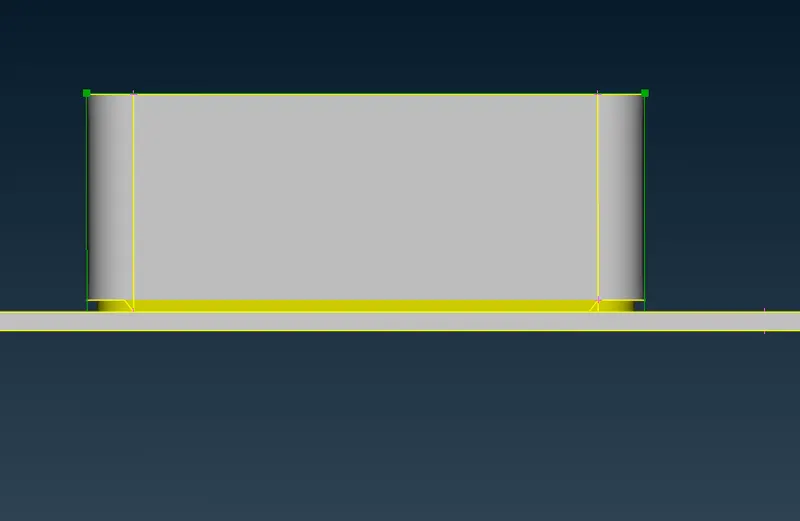
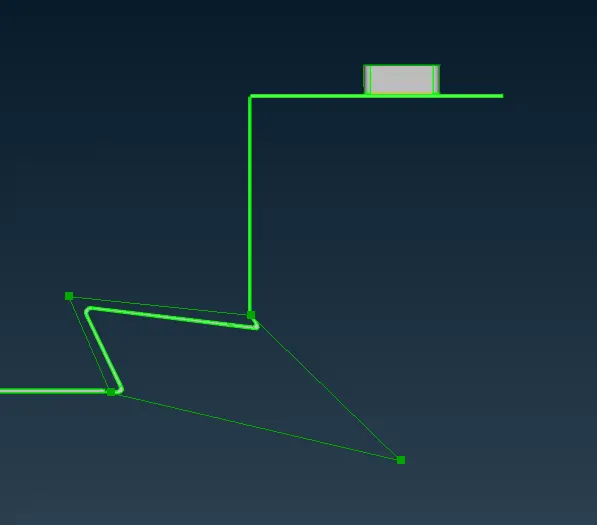
Go to morphing tool.In new morphing select area to morph.green box appers after selestion.
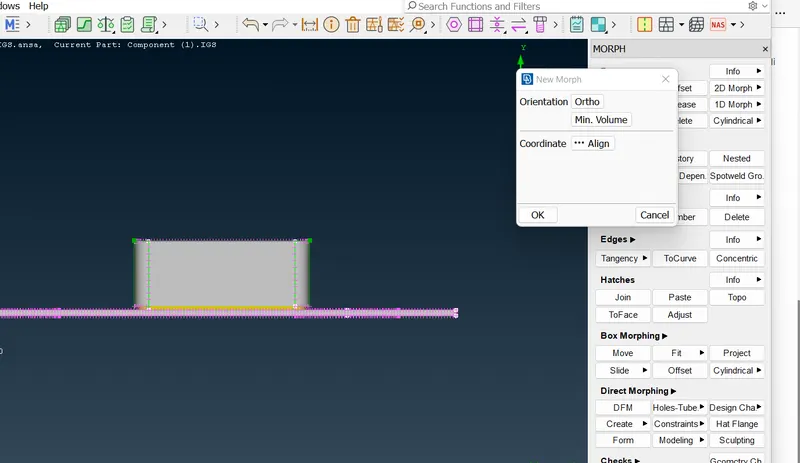
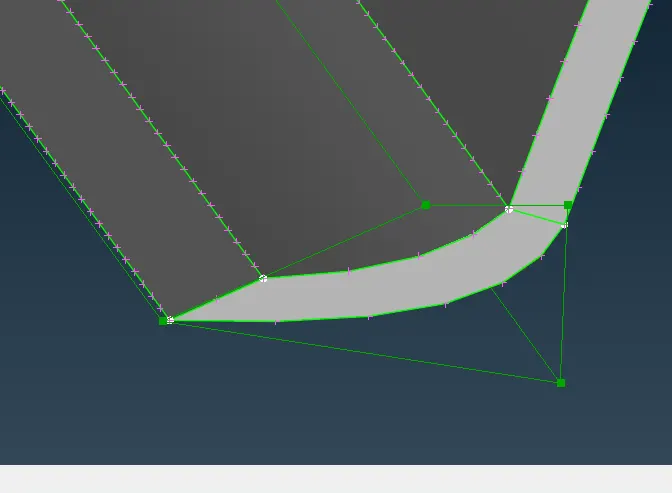
Green box having 4 control points by moving points we can change the shape and size of exixting part.
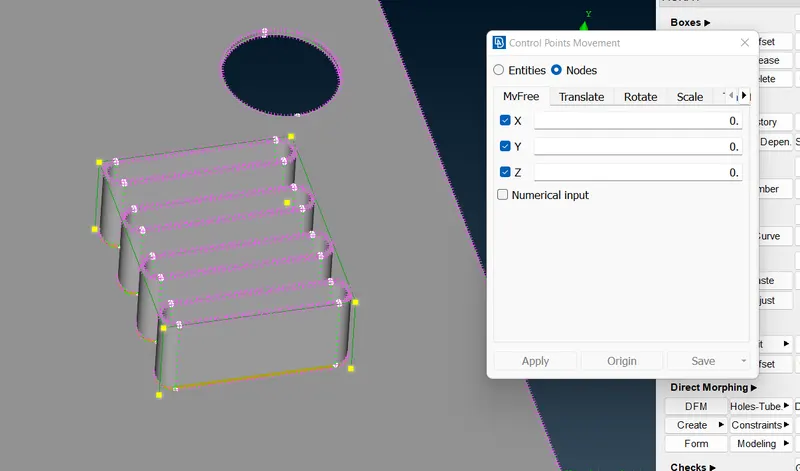
Do middle click the feature will follow the cursor and it will extend or compress according to cursors movement as in below example we extend it
Results-
model 2-
In this model we are supose to increase height of dog house and ribs.
To achieve this
1.Import model to ansa.
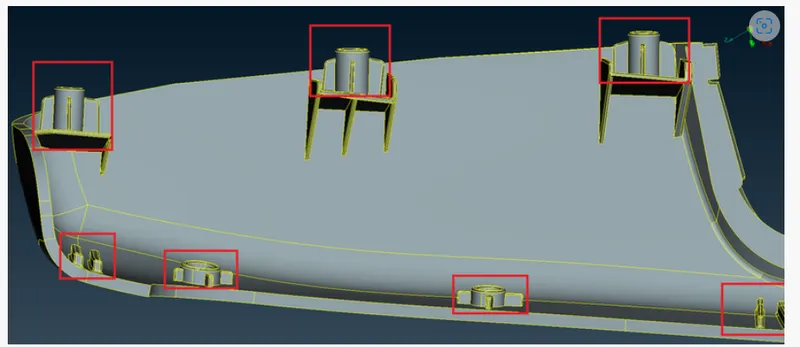
Do geomerty cleanup.
Go to morphing tool. Select new .Then select area to morph.
Select control point and by move command move the point to increase the height.
Result-
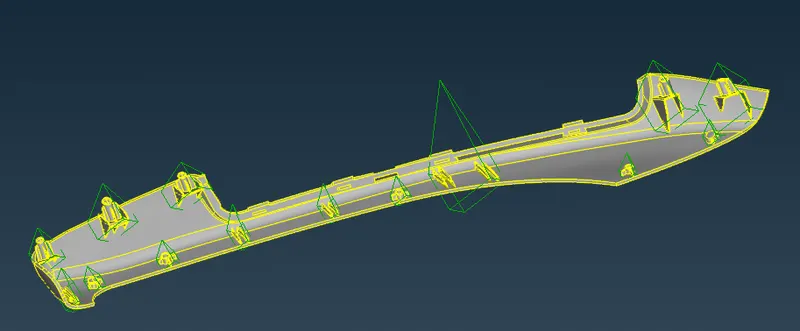
Conclusion-
On given model morphing commands practiced as per video.
Learning outcome-
How to use morphing commands and basic resize and reshaping of components.