Week - 8 - Morphing
Aim:
To perform the morphing for the given models.
morphing is the process of changing the design of the components.
Procedure:
Model 1 :
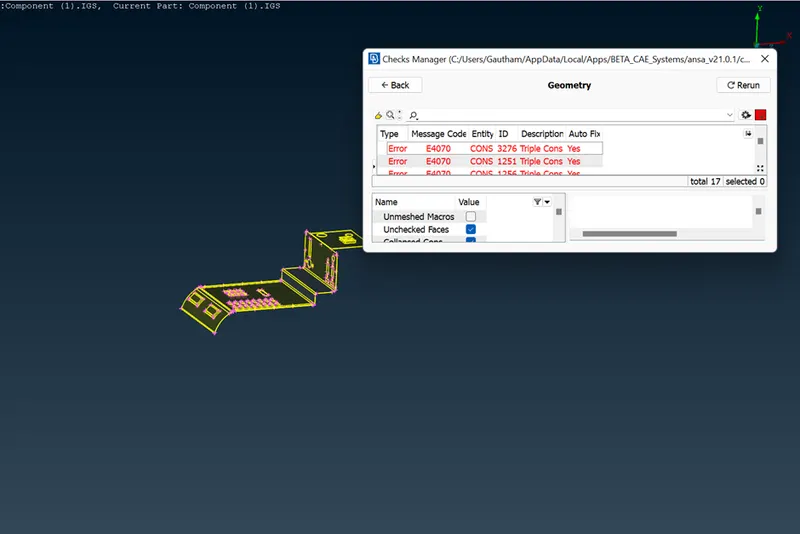
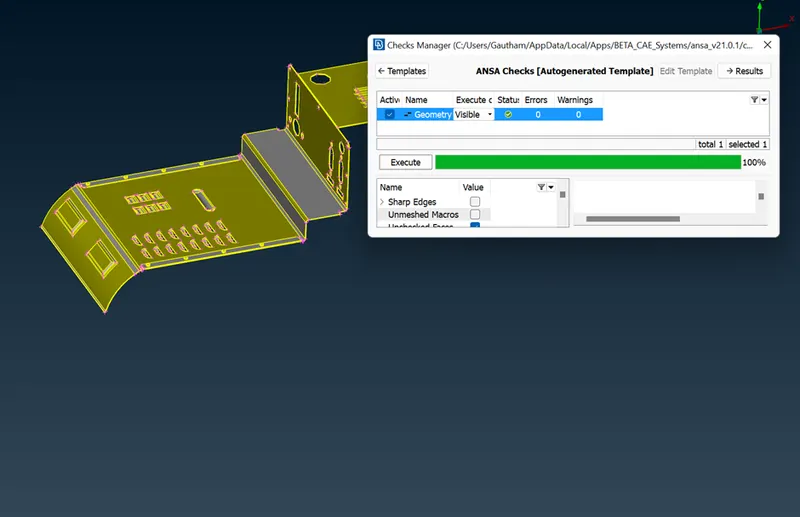
1. Import the cad model and check for geometry.
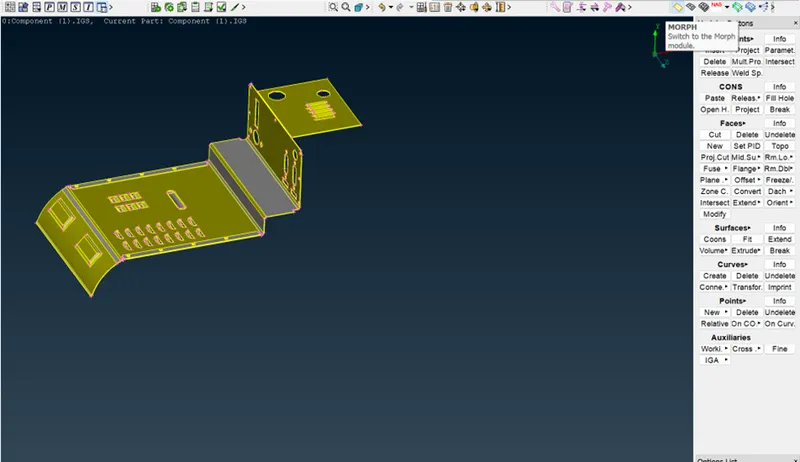
2. Switch to the Morphing module.
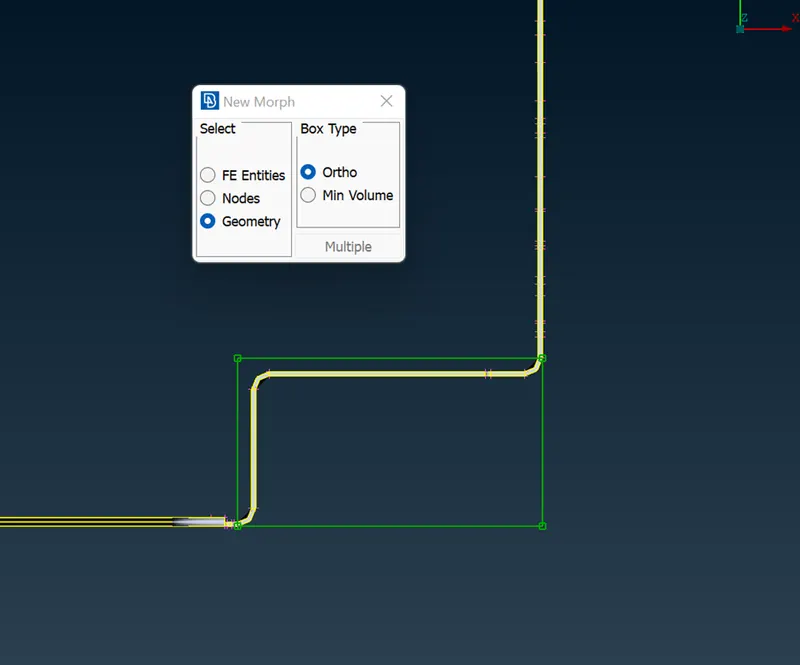
3. In the Boxes>New>Ortho>Geometry select the model or any part that has to morph. 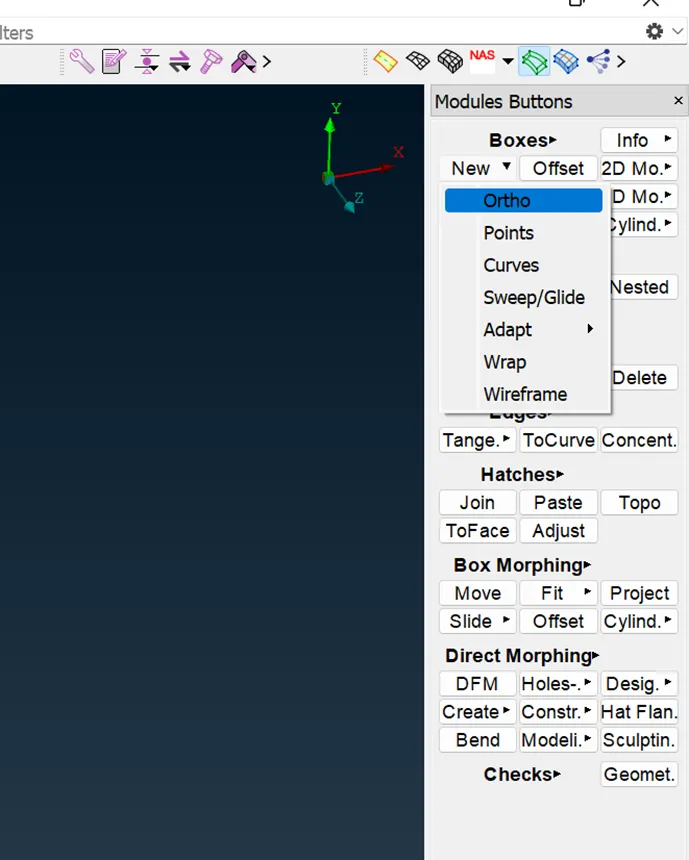
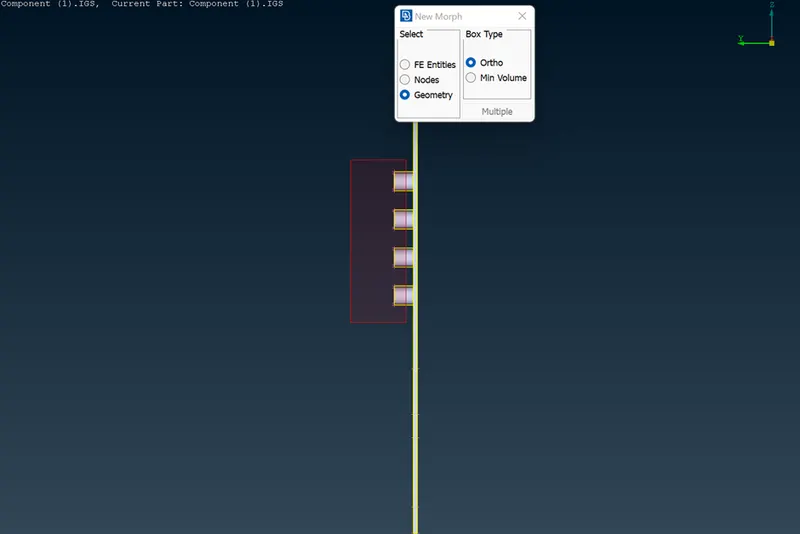
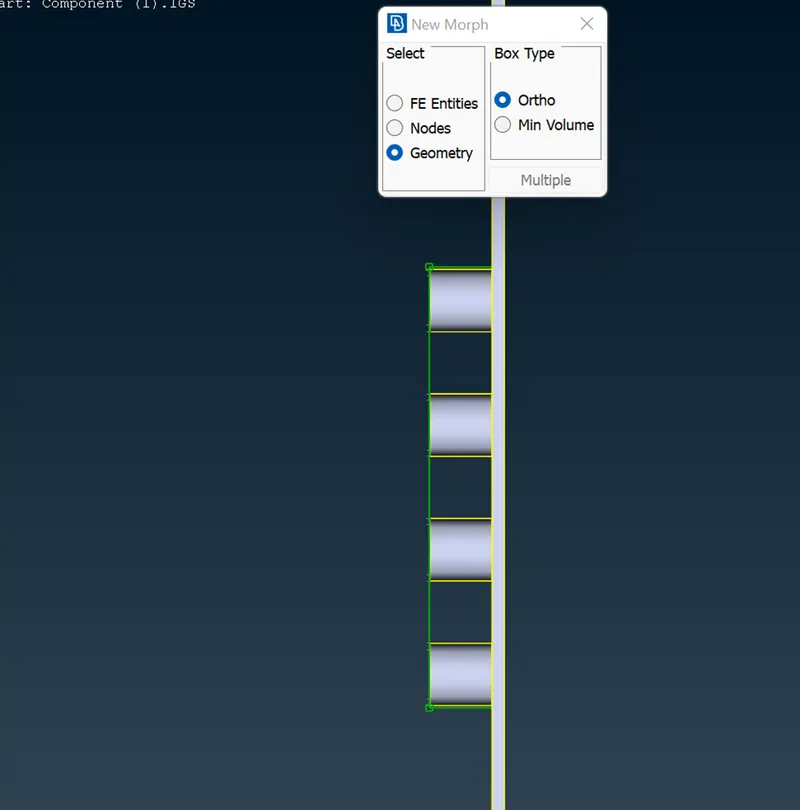
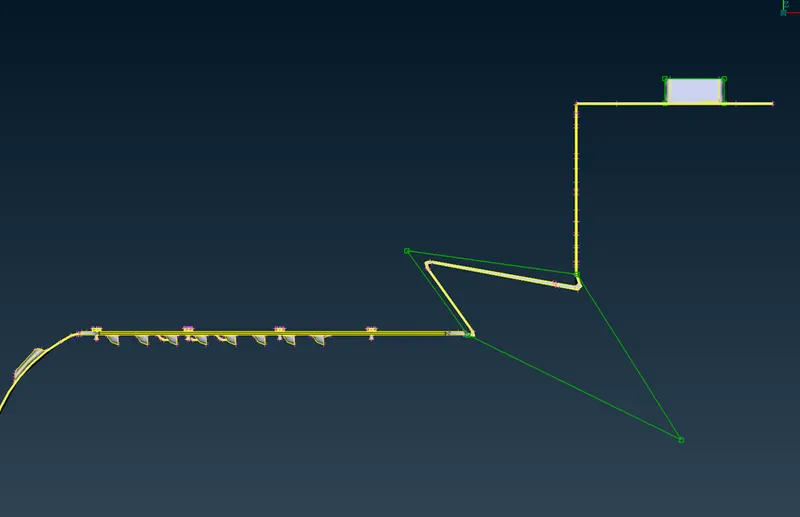
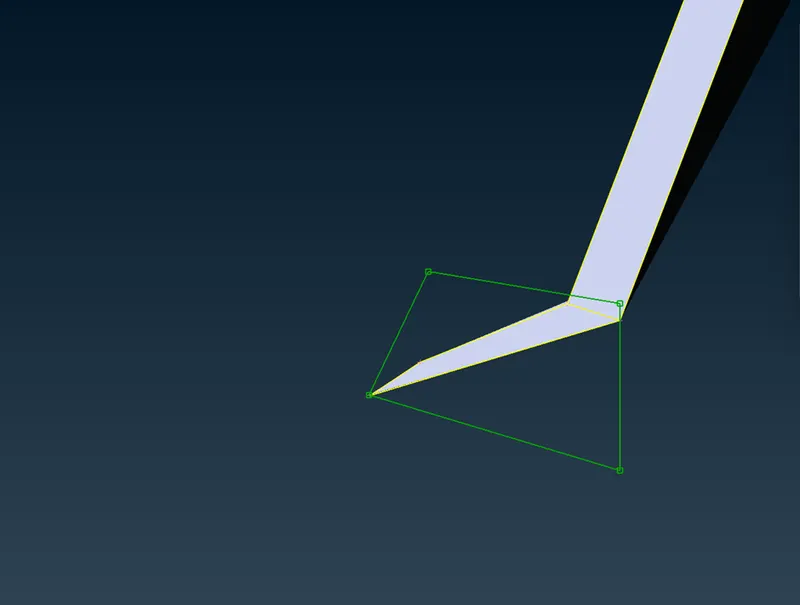
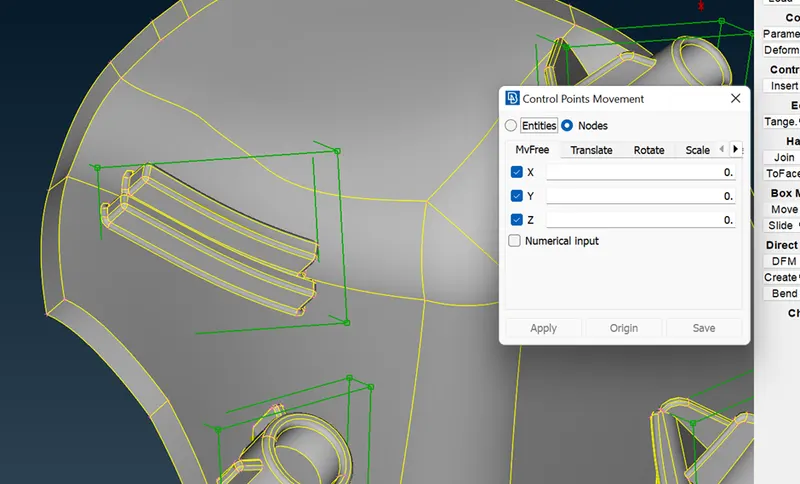
4. The green box will generate. To move it click on the generated green points at the corner of the box. Click the middle button and move the given box at x,y, and z-direction to change the shape.
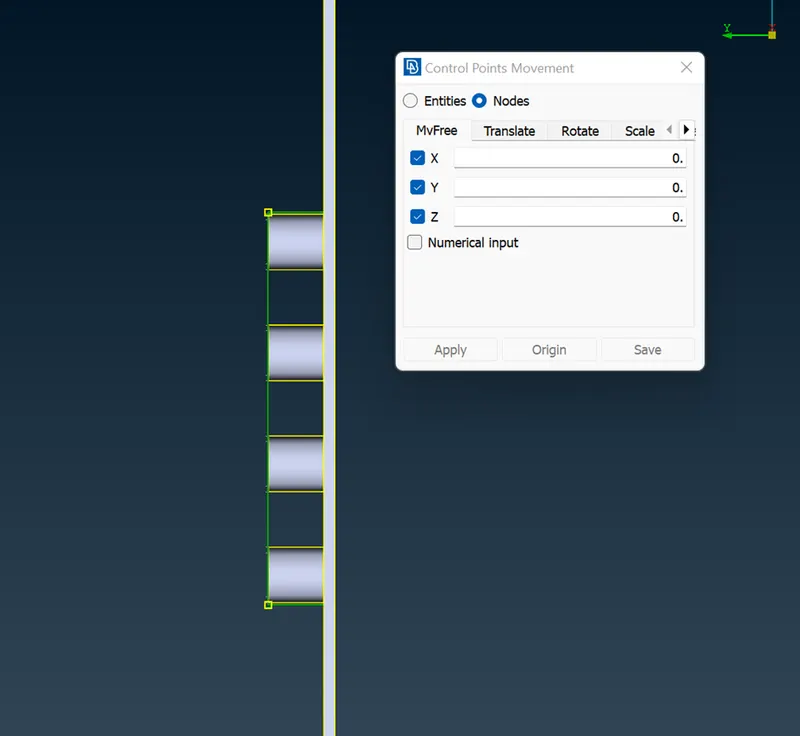
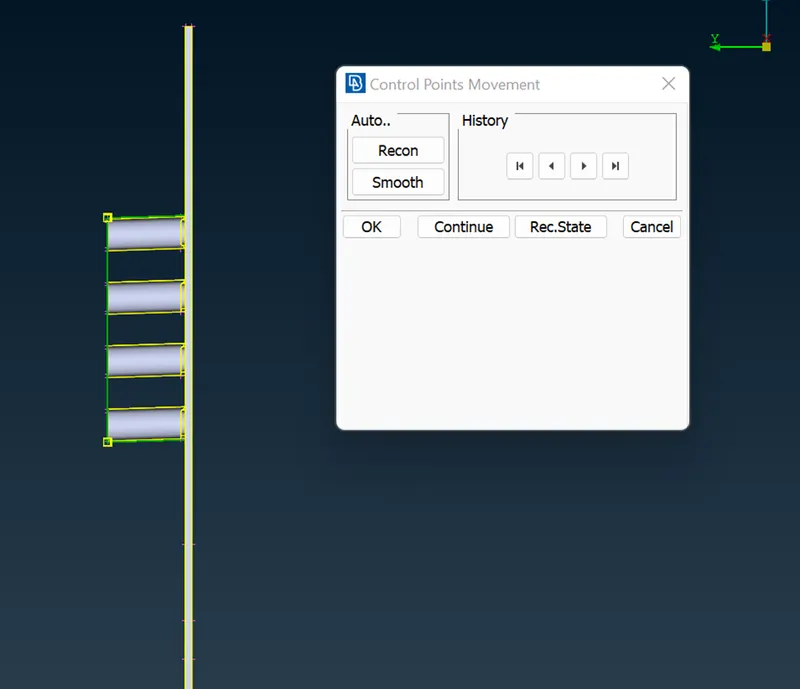
Here the shape of the rib is changed.
5. Do the same procedure repeat for these areas.
6. The split option is used to split the box which generated for the change the design.
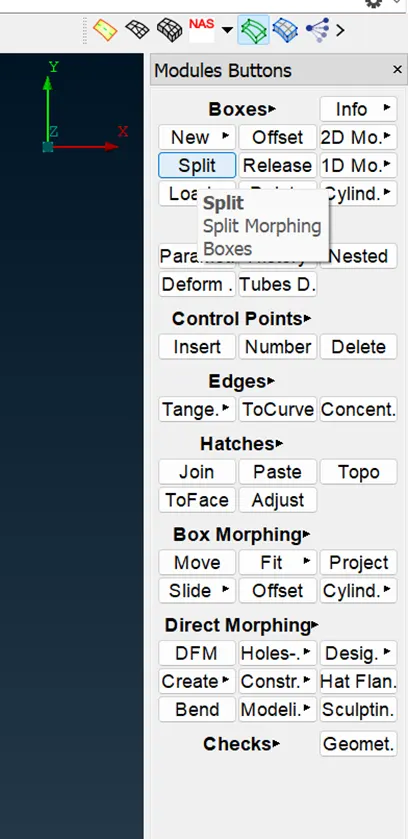
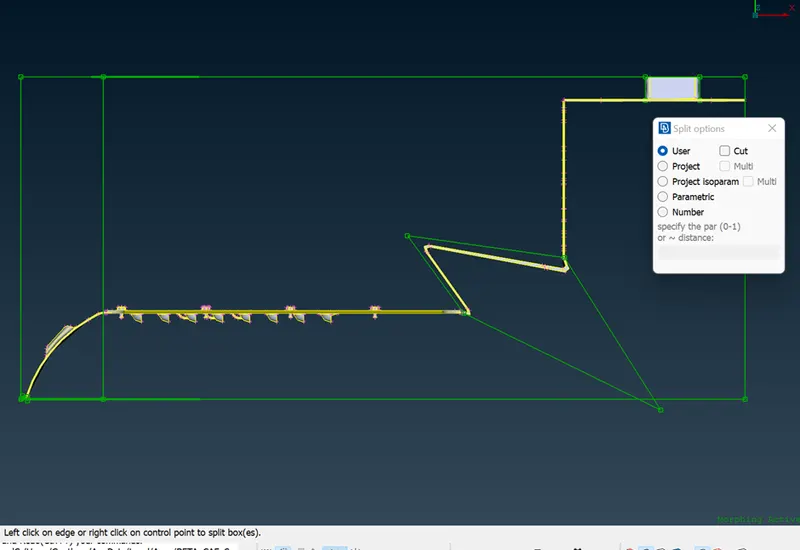
Here the box is splited into two boxes.
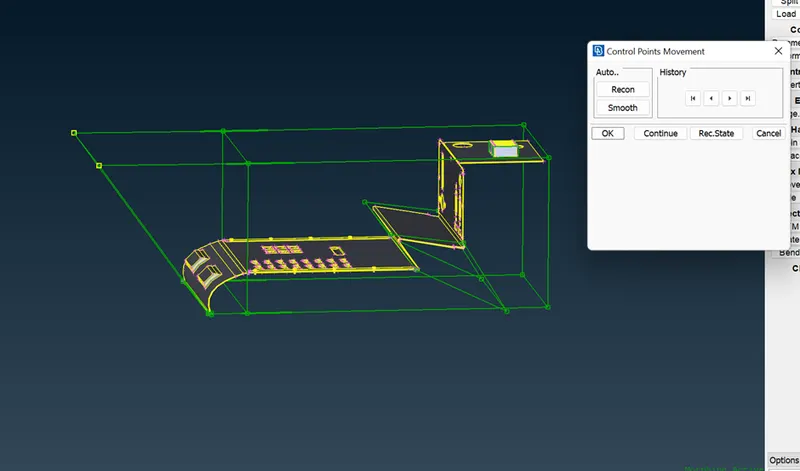
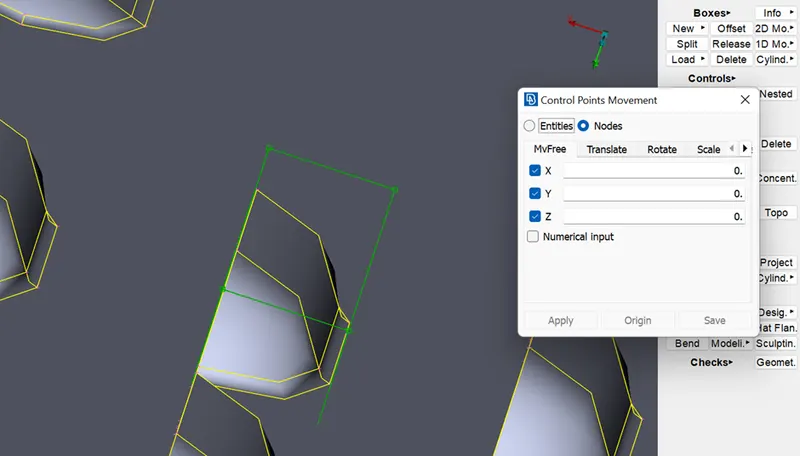
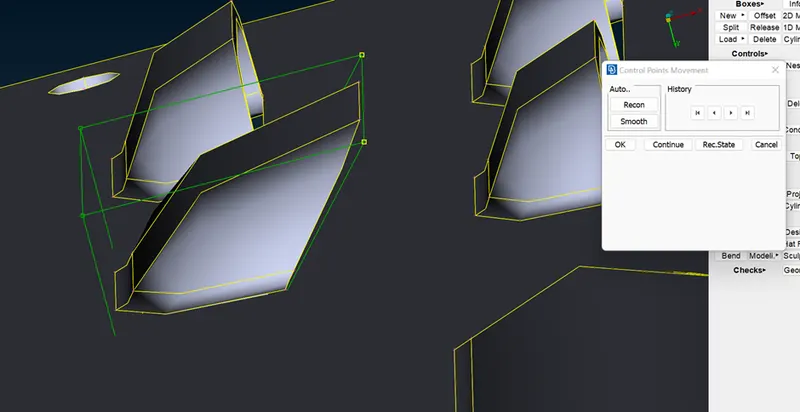
7. The offset option is used to change the shape of the attachments.
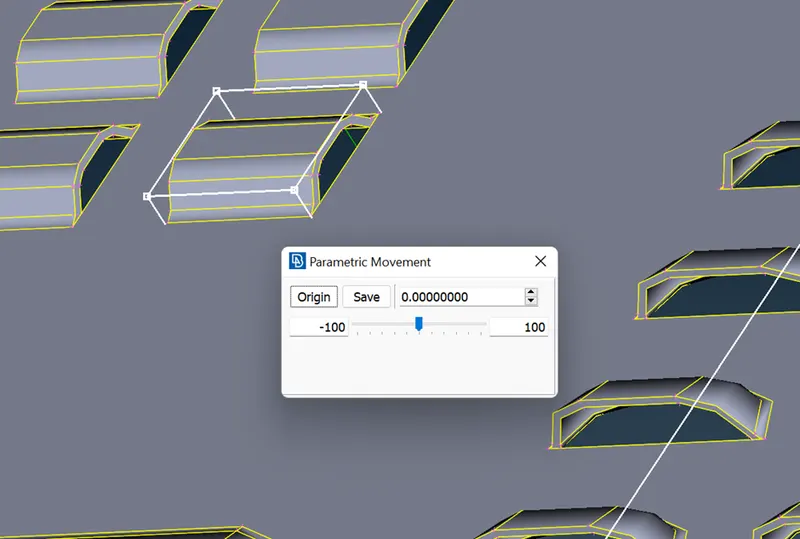
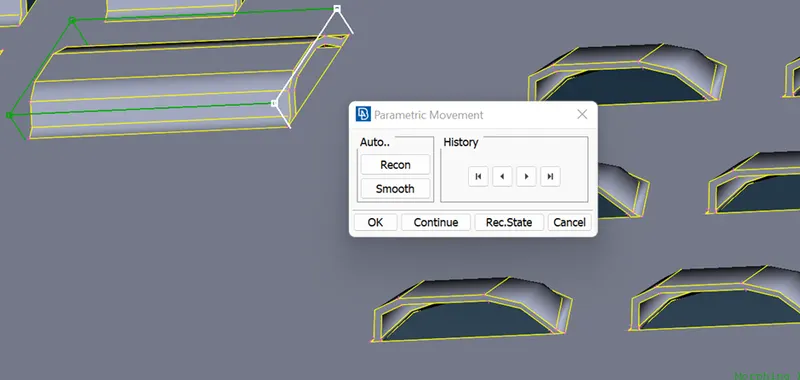
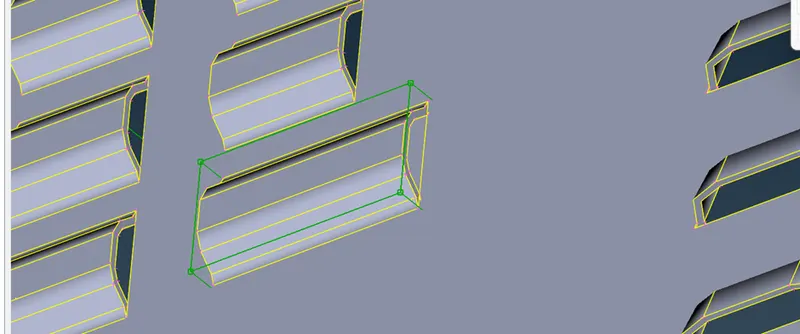
8. The given model shape is changed by the morphing.
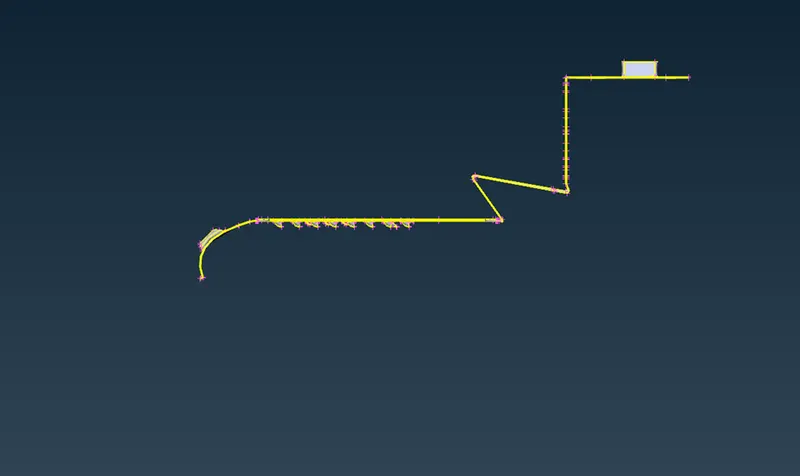
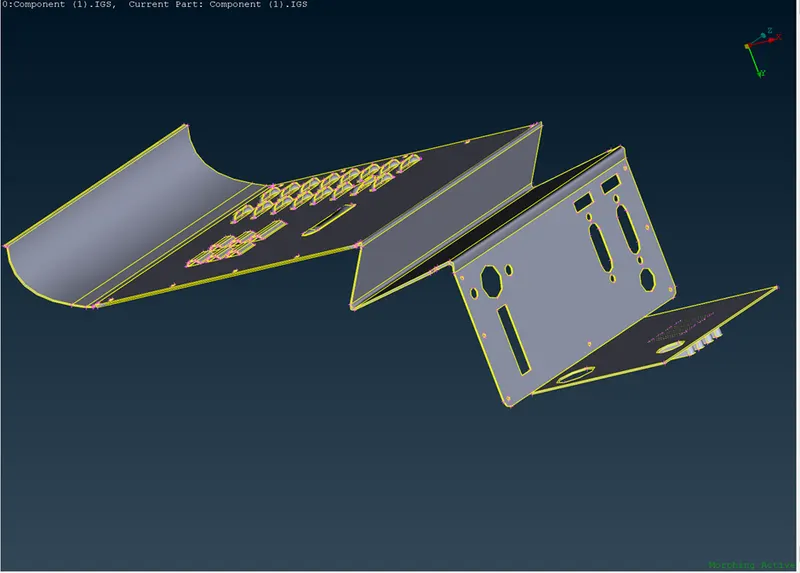
Model 2:
1. Import the cad model.
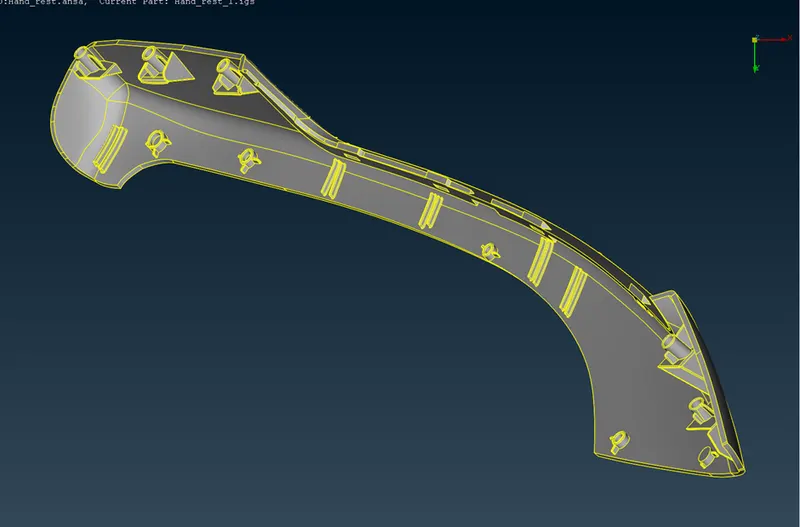
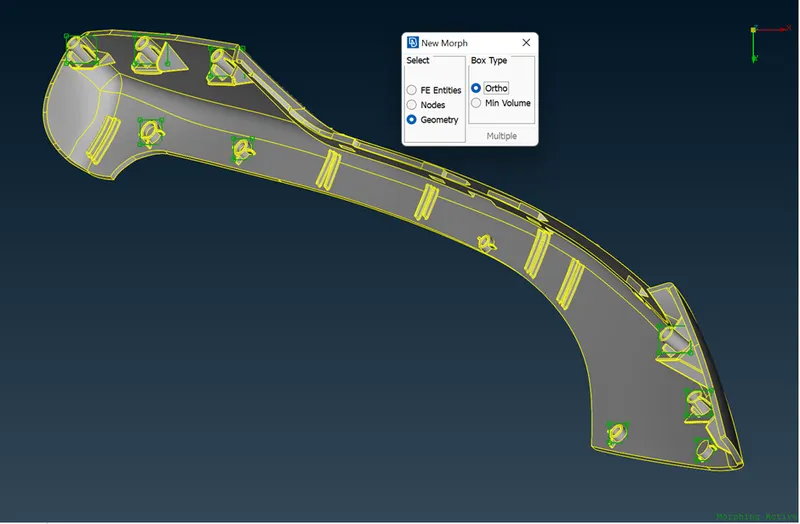
2. check for the geometry amd switch to the morphing module, then create the box for the dog house and ribs area.
3. By the move option we can select the points and move in x,y,z direction it cnan change the shapes.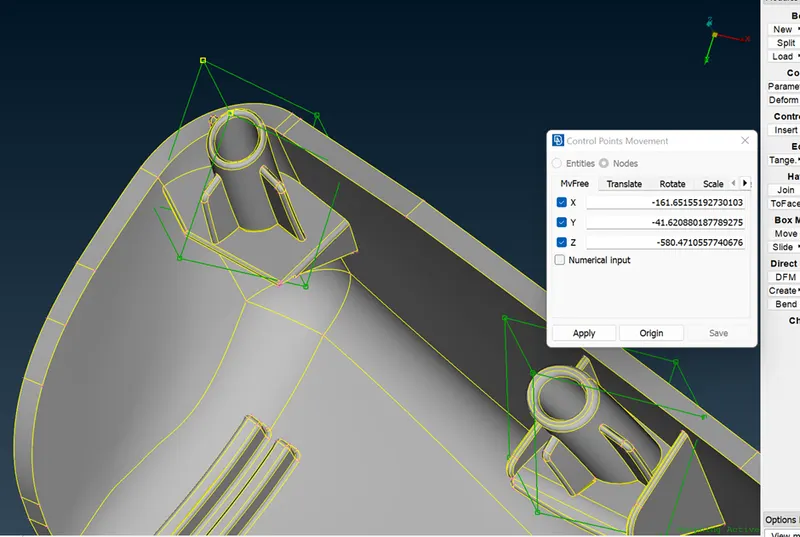
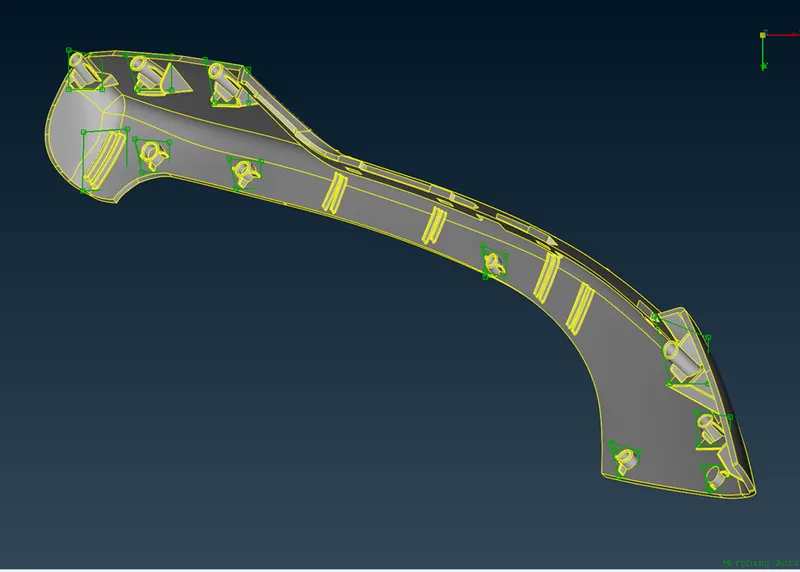
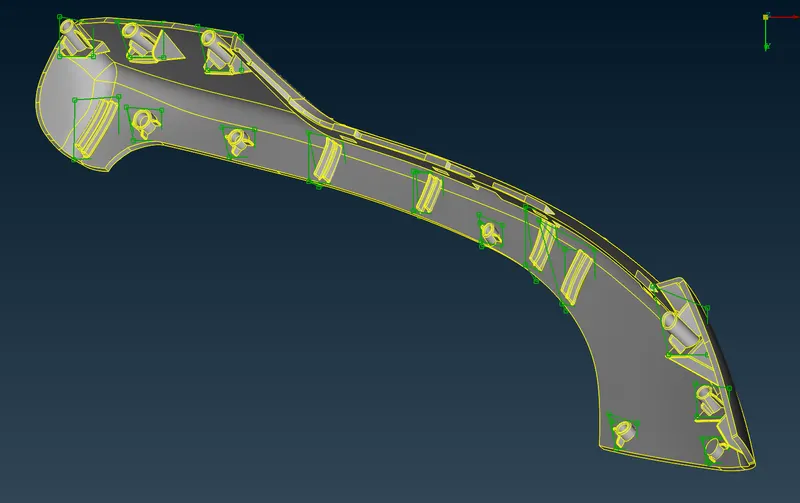
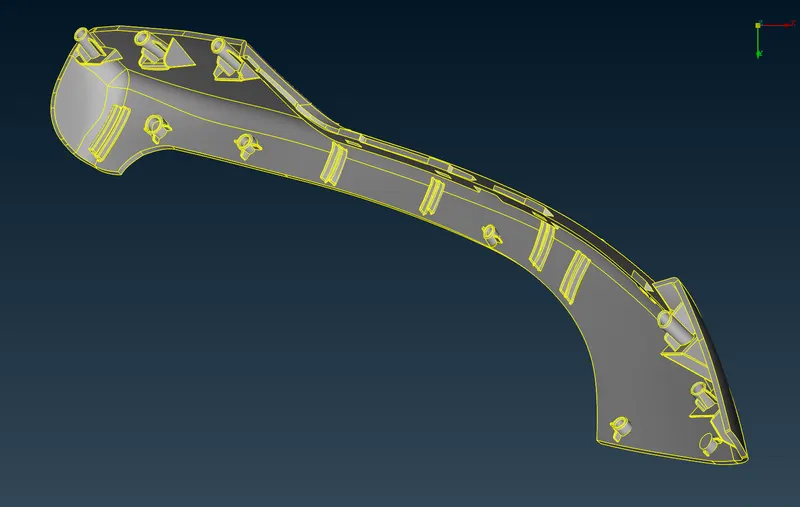
Here the given model is morphed.
Learing Outcomes:
1. Learned to use the Morphing module.
2. Learned to create the morph box and move the points of box.
3. Learned to offest in the morph mode.
Conclusion :
The given models are morphed and the design of the CAD is changed by using the morphing techniques.