Week - 8 - Morphing
Aim"
To study the technics in morphing tool
Procedure:
Select the morphing tool from the auxilaty tab
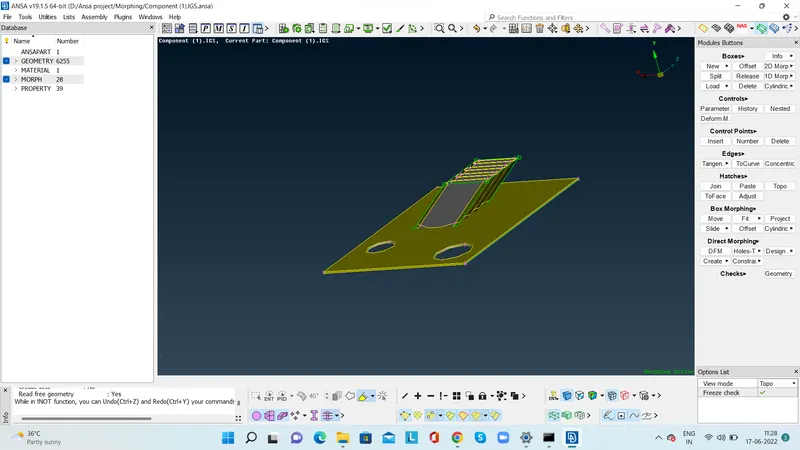
On the work space"Morphing activated" will be displayed
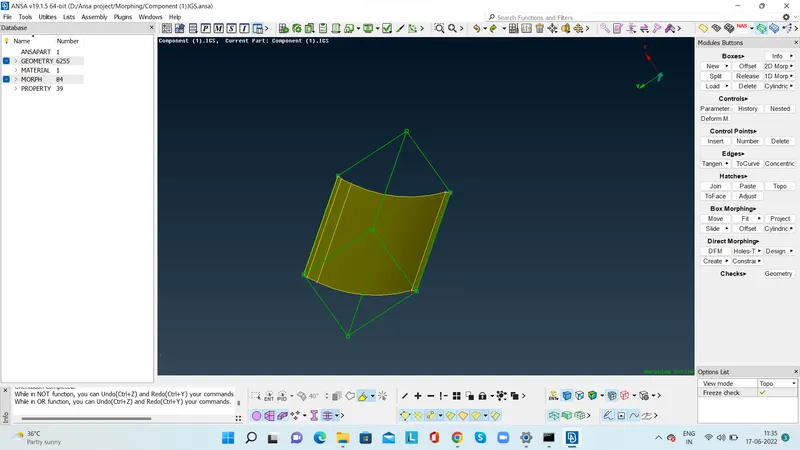
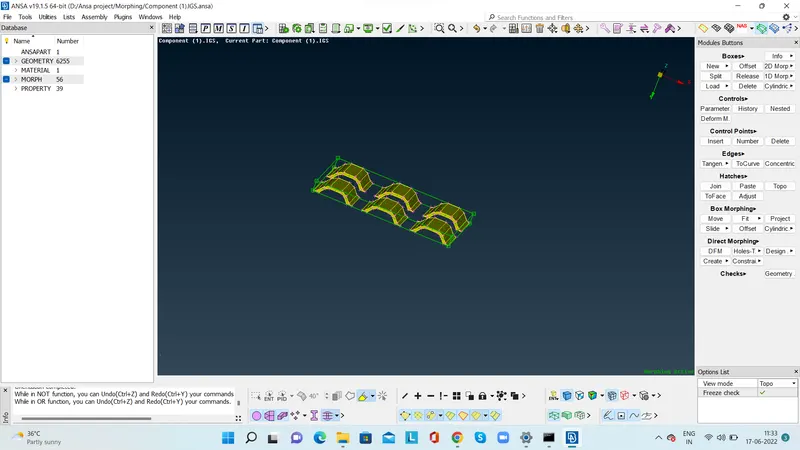
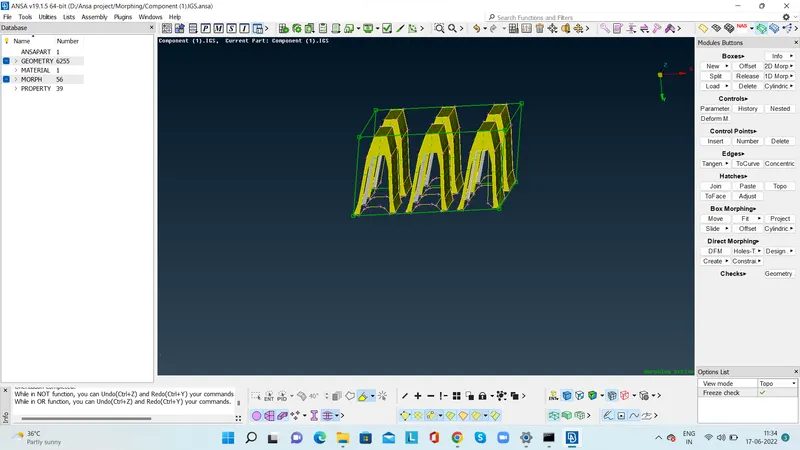
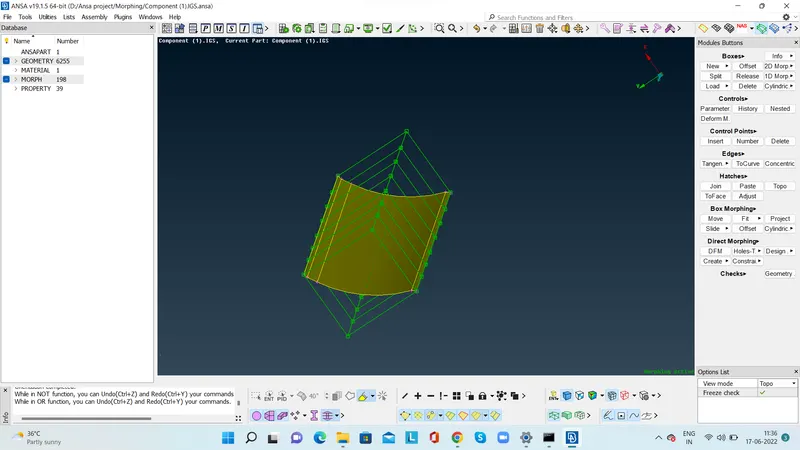
Go to the box morphing tab and slect the NEW then from drop down list select ortho.
In the ortho tab select the feature GEOMETRY then morphing box will be activated
From the tab "BOX MORPHING" select the option MOVE, then we can move the grid of the morphing box and we can achieve the required changes in the design.
Conclusion:
Learned the usage of orphing tool.
Outcome:Learned the advantages of morphing tool to replicate design for better results