Week - 8 - Morphing
Aim:
1) Practice all the Morphing techniques that were shown in the video for Model-1.
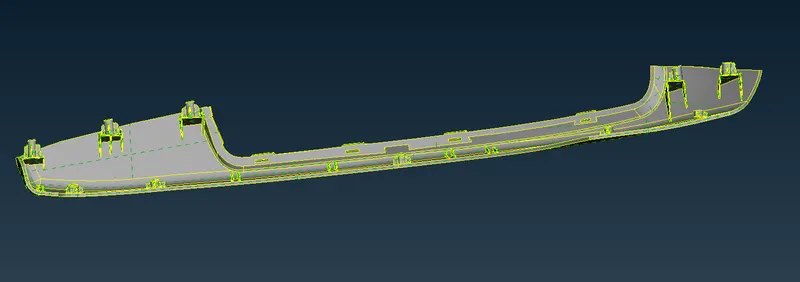
2) Perform morphing for the Model-2 and Increase the Height of the Dog houses and Ribs. (Refer Red annotations in the below image to understand what are Dog houses and Ribs)
Procedure :
- Import CAD file. Give Topo so all single conns can be attached together. Check for Geometry quality using Geometry check command.
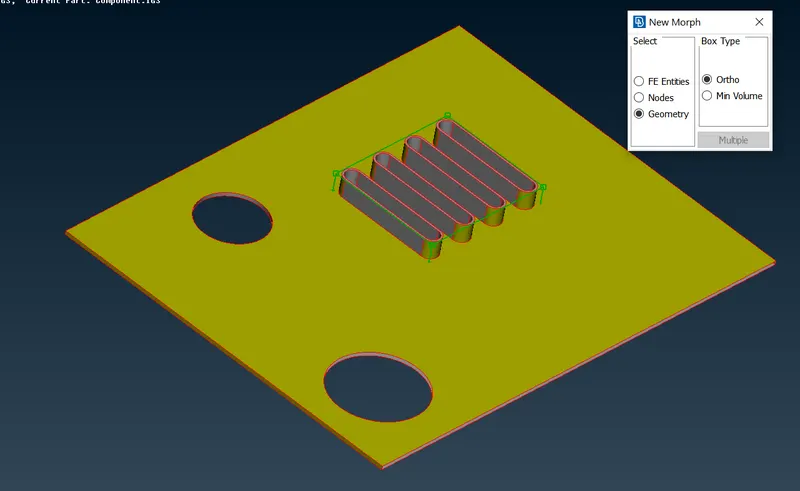
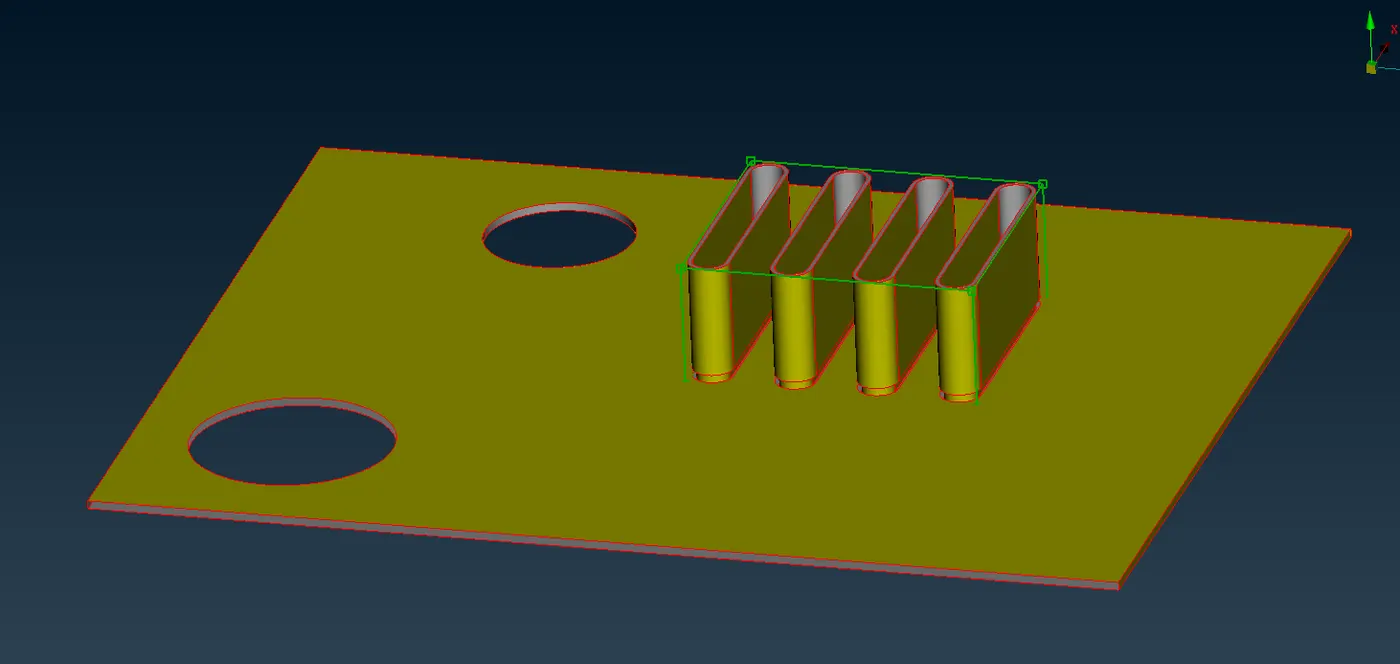
- Show the upper portion using ¬ command in views. Now Select the ribs and create a morph box around the alteration portion using Boxes>Geometry command.
- After creating the morph box select Measure the length in direction of morphing. Then select move command. Tick the axis in the direction where you want to morph the portion. Then provide ok command.
- Do the whole procedure mentioned above to all the portions needed to be morphed and thereby we get the required alterations. According to these alterations the designer will get the idea of what to change with current component.