Week - 8 - Morphing
AIM:-
To practice morphing techniques that shown week 8 vedio and paracting on second model.
PROCEDURE:-
Mode 1:-
Open the cad model.
Check the geometry and clean up the geometry.
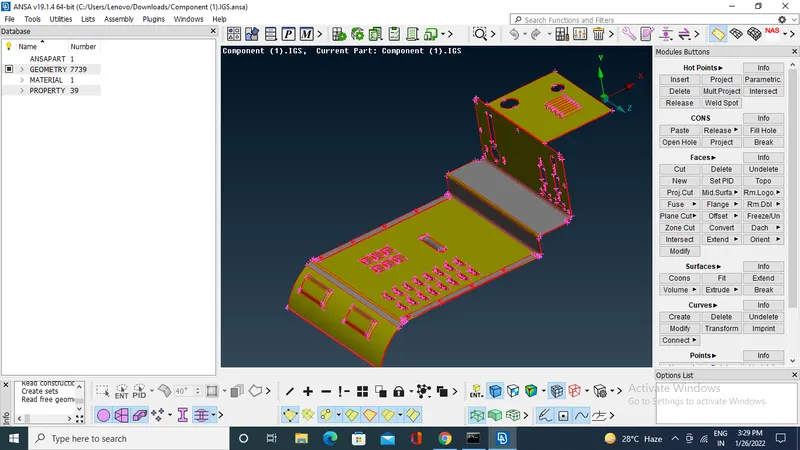
To start the morphing switch to morphing module.
set the model in convenient view.
Go to BOXES >new >geometry>select the morphing area> middel click>box morphing >move>select the nodes>change the shape and size.
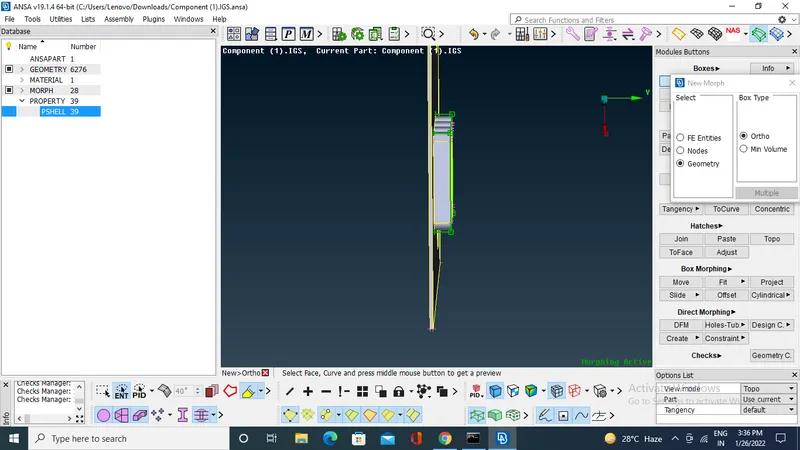
By using MOVE in box morphing . we can change size and shape.
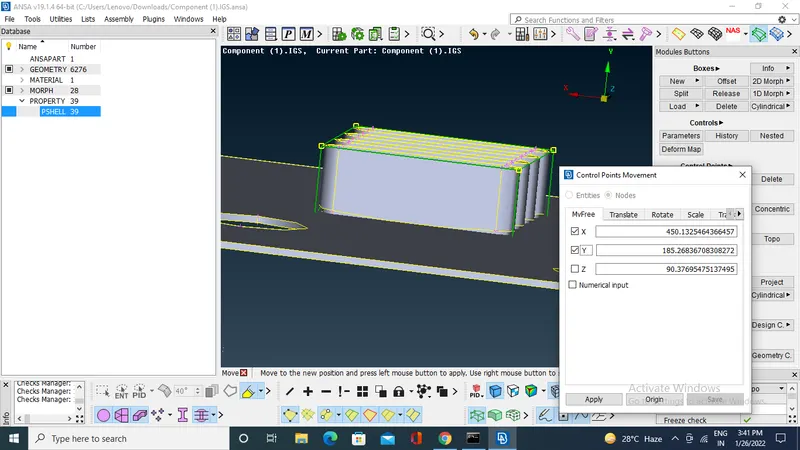
Same process for all morphings.
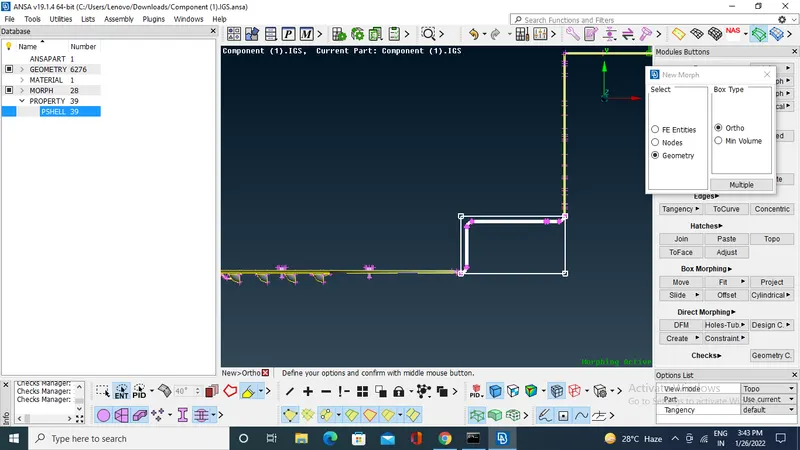
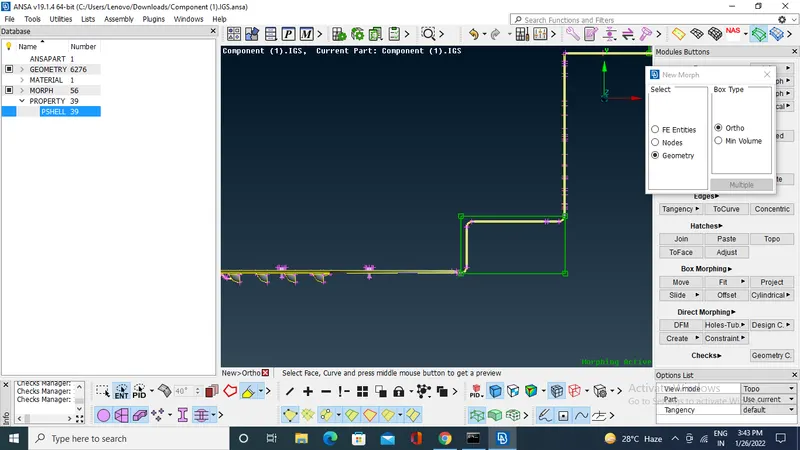
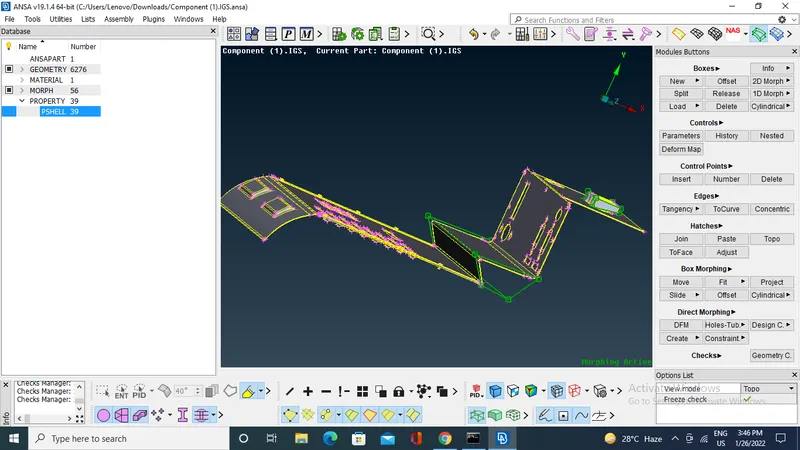
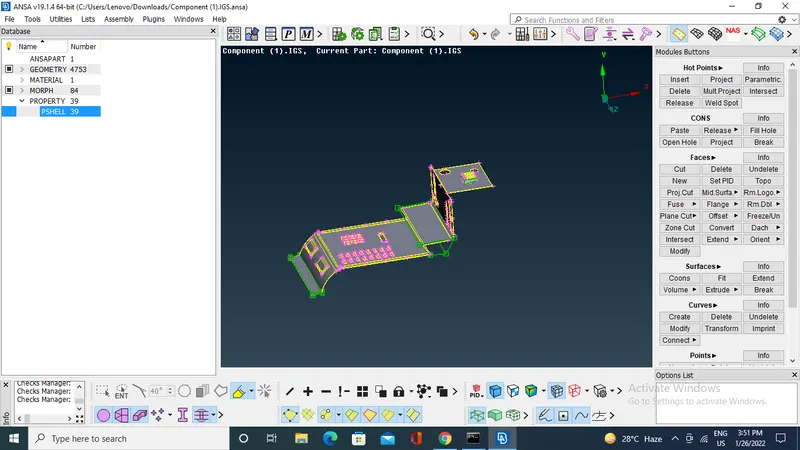
If you splits betweem box make splits boxes >split>user>select where have to split .
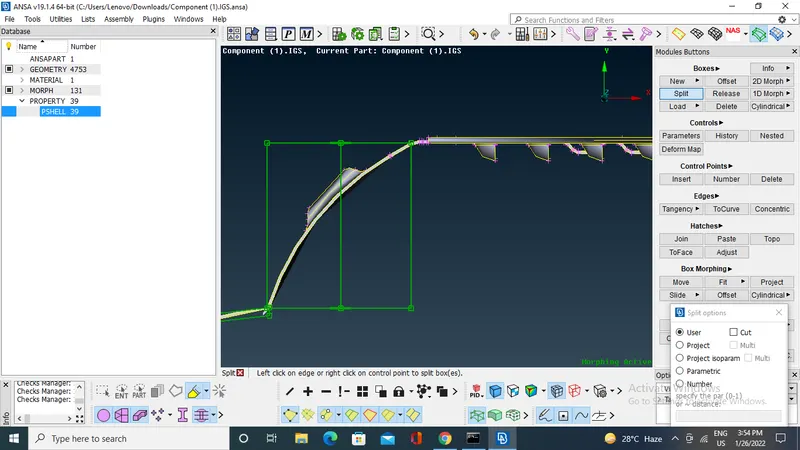
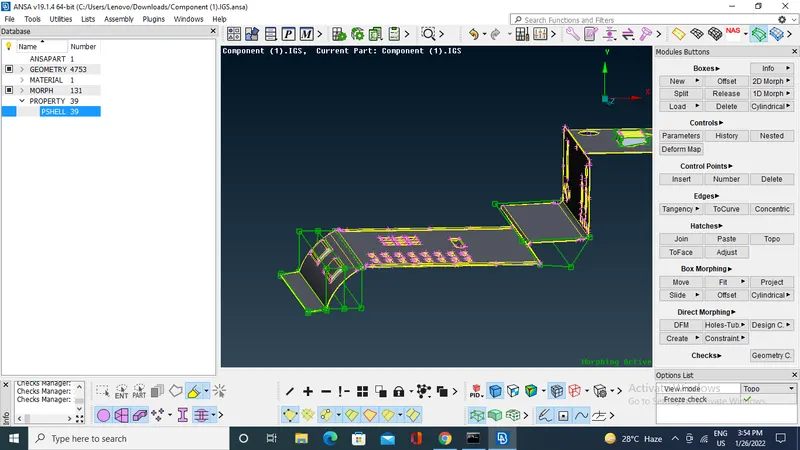
If you whant delete the boxes.
boxes>delete>select the boxes >middle click.
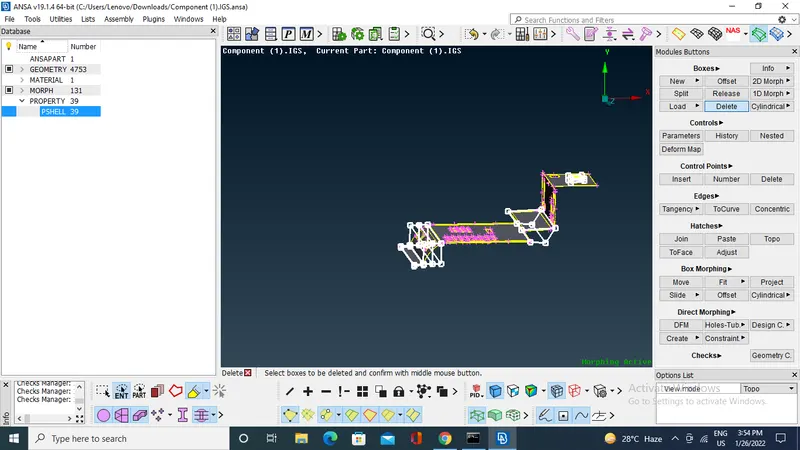
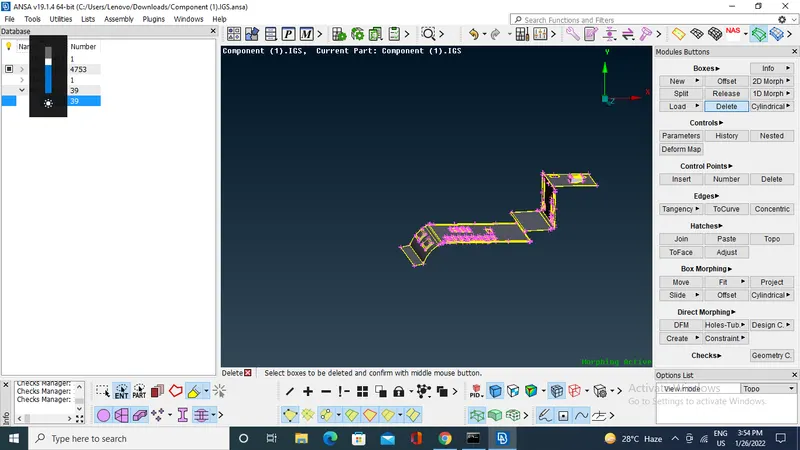
Model 2:-
Open the model in ANSA
where we have to do morphing that has been shown in question.
check the geometry.
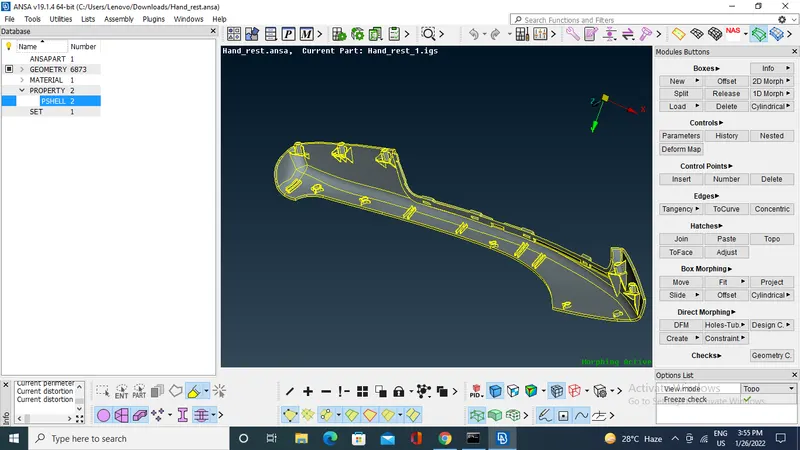
Switch to morphing module.
BY selecting the entites selecting locaters and ribs to create the boxes.
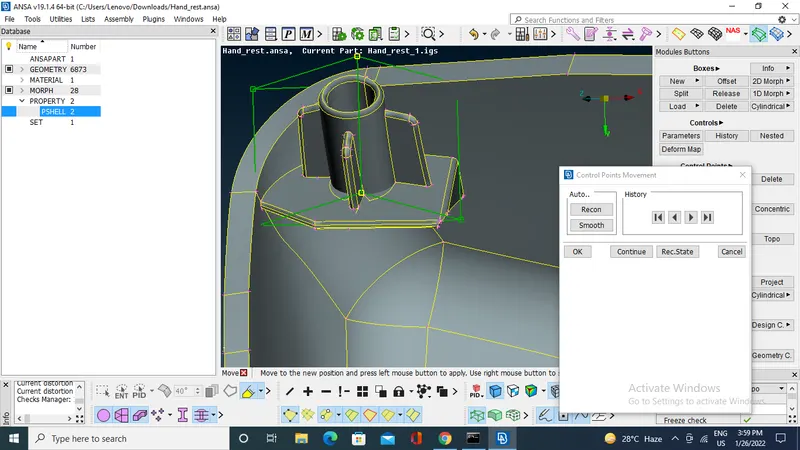
Firstly create boxes for all locaters and ribs.
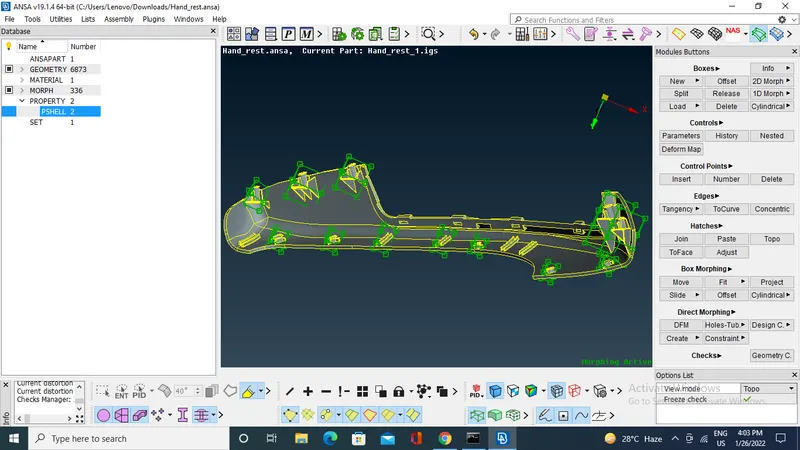
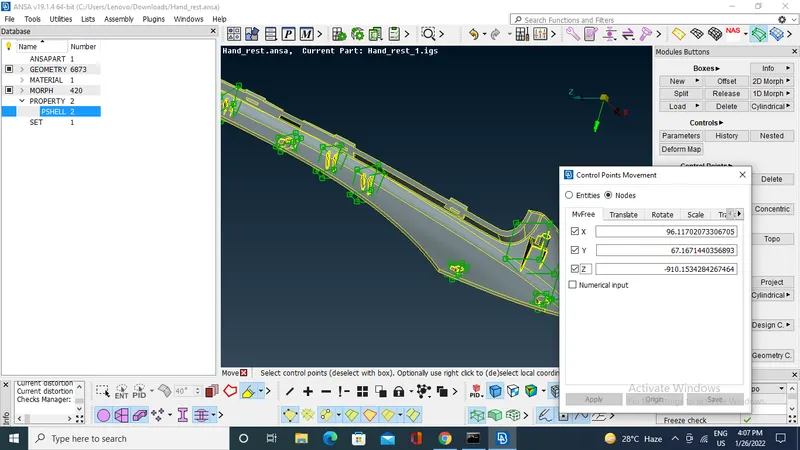
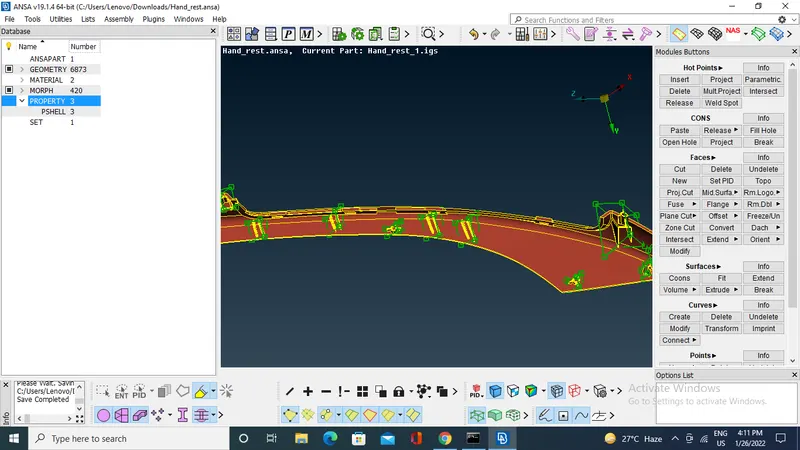
By using move command increase the height of locaters and ribs
APPLICATION:-
- The morphing feature that morph existing CAD or FE to new geometry.
- Design features like styling lines, sections, proportion etc.
- Morphing used in automotive industries.
LEARNING OUTCOMES:-
- Learned concept of morphing and morphing tools avaliable in morphing deck.
CONCLUSION:-
Performed morphing techniques that shown in week 8 vedio on both models.