Week - 8 - Morphing
AIM: To practice all the Morphing techniques that were shown in the video for the given component
METHODOLOGY:
- Import model and do Geometry clean up
- Open Morphing module
- Apply the changes with different options available
INTRODUCTION:
Morphing
Morphing in ANSA is a very powerful and intuitive tool, it can be used to reshape, redesign, and detail a CAE model without the need for a 3D CAD model. During the concept phase of product development, simplified CAD and CAE models are used to retain model versatility and minimize the setup time and the analysis complexity. This means the already existing model can be reshaped and redesigned just with the help of moving the nodal element position with the help of a morphing tool.
There are different types of morphing such as
- Box Morphing
- Parametric Morphing
- Geometric Morphing
- Direct Morphing
PROCEDURE:
Import the model and do geometry cleanup
Import the model and do topological error cleanup to proceed further for morphing.
Once we are done with the cleanup we can either mesh it or without meshing also we can proceed with morphing. The morphing module works for both the models i.e. CAD as well as the FE model.
We will do the box morphing for the given geometry.
we need to switch to the morphing module and select box morphing under the new tab(boxes section). select the geometry option of selection. you can also go for FE as well if available.
select the area for morphing to confirm the box selection and then move the nodes of the box by selecting the Move option under the box morphing section. select the coordinate axes you want to move the nodes.
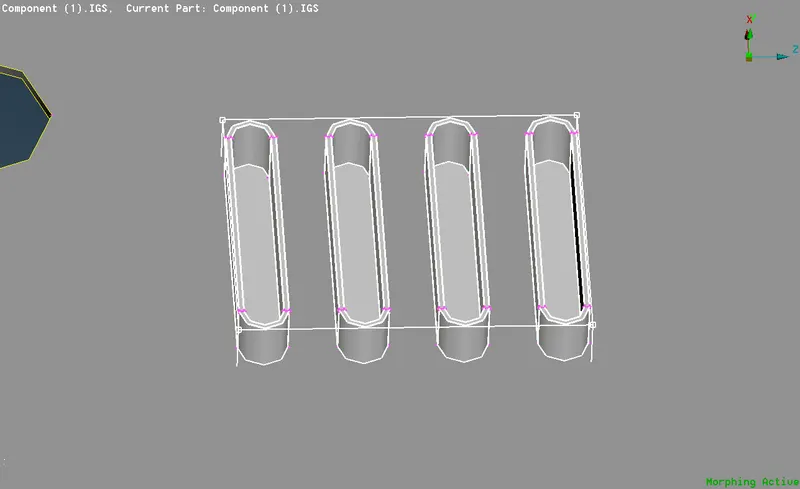
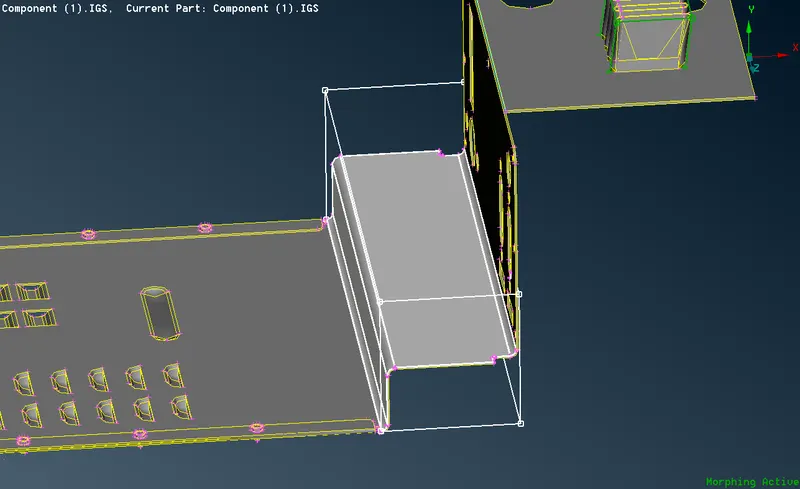
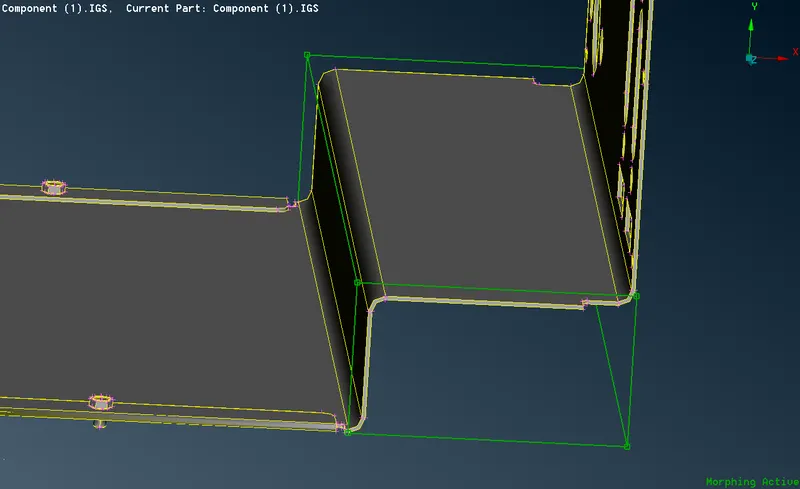
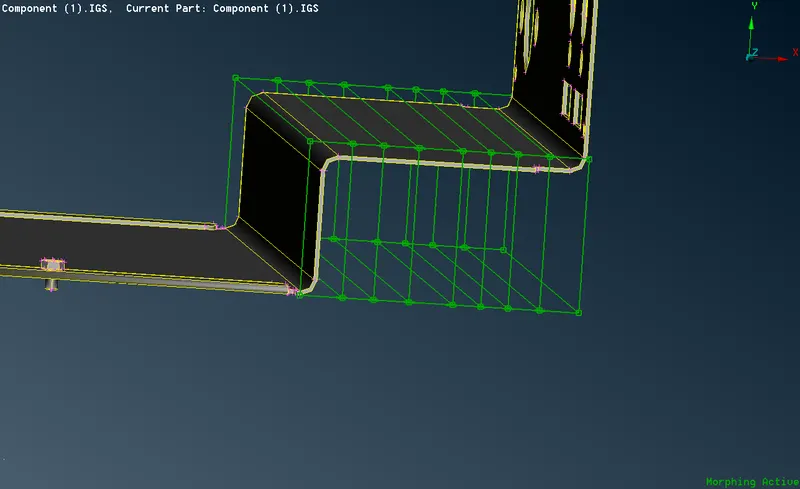
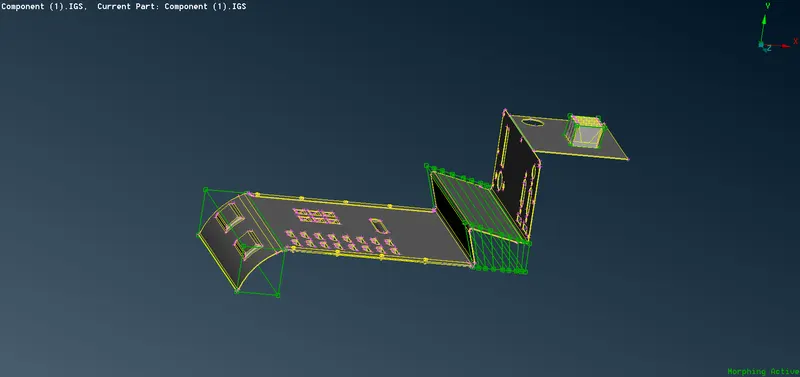
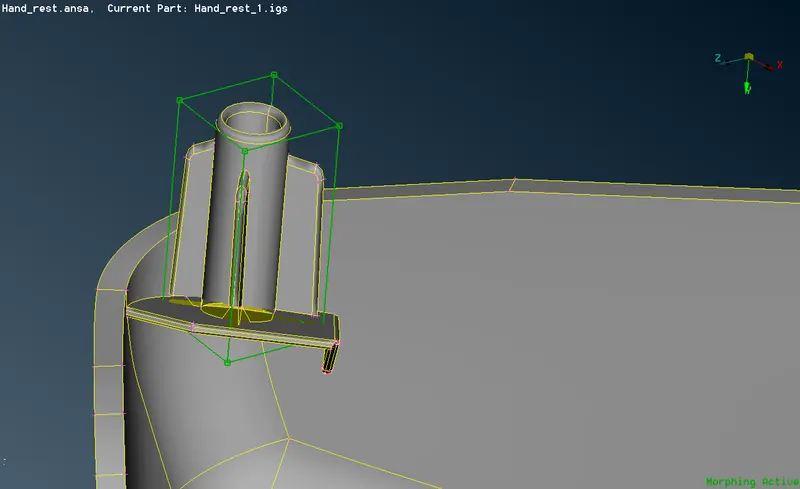
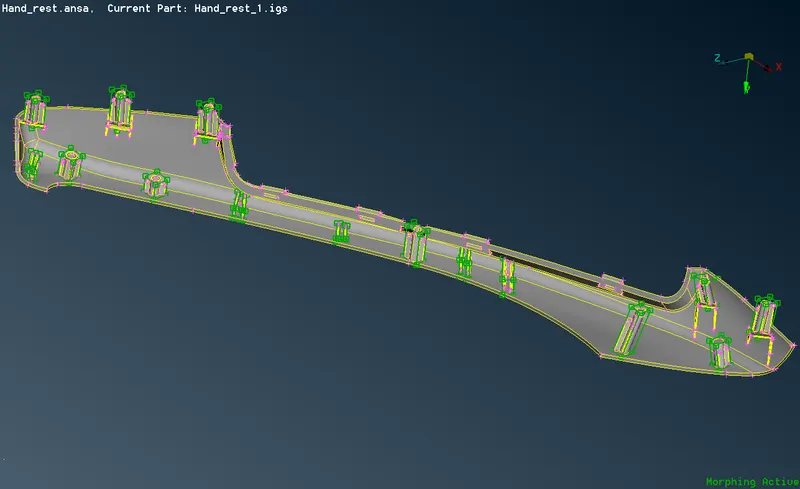
Comparison of before and after morphing performed on the component.
1)Here it shows the difference made after morphing is done
2) Extending and taper the top plate
3) Extend the feature in an upward direction
4) Changing the bend angle between the plates
5) Making bend in the -ve direction
6) Sliding the feature in the -ve direction
7) Increasing the size of the bolt
CONCLUSION: This is a very powerful tool and now the OEM's are using the morphing technique to redesign and reshape new models in the market. This saves a lot of time and money which is the major reason to be focused on. Having said that this method needs a very skilled engineer to do so, who has a lot of hands-on experience dealing with these kinds of modifications. Here we have discussed only the box morphing technique with a very basic overview to use it and get aware of its usage.
LEARNING OUTCOME:
- Basic overview of Morphing
- Industrial usage of Morphing