Week - 8 - Morphing
AIM:
- To practice all the Morphing techniques that were shown in the video for Model-1.
- To perform morphing for the Model-2 and Increase the Height of the Dog houses and Ribs.
Procedure:
Case 1: To practice all the Morphing techniques that were shown in the video for Model-1.
- Input the given cad model to ANSA.
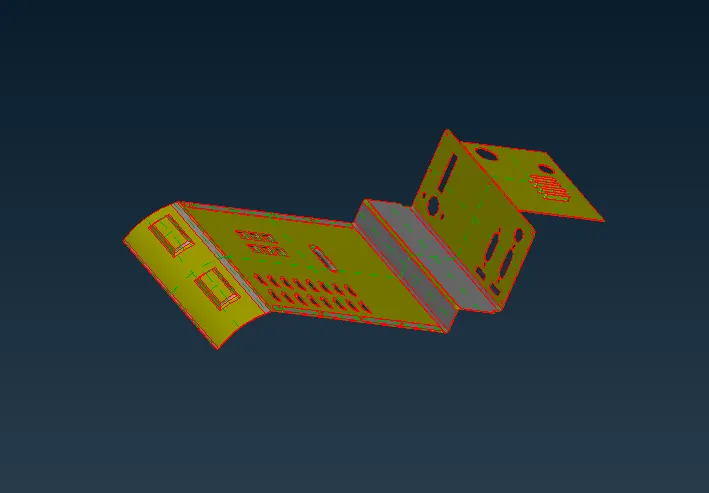
- Using topo and orient to the model.
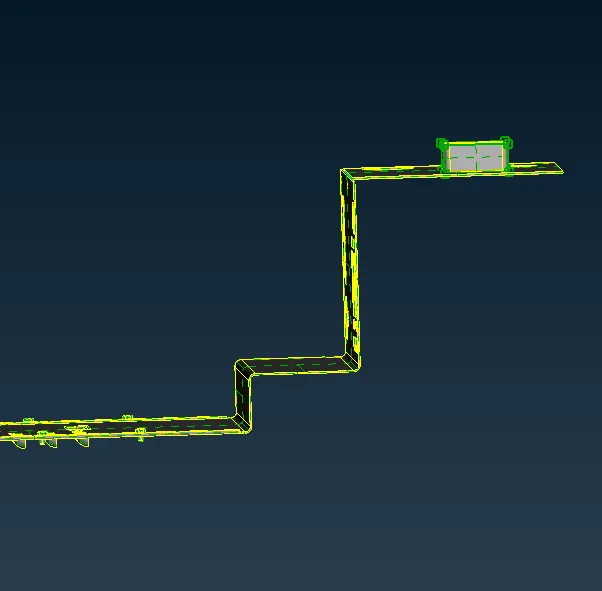
- To change the size of the feature or model we use morphing option in morphing deck.
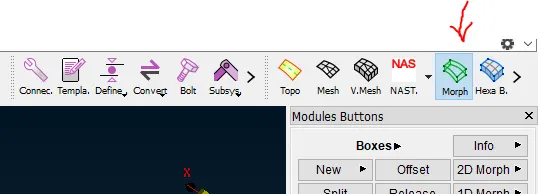
- To morph the feature, goto morph deck > boxes new deck >mark on geometry > ortho
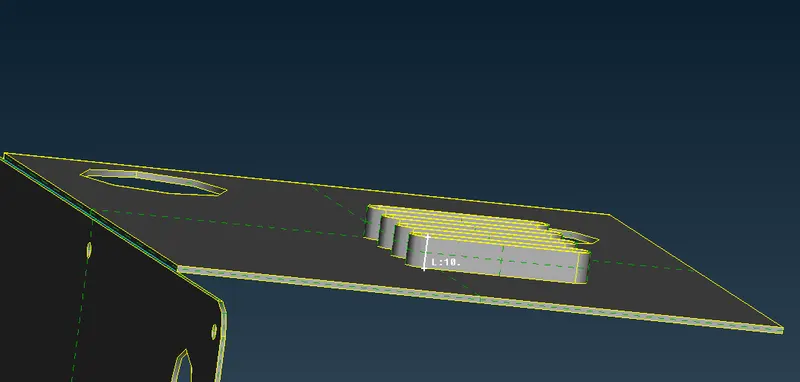
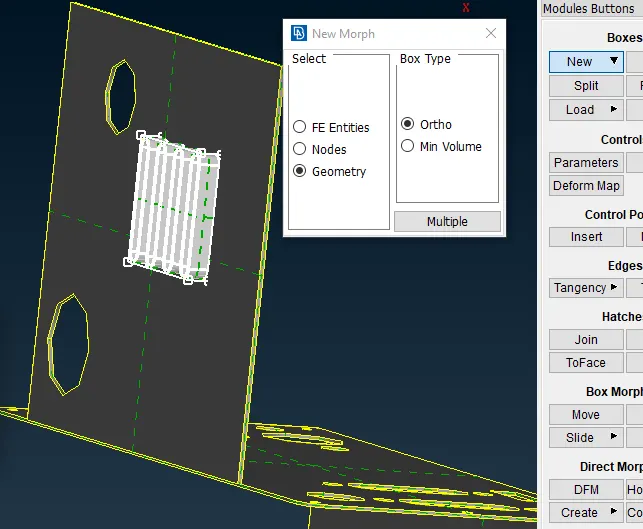
- The box has created to change the size of the box mark all the edges and move the boxes using box morphing> Move option with refernce to the global cordinates.
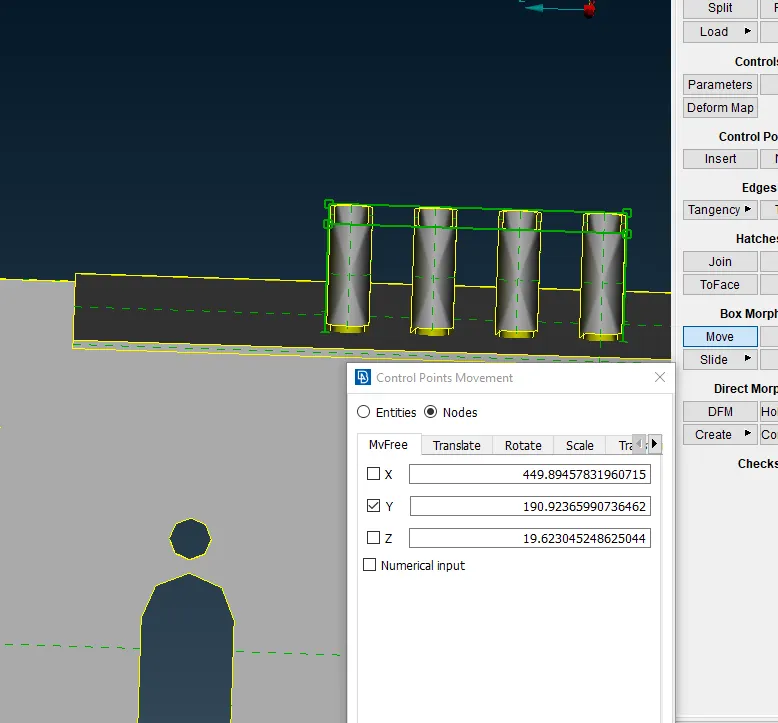
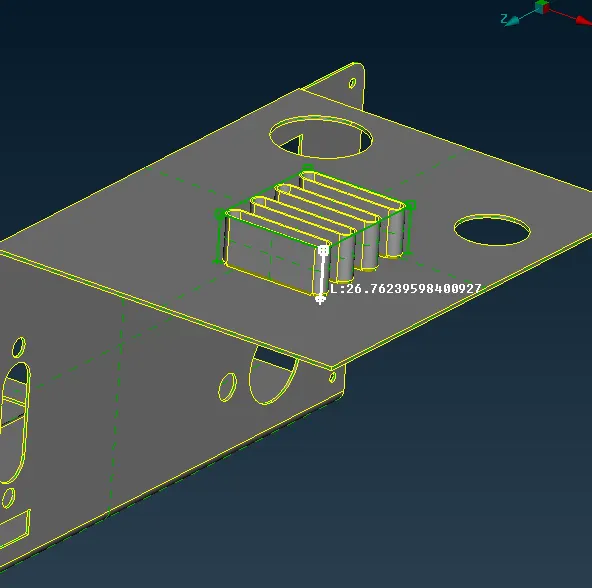
- Same procedure is followed for the rest of the features.
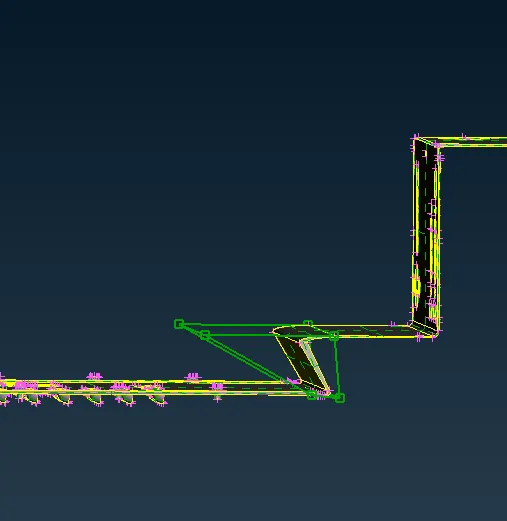
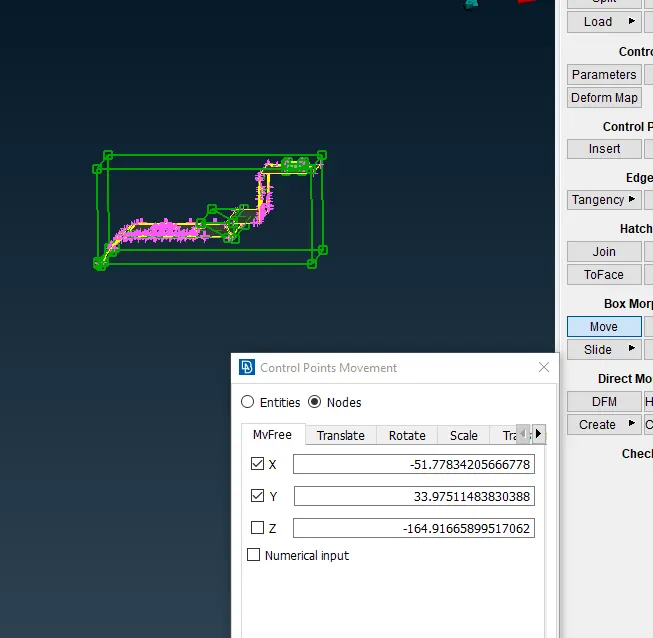
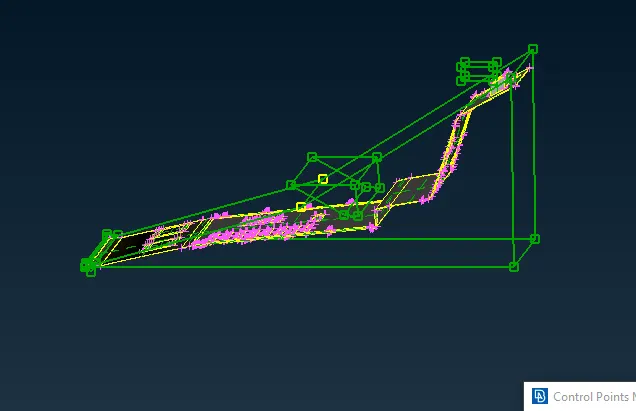
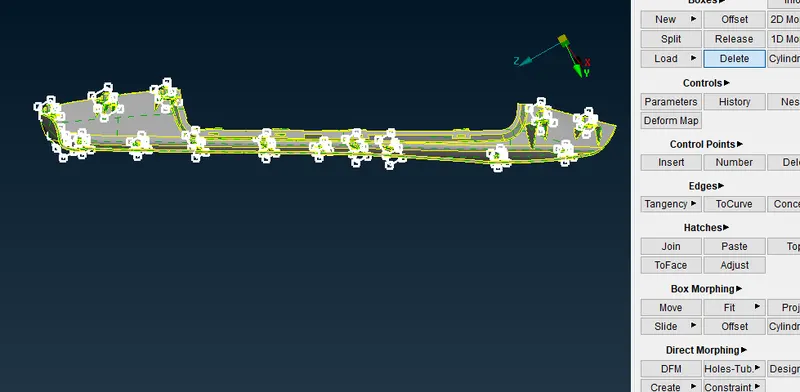
- To delete all the boxes that has been created, Boxes > delete.
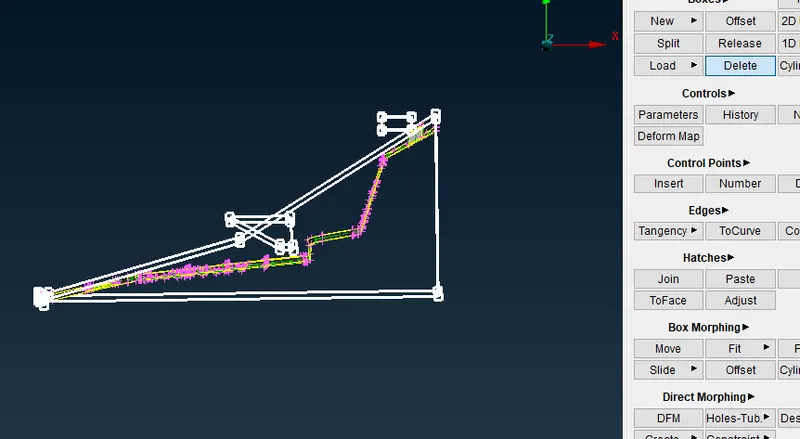
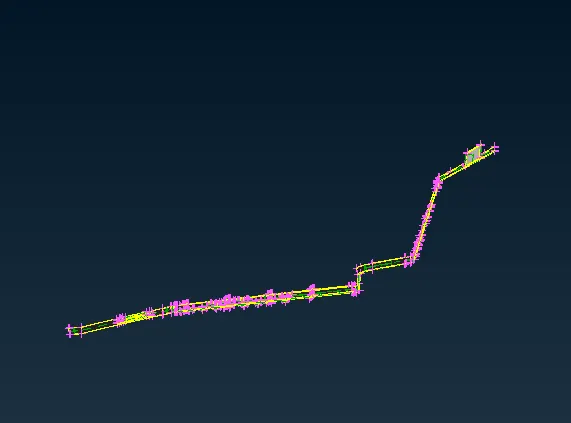
Case 2: To perform morphing for the Model-2 and Increase the Height of the Dog houses and Ribs.
- Input the given model in ANSA
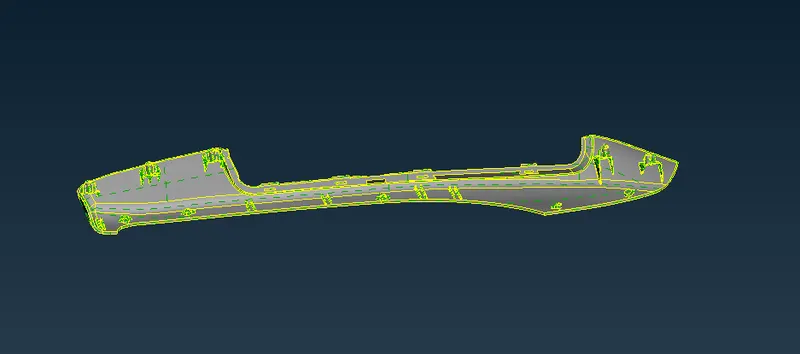
- Increasing the size of the ribs, to morph the feature, goto morph deck > boxes new deck >mark on geometry > ortho
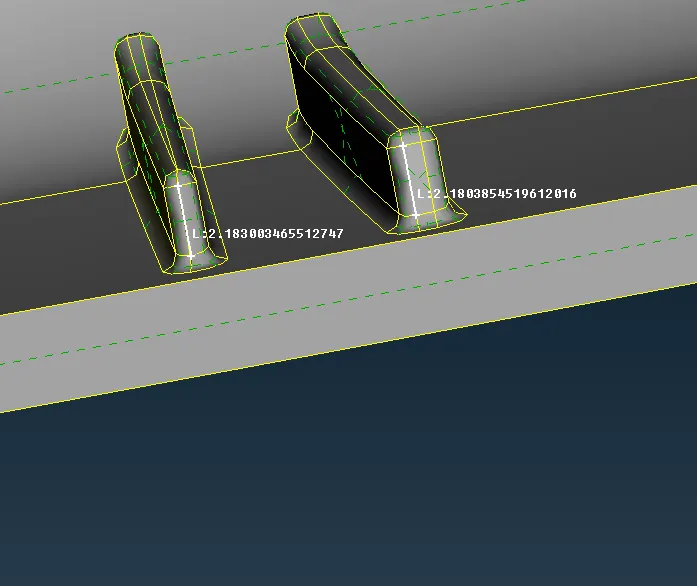
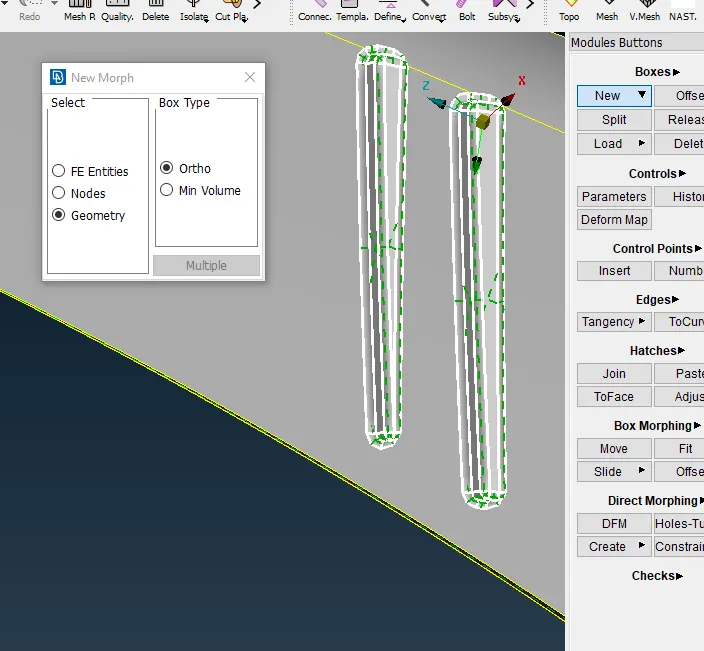
- The box has created to change the size of the box mark all the edges and move the boxes using box morphing> Move option with refernce to the global cordinates.
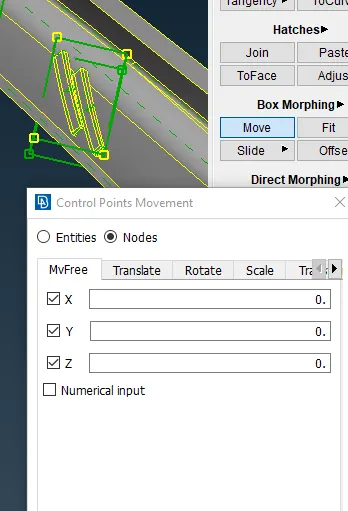
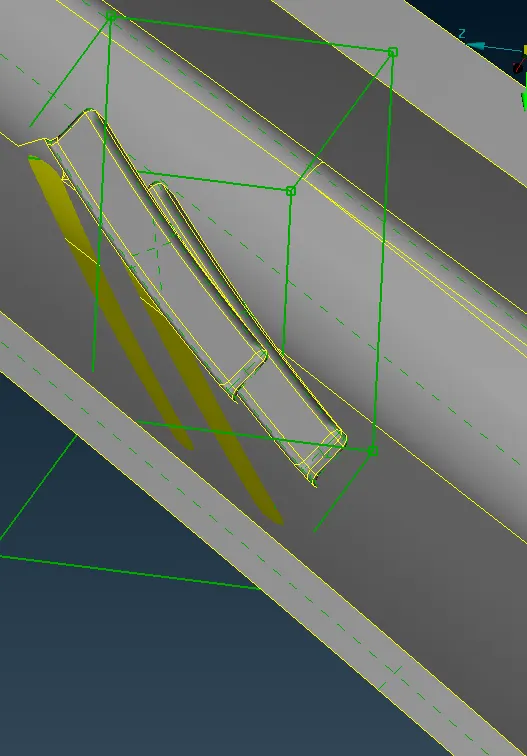
- Same procedure is followed for the dog house and ribs.
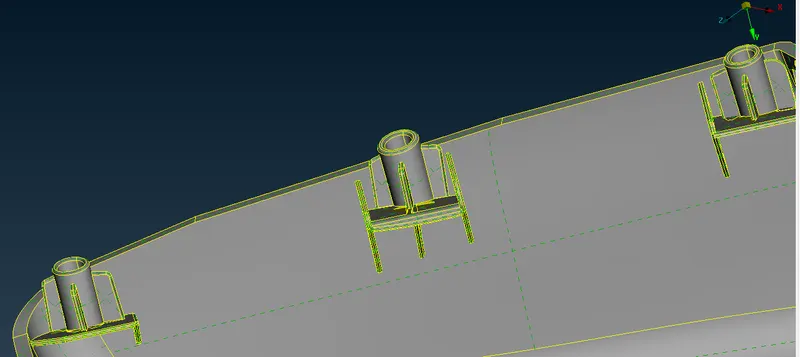
- Using delet option to delete the boxes
LEARNING OUTCOMES:
- Learned how to change the sizes of the features or Model using Morphing feature.
CONCLUSION:
- By using Morphing option the sizes of the model can be changed in less time and with a minimum input and with no complexity.
- Morphing are used in different industries .
- In automobile for converting Hatchback to compact sedan and SUV to LMV vehicles without changing the design.