Week 3 - 2D meshing for sheet metal
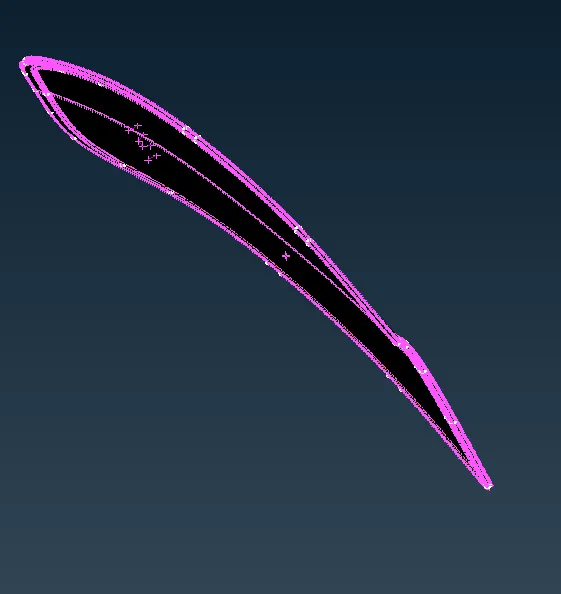
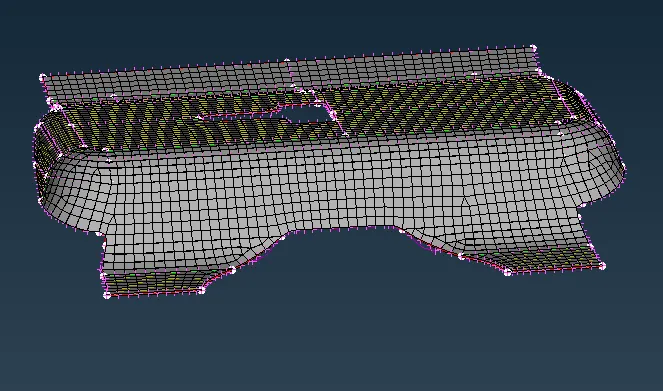
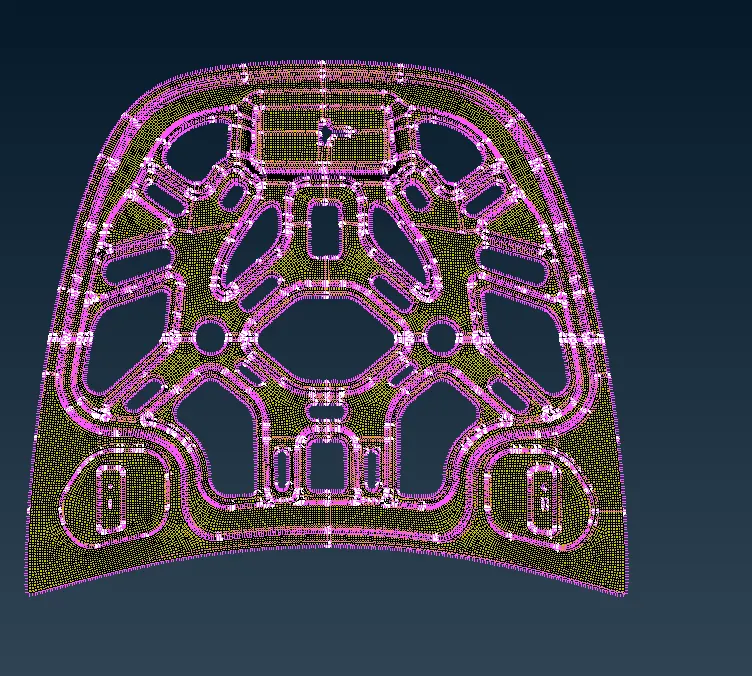
Aim: To generate a mid-surface and to create a mesh for the given hood model.
Procedure:
step 1: Imported a cad model and made sure it is in readable format( STEP / IGES / STL)
step 2: Performed geomtry clean up for individual part id and made sure that all the errors are removed.
step 3: Performed orientation on faces of each individual part id
step 4: Generated a Mid-surface to each individual part id by using offset command from face section.
- Measuring the thickenss of the components to make sure that the thickness is uniform to obtain mid surface.
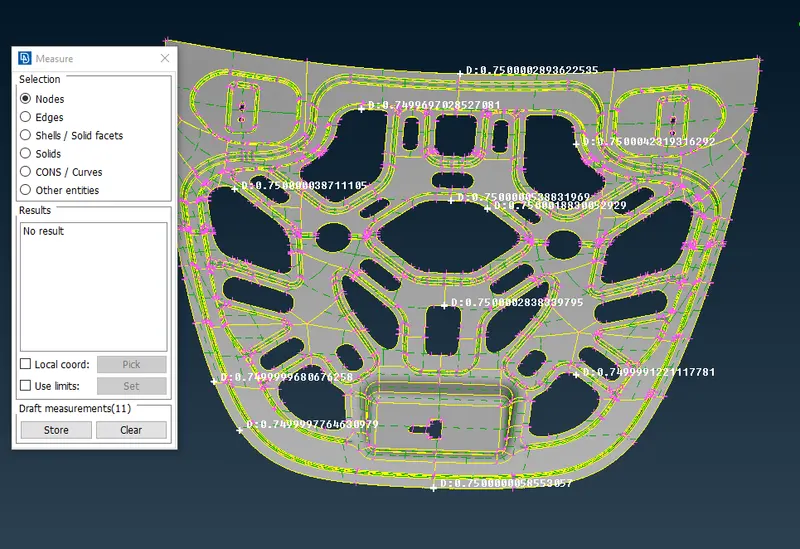
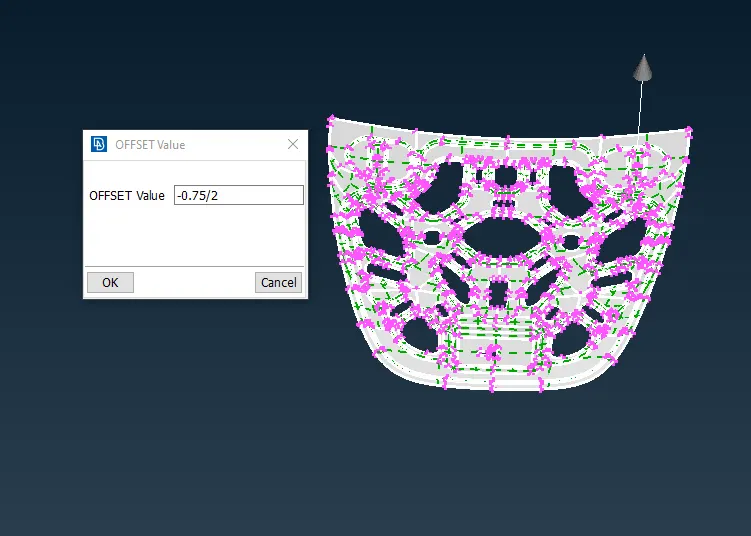
- By using offset and also enabling feature option for selection of the face.
- Entering the offset value which is half of the thickness of the geometry and also giving the direction for offset.
- Mid surface is generated
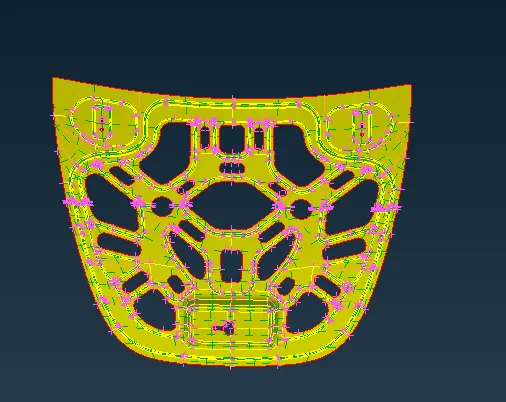
- Same procedure is followed to all respective PID
Step 5: Created the new PID for each midsurface.
- By clicking on property ID then right click on the menu
- New> Pshell>Pshell
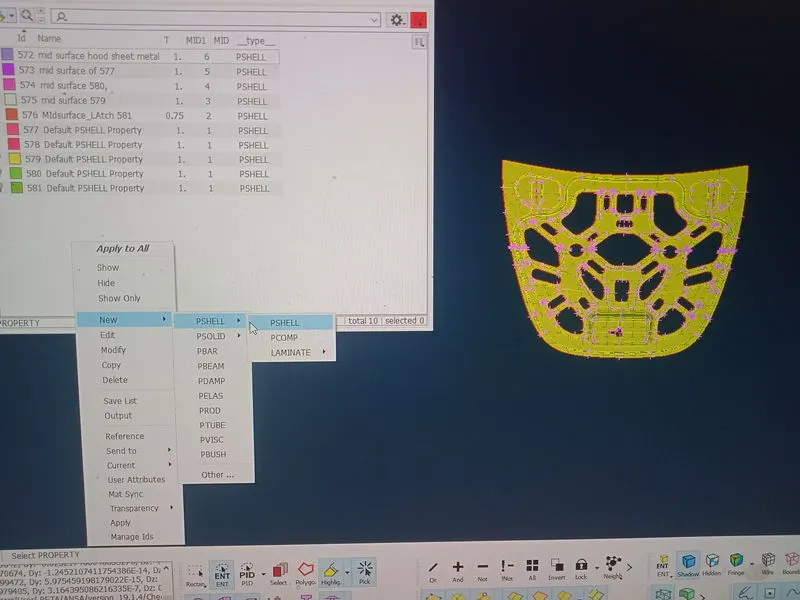
- Also assigning the thickness as same as geometory
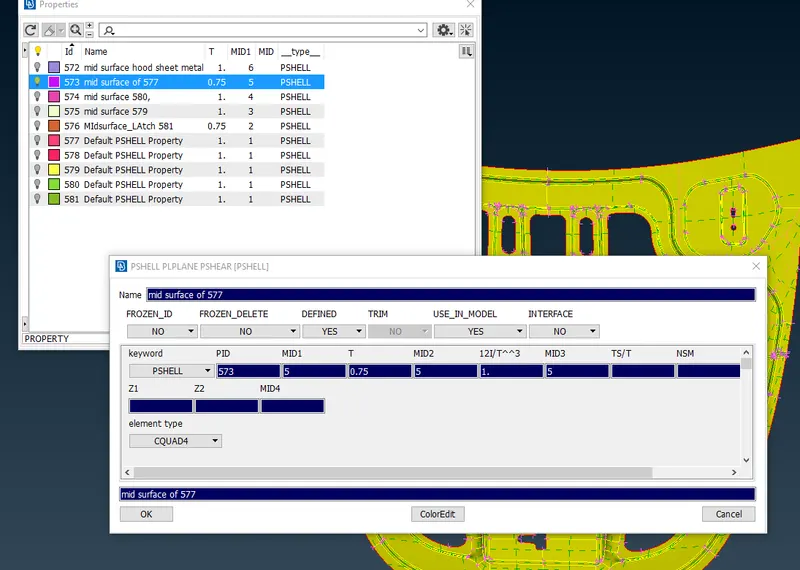
- Same procedure is followed to all respective PID
Step 6: Setting up the given quality criteria
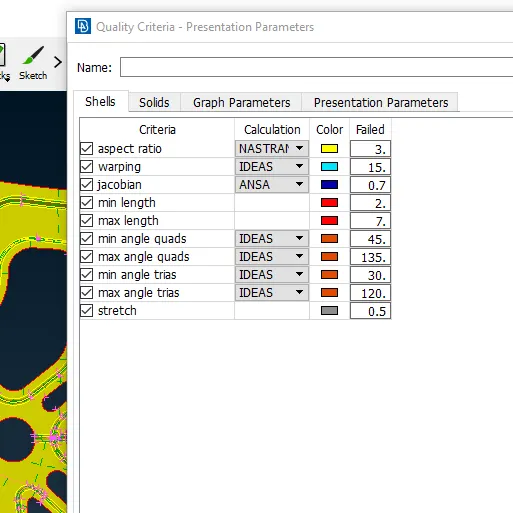
- And also setting up mesh parameter.
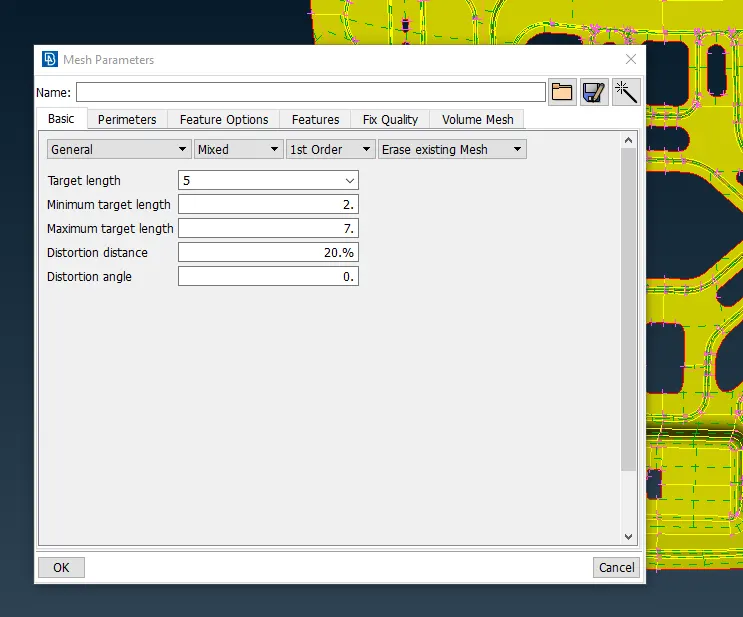
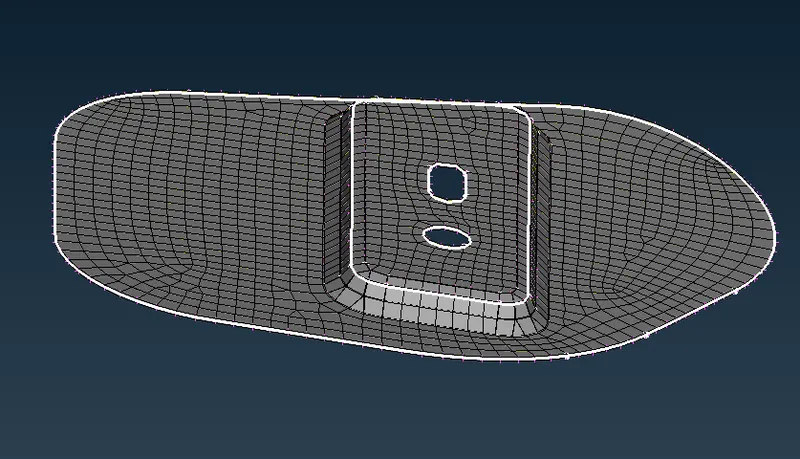
Step 7: Generating the mesh.
- Selecting the face to mesh the surface.
- Using best mesh from the option to mesh the face.
- Also performing Re-contruction on the face in order to re-arrange the mesh to obtain a better quality.
- Avioding opposite trias and also on edge as well as on fillet by using split and past option.
- Performing smooth operation in order to get smooth flow of mesh and also helps in eliminating the mesh quality failure.
- If the geometry is symetric we can mesh on side of the plane and perform transform option in order save time and energy.
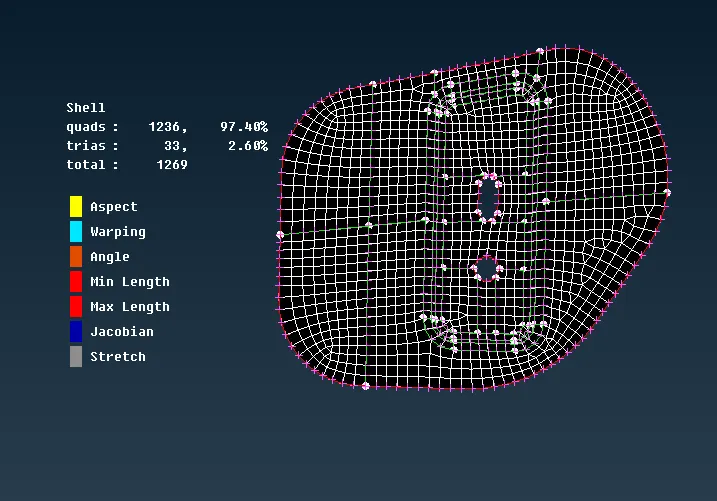
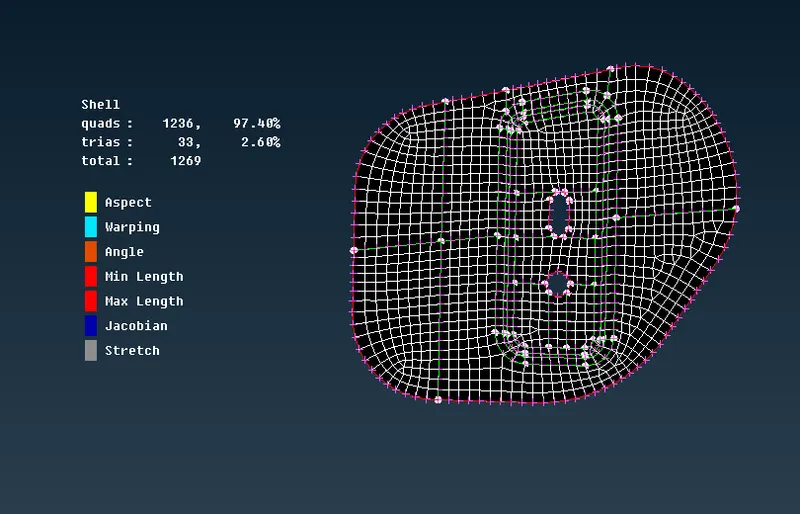
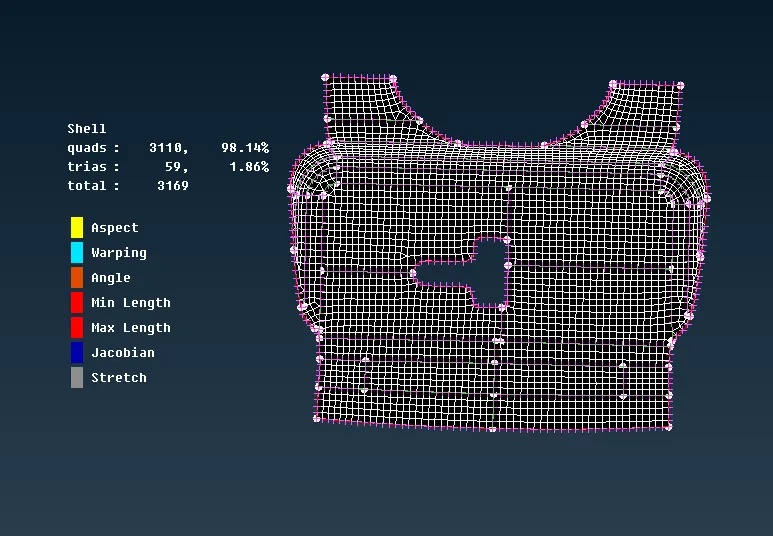
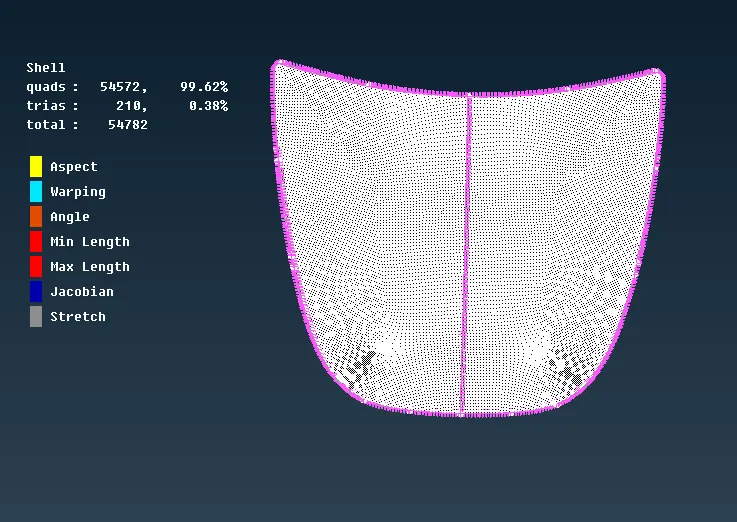
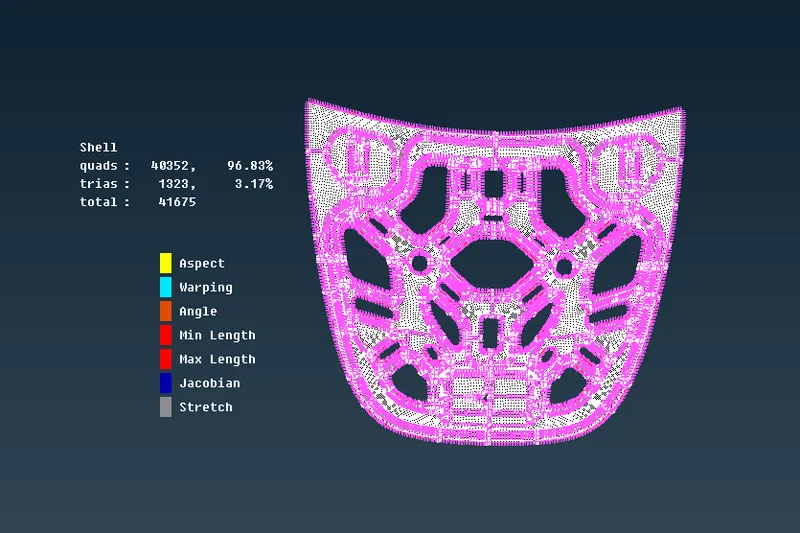
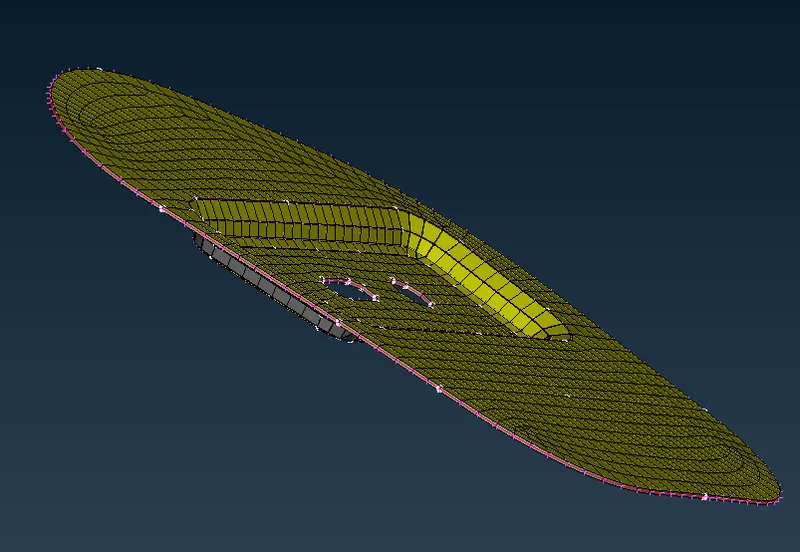
Step 8: Fe- Model enabling thickness
Learning Outcomes:
The learing outcomes from this model.
- Learned how to reslove errors from geometry clean-up.
- Learned how to extract mid-surface using feature selection option.
- Learned how to achive uniform mesh surface .
- Learned how to eliminate mesh quality failure .
- Learned how to capture the feature area as well as fillet of the geometry
- Learned how to recognise the difference between the geometry line and the construction line.
- Learned how to eliminate mesh quality failure occuring due to features in the geometry.
- Learned how to eliminate tria by using split and paste operation.
Conclusion:
- From this project i was able to use lot of commands and also how to defeature in some of the areas to avoid mesh quality failure.
- Sccuessfully meshed the given hood model according to the given quality criteria.