Week 8-Challenge
Aim:
To perform various types of 3D tetra meshing using hupermesh for the given componenets by assigning given parameters.
Procedure:
1. Import the given model and then split it to perform 3D meshing accordingly.
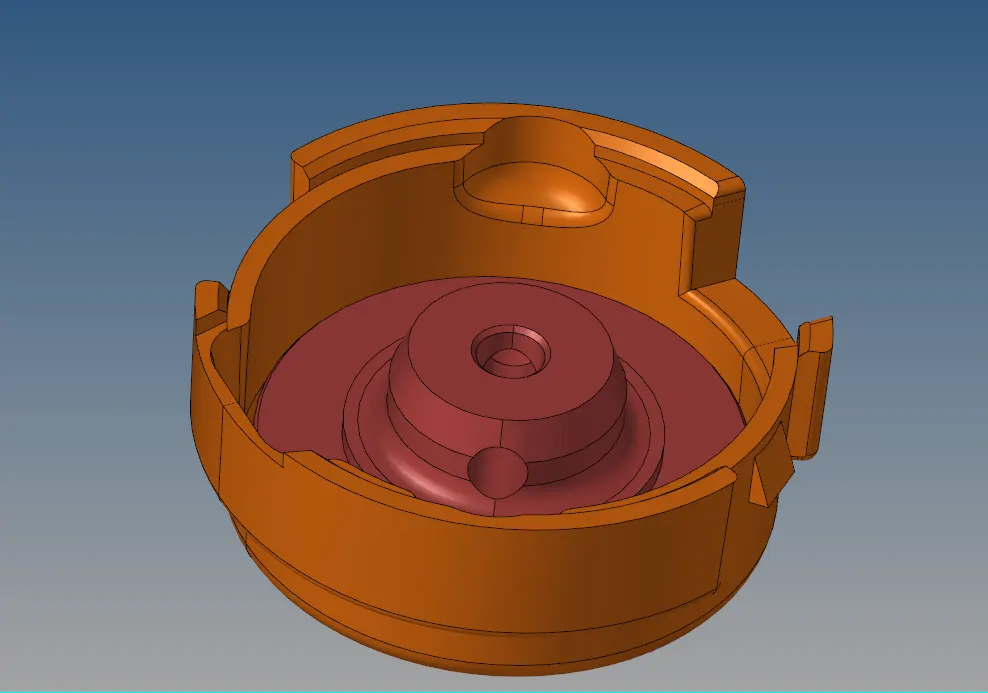
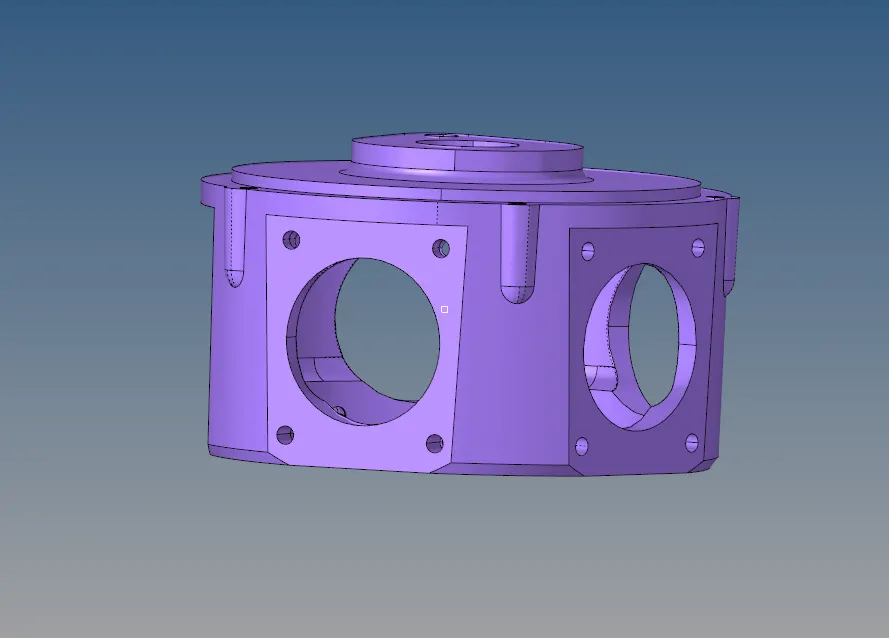
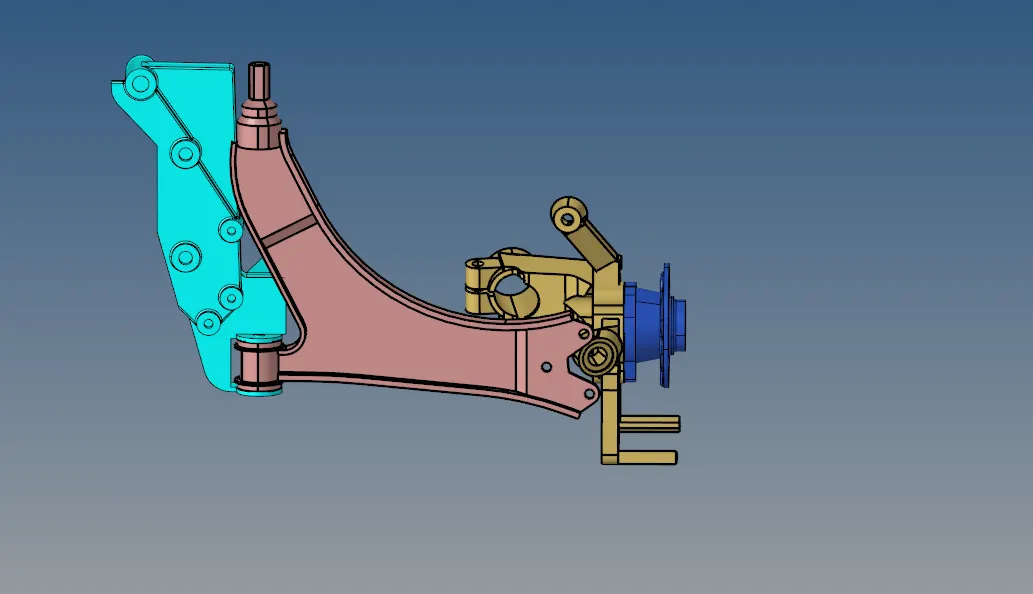
2.Take one component, which has to be meshed using 2D shell elements.
3. To perform 3D tetramesh using 2D shell elements, the solids of the components has to be deleted using delete option.
4.Then the surfaces are to be checked for mesh, to find irregularities.
5.The irregulaties are to be edited on the surfaces before 2D meshing using Quick Edit options and other option like surface edit
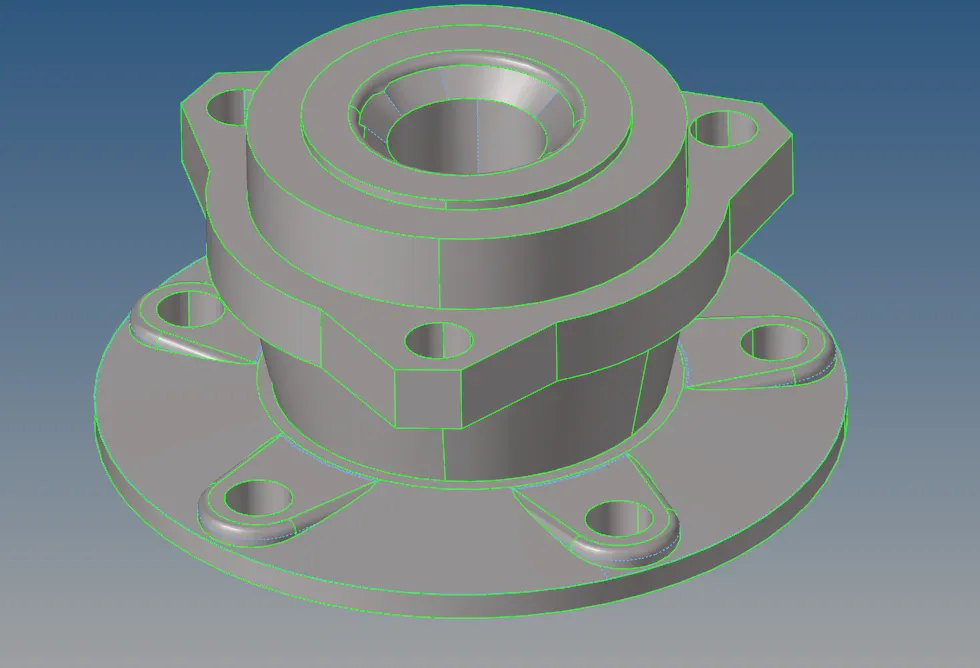
6.After the surface has been cleaned up manually, perform 2D meshing using 2D mesh option in the main menu bar.
7.After 2D mesh check for the quality check of the mesh .

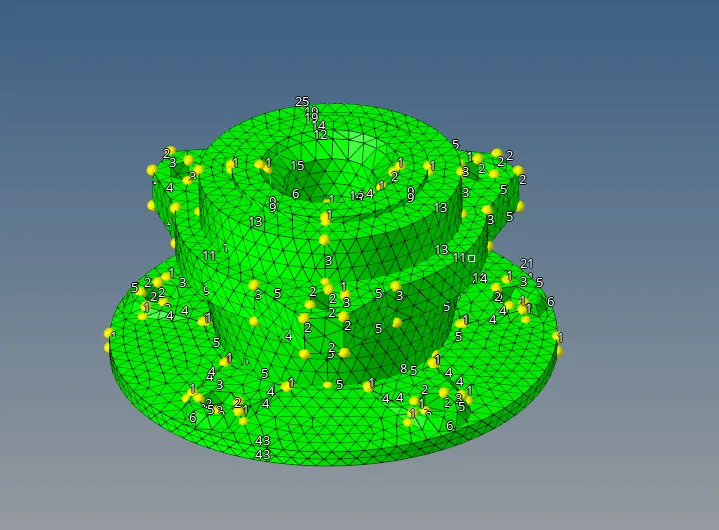
8. after which perform 3D mesh- Tetra using tetramesh option in the mainmenu bar
9. In the tetra mesh dialog box select components option and simple pyramid to perform 3D tetramesh for the components.
10. After 3D mesh select few elements and mask them to view the meshed 3D elements.
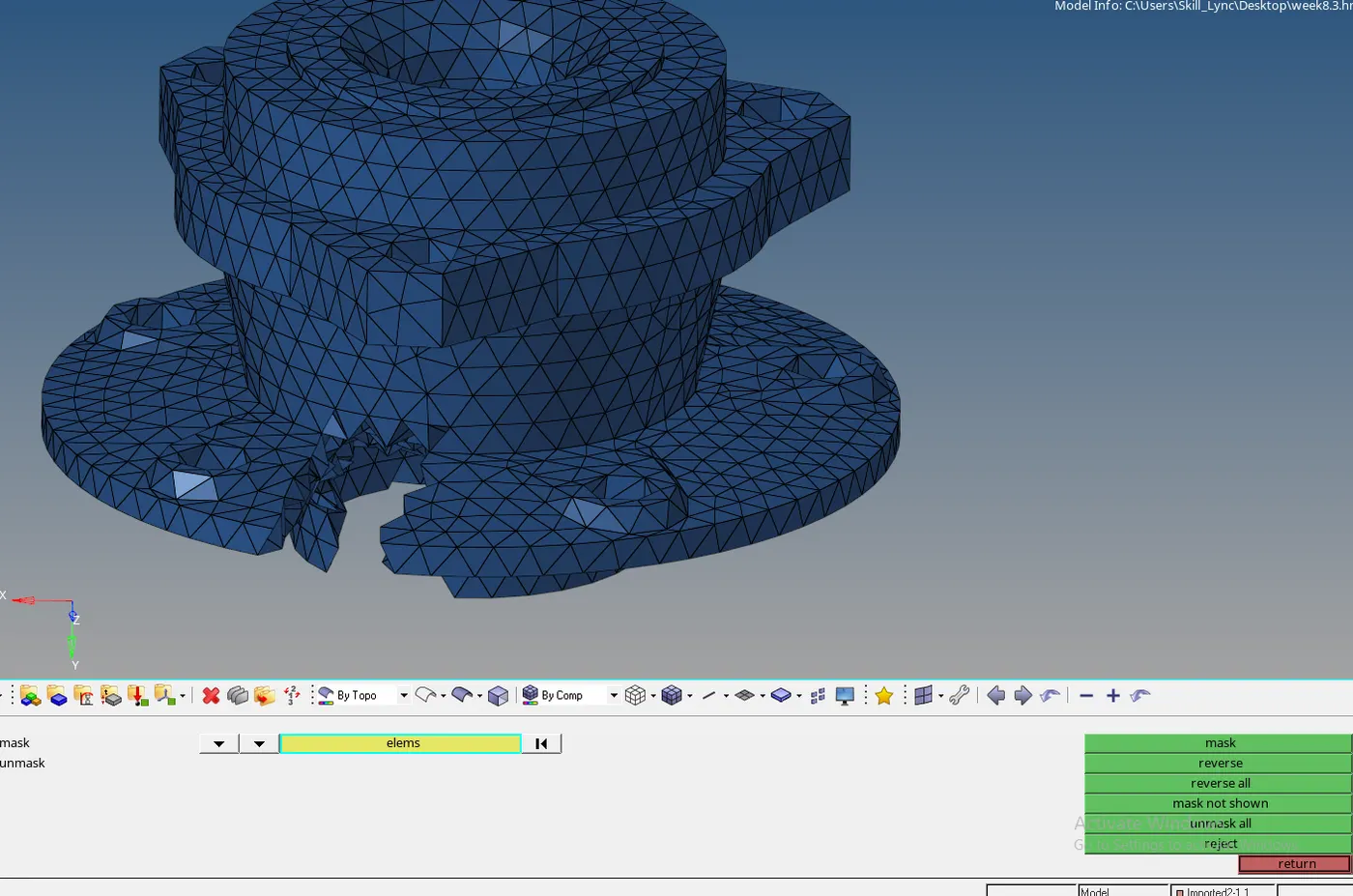
11. Similarly to 3D mesh other components using volume tetramesh , import the model and split the components that is to be meshed
12. select Solid or surface option accordingly to present components status from the volume tetramesh options.
13. Assign 2D types as trias and 3D types as tetra , assign element size.
14. To change parameters, select tetramesh parameters in tetramesh options.
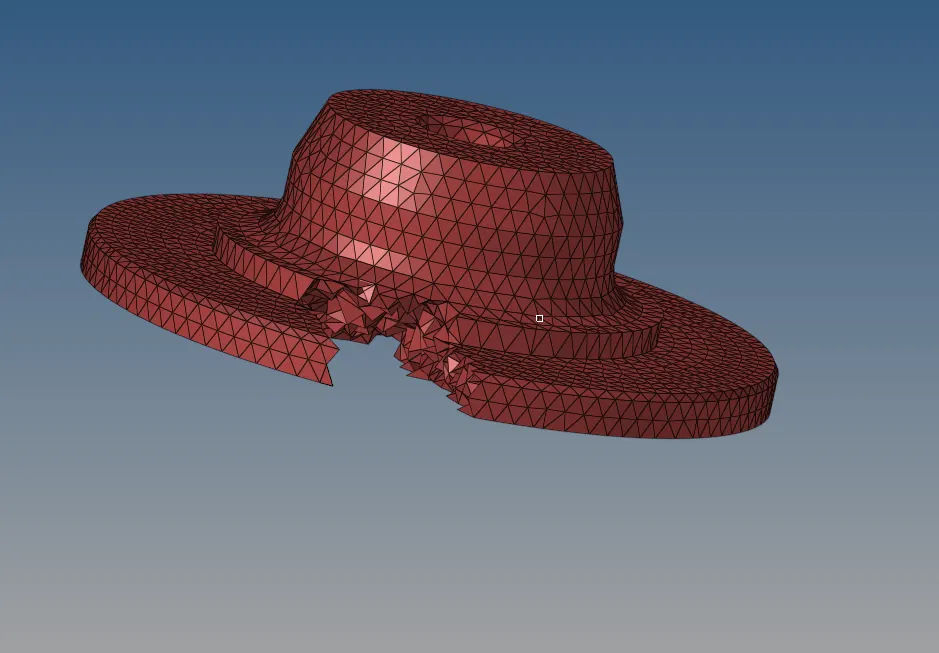
15. choose Elements size, Tetcollapse and assign value as required .
16. Choose mask option to view the meshed components.
17. Similarly to perform Quick Tetramesh import the model and split the components that has to be meshed.
18. Select option View>Browser>Hypermesh>Utility.
19. From Utility tab
select Geometry/Mesh option and the quickmesh option to go to the Quickmesh option below
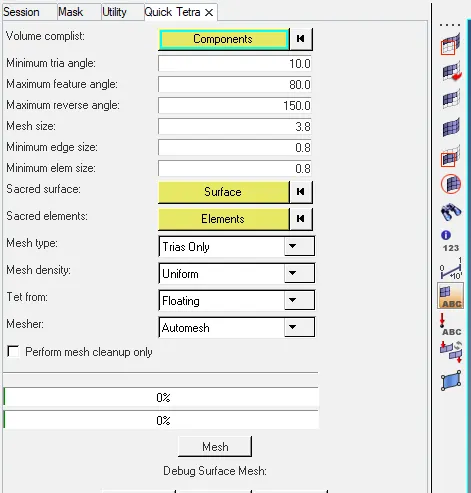
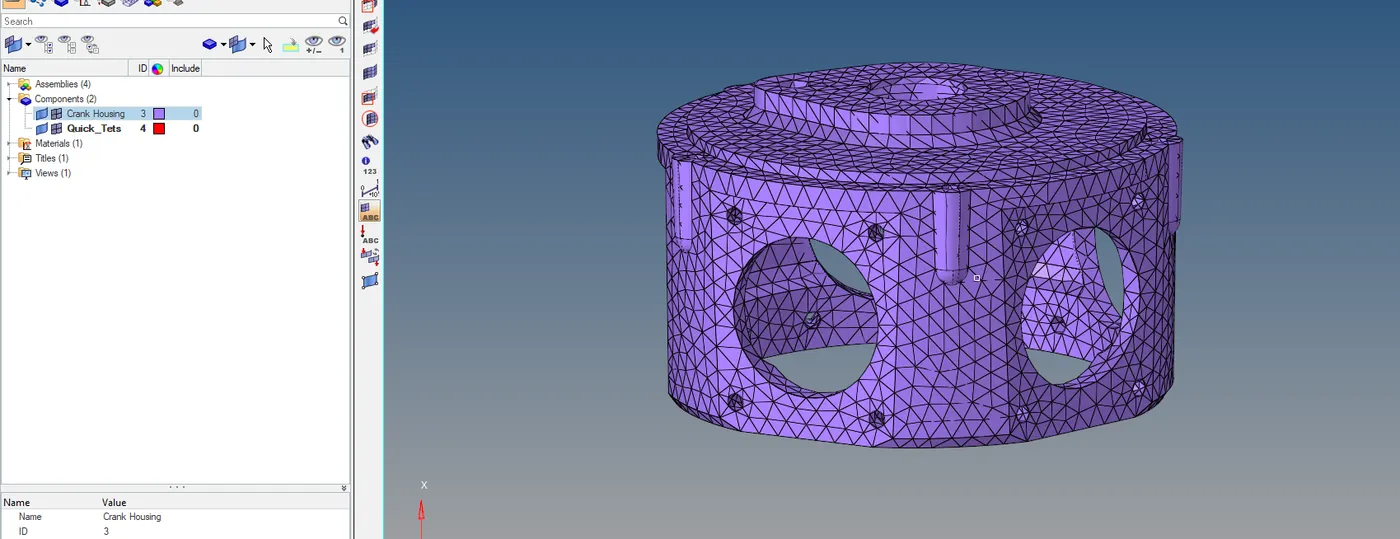
22. After creating 3D meshed elements, delete the 2d SHELL ELEMENT.
23.After which check for the Tet collapse in 3D check elements.
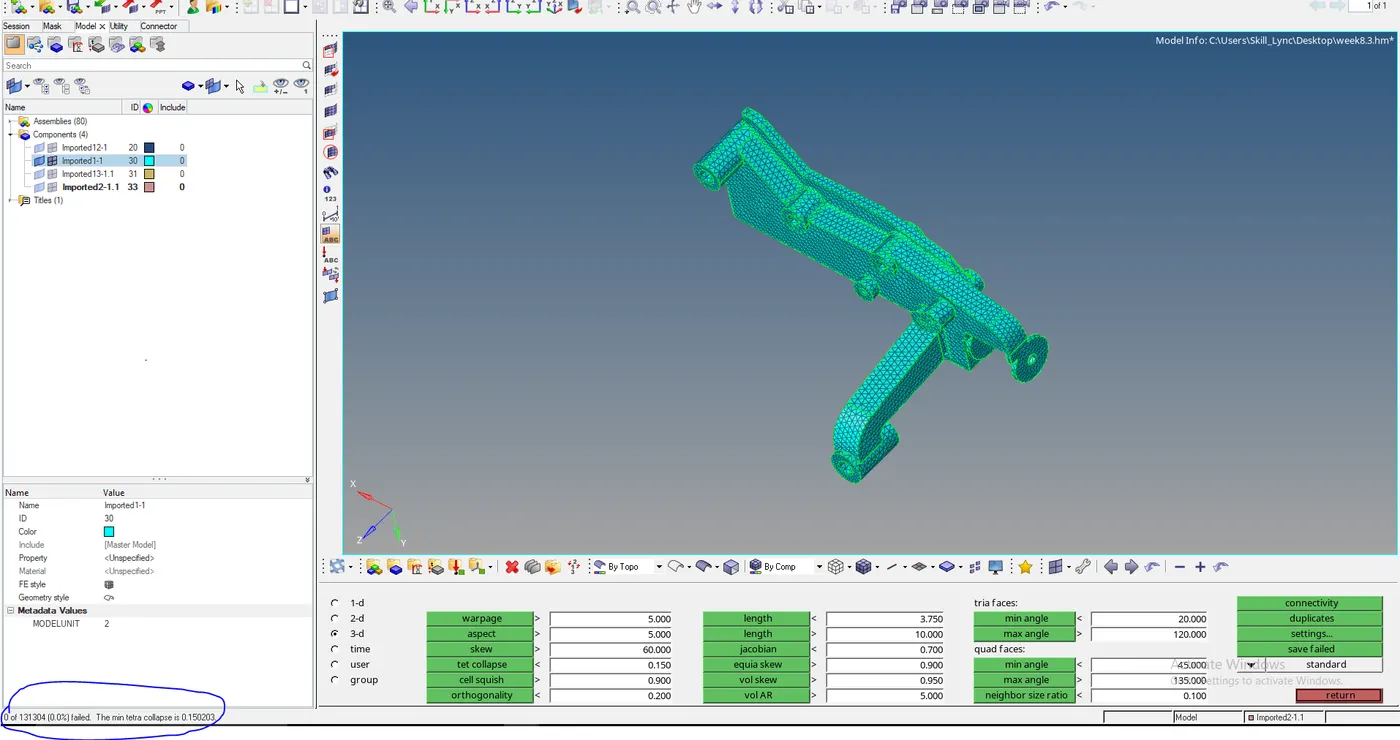
Check the status bar for the number of failed elements.
24. Edit the elements that are failed , using manual method.
Result and Conclusion:
The given model is 3D tetra mesh using different way such as quick mesh, volume mesh and tetramesh using 2D shell elements.