Week 8 - Challenge 6 - Core & Cavity Design
Aim:
To Create the Core and cavity blocks for the switch bezel.
Body of content:
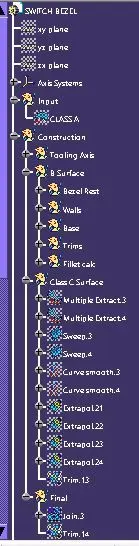
- from the previous switch bezel project the inputs are taken.
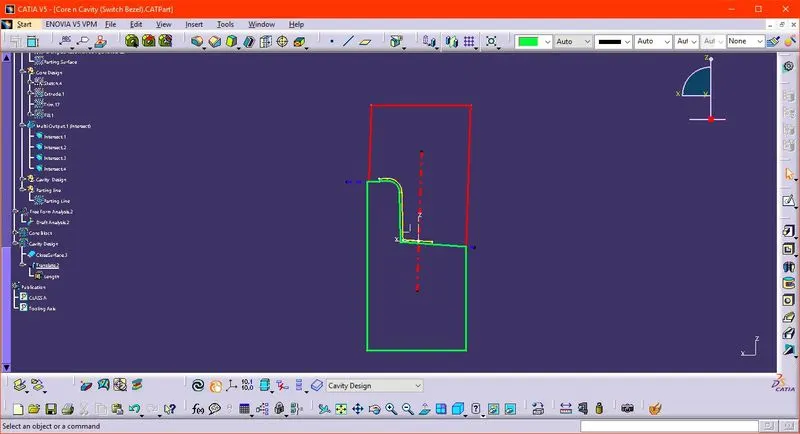
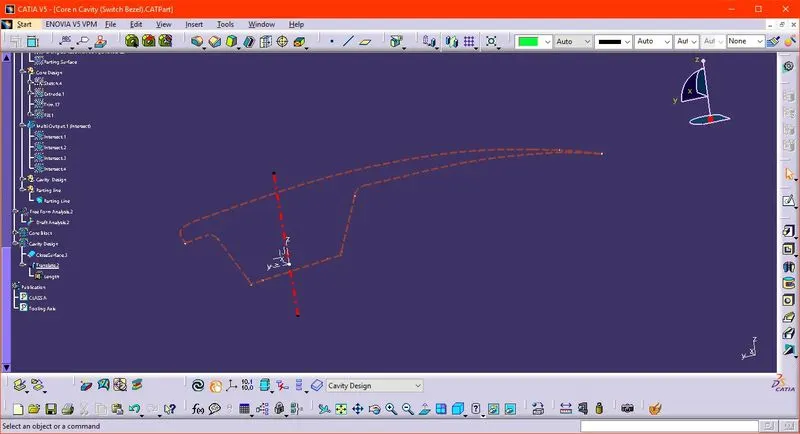
- Creating the tooling axis,Now we have to see which surface will create problems or will be difficult to be tooled and make a line along that surface using point to point option. Here we can see in the picture that we have made two lines, now we will bisect the lines and choose proper direction, here vertical direction. This will be our tooling axis.
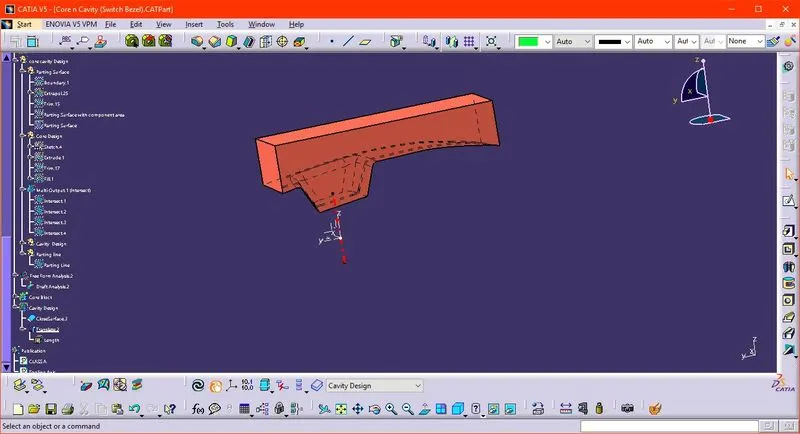
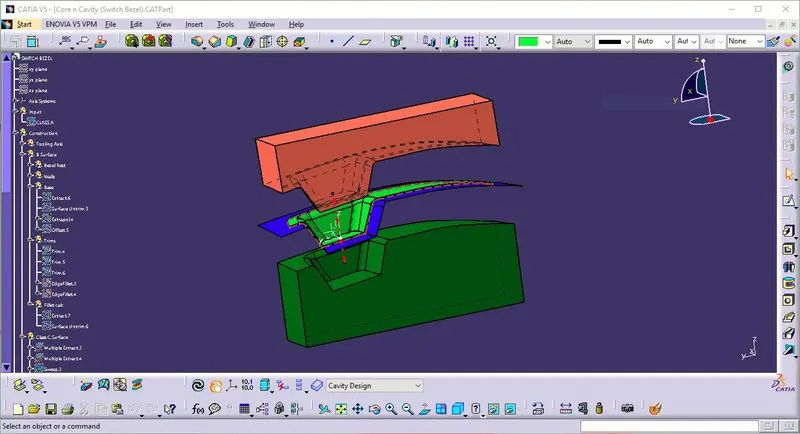
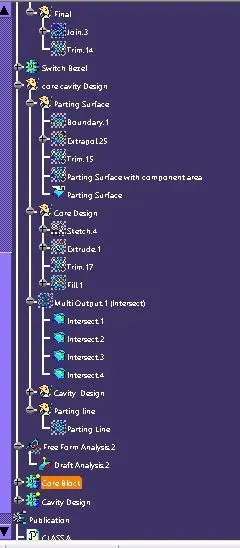
- After creating the tooling axis, the Core has to be created from the Class A Surface and the with the block over it.
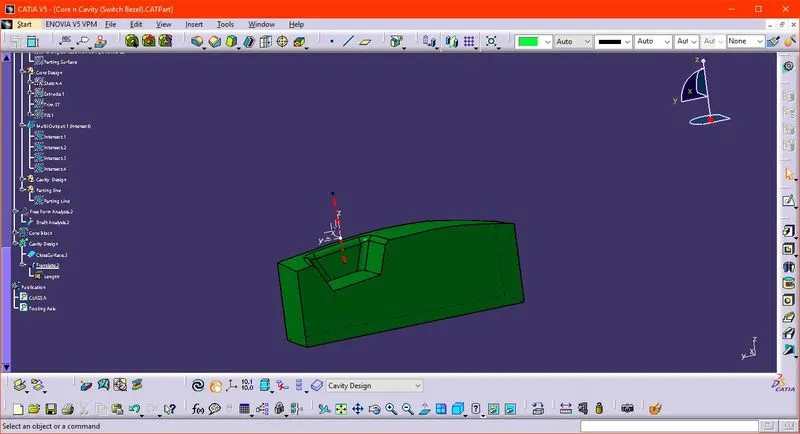
- and similarly the cavity is created from the class B surface.
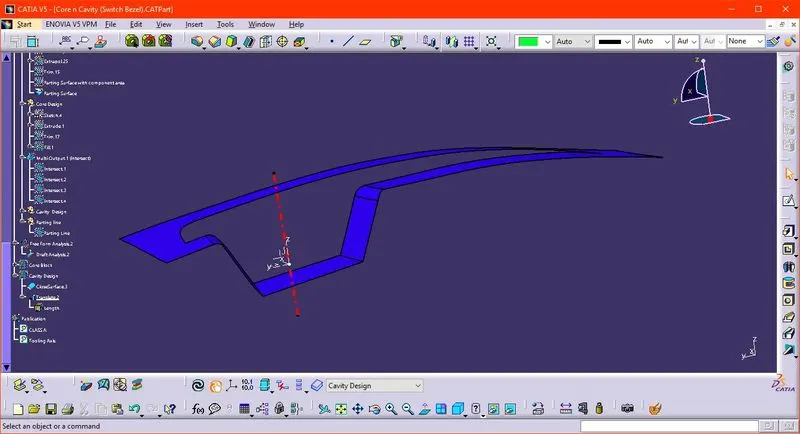
- the parting surface is a surface that separates the mold block into two parts – the core and the cavity.
- the screenshot of the same are attached below.
Results:
- Zip file is attached
- Catpart is attched
- Drive : https://drive.google.com/drive/folders/1ofc7kRqq-DK9mYsXIoflcDfzMGZPjjW2?usp=sharing