Week 8 - Challenge 6 - Core & Cavity Design
CORE AND CAVITY DESIGN OF SWITCH BEZEL
AIM
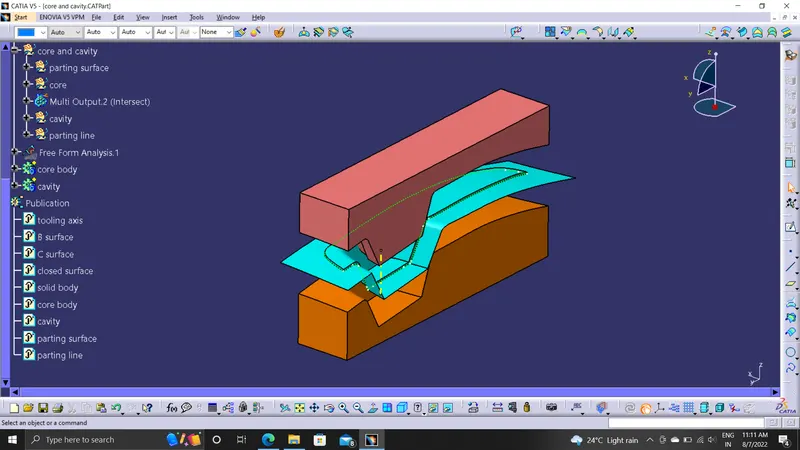
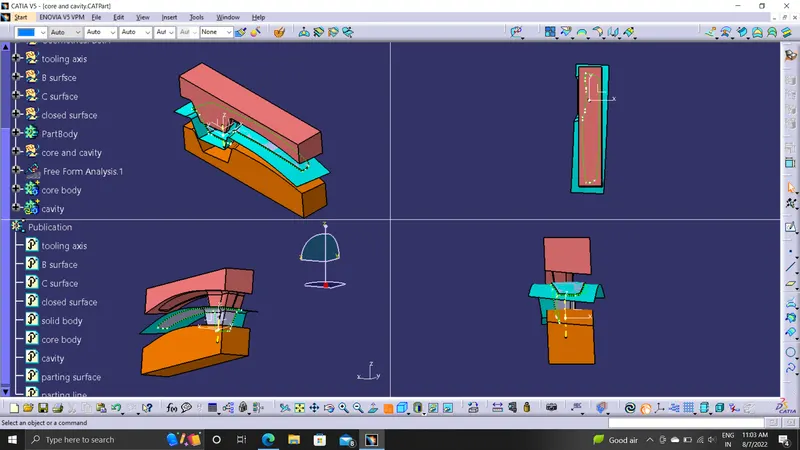
To create the Core and cavity blocks for the Switch Bezel Component.
OBJECTIVE
To Create Core and Cavity and Parting surface for the given component along the Tooling Axis.
TOOLING AXIS
Extracted the base surface and center point is created by using the on surface at zero.On that point the axis system is created. make an intersection on the YZ plane to get a boundary line as a refference .Made a dummy axis line to form a tooling axis by a bisecting two lines.
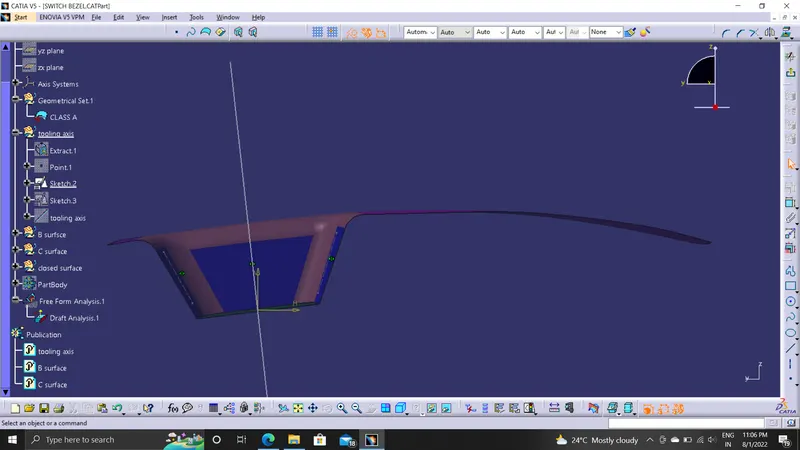
made another sketch on the XZ plane using the axis center point, a line is drawn in sketch mode and it is constrained at the angle of 6 degrees from the refference line.
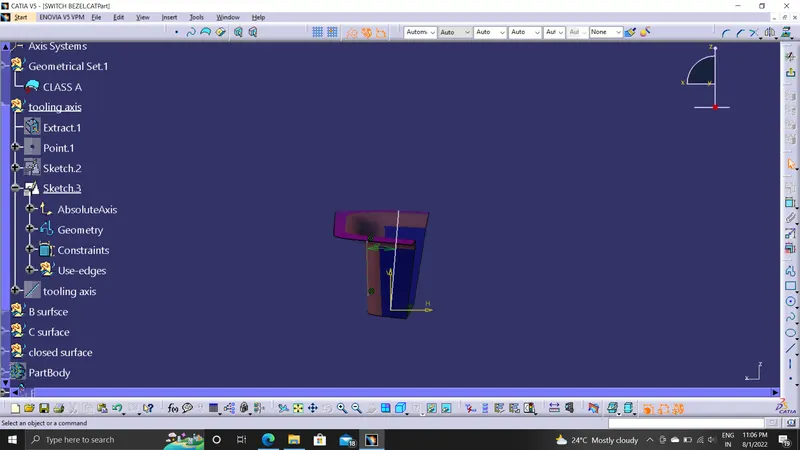
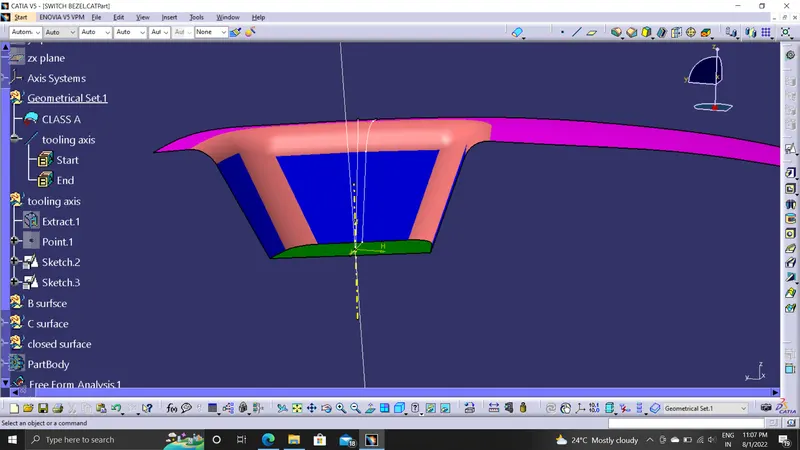
By bisecting two dummy axes we get a original tooling axis.
ANALYSIS
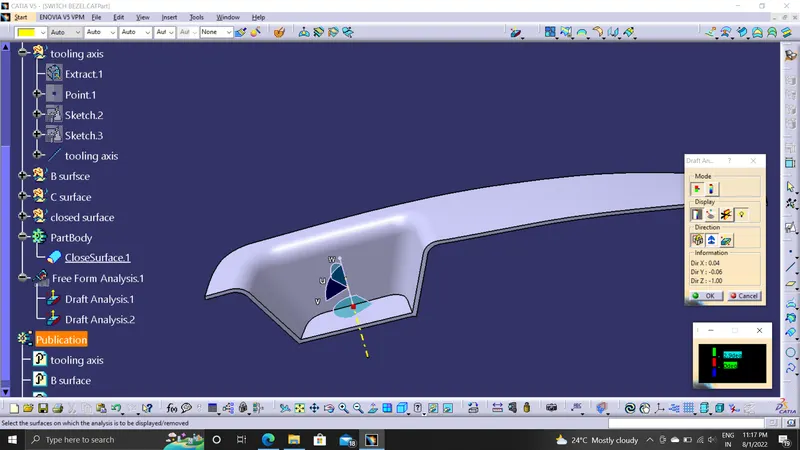
The part created has to be changed to material mode in display frame. Then by enabling compass definition the axis system is pan along the direction of the part and aligned in line with the tooling direction Lock Direction is applied that fixes the compass and then the mode dialog box is formed by snapping at any point on the part .The Color Codes are classified and Draft Angle are applied
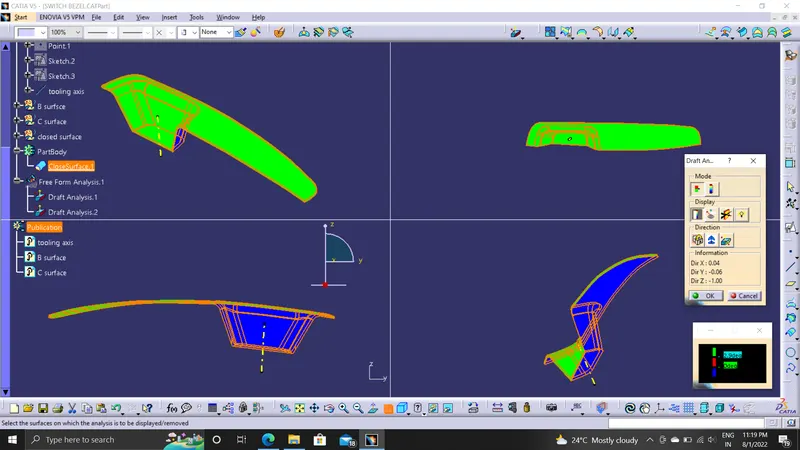
PARTING SURFACE AND PARTING LINE
Initially the Class A surface was Extrapolated.It was then Trimmed with the Class C surface.This output was further trimmed with Class B surface along with the component.The Parting line was created as an Intersect with Class B with a Trimmed surface.The Parting surface was obtained by Splitting the Parting surface with component with the Parting line.
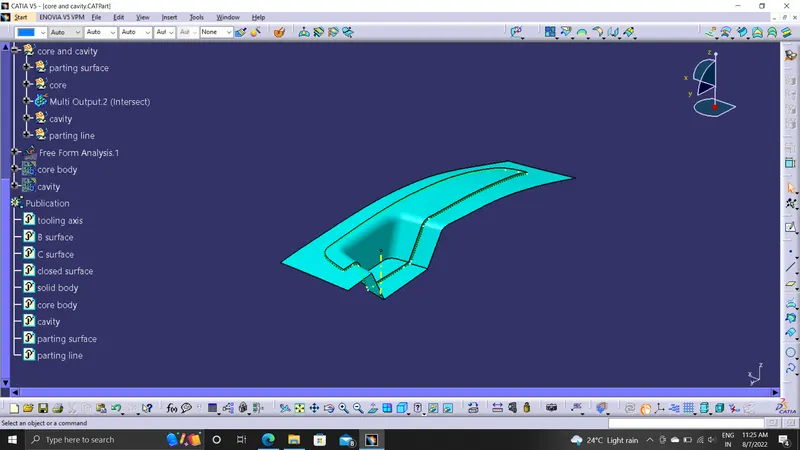
Creating Core
A Rectangular shape was formed and extruded along the tooling axis such that it stays inside the region of the Parting surface.This extrude was Trimmed with the Parting surface with component to form the Core part.The Core was closed at the top using Fill command and was further joined using Join command.
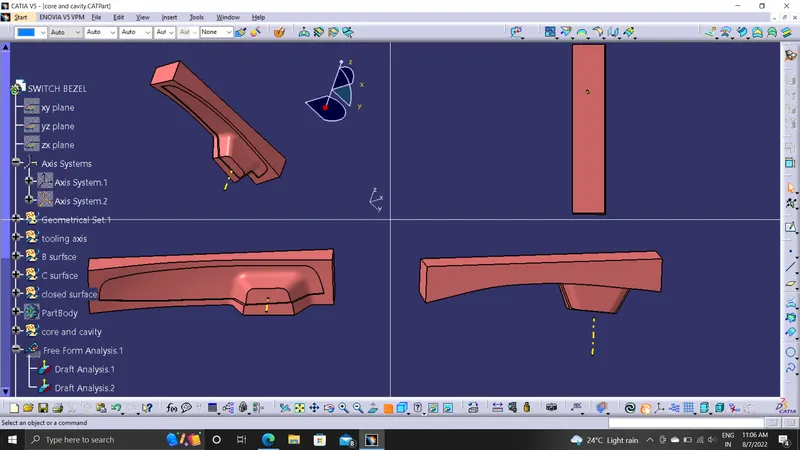
Creating Cavity
The Rectangular extrude was usde to create the cavity aswell.This extrude was Trimmed with the Class B to form the Cavity part.The Cavity was closed at the top using Fill command and was further joined using Join command.
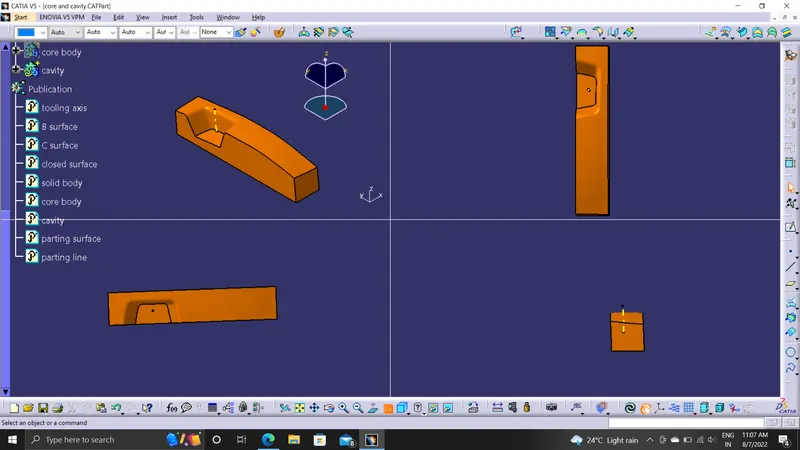
RESULTS
Sucessfully created the Core and cavity blocks for the Switch Bezel Component.